

Your Browsing History
Best Sellers
- $69.99
- + $5.99 Shipping

Meet Your Seller

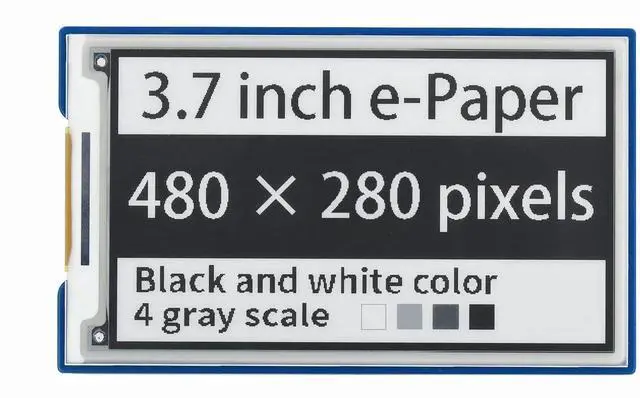
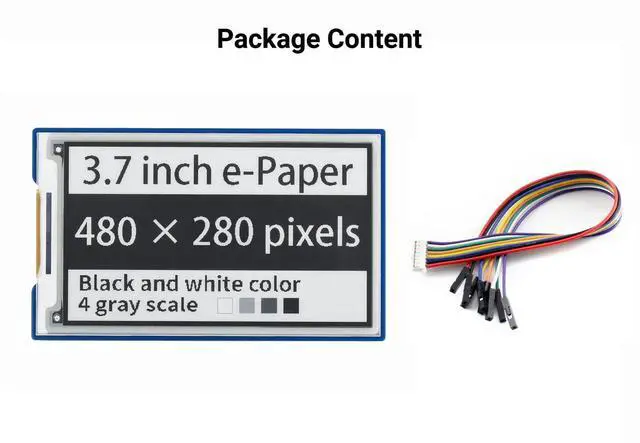
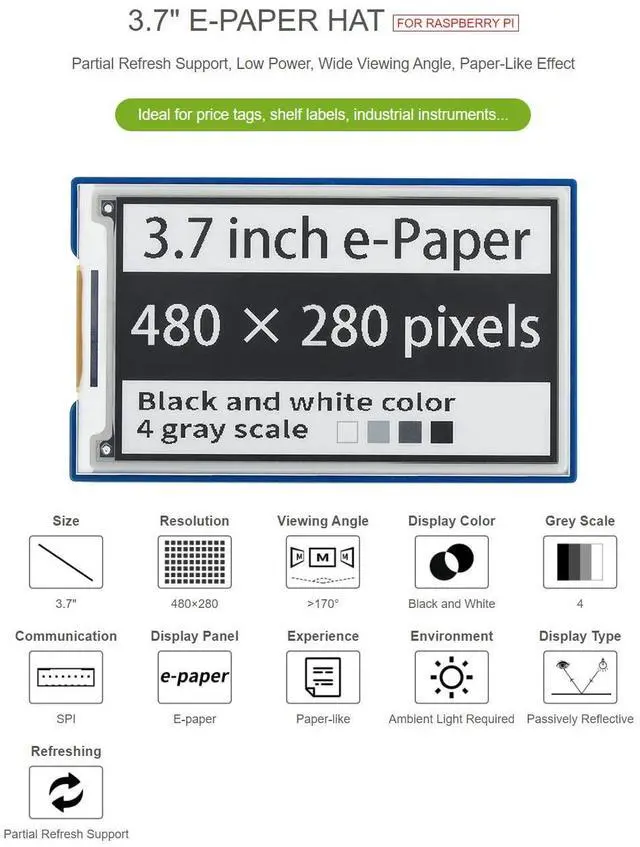
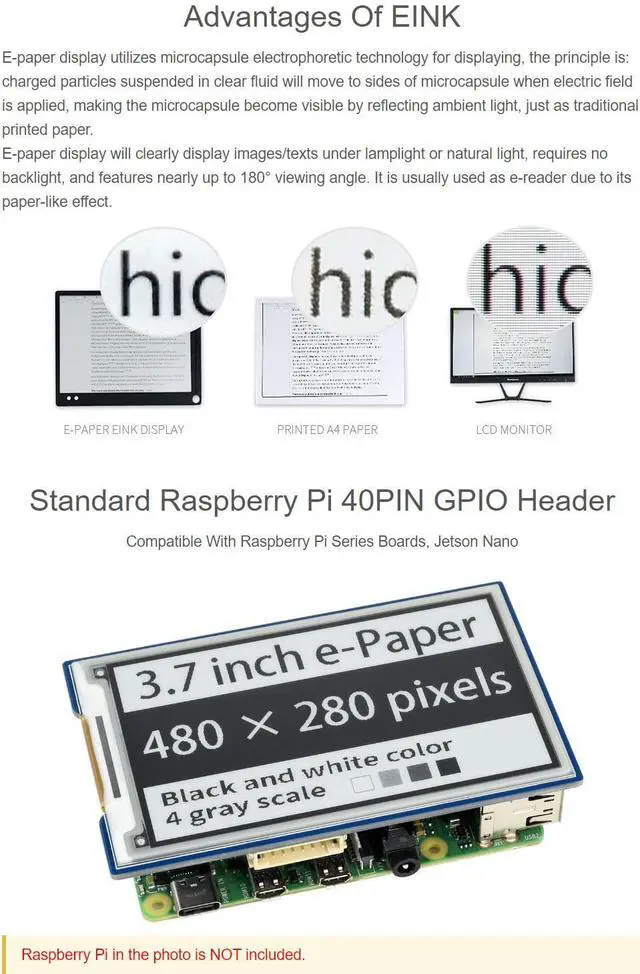


waveshare 3.7inch E-Paper E-Ink Display HAT Compatible with Raspberry Pi4B/3B+/3B/2B/B+/A+/Zero/Zero W/WH/Zero 2W 480×280 Pixels Black/White 4 Grey Scales SPI Interface Supports Partial Refresh
- Provide online user manual (examples for Raspberry Pi/Jetson Nano/Arduino/STM32), please check the manual carefully before using!
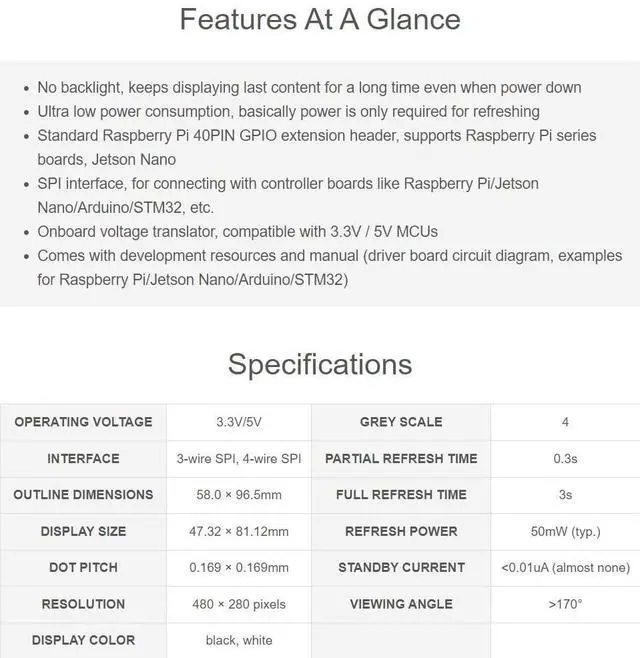
- No backlight, keeps displaying last content for a long time even when power down. Ultra low power consumption, basically power is only required for refreshing
- Standard Raspberry Pi 40PIN GPIO extension header, supports Raspberry Pi series boards, Jetson Nano
- Standard Raspberry Pi 40PIN GPIO extension header, supports Raspberry Pi series boards, Jetson Nano
- Onboard voltage translator, compatible with 3.3V / 5V MCUs
+
+
Overview
Specs
Reviews

Any questions? Our AI mode will help you find out quickly.
Try me now
Specifications
: Operatingvoltage: 3.3 V.
GREY SCALE: 4
INTERFACE: 3-wire SPI, 4-wire
SPI PARTIAL REFRESH TIME: 0.3 s
Outline dimensions: 54.9 x 93.3 x 0.8 mm.
FULL REFRESH TIME: 3s
DISPLAY SIZE: 47.32 × 81.1 mm
REFRESH POWER: 50mW (typ. )
DOT PITCH: 4.3 × 0.18 mm.
STANDBY CURRENT: <0.01uA (almost none) RESOLUTION: 480 × 280 pixels. Viewing angle: > 170°.
Display colour: black, white.
E-Paper refreshing
Refresh Mode Full refresh: e-paper flicker when full refreshing to remove ghost image for best display.
Partial refresh: It don't flicker if you use partial refresh (only some of the two-color e-paper support partial refresh). Note that you cannot use Partial refresh all the time, you should full refresh e-paper regularly, otherwise, ghost problem will get worse even damage.
Refresh rate When using, you should set the update interval at least 180s. (except Partial tolerable types) Please set the e-Paper to sleep mode or power off it directly, otherwise, the e-Paper is damaged because of working in high voltage for long time.
Working place We recommend you to use the e-paper indoor. If you need to set the outdoor e-paper, please place the e-paper in shadow and protect it from UV. When you designed you e-paper product, you should take care about the working situation like temperature, humidity, etc.
User Manual:
https: //www. waveshare. com/wiki/ 3.7 inch_e-Paper_HAT? amazon
Warranty & Returns
Warranty, Returns, And Additional Information
Warranty
- Please contact the Seller directly for warranty information. Warranty information may also be found on the Manufacturer's website.
- CONTACT
Return Policies
- Return for refund within: 30 days
- Return for replacement within: non-replaceable
- This item is covered by Zyngear Return Policy
Manufacturer Contact Info
- For a directory of all our manufacturers, please click below.
- Manufacturers Directory
LOADING...
LOADING...