• $52.99
  • Free 30-day Returns
  • Price alert

    Shipped by FoundationSurge

    Shop it at NeweggBusiness.

    Meet Your Seller

    Waveshare 3.5" Resistive Touch Screen IPS LCD 480x320, XPT2046 Controller, Compatible with Raspberry Pi 5/4B/3B+/3B/2B/A+/B+/Zero W/Zero 2W

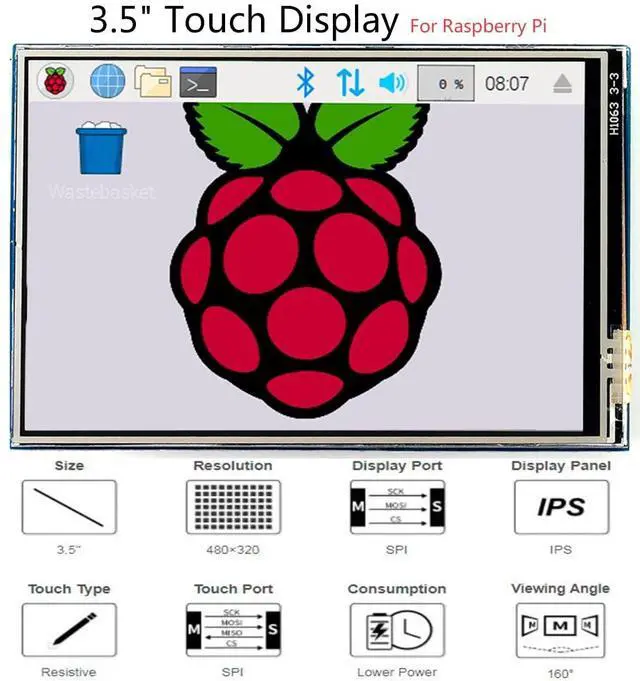
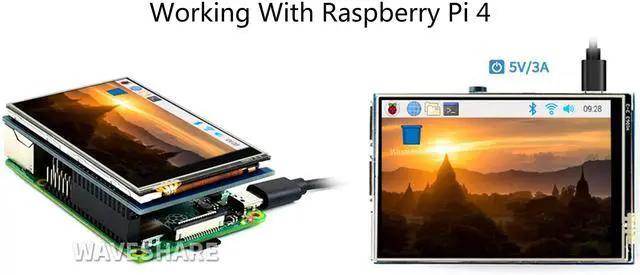
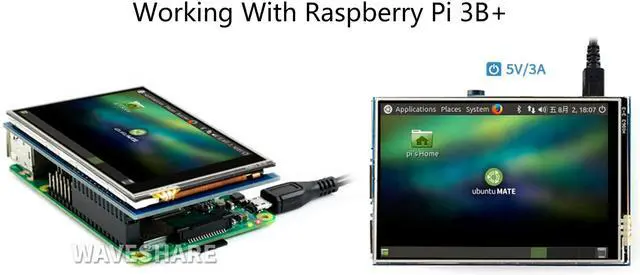
    • 3.5 inch Resistive Touch Screen,IPS LCD,SPI LCD Interface.Touch Screen Controller:XPT2046. Compatible with Raspberry Pi (Any Revision of Pi ) (directly-pluggable)
    • Drivers provided (works with your own Raspbian/Ubuntu/Kali). Size perfectly fits the Pi
    • Supports FBCP software driver as well, allows to config software resolution and set up dual-display
    • IPS screen, large viewing angle, excellent display effect.
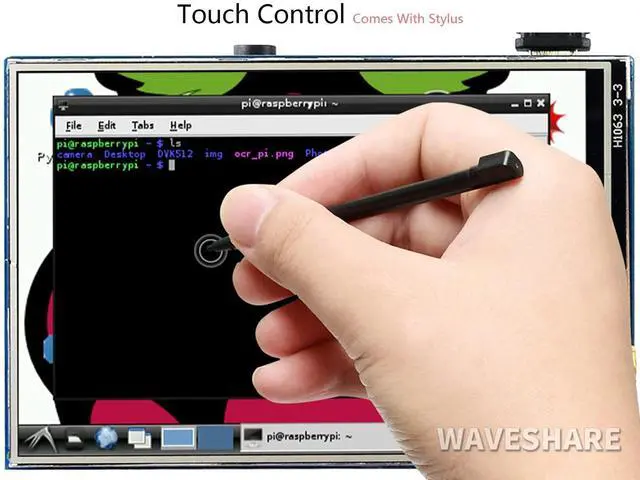
    • Combined with Raspberry Pi, allows you to: Take photos by touching (up to 17 camera modes), Use software keyboard (system interaction without keyboard/mouse)
    +
    +
    Overview
    Specs
    Reviews
    avatar

    Any questions? Our AI beta will help you find out quickly.

    Features480x320 hardware resolution Resistive touch control Compatible with Raspberry Pi (Any Revision of Pi ) (directly-pluggable) Drivers provided (works with your own Raspbian/Ubuntu/Kali) Supports FBCP software driver as well, allows to config software resolution and set up dual-display IPS technology, high quality and perfect displaying from very wide viewing angle Size perfectly fits the Pi High quality immersion gold surface plating Combined with the RPi, allows
    you to: Take photos by touching (up to 17 camera modes) Use software keyboard (system interaction without keyboard/mouse)Key
    ParametersLCD Type: IPS
    LCD Interface: SPI Touch
    Screen Type: Resistive
    Touch Screen Controller: XPT2046
    Colors: 65536
    Backlight: LED
    Resolution: 320*480 (Pixel)
    Aspect Ratio: 8:5
    Power Consumption: TBD
    Backlight Current: TBD Operating Temp.
    (): TBD
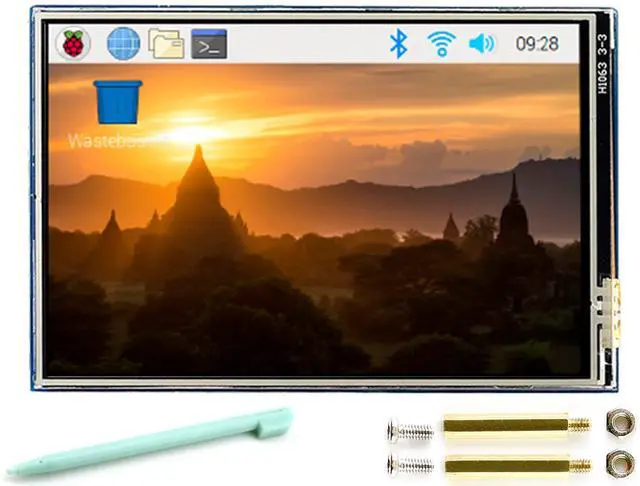
    Package Content 1.3. 5inch RPi LCD (B) x 12. Touch pen x 13. RPi screws pack (2pcs) x 14.
    Quick start sheet x1Note: If LCD doesn't work with my Raspbian, please use the LCD with the RPi official image, driver should be installed first. Please refer to the user manual. However, for the first testing, you may want to use our provided image directly. For more info, please send us message to get it.

    Warranty & Returns

    Warranty, Returns, And Additional Information

    Warranty

    • Please contact the Seller directly for warranty information. Warranty information may also be found on the Manufacturer's website.
    • CONTACT

    Return Policies

    Manufacturer Contact Info

    LOADING...