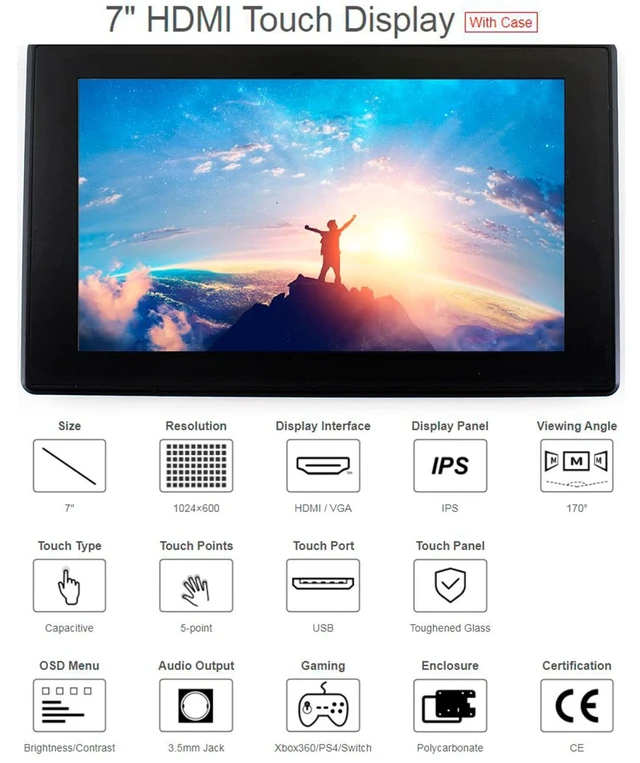
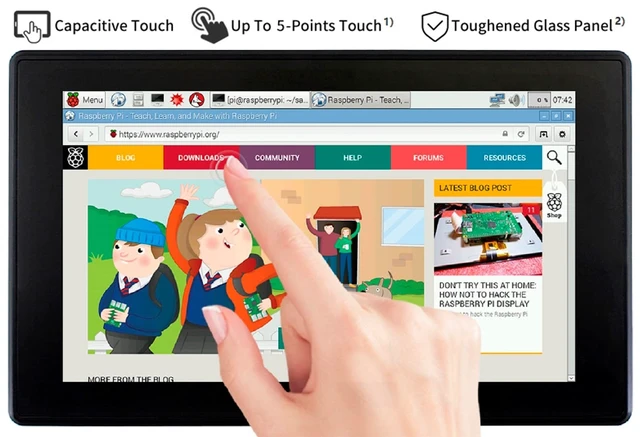
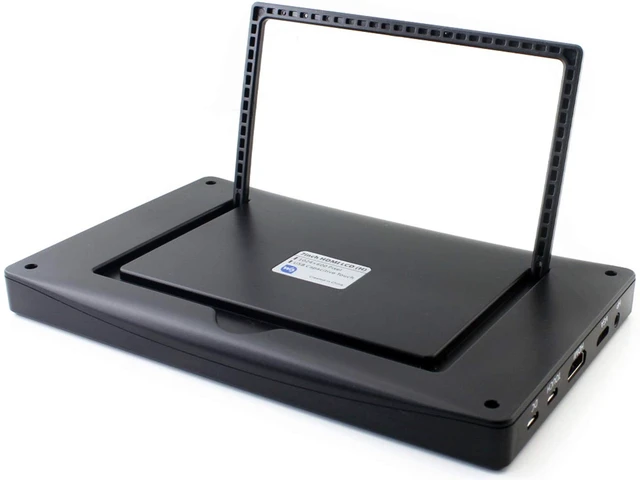
Overview1024 600, 7-inch Capacitive Touch Screen LCD, HDMI interface, supports various systems. Toughened glass capacitive touch panel, 6H hardness (only the Case version has hardness glass). It is compatible with Raspberry Pi and can also be used as a computer monitor. Features7inch IPS screen, 1024 x 600 hardware resolution, configurable by software (up to 1920 x 1080). Toughened glass capacitive touch panel, 6H hardness (case version only). When used with RPi, supports RPi OS / Ubuntu / Kali and Retropie. Use with Windows PC, support Windows 11 / 10 / 8.1 / 8 / 7, 5-points touch.
Multi-languages OSD menu, for power management, brightness/contrast adjustment, etc. It has a 3.5 mm audio jack and supports HDMI audio output. Supports VGA input (specific cable is required and should be purchase separately). High-quality PC case, optional
tilt angle: 30/50 (case version only).
Keys IntroductionPower: Open or Close
LCD displayMenu: Open OSD menu (It can also work as "OK button" after entering the menu )Up/Left: Direction
buttonDown/Right: Direction
buttonExit: it can also work as Return after entering the menuYou can use the "Power" button to close the LCD display for reducing consumption if it will be idle for a long time. Open the OSD menu by pressing the "Menu" button, then use the "OK button" and "Direction button" to change the configuration, and finally, use the "Return button" to exit.
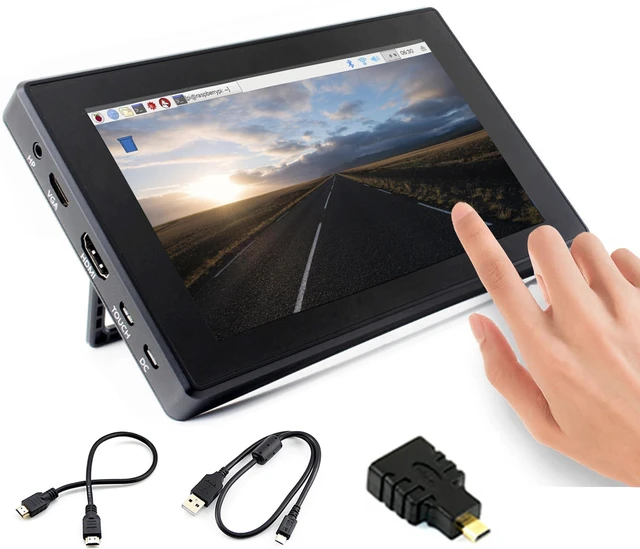
Development Resource/ User Manual: //bit. ly/3MHaOjrPackage Content7inch HDMI LCD (H) (with case) x1HDMI cable x1HDMI to Micro HDMI Adapter x1USB type A plug to micro B plug cable x1Quick start sheet x1





 here!
here!