

Your Browsing History
- Free 30-day Returns
$52.99

Meet Your Seller

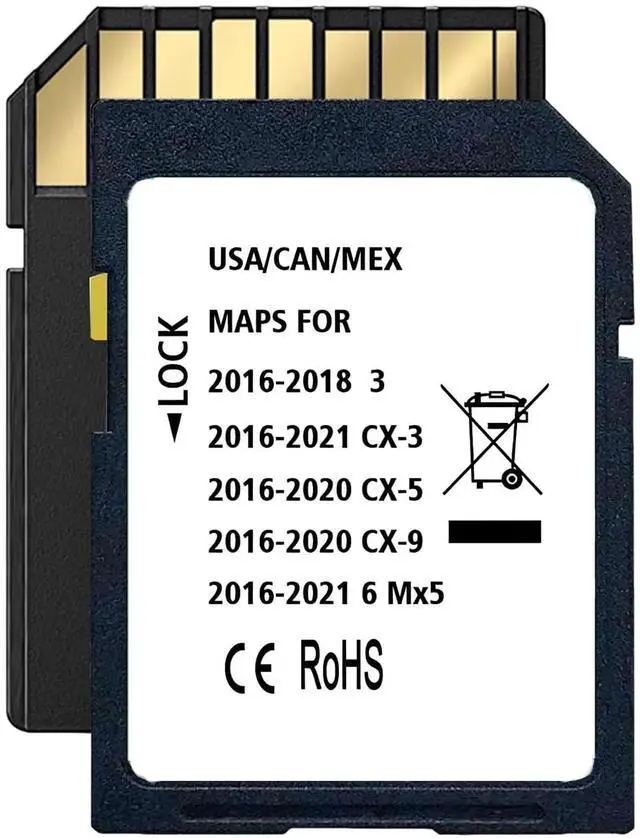
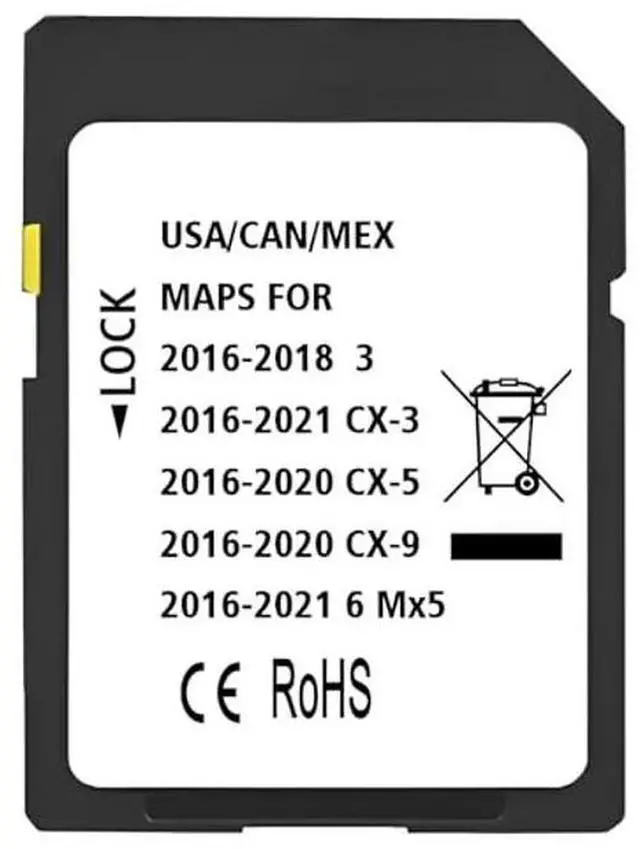
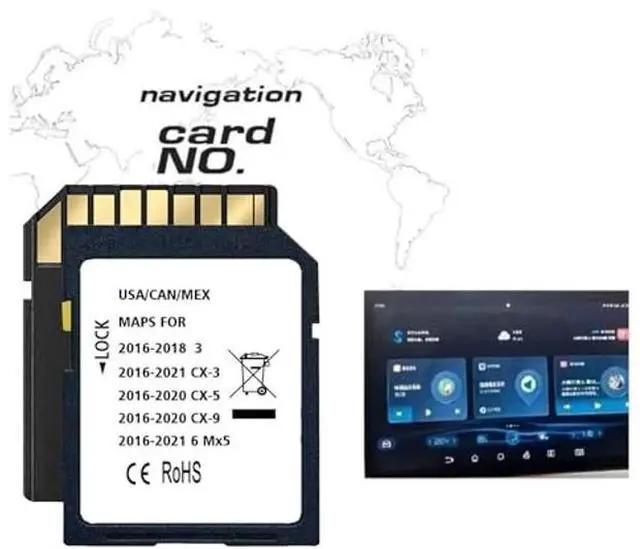
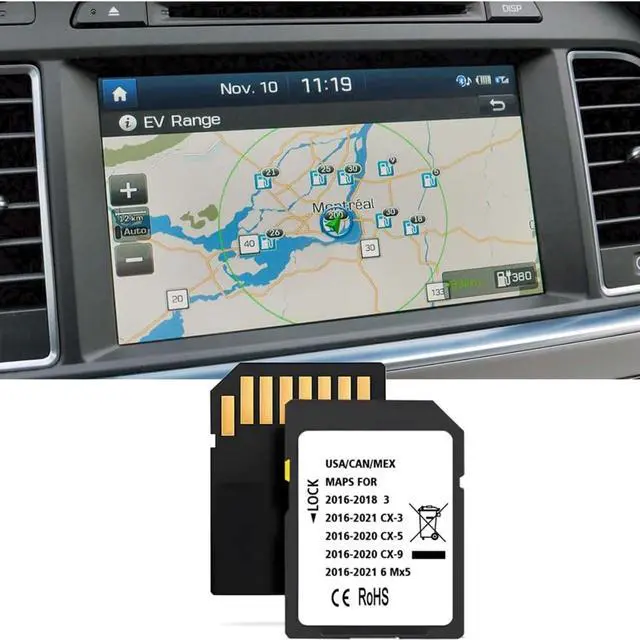


Latest Navigation SD Card, Compatible with: (2016-21)-Cx3. (2016-20)-Cx5. (2016-20)-Cx9. (2016-22)-Mx5. (2016-18)-3. (2016-22)-6, Can/Mex/USA Maps
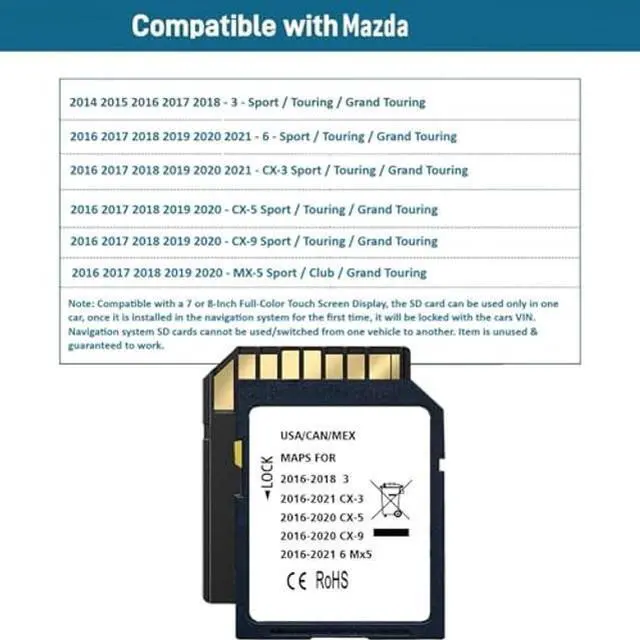
- COMPATIBLE WITH Maz*da MODELS2014-2018 - 3 - Sport / Touring / Grand Touring, 2016-2021 - CX-3 Sport / Touring / Grand Touring, 2016-2021 - 6 - Sport / Touring / Grand Touring.
- COMPATIBLE WITH Maz*da MODELS: 2016-2020 - CX-5 Sport / Touring / Grand Touring, 2016-2020 - MX-5 Sport / Club / Grand Touring, 2016-2020 - CX-9 Sport / Touring / Grand Touring.
- INSTALLATION INSTRUCTIONStep 1: Turn vehicle off. Step 2: Locate the card slot. Step 3: Remove the old memory card. Step 4: Insert the new Navigation SD Card into the slot until it clicks. Step 5: Start the engine to ensure the new Navigation SD Card is functioning. The word "Navigation" should appear in the upper right hand corner.
- PAY ATTENTION: This navigation SD card can only be used in 1 vehicle, after the installation is complete, the memory card will be locked with the vehicle, please confirm if your car have a 7 or 8-Inch Full-Color Touch Screen Display before purchasing. If you have any questions, you can contact us.
+
+
Overview
Specs
Reviews

Any questions? Our AI mode will help you find out quickly.
Try me now
Latest Navigation SD Card,
Compatible with: (2016-21)-Cx3. (2016-20)-Cx5. (2016-20)-Cx9. (2016-22)-Mx5. (2016-18)-3. (2016-22)-6, Can/Mex/USA Maps
Compatible with: (2016-21)-Cx3. (2016-20)-Cx5. (2016-20)-Cx9. (2016-22)-Mx5. (2016-18)-3. (2016-22)-6, Can/Mex/USA Maps
Warranty & Returns
Warranty, Returns, And Additional Information
Warranty
- Please contact the Seller directly for warranty information. Warranty information may also be found on the Manufacturer's website.
- CONTACT
Return Policies
- Return for refund within: 30 days
- Return for replacement within: non-replaceable
- This item is covered by Aptly Tech Return Policy
Manufacturer Contact Info
- For a directory of all our manufacturers, please click below.
- Manufacturers Directory
LOADING...