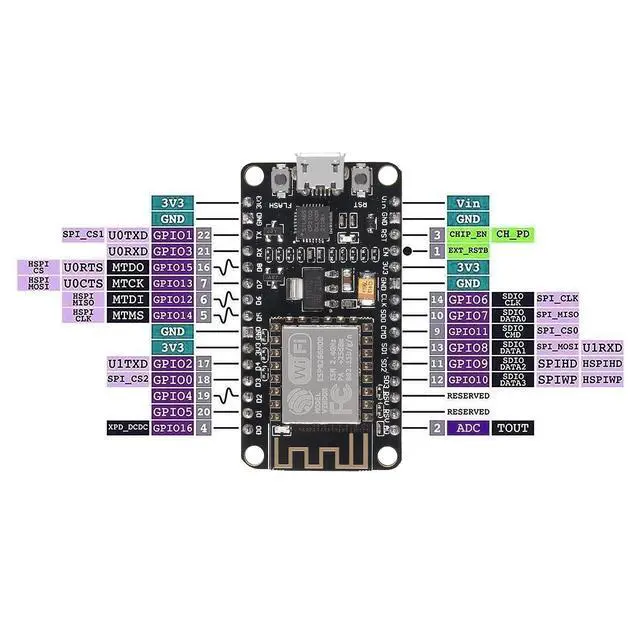
Steps of
How to use: 1. Download the motherbord IDE, the latest version. 2. Install the IDE3. Set up your motherbord
IDE as: Go to File. Preferences and copy the URL below to get the
ESP board manager extensions:
http: //arduino. esp8266. com/stable/package_esp8266com_index. json.
Placing the http: // before the URL lets the IDE use it. Otherwise it gives you a protocol error. 4. Go to Tools > Board > Board Manager> Type ""esp8266"" and download the Community esp8266 and install. 5.
Set up your chip as: Tools -> Board -> NodeMCU 1.0 (ESP-12E Module)Tools -> Flash Size -> 4M (3M SPIFFS) Tools -> CPU Frequency -> 80 MhzTools -> Upload Speed -> 921600ToolsPort (whatever it is) 6. Download and run the 32 bit flasher exe at Github(Search for nodemcu/nodemcu-flasher/tree/master/ at Github)github. com/nodemcu/nodemcu-flasher/tree/master/Win32/Release Or download and run the 64 bit flasher exe at: github. com/nodemcu/nodemcu-flasher/tree/master/Win64/Release7. In motherbord IDE, look for the old fashioned Blink program. Load, compile and upload. 8. Go to FILE> EXAMPLES> ESP8266> BLINK, it will start blinking.
Firmware link:
http: //github. com/nodemcu/nodemcu-firmwareThe Data download access to the website:
http: //www. nodemcu.
comTest Video:
http: //www. youtube.
com/watch?
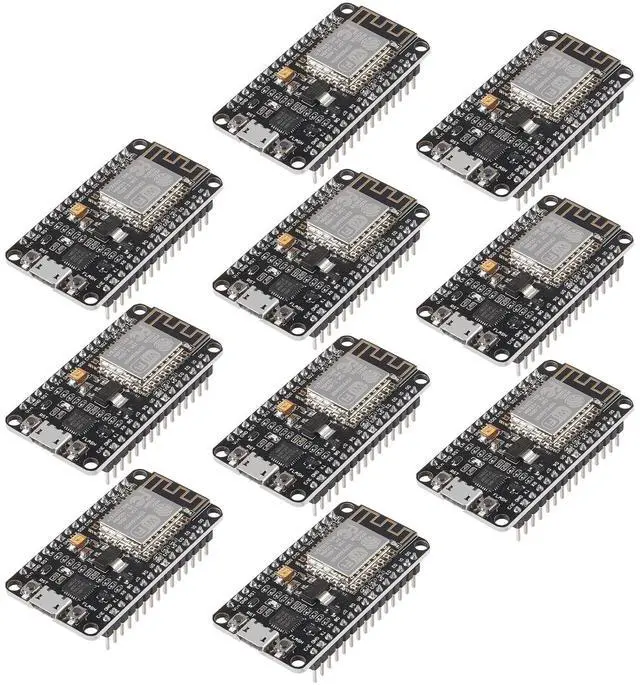
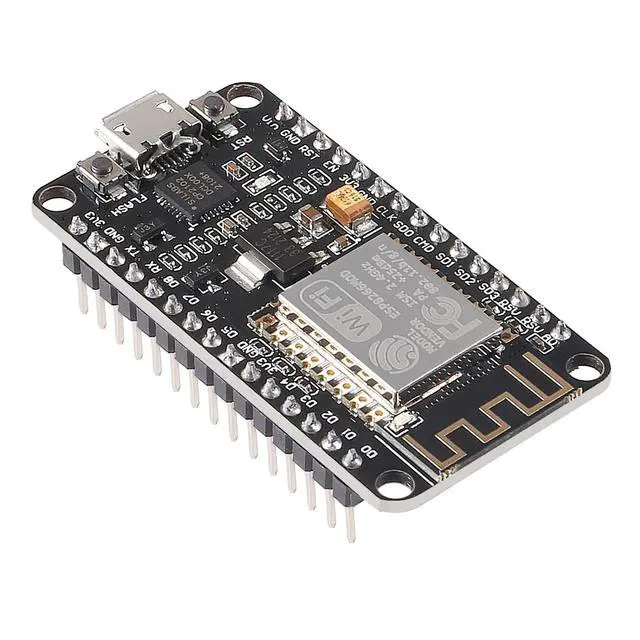
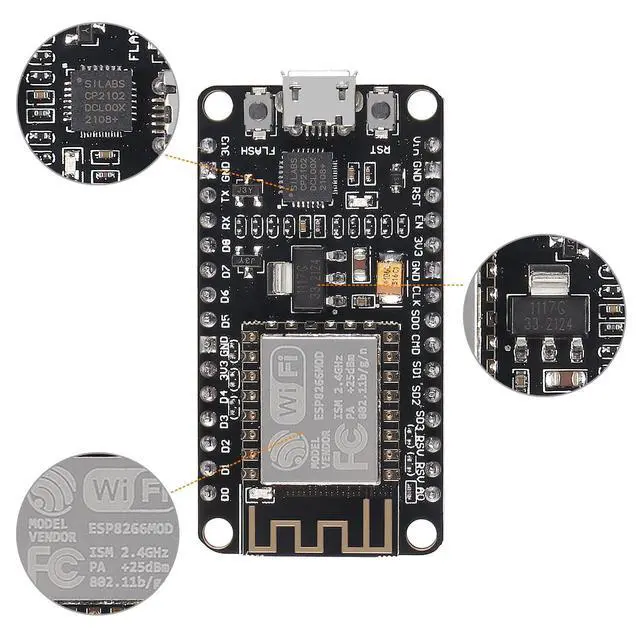
v=Gh_pgqjfeQcPackage including: 10 x ESP8266 ESP-12F NodeMcu development board





 here!
here!