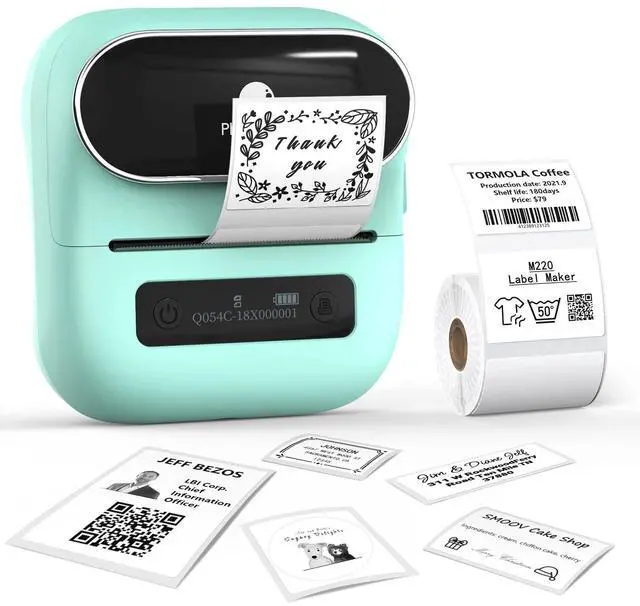
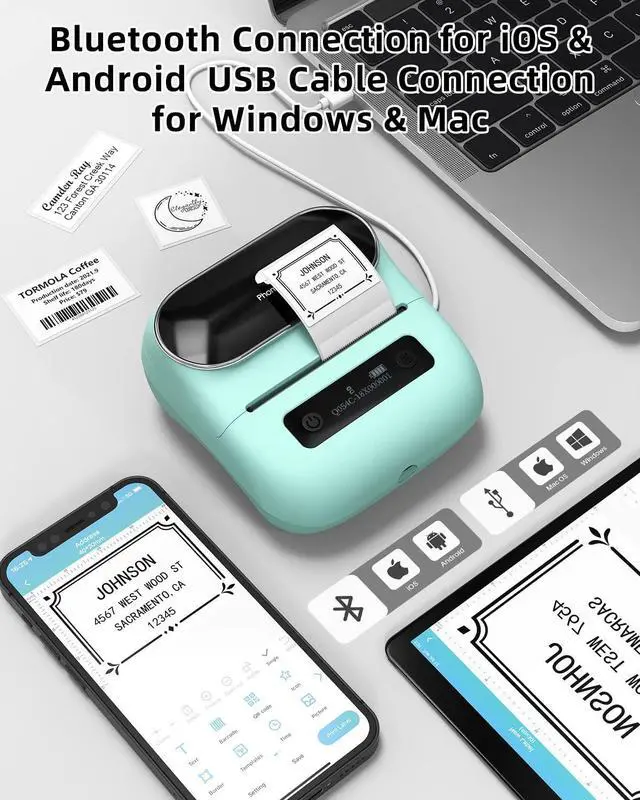
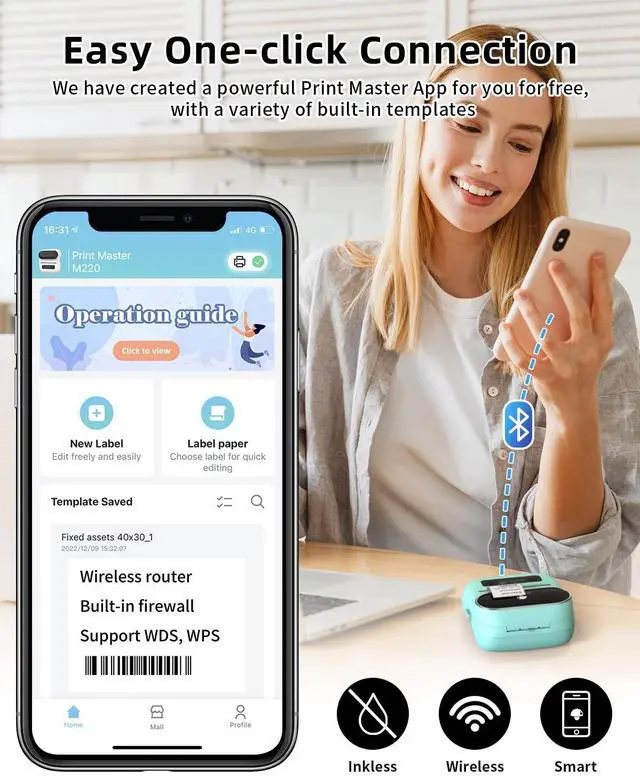
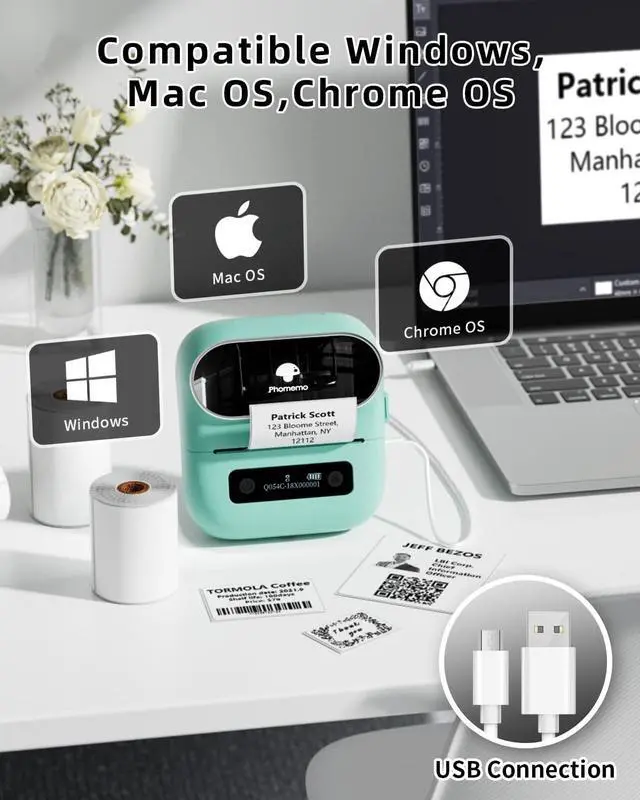
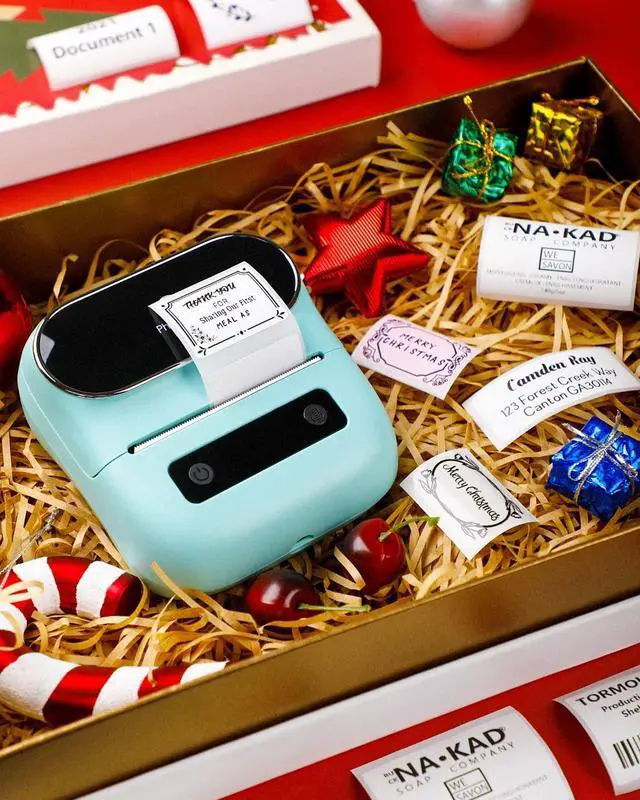
Wireless Bluetooth Connectivity - Connect instantly via Bluetooth 4.2 to Phone, tablets, or USB-C to laptop or PC. Print Master app provides seamless mobile printing with 1000+ templates for home, office, and small business organization ^^ Inkless Thermal Technology - Japanese Roma print head delivers crisp 203DPI prints without ink or ribbons. Print width 0.78" - 3.14" supports address labels, barcodes, shipping labels, file organization, and
product labeling (Note: Cannot print 4"x6" shipping labels) ^^ Long-Lasting Battery Power - Phomemo M220 label maker built in upgraded 2200mAh battery prints up to 36 label rolls continuously. Auto-sleep mode reduces power consumption by 25%, extending usage by 2-3 hours for all-day productivity ^^ Versatile Label Applications - Perfect for small businesses, home organization, shipping, inventory management, and crafting. Create custom labels with text, QR codes, barcodes, icons, and graphics using the intuitive Print Master app ^^ Complete Starter Kit - Includes M220 thermal printer, USB-C cable, 100-piece sample label roll ( 1.57" x 1.18" ), user manual. Compact portable design fits any workspace ^^ Phone and Tablet Start Printing -
Step 1: Download the App 'Print Master'.
Step 2: Turn on the M220 label maker and your phone's or tablet's Bluetooth.
Step 3: Click the 'Printer' icon in the App to search for the M220 portable label printer, connect it via Bluetooth in the App, select the label size, and edit the content to start printing ^^ Laptop/PC Starts Printing -
Step 1: Please check your laptop/PC's operating system (OS) and download and install the correct M220 driver and the 'Labelife' app from the Phomemo website.
Step 2: Use the USB data cable to connect the M220 label maker to your computer.
Step 3: Select the label size, edit the content, and choose M220 from the printer list





 here!
here!