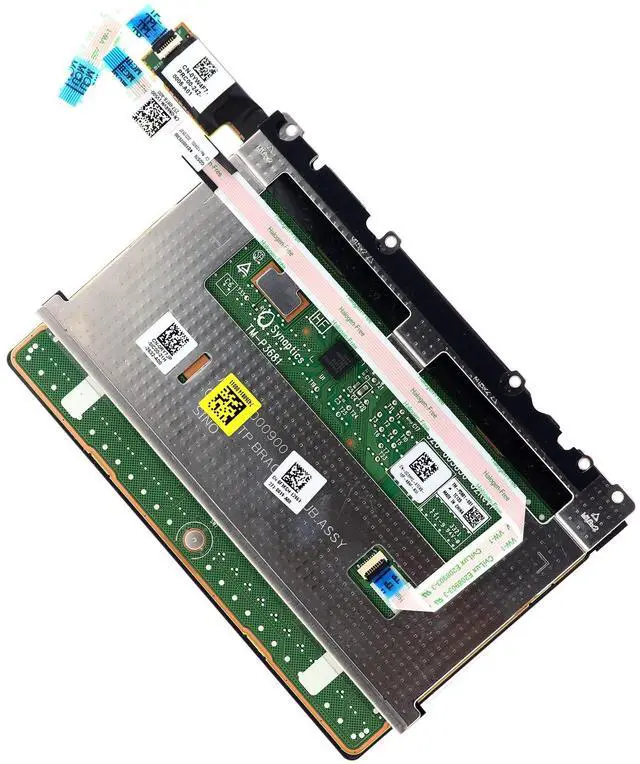
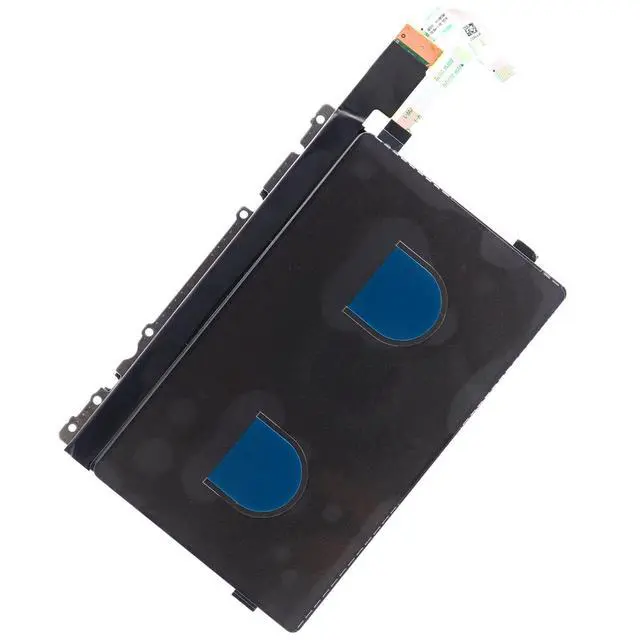
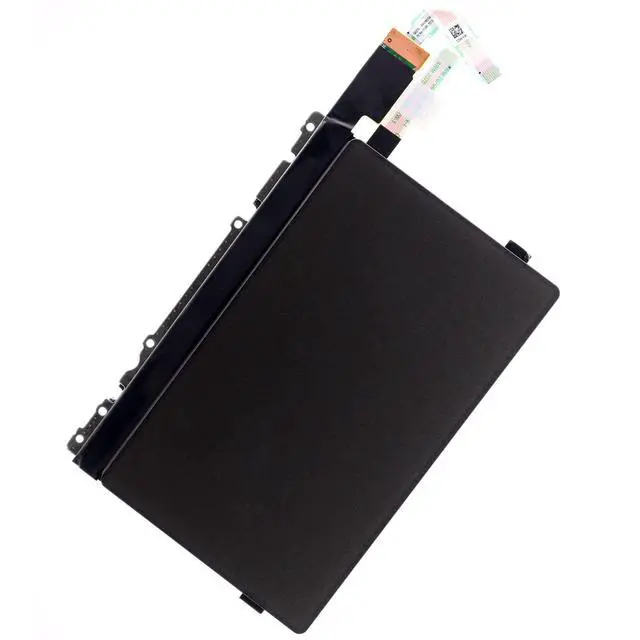
Genuine RGB Touchpad for A1ienware X17 R1, X17 R2 (2022) series palmrest assembly, this is the RGB touchpad sensor circuit board with cable only.
Manufacturer Part Number (s): F3KGM, 0F3KGM, CN-0F3KGM (TouchPad Kit) RY7JP, 0RY7JP, CN-0RY7JP (Bracket) G3HYC, 0G3HYC, CN-0G3HYC (TouchPad) RGB board
D P/N: YW4F7, 0YW4F7, CN-0YW4F7Ribbon Flex
Cable D P/N: GDS70 NBX0002S300, N6RVM, 0N6RVM, CN-0N6RVM
Condition: Original and new condition without original box shippingInstalling the
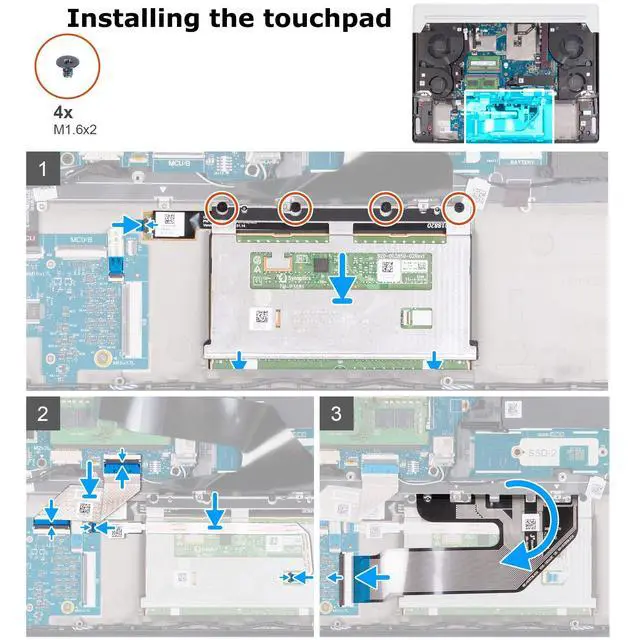
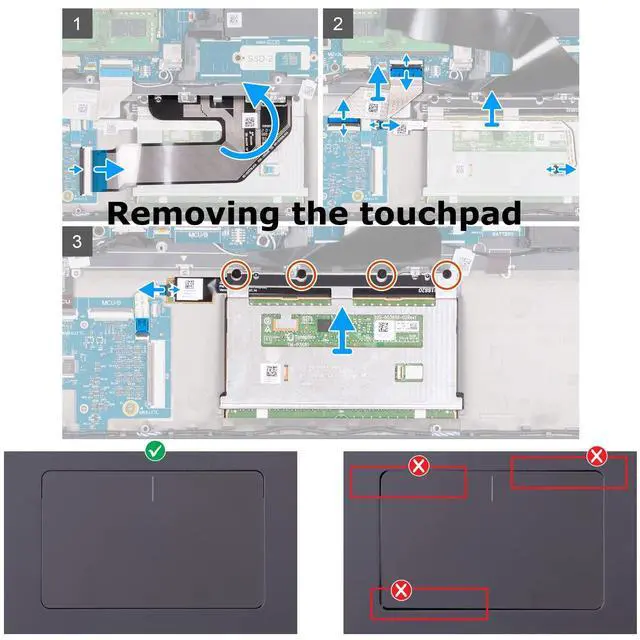
Touchpad: 1. At an angle slide the touchpad assembly into the slot on the palm-rest and keyboard assembly. 2. Turn the computer over and open the display to ensure that the touchpad is equally aligned on all sides. 3. Close the display and place the computer in the position shown. 4. Replace the four screws (M 1.6 x2) that secure the touchpad assembly to the palm-rest and keyboard assembly. 5. Connect the touchpad-light cable to the touchpad assembly and close the latch. 6. Place the touchpad cable on the touchpad, connect the cable to the keyboard-controller board and touchpad and close the latches. 7. Place the keyboard-controller board on the palm-rest and keyboard assembly, connect the cable to the keyboard-controller board and system board and close the latches. Reference list of compatible with
Dell Laptop Models: - A1ienware X17 R1- A1ienware X17 R2What's in the Box1x RGB Touchpad Sensor Board w/ Flex Cable (Black)