• $58.99
  • Free 30-day Returns
  • Price alert
    Sold by GoBeRotie
    Hot Seller
    4.7 (14 seller ratings)

    Shipped by GoBeRotie

    Shop it at NeweggBusiness.

    Meet Your Seller

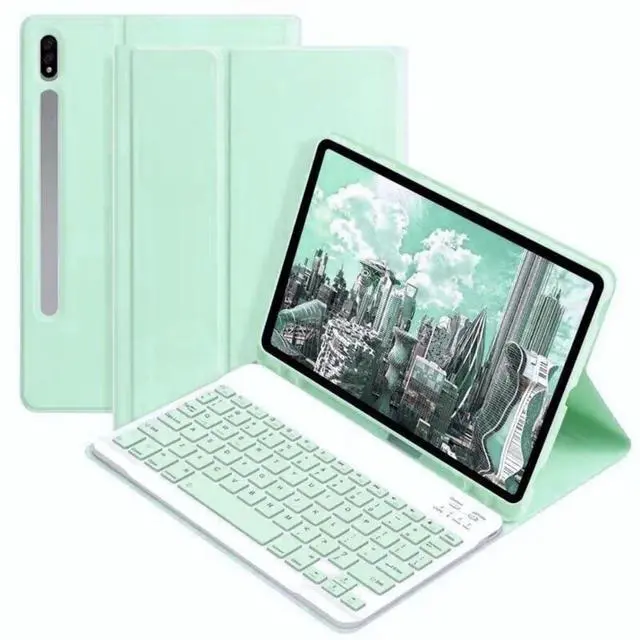
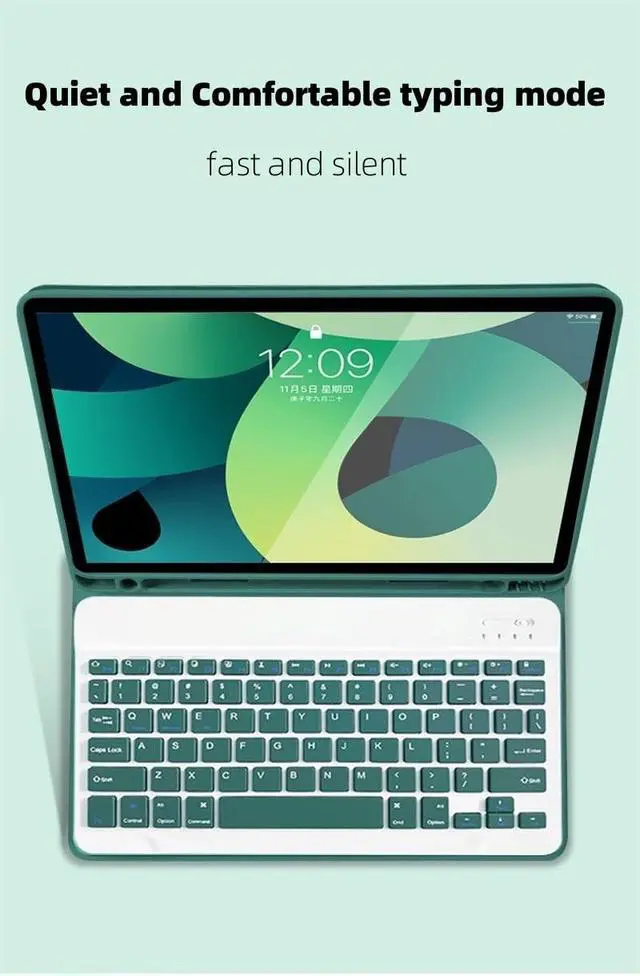
    Keyboard Case for Samsung Galaxy Tab S6 Lite 10.4 inch 2024/2022/2020, Candy Colors Slim Protective Cover with Magnetic Detachable Bluetooth Keyboard with S Pen Holder, Mint Green

    • Compatibility - This Keyboard Case is compatible with Samsung Galaxy Tab S6 Lite 10.4 Inch 2024 Edition (Model SM-P620/P625) & 2022 Edition (Model SM-P613/P619) & 2020 Edition (Model SM-P610/P615/P617) Tablet.
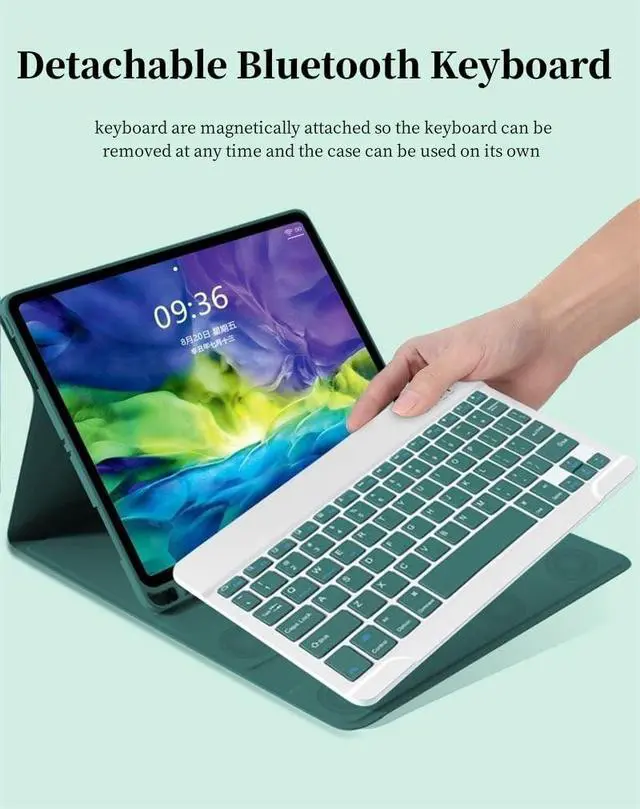
    • Multifunction Detachable Bluetooth KeyboardYou can remove the Wireless keyboard whenever you want from this cover. This keyboard works with iPadOS, iOS, Android and Windows system.such as iPad / iPad Air / iPad Pro / iPad Mini / Phone / Android Tablet / Smartphone and more.
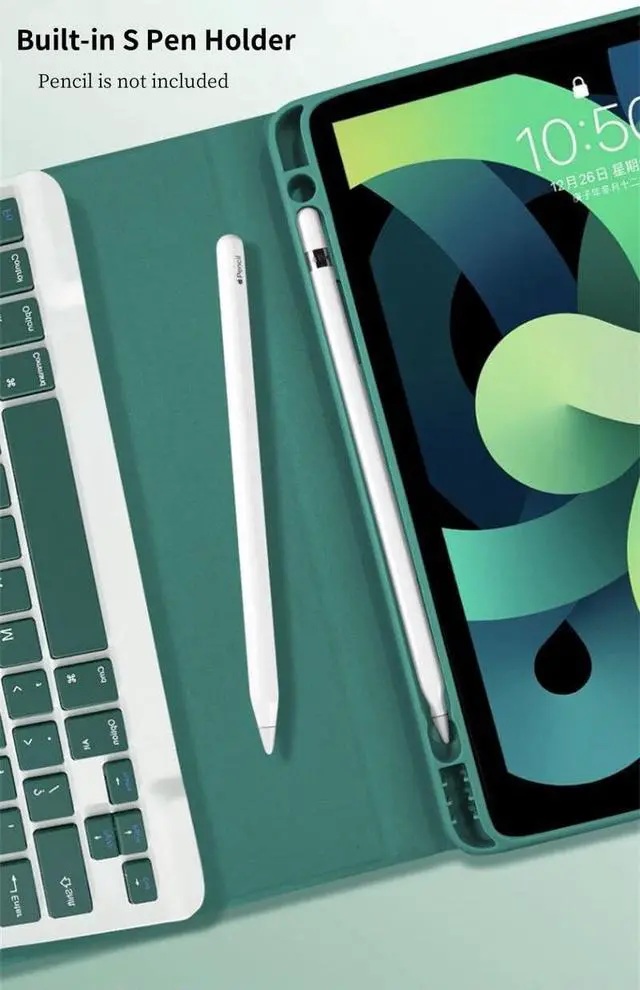
    • Galaxy Tablet Case with S Pen HolderThe unique S Pen slot makes it easy to grab your S Pen anywhere, anytime, avoiding losing it. NOTE: PEN AND TABLET ARE NOT INCLUDED.
    • Full Protection Case with KeyboardThe Tab case has full edge coverage and great protection. Precise cutouts allow full access to all features (buttons, speakers, cameras).
    • Suitable for Any Occasion & Ideal Gift ChoiceThis Keyboard Case is easy to carry or store, great partner for your business, study or entertainment. A fabulous gif
    +
    +
    Overview
    Specs
    Reviews
    avatar

    Any questions? Our AI beta will help you find out quickly.

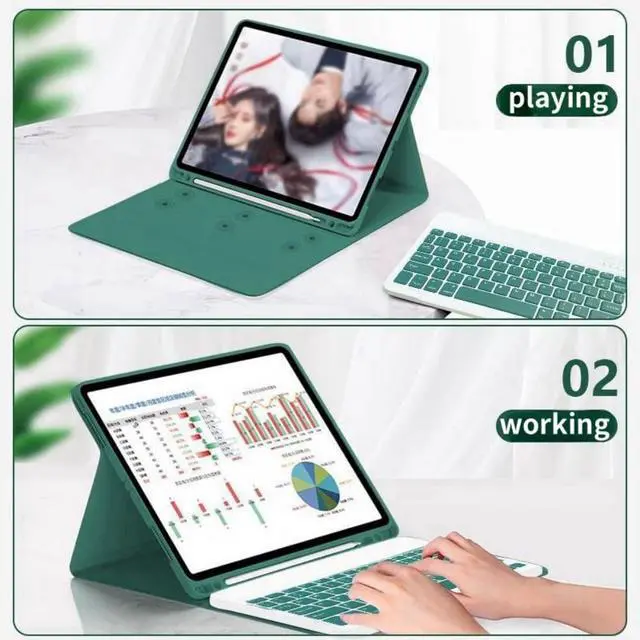
    About Our Samsung Galaxy Tab keyboard caseFolio MagneticBuilt-in S Pen Holder360 Full Body Protective CaseCandy Color Keyboard and CaseDaily Life Waterproof Detachable Magnetic Keyboard3 Magnetic Stand Angle (support 120/125/135 viewing angles)Samsung Tablet Wireless Connection1, Turn on the power, the power indicator Iights on for 1 second ( if the indicator is red, please charge in time )2, Press the connect key for 2 second, the Wireless indicator blue Iights flicker into the pairing state, and the effectjve time is about 120 seconds. 3, Open the Wireless search function of the external device, click the " Wireless Keyboard " searched.

    4, After the pairing is successful, the indicator lights go out, and you can use the keyboard. 5, if your tablet is Galaxy Tab (Android System), you need press "Fn + Q" together, note: press this two button together. now it can work well. 6, if there is no operation in 10 minutes, the keyboard will go to sleep state and wait for 2~3 seconds by any key to wake up

    Warranty & Returns

    Warranty, Returns, And Additional Information

    Warranty

    • Please contact the Seller directly for warranty information. Warranty information may also be found on the Manufacturer's website.
    • CONTACT

    Return Policies

    • Return for refund within: 30 days
    • Return for replacement within: non-replaceable
    • This item is covered by GoBeRotie Return Policy

    Manufacturer Contact Info

    LOADING...