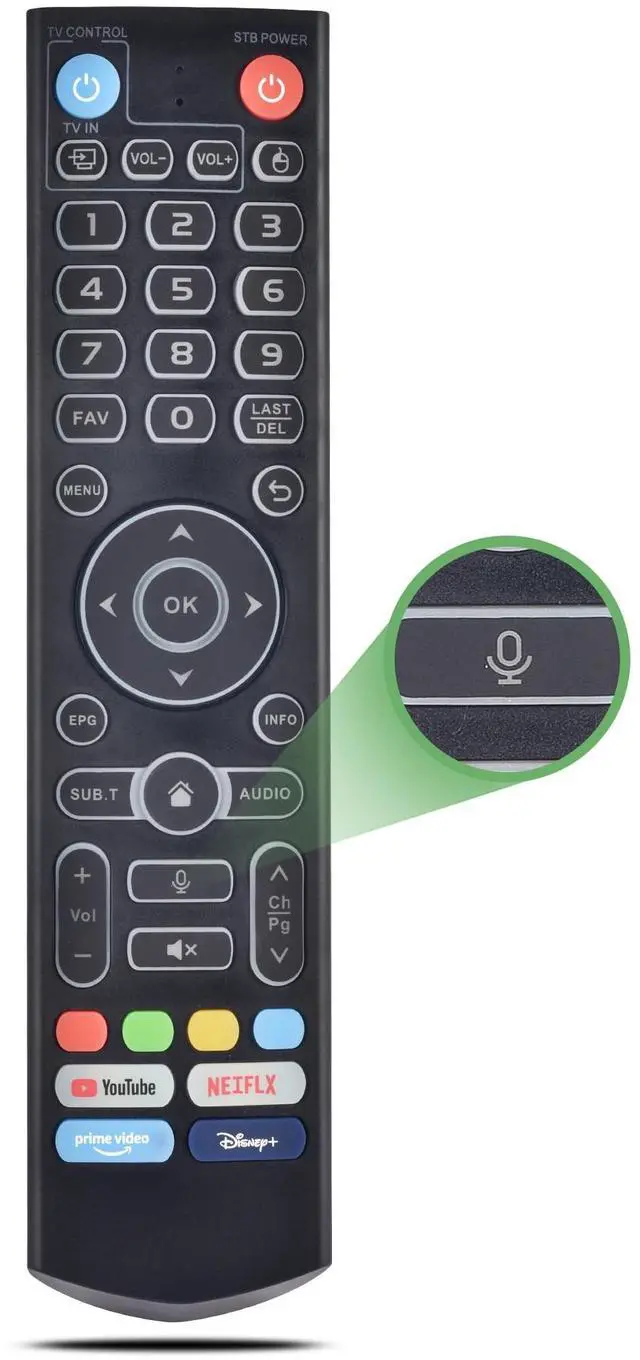
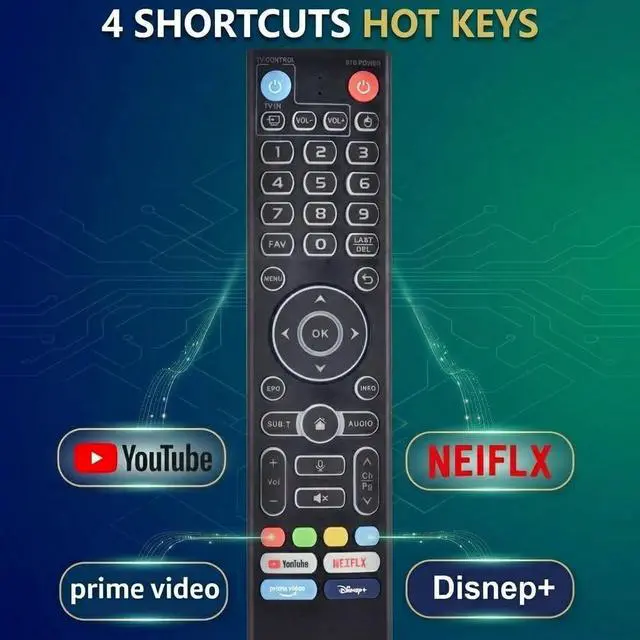
How to use the TV control Keys1) Press and hold [TV POWER] key for 5 seconds. the LED goes from blinking to solid and STB Remote control unit (RCU) enters Learning Mode. 2) Press the key to be programmed on this RCU. LED begins blinking slowly. The key is ready to accept programming. 3)Aim the TV RCU towards the front of this RCU (distance less than 3cm) Press the button on the TV RCU. If the STB RCU is programmed correctly, the LED will flash 3 times. 4)Repeat steps 2-3 for other keys and Exit learning mode by pressing any other button on this RCU.
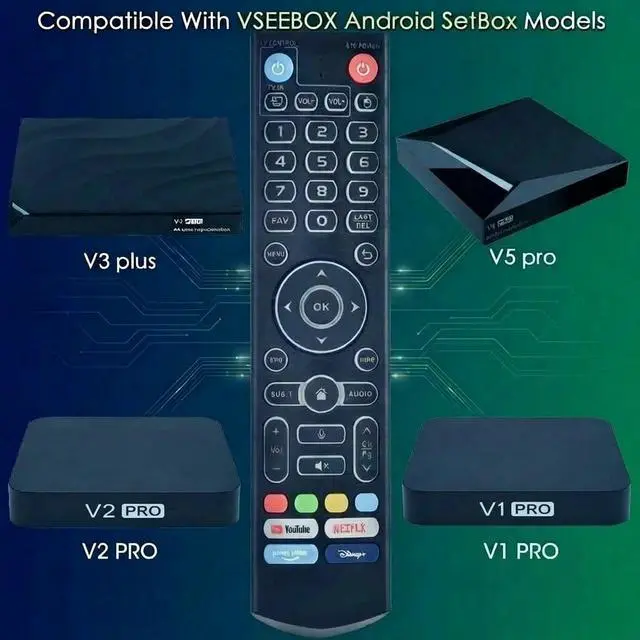
LED turns off ^^ Compatible Box Series and RemoteThis is V3 Pro It works with the following models, for vSeeBox V5 Pro / V3 Plus/V3 Pro / V2 Pro / V1 Pro/V1 Max/Elite/Max.
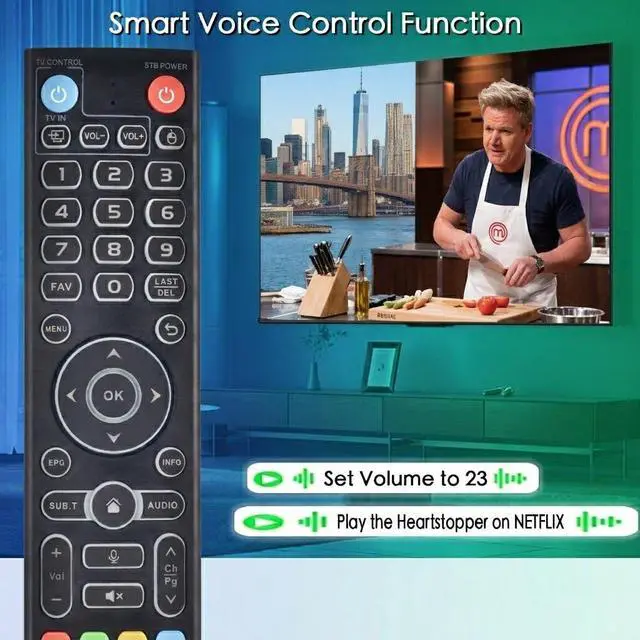
Tips: V1 Max, V1 Pro, V2 Pro (No Voice Command Feature). Please make sure your box model is in the above list ^^ Easy to Pair V3 Pro to V1 Pro/V2 Pro/Max/ElitePress and hold the OK and VOL- keys at the same time for 5s, until the remote control indicator light continues to flash, which means the BT of the V3 remote control is enabled. Pair the remote control under System Settings - BT - Pair New Device, find the vseebox remote control, and connect to the vseebox. (If it is not found, it may be that BT is not turned on. Please press and hold the OK and vol- keys on the remote control at the same time to turn on BT) ^^ Two working modesV3 working mode and V2 working mode. Press and hold the number key 5 for more than 10 seconds and the indicator light flashes, indicating that the mode switch is successful. V3 Pro working mode is applicable to V3 Pro; V2 Pro working mode is applicable to V1 Pro/V2 Pro/Max/Elite.
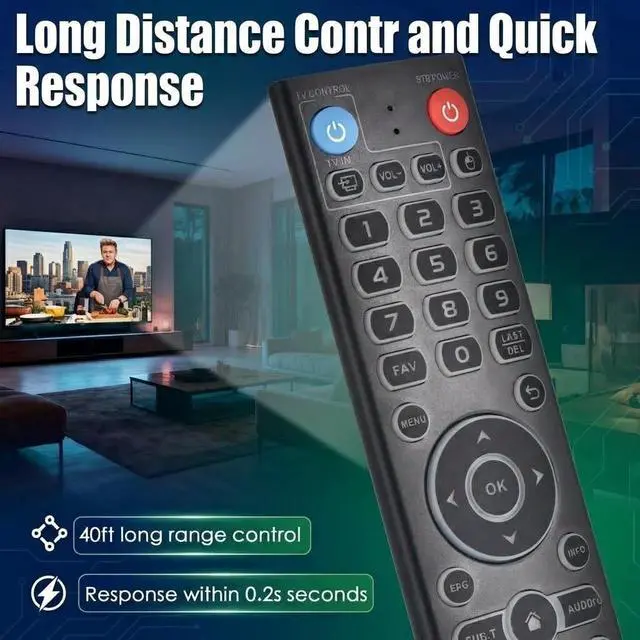
Note: Vseebox V3 remote control defaults to V3 working mode ^^ Long working range and fast reponseStrongest signal by Infrared technology, our remote controls feature with over 10 meters/32 feet farther transmitting distance and come with sensitive button, fast response not over 0.2 s. The buttons have been tested to support over 100, 000 clicks





 here!
here!