Your Browsing History
Meet Your Seller
Sponsored Products
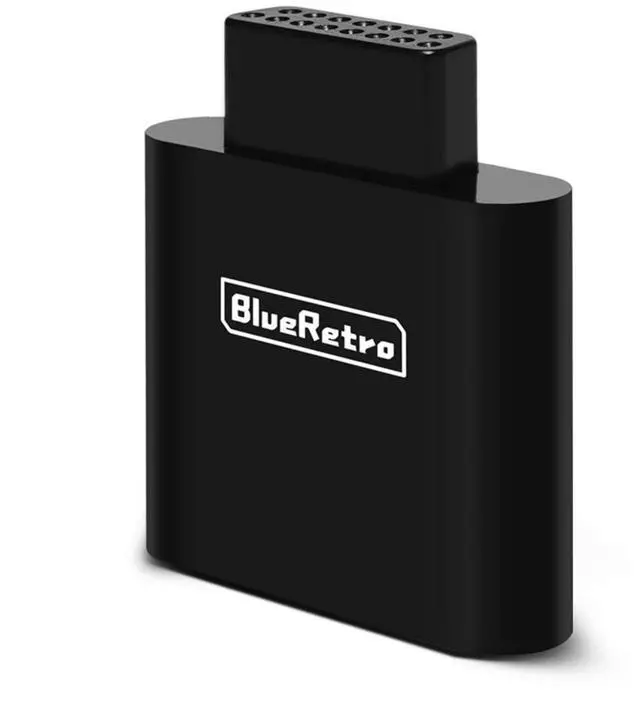
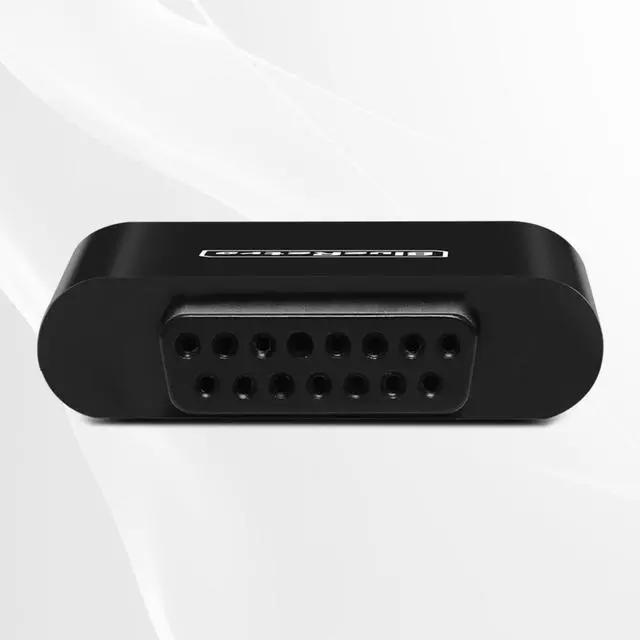
BlueRetro SNK NeoGeo Wireless Controller Adapter - Supports Firmware Upgrade, Dual-Mode BT, Keymap Configuration, Compatible with PS3/PS4/PS5,Xbox One S,Series X/S,Switch Pro Bluetooth Controllers
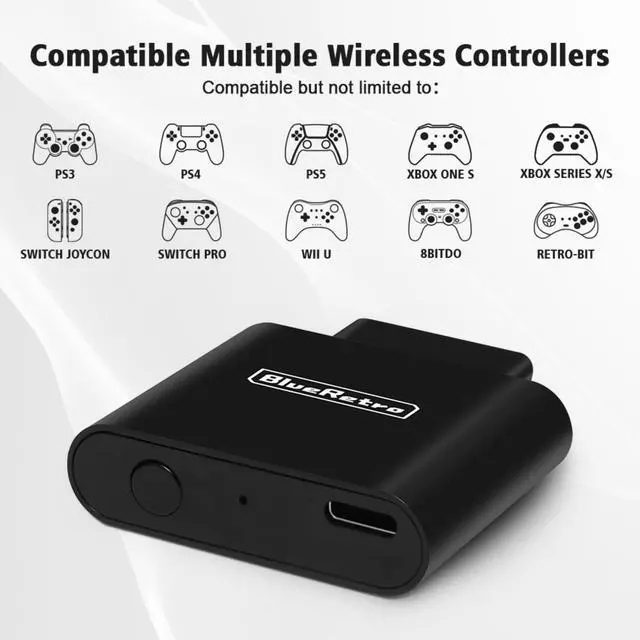
- Widely CompatibleSuitable for SNK NeoGeo game console, compatible with PS3/PS4/PS5, Xbox One S, Xbox Series X/S, Wii/Wii U Pro, Switch Pro, Switch Joycon, 8bit-do, Retro-Bit wireless controller, etc.(NOTE: only official PS3/ PS4 controllers are supported)
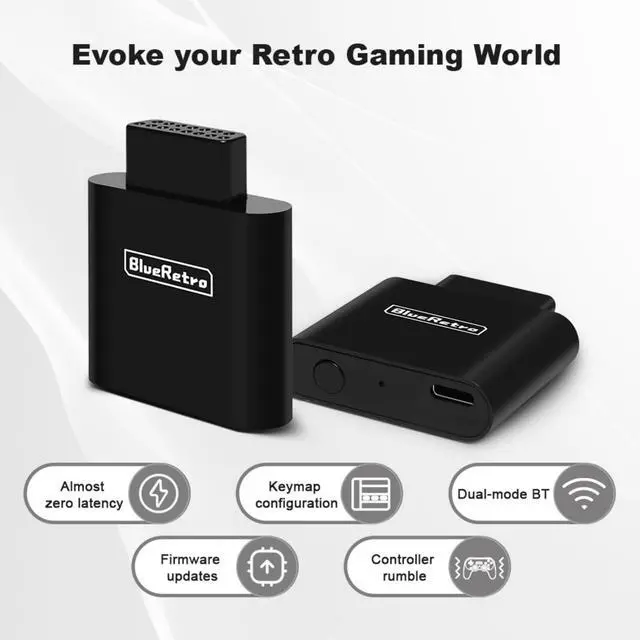
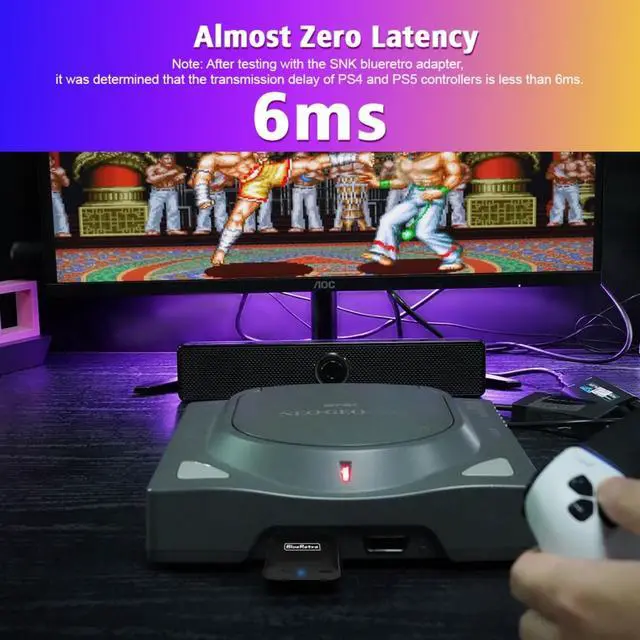
- Stable ConnectionZero latency, support both BT Classic and BT Low Energy (BLE). The key value of the buttons can be configured through the web bluetooth port of the Google Chrome.
- Other FeaturesSupport Firmware update. Support Keyboard/ trackball/ mouse console accessories.
- Crucial TipThis adapter can only be connected to one wireless controller at a time.
- NoteThe 8bit-do m30 controller is in joystick mode by default. Please press and hold the "Up" + "Select" keys on the controller for about 5 seconds to switch it to D-pad mode to solve the button non-working problem.

+
+
Overview
Specs
Reviews
Any questions? Our AI beta will help you find out quickly.
Try me now
Widely CompatibleSuitable for SNK NeoGeo game console, compatible with PS3/PS4/PS5, Xbox One S, Xbox Series X/S, Wii/Wii U Pro, Switch Pro, Switch Joycon, 8bit-do, Retro-Bit wireless controller, etc.
(NOTE: only official PS3/ PS4 controllers are supported) ^^ Stable ConnectionZero latency, support both BT Classic and BT Low Energy (BLE). The key value of the buttons can be configured through the web bluetooth port of the Google Chrome. ^^ Other FeaturesSupport Firmware update. Support Keyboard/ trackball/ mouse console accessories. ^^ Crucial TipThis adapter can only be connected to one wireless controller at a time. ^^ NoteThe 8bit-do m30 controller is in joystick mode by default. Please press and hold the "Up" + "Select" keys on the controller for about 5 seconds to switch it to D-pad mode to solve the button non-working problem.
Warranty & Returns
Warranty, Returns, And Additional Information
Warranty
- Please contact the Seller directly for warranty information. Warranty information may also be found on the Manufacturer's website.
- CONTACT
Return Policies
- Return for refund within: 30 days
- Return for replacement within: 30 days
- This item is covered by Luhang Return Policy
Manufacturer Contact Info
- For a directory of all our manufacturers, please click below.
- Manufacturers Directory
LOADING...