

Your Browsing History

Meet Your Seller

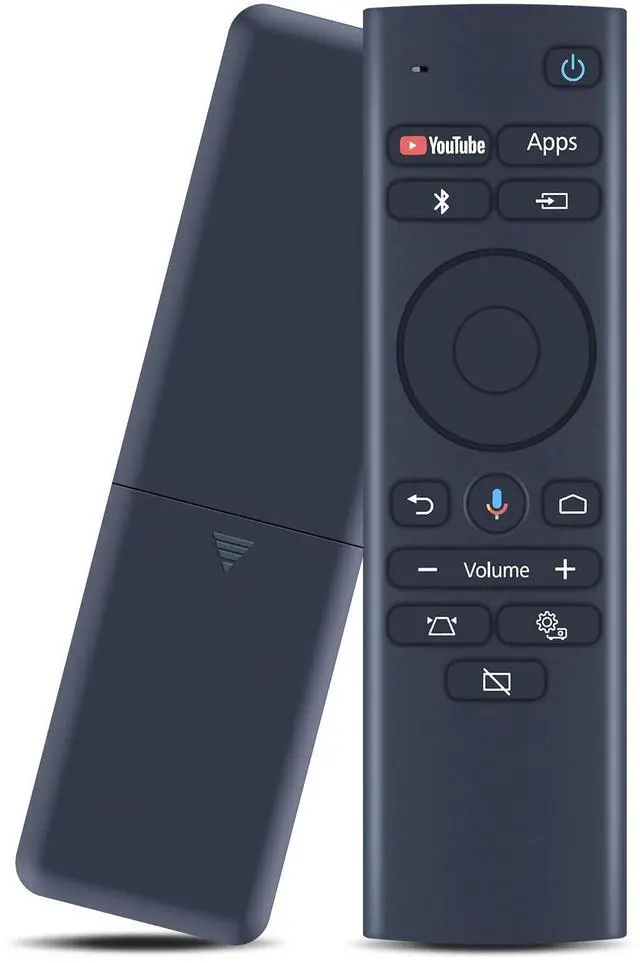
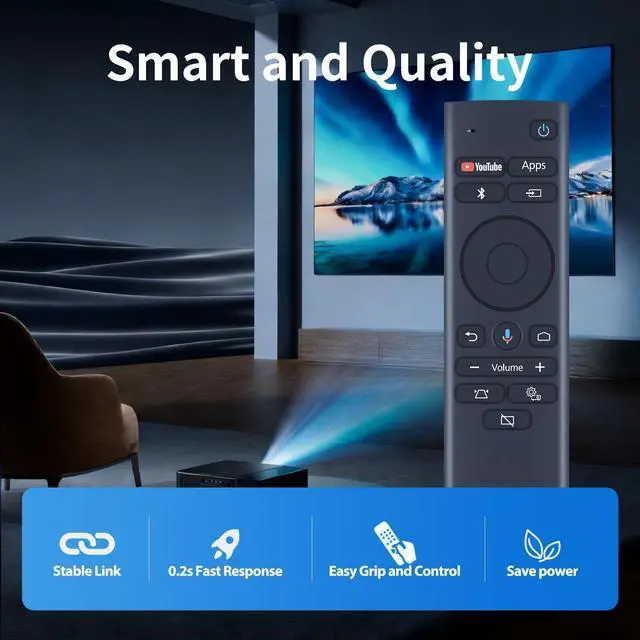
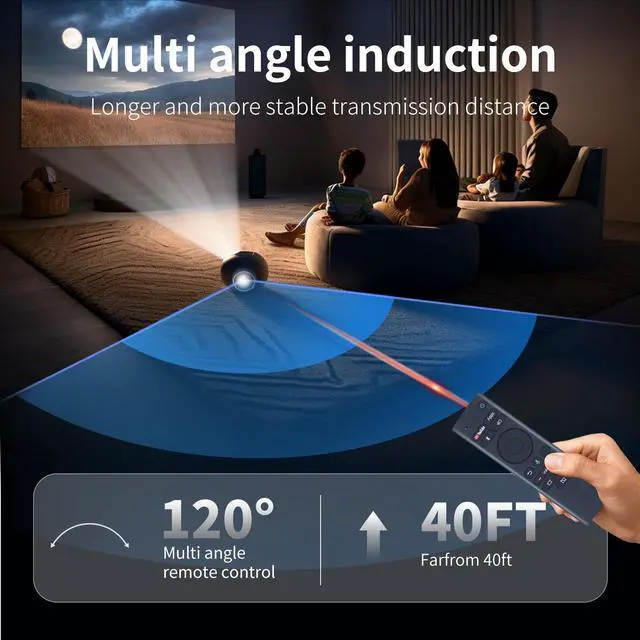


ZWP EH-LS300 Replacement Voice Remote Control for Epson EpiqVision LS300 Short Throw Ultra Smart Projector 2212168 RC4261804 4261804 LS300W, Mini EF12 Smart Streaming Laser Projector
- Compatible with Epson EpiqVision LS300 Short Throw Ultra Smart Projector 2212168 RC4261804 4261804 LS300W, Mini EF12 Smart Streaming Laser Projector
- How to Pairing: 1.Turn on the projector. 2.When the paring screen is displayed, hold down the (Enter) button and (Home) button on the remote control at the same time to pair the remote control and the projector (When pairing starts, the indicator on the remote control flashes. When pairing is complete, the indicator turns off)
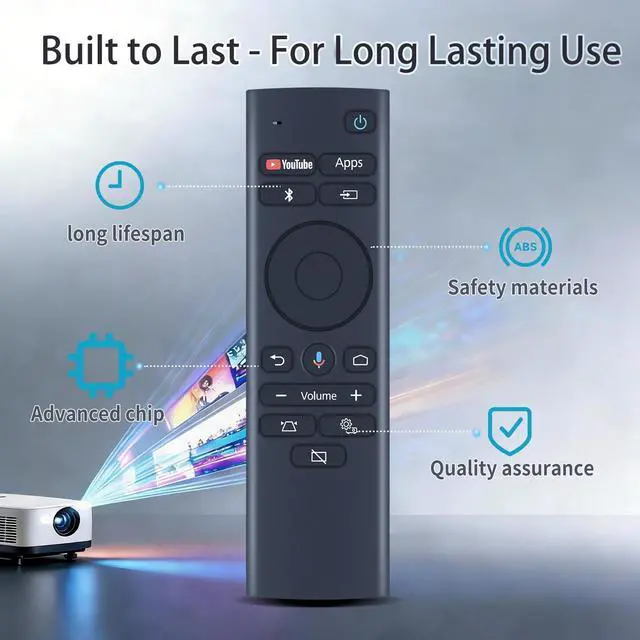
- High QualityMade of High Quality ABS material, which is resistant to falling and has no peculiar smell, Built to Last for Long Lasting Use, and also keeps you and your children away from harm.
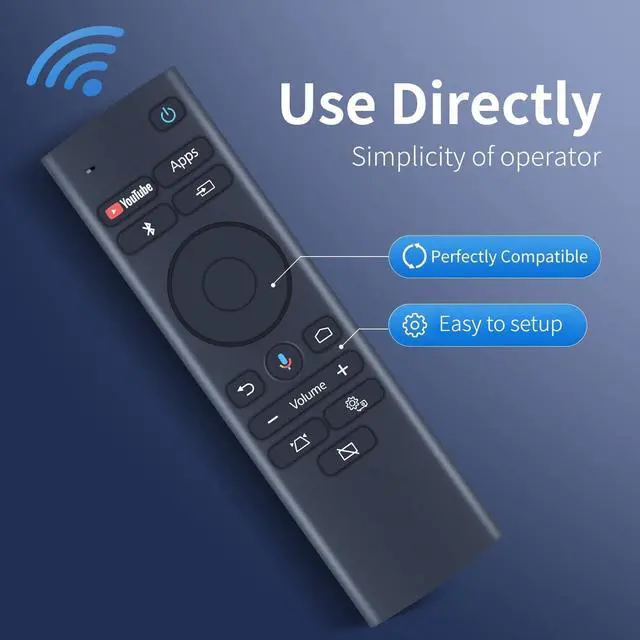
- Easy to useEasy to Pairing or setup, After inserting the battery(Not included), Simply follow the pairing steps until successful, and it will perfectly replace your original remote
- Premium After-saleWe provide a 1 year warranty return service. If you have any questions about your order, please feel free to contact u
+
+
Overview
Specs
Reviews

Any questions? Our AI mode will help you find out quickly.
Try me now
Compatible with Epson EpiqVision LS300 Short Throw Ultra Smart Projector 2212168 RC4261804 4261804 LS300W, Mini EF12 Smart Streaming Laser Projector ^^ How to
Pairing: 1. Turn on the projector. 2. When the paring screen is displayed, hold down the (Enter) button and (Home) button on the remote control at the same time to pair the remote control and the projector (When pairing starts, the indicator on the remote control flashes. When pairing is complete, the indicator turns off) ^^ High QualityMade of High Quality ABS material, which is resistant to falling and has no peculiar smell, Built to Last for Long Lasting Use, and also keeps you and your children away from harm. ^^ Easy to useEasy to Pairing or setup, After inserting the battery (Not included), Simply follow the pairing steps until successful, and it will perfectly replace your original remote ^^ Premium After-saleWe provide a 1 year warranty return service. If you have any questions about your order, please feel free to contact us directly and we will get back to you within 12 hours.
Pairing: 1. Turn on the projector. 2. When the paring screen is displayed, hold down the (Enter) button and (Home) button on the remote control at the same time to pair the remote control and the projector (When pairing starts, the indicator on the remote control flashes. When pairing is complete, the indicator turns off) ^^ High QualityMade of High Quality ABS material, which is resistant to falling and has no peculiar smell, Built to Last for Long Lasting Use, and also keeps you and your children away from harm. ^^ Easy to useEasy to Pairing or setup, After inserting the battery (Not included), Simply follow the pairing steps until successful, and it will perfectly replace your original remote ^^ Premium After-saleWe provide a 1 year warranty return service. If you have any questions about your order, please feel free to contact us directly and we will get back to you within 12 hours.
Warranty & Returns
Warranty, Returns, And Additional Information
Warranty
- Please contact the Seller directly for warranty information. Warranty information may also be found on the Manufacturer's website.
- CONTACT
Return Policies
- Return for refund within: 30 days
- Return for replacement within: non-replaceable
- This item is covered by VersaCom Return Policy
Manufacturer Contact Info
- For a directory of all our manufacturers, please click below.
- Manufacturers Directory
LOADING...