

Your Browsing History
- Free 30-day Returns
$226.99

Meet Your Seller

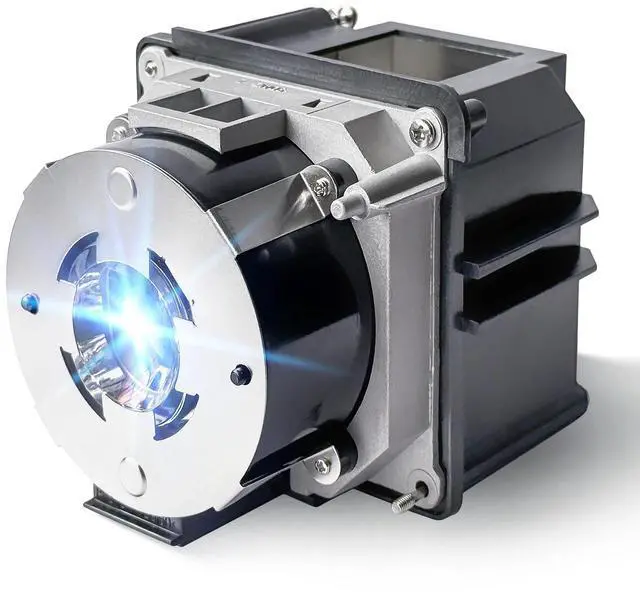


Stanlamp Original V13H010L93 for EPSON elplp93 EB-G7200W EB-G7400U EB-G7900U EB-G7905U EB-7800 Replacement Bulb with Housing
- [Compatible model]Fit for Ep-son EB-G7000WNL EB-G7200WNL EB-7400U EB-G7400UNL EB-G7500UNL EB-7800 EB-G7800NL EB-7900U EB-7905U EB-G7905UNL EB-G7200W Pro G7000W Pro G7000WNL Pro 7100 Pro 7400U Pro 7500U Pro G7000W Pro G7100 Pro G7100NL Pro G7200W Pro G7400U Pro G7400UNL Pro G7500U Pro G7500UNL Pro G7805 Pro G7805NL Pro G7905UNL Pro G7905U Pro G7905U Pro G7200WNL
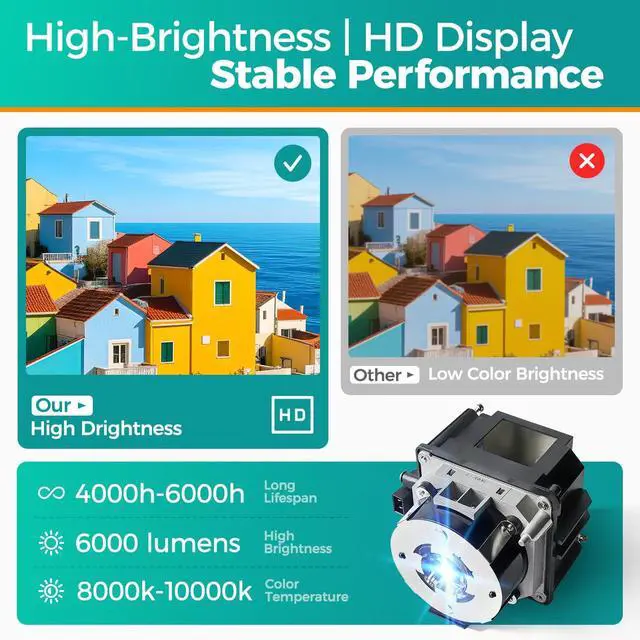
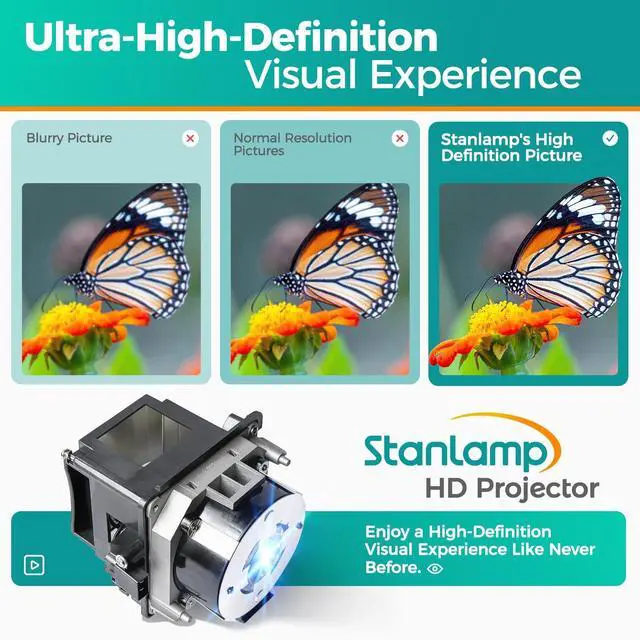
- [Perfect Quality Wick]Stanlamp has been researching replacement bulbs for 12 yearswe are committed to providing customers with long life, high brightness, stable output.
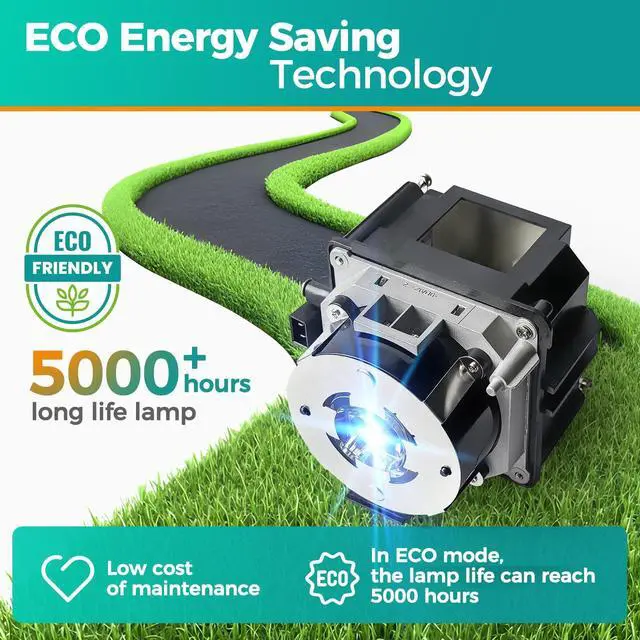
- [Long Life Time]4000 (normal) / after 4000 hours (economy) can adjust to the ECO mode to save energy and use it for a long time.We will save you a lot of money on bulb replacements.
- [Easy to Install]We have prepared an installation kit for you. You can use the tools we prepared for you to replace the light bulb quickly. After installation, you can enjoy the audio-visual feast .
- [After sale]:Stanlamp can make sure all the bulbs that have quality probl
+
+
Overview
Specs
Reviews

Any questions? Our AI mode will help you find out quickly.
Try me now
1
Instructions sheetInstallation: 1. Turn off the projector and unplug the power cord. 2. Let the projector cool for at least an hour. The lamp is extremely hot immediately after use. 3. Loosen the lamp cover screw. Then slide the lamp cover off. 4. Loosen the two screws holding the lamp in place. 5. Hold the lamp as shown and pull it straight out. 6. Gently insert the new lamp. Then tighten its screws. 7. Replace the lamp cover, then tighten its screw.
Notes: 1. To avoid burns, allow the projector to cool for at least 60 minutes before replacing the lamp. 2. We provide excellent refund service with no any contidition with 12 hours feedback. If you have any questions, please contact us. We will try our best to sole your problem as soon as possible.
Instructions sheetInstallation: 1. Turn off the projector and unplug the power cord. 2. Let the projector cool for at least an hour. The lamp is extremely hot immediately after use. 3. Loosen the lamp cover screw. Then slide the lamp cover off. 4. Loosen the two screws holding the lamp in place. 5. Hold the lamp as shown and pull it straight out. 6. Gently insert the new lamp. Then tighten its screws. 7. Replace the lamp cover, then tighten its screw.
Notes: 1. To avoid burns, allow the projector to cool for at least 60 minutes before replacing the lamp. 2. We provide excellent refund service with no any contidition with 12 hours feedback. If you have any questions, please contact us. We will try our best to sole your problem as soon as possible.
Warranty & Returns
Warranty, Returns, And Additional Information
Warranty
- Please contact the Seller directly for warranty information. Warranty information may also be found on the Manufacturer's website.
- CONTACT
Return Policies
- Return for refund within: 30 days
- Return for replacement within: 30 days
- This item is covered by HyperCore Return Policy
Manufacturer Contact Info
- For a directory of all our manufacturers, please click below.
- Manufacturers Directory
LOADING...