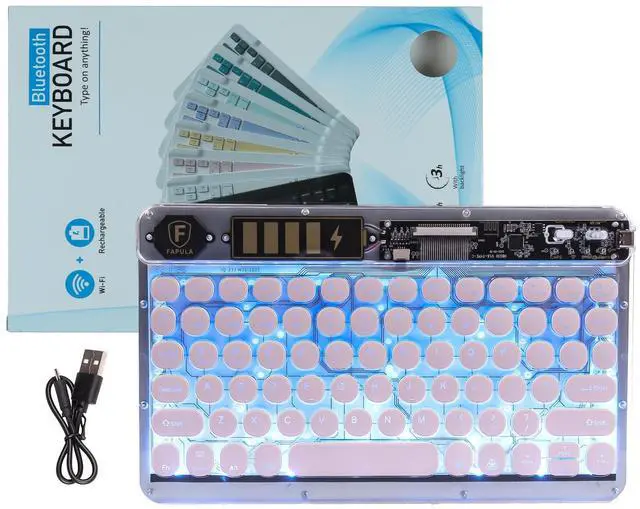
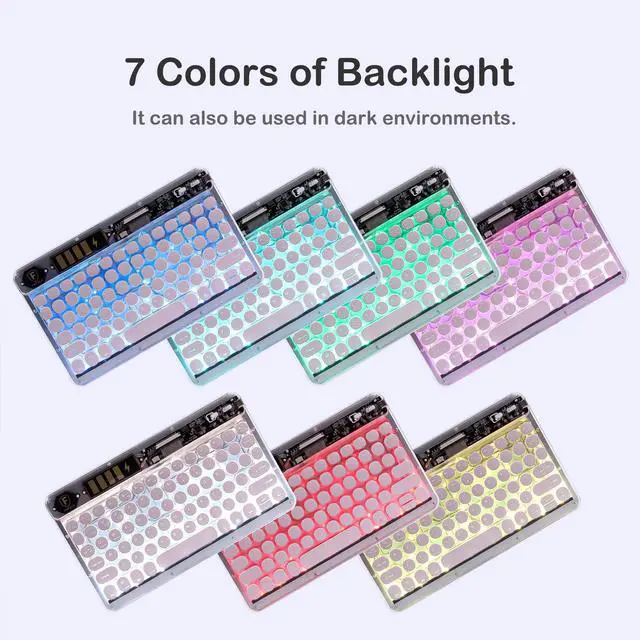
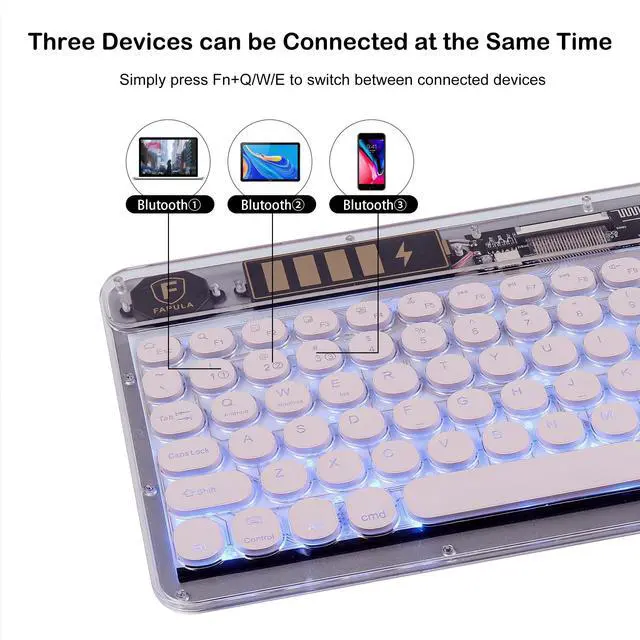
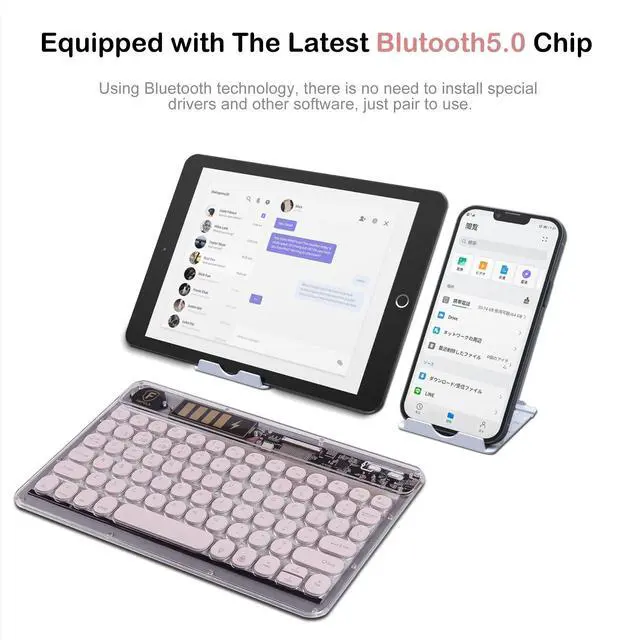
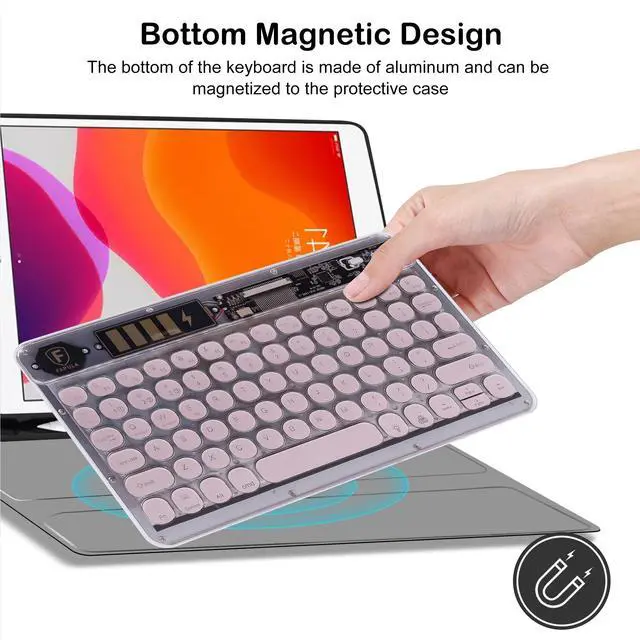
Feature: Wireless transparent keyboard with 7 color backlight, can feel the light in dim environment, has a novel experience. Bluetooth 5.0 technology connection is stable, can be switched according to different systems, press and hold FN-Q\W\E one second switch, convenient and fast. The magnetic design at the bottom of the keyboard makes the keyboard firmly locked on the desktop, not easy to move, which makes people feel at ease in office and entertainment.
Bluetooth keyboard pairing method: 1. Turn on the keyboard OFFON. 2. Press "FN+Q" key for 1 second to switch to channel 1#, then press "Connect" key until the LED light starts flashing blue to enter pairing mode. 3. Select "Bluetooth Keyboard" from your device's available devices list to complete pairing. 4. Press "FN+W" or "FN+E" to enter pairing mode, repeat the above steps to pair channel 2# and channel 3#. How to switch
Bluetooth channels: 1. After the three Bluetooth channels are paired successfully, press "FN+Q" key for 1 second, then connect the device to switch to channel 1#. 2. Press "FN+W" key for 1 second, then connect the device to switch to channel 2#. 3. Press "FN+E" key for 1 second, then connect the device to switch to channel 3#.
Specification:
Name: 10 inch ipad transparent wireless
Bluetooth keyboardKeyboard size: 248*150*8mmKeyboard
weight: 220gNovel
design: New transparent caseKey
Shape: Round
KeyCategory: Bluetooth
keyboardApplicable model: universalConnection
port: USB
portCharging port:
Type-CLight: Colorful
breathing lightSound: 25dB
bassDevice switch key: FN-Q\W\EProduct
type: Smartphone\
Tablet \PC universalPackage included: 1* Bluetooth keyboard1* Data cable1* Instruction manual





 here!
here!