Your Browsing History
- Free 30-day Returns
$199.99
Meet Your Seller
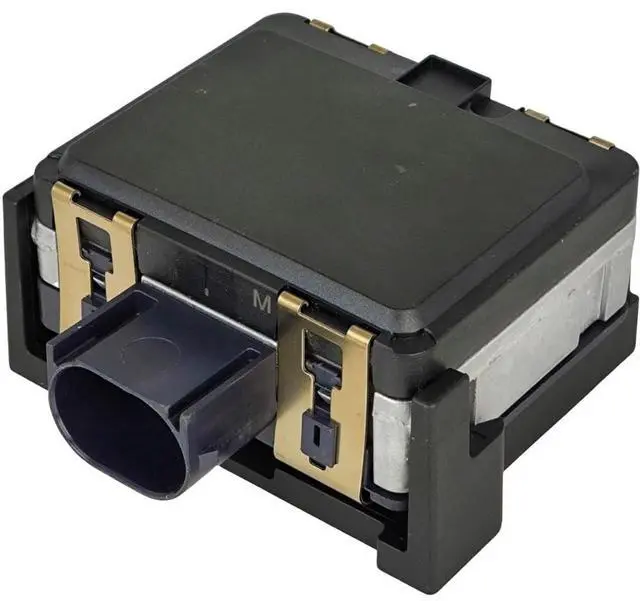
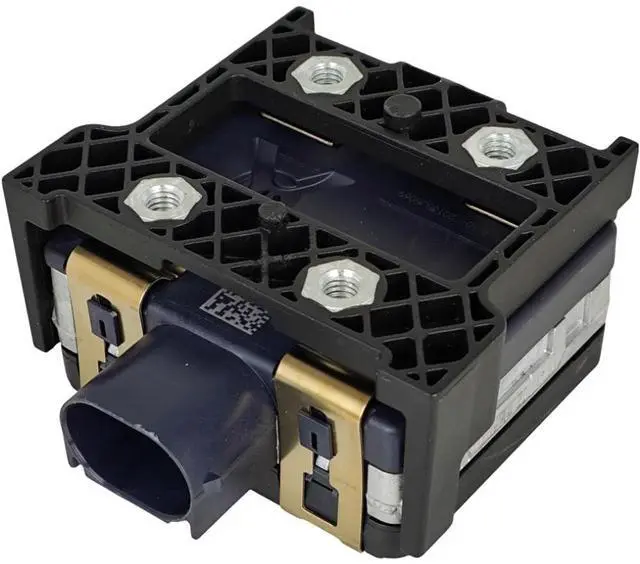
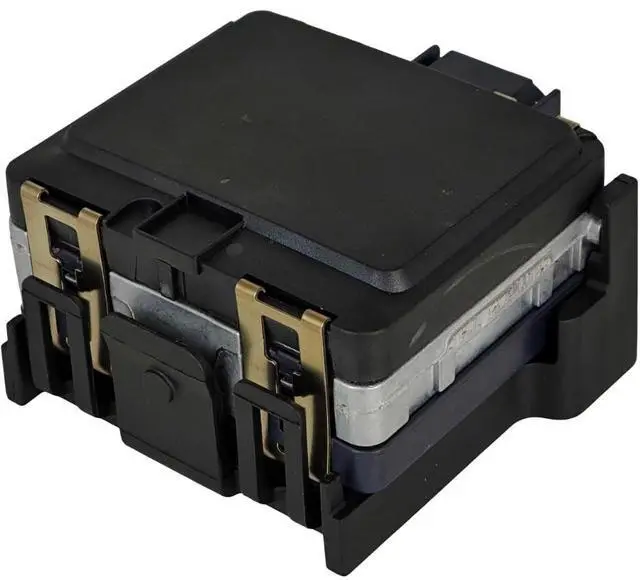
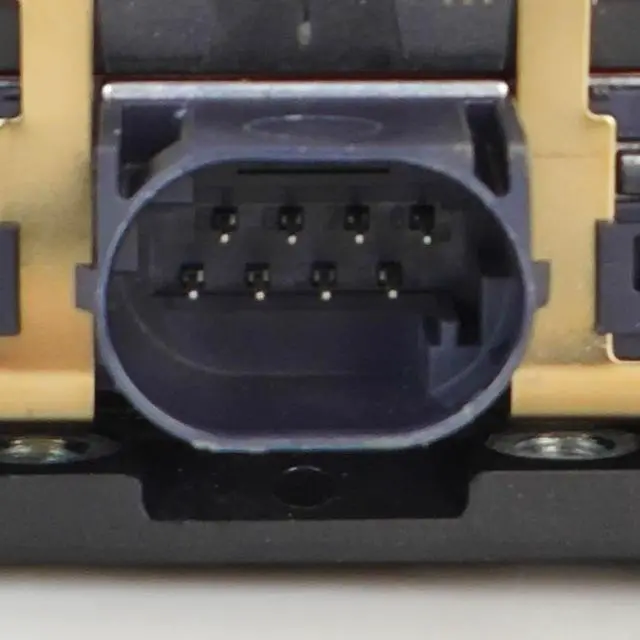
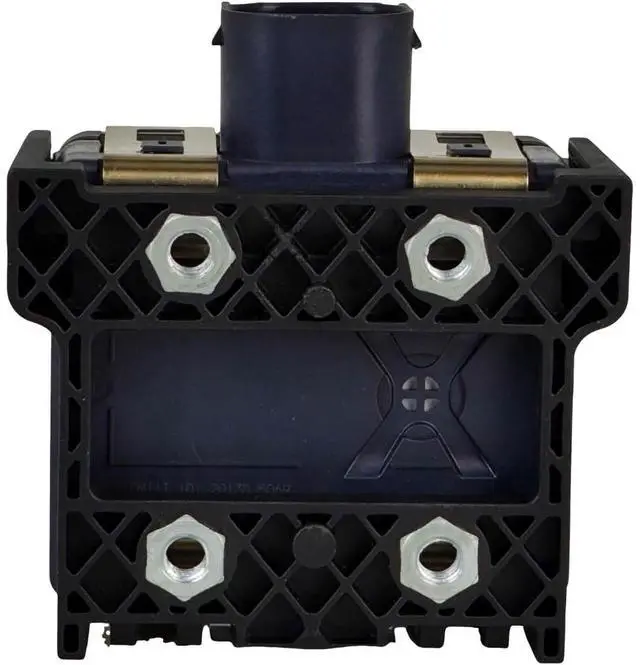
XYZIL Cruise Control Distance Sensor Radar Module Compatible with Nissan Murano 2015-2017 Platinum SL 3.5L 6 Cyl 28438-5AA0B 28438-5AA0A 28438-5AL2B
- Part Number: 28438-5AA0B, 284385AA0B, 28438-5AA0A, 284385AA0A, 284385AL2B, 28438-5AL2B, 601744
- Compatible with Nissan 2015 Murano (Platinum, S, SL, SV) 3.5L-Gas
- Compatible with Nissan 2016 Murano (Platinum, Platinum Hybrid, S, SL, SL Hybrid, SV) 2.5L-Electric/Gas, 3.5L-Gas
- Compatible with Nissan 2017 Murano (Platinum, S, SL, SV) 3.5L-Gas
- Installation and Calibration Guide: 1. Park the vehicle on a level surface and securely fasten the ACC unit using clips; 2. Use a mobile app or spirit level to adjust the ACC sensor vertically, aligning it with the top-left screw position; 3. Measure and adjust the distance between the ACC unit's two sides and the vehicle body using calipers or a similar tool to ensure symmetry; 4. Perform the calibration process using the ODIS service software. For accuracy, repeat the calibration once.

+
+
Overview
Specs
Reviews
Any questions? Our AI mode will help you find out quickly.
Try me now
Part Number: 28438-5AA0B, 284385AA0B, 28438-5AA0A, 284385AA0A, 284385AL2B, 28438-5AL2B, 601744 ^^ Compatible with Nissan 2015 Murano (Platinum, S, SL, SV) 3.5L -Gas ^^ Compatible with Nissan 2016 Murano (Platinum, Platinum Hybrid, S, SL, SL Hybrid, SV) 2.5L -Electric/Gas, 3.5L -Gas ^^ Compatible with Nissan 2017 Murano (Platinum, S, SL, SV) 3.5L -Gas ^^ Installation and
Calibration Guide: 1. Park the vehicle on a level surface and securely fasten the ACC unit using clips; 2. Use a mobile app or spirit level to adjust the ACC sensor vertically, aligning it with the top-left screw position; 3. Measure and adjust the distance between the ACC unit's two sides and the vehicle body using calipers or a similar tool to ensure symmetry; 4. Perform the calibration process using the ODIS service software. For accuracy, repeat the calibration once.
Warranty & Returns
Warranty, Returns, And Additional Information
Warranty
- Please contact the Seller directly for warranty information. Warranty information may also be found on the Manufacturer's website.
- CONTACT
Return Policies
- Return for refund within: 30 days
- Return for replacement within: 30 days
- This item is covered by mafengkeji Return Policy
Manufacturer Contact Info
- For a directory of all our manufacturers, please click below.
- Manufacturers Directory
LOADING...