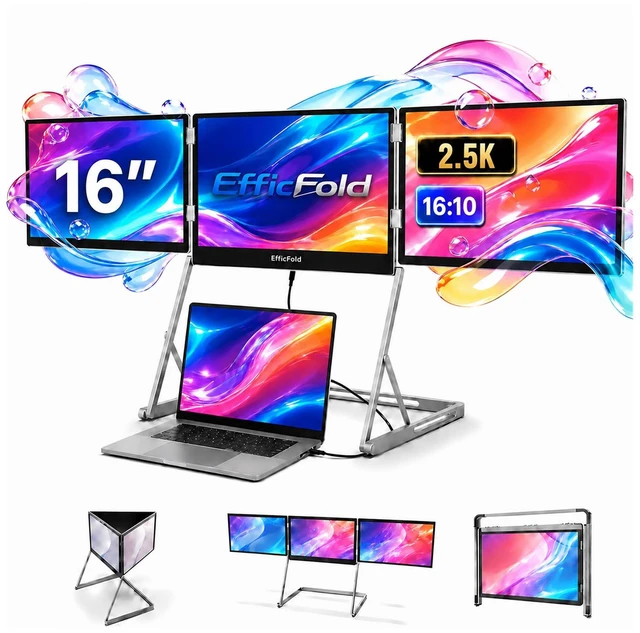
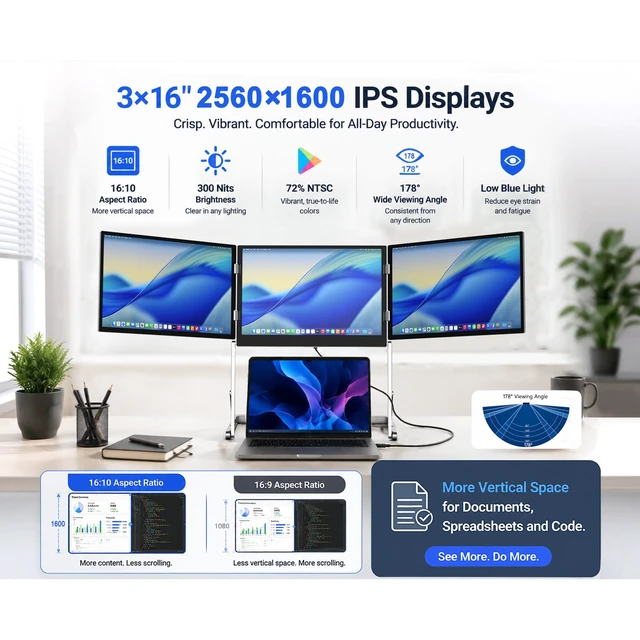
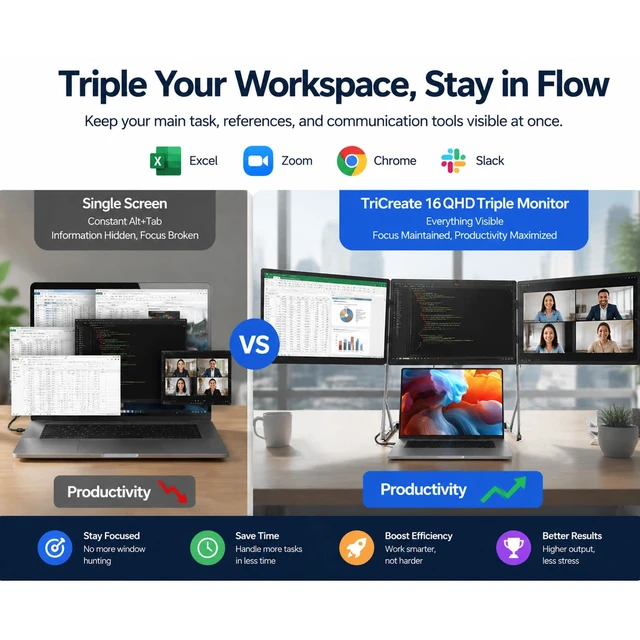
SEE MORE. SWITCH LESS. Stop wasting time jumping between tabs and windows. This 16 inch laptop screen extender adds three 16-inch displays to your laptop, giving you a true four-screen workspace. Keep email, spreadsheets, video calls, research or creative tools open side by side, so you can compare information and finish complex work with fewer interruptions. ^^ SHARP 2.5K DETAIL ACROSS ALL 3 SCREENSSmall text, timelines, charts and design details stay clear on three 2560 1600 IPS displays. With a 16:10 workspace, 430-nit brightness and 100% sRGB color, this 3 screen laptop monitor extender gives you more room to see your work clearly, whether you are editing video, coding, analyzing data or working with detailed documents.
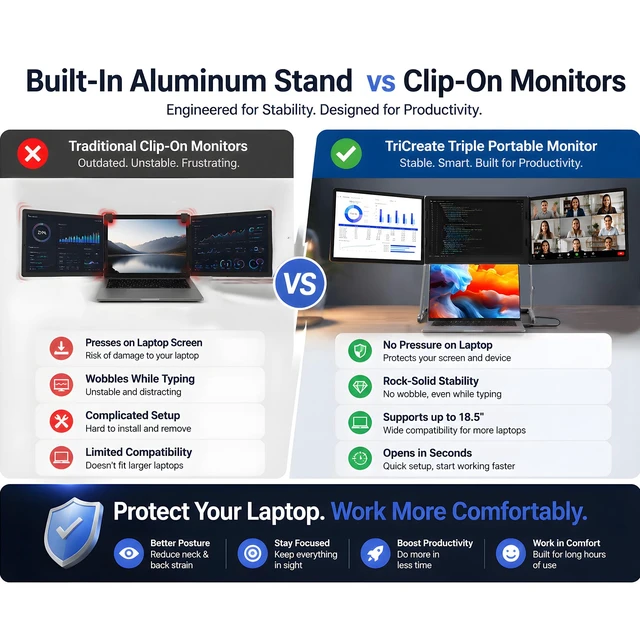
^^ NO HEAVY SCREENS HANGING FROM YOUR LAPTOPUnlike clip-on extenders that place extra weight on the laptop lid, this triple screen extender for laptop use stands on its own aluminum frame. The stable base supports all three monitors independently, helping protect your laptop hinge while giving you a steadier setup for typing, editing and long work sessions. ^^ CONNECT YOUR WAY, WITHOUT TURNING YOUR DESK INTO A CABLE MESSUse USB-C for a cleaner setup on compatible full-featured USB-C laptops, or connect through Mini HDMI when needed. Multiple USB-C and HDMI inputs make this laptop triple screen extender easier to use across different workstations.
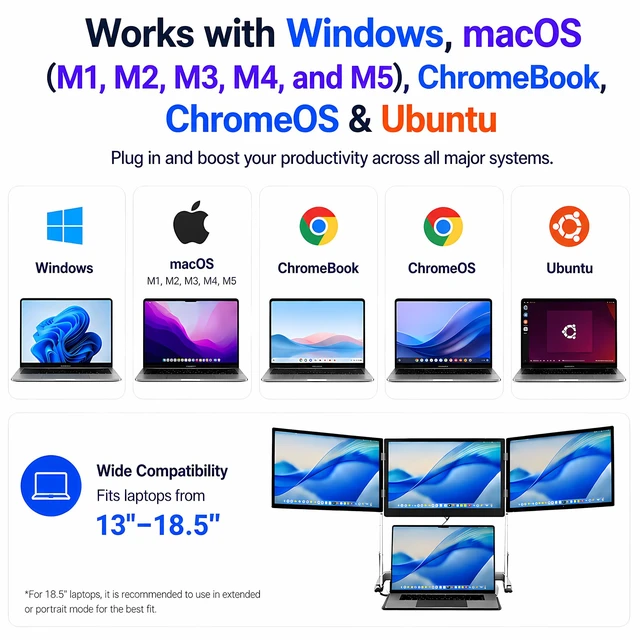
It supports Windows, macOS and Linux, making it suitable for office laptops, MacBooks and home setups. Connection method may vary by device and port capability. ^^ TURN A SCREEN TOWARD YOUR CLIENT IN SECONDSEach side screen rotates up to 360, so you do not have to turn your entire laptop around during a meeting. Keep your own workspace visible while turning another screen toward a client, colleague or customer for presentations, design reviews and face-to-face collaboration. Three height positions also help you find a more comfortable viewing angle. ^^ A BIG WORKSPACE THAT DOES NOT HAVE TO STAY ON YOUR DESKWhen work is done, all three displays fold into one integrated unit.
This portable 3 screen monitor for laptop users gives remote workers, creators and business travelers a multi-screen workspace they can move between the office, home, hotel and client site without rebuilding a permanent desktop setup. ^^ BUILT FOR REAL MULTITASKING, NOT JUST MORE SCREENSUse one screen for your main task, another for reference material, and the third for communication or monitoring. This 3 screen monitor for laptop workflows is especially useful for financial analysis, programming, video editing, content creation, online meetings and other jobs where seeing more information at once helps you work faster and stay focused.
^^ Simple Two-Cable Setup, Driver RequiredConnect the included power adapter to power the monitor unit, then connect one full-featured USB-C cable from your compatible laptop to run all three external displays. Follow the setup guide to install the required display driver and arrange your screens.




 here!