• $54.99
  • Free 30-day Returns
  • Price alert
    Shop it at NeweggBusiness.

    Meet Your Seller

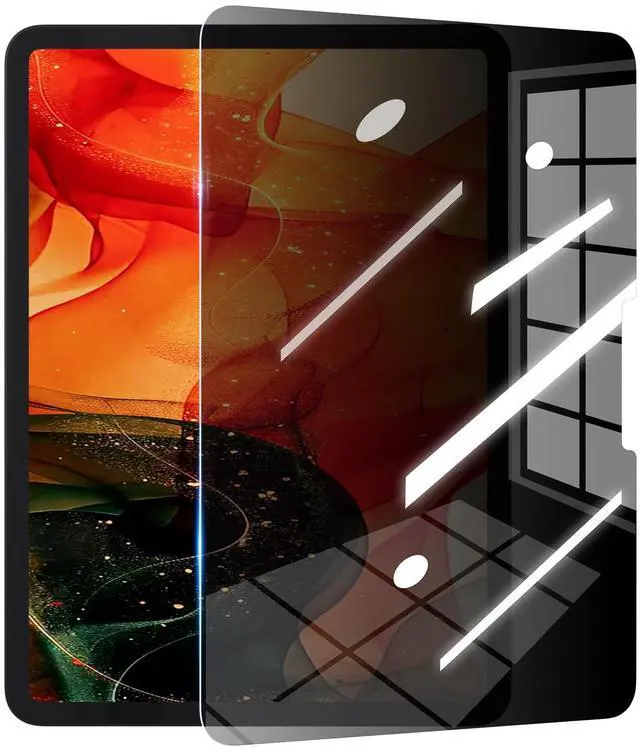
    GANGANPRO 180°Privacy Screen Protector Compatible with iPad Air 13 M2/iPad Pro 13 M4 (2024) 13 inch,Anti Scratch,High Sensitive Bubble-Free Easy Install Black Security Screen

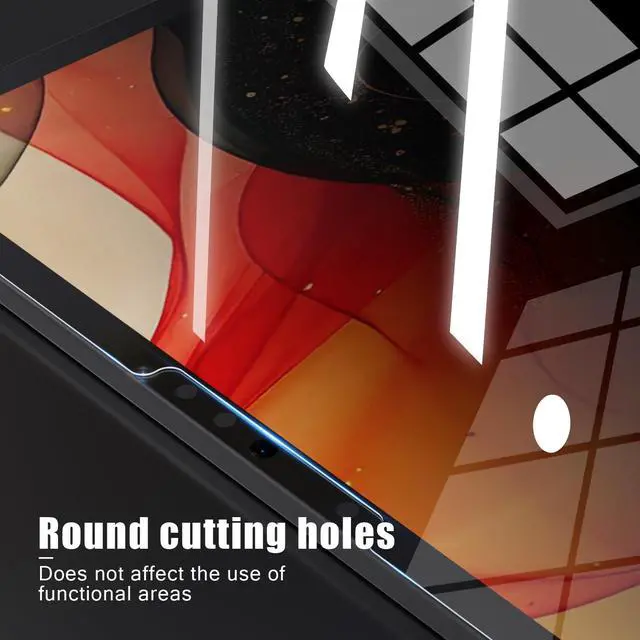
    • Privacy Screen Protector specially designed for iPad Air 13 M2/iPad Pro 13 M4 (2024) 13 inch, comes with complete tools and is easy to install
    • High degree of privacy protection. After applying the privacy protection film, only the person in front of the screen can see it, preventing others from seeing your personal and sensitive information, and hiding your private information in public places
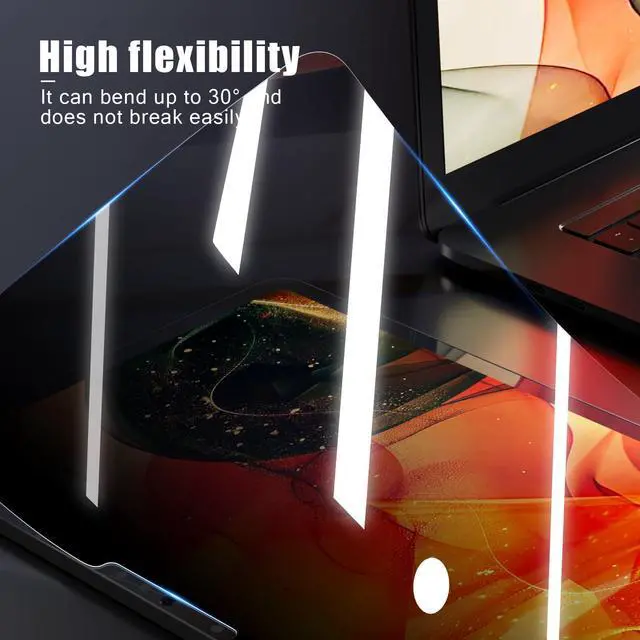
    • High-quality precision laser-cut tempered glass and exquisite polishing, the 0.33mm ultra-thin tempered glass screen protector maintains the original response sensitivity and touch, making it clearer and more intuitive, giving you a good touch experience
    • Easiest installation - clean off dust and align correctly before actual installation, installation is very easy, no worries about air bubbles, ultra-thin screen protector, it's like it's not there
    • Committed to providing high quality products and the best customer experience. If you receive a defective, damaged item or have a
    +
    +
    Overview
    Specs
    Reviews
    avatar

    Any questions? Our AI beta will help you find out quickly.

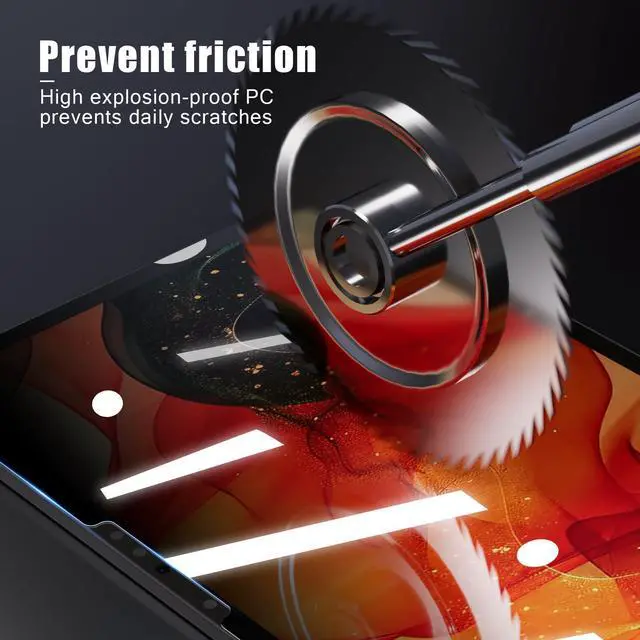
    GANGANPRO designed for your iPad Air 13 M2/iPad Pro 13 M4 (2024) 13 inch model Privacy Screen Protector. These premium-quality protectors offer crystal-clear clarity, preserving your device's vibrant display while ensuring ultimate protection against scratches and daily wear and tear. The easy installation process. Trust in GANGANPRO premium quality for long-lasting durability and peace of mind with every touch. Upgrade your iPad Air 13 M2/iPad Pro 13 M4 (2024) 13 inch safeguarding today!
    Our easy installation process ensures a bubble-free, flawless finish.
    1.
    Clean the screen thoroughly: Use microfiber cloth and a screen cleaning solution to remove any fingerprints, dust, or debris from the screen
    2. Apply the applicator tool on the screen
    3.
    Prepare the screen protector: Take the screen protector out of its packaging and familiarize yourself with its orientation. Some protectors may have alignment features or tabs to help with positioning.
    4.
    Align and apply the protector: Carefully align the screen protector with the edges of the phone's screen. Begin applying it from one side, slowly smoothing it down towards the opposite side. Take care to avoid any misalignment during this step.
    5.
    Smooth out air bubbles: If air bubbles appear during application, use a soft cloth to gently press them towards the edges of the screen protector. Apply light pressure to eliminate any trapped air bubbles.

    Warranty & Returns

    Warranty, Returns, And Additional Information

    Warranty

    • Please contact the Seller directly for warranty information. Warranty information may also be found on the Manufacturer's website.
    • CONTACT

    Return Policies

    • Return for refund within: 30 days
    • Return for replacement within: 30 days
    • This item is covered by kaipuda Return Policy

    Manufacturer Contact Info

    LOADING...