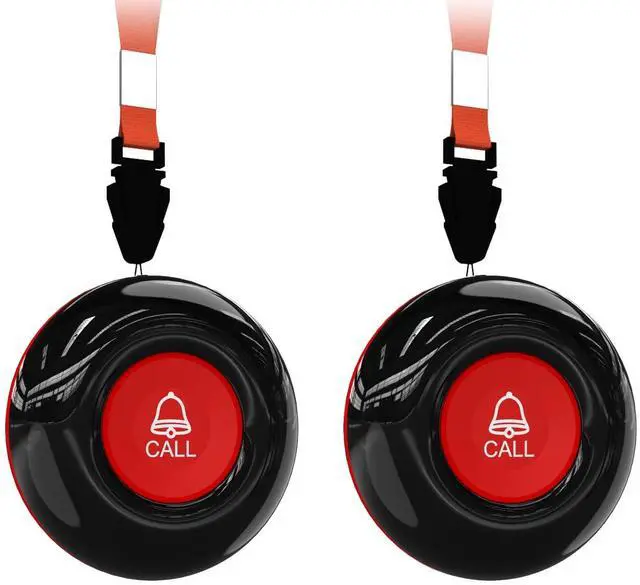
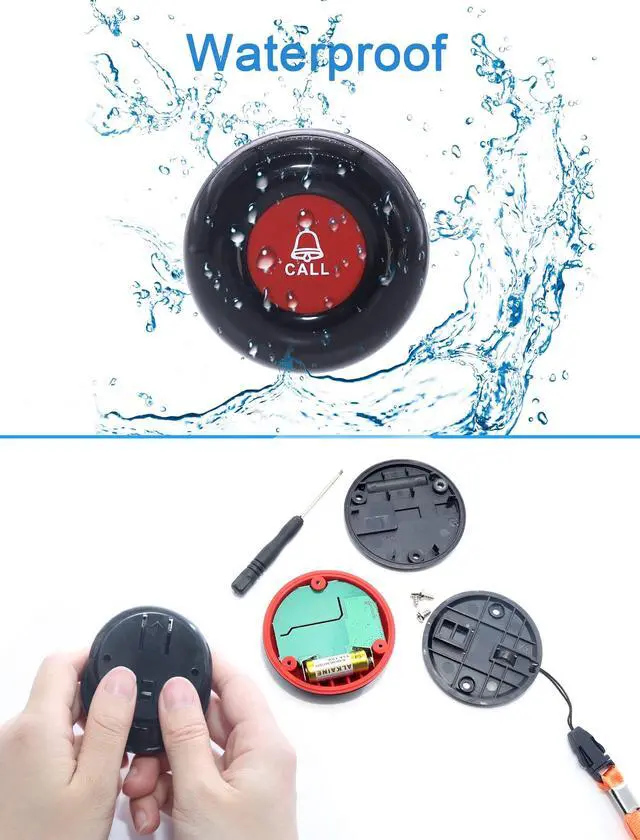
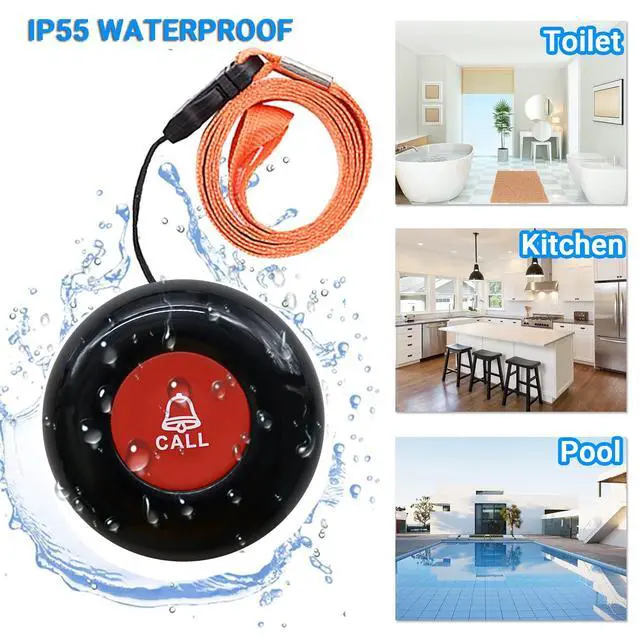
SANJIE Wireless Call ButtonThe caregiver call button cannot be used independently and must be paired with a SANJIE pager receiver.
^^ Button PairingStep 1: Open the Tuya app and select "Accessories" from the menu.
Step 2: Tap the "+" icon located in the upper right corner to enter pairing mode.
Step 3: Once on the pairing page, press the button to initiate pairing.
Step 4: When the message "Device add success" appears, the button has been successfully paired. (This is an example using Tuya products. ) ^^ Adaptable PagerThe button/transmitter work with SanJie Receiver. (B0C9M36MMV, B0CDGMBDWX, B0C1SDSWWS, B0C9M1V59Q, B0CW8LFFXY, B0C9M2N4F3)





 here!
here!