

Your Browsing History
- Free 30-day Returns
$74.99


Meet Your Seller

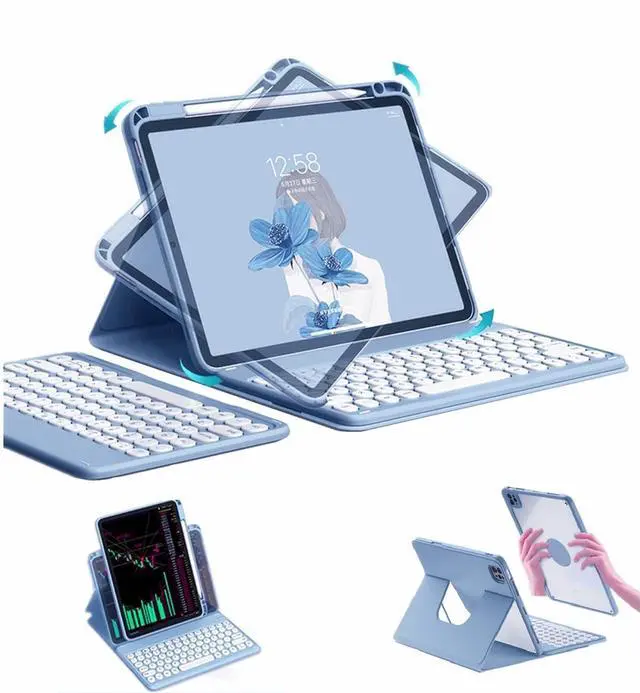
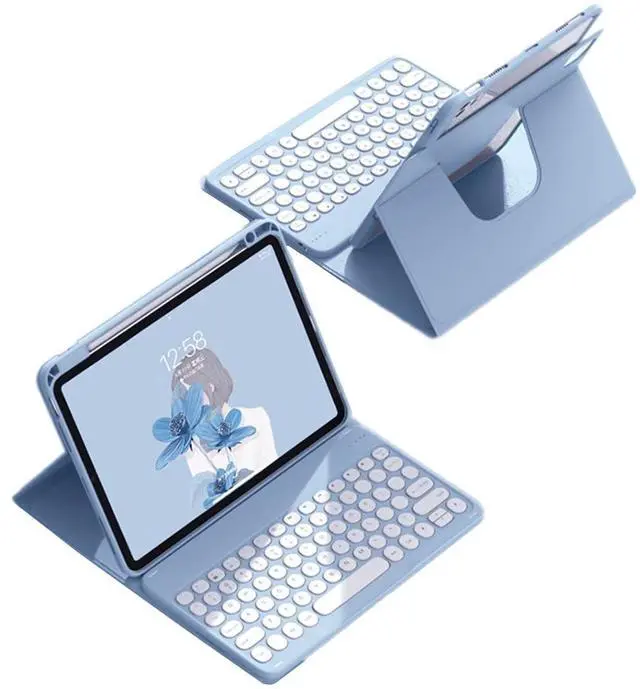
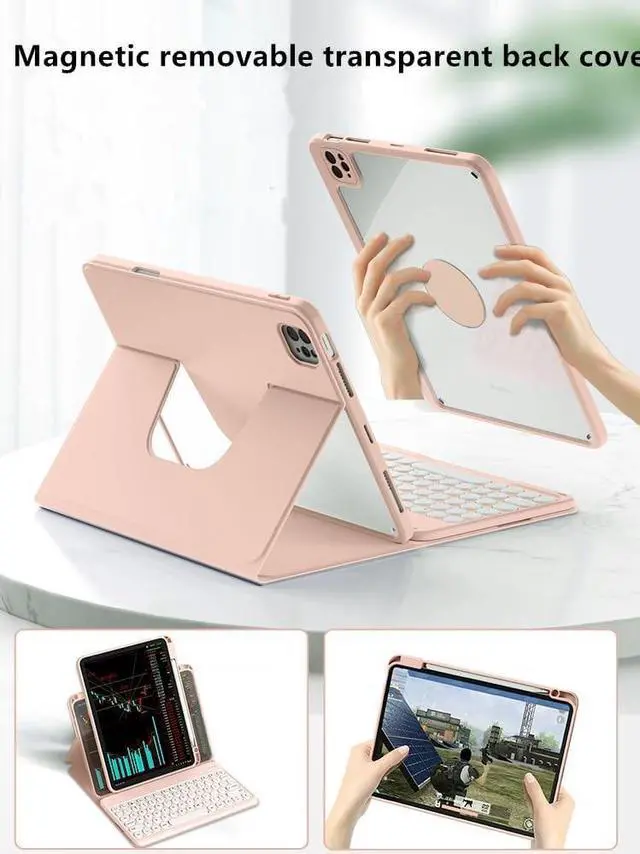
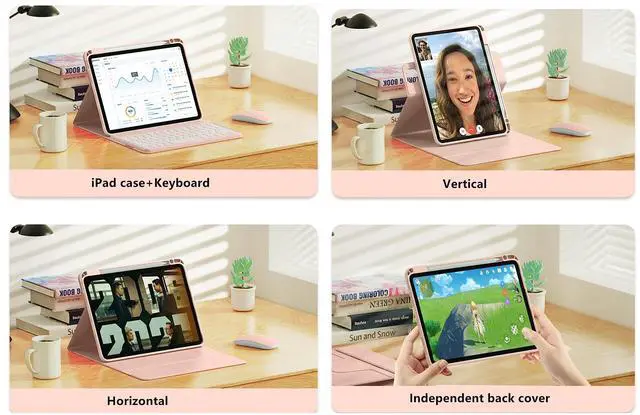


SENLAN Rotatable iPad Air 11'' 2024 /iPad Air4 Air5 Keyboard case Magnet Detachable Transparent Back Cover iPad Pro11'' 2022/2021/2020 BT Keyboard with Pencil Holder Horizontal/Vertical Stand, Blue
- Compatibility - 2024 iPad Air 11-inch (M2) Model Number: A2902/A2903/A2904& iPad Air 5th generation 10.9 inch 2022A2588A2589A2591iPad Air 4th generation 10.9 inch 2020 (A2072 / A2316 / A2324 / A2325).iPad Pro 11 inch 4th Generation 2022modelA2759/A2435/A2761/A2762 , iPad Pro11 inch 3rd generation 2021 (model: A2377 / A2459 / A2301).iPad Pro11 inch 2nd generation 2020 (A2228 / A2068 / A2230, / A2231).
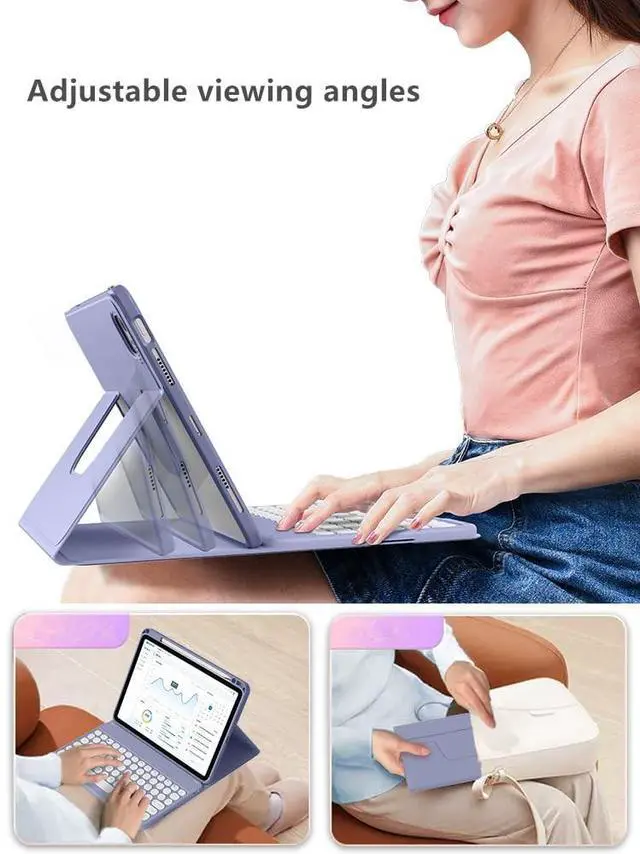
- 360 rotatable case - Magnetic inner case cannot float but stand upright in the case slot with 360 horizontally and vertically rotatable. The transparent hardback cover shows off the original beauty of your device. 360-degree rotating structure in the case for flexible landscape and portrait viewing. Provide protection and convenience when you play or work with iPad, making you use iPad case easily.
- Magnetic detachable keyboard - The magnetic keyboard and case are separated, magnetically attached, the keyboard can be removed from the case. The iPad keyboard can be attached to the ca
+
+
Overview
Specs
Reviews

Any questions? Our AI mode will help you find out quickly.
Try me now
Bluetooth keyboard connection steps1: After turning the power switch to the ON position, the power indicator light will be on for 3 seconds. Press Fn+C to enter the code matching mode, and the bluetooth indicator light will start to flash. Then the bluetooth keyboard automatically enter the pairing mode. 2Open and unlock your tablet and click on the " Settings icon. 3. In the settings menu, click on the Bluetooth menu. 4. Turn on the Bluetooth switch and the tablet will automatically search for Bluetooth keyboard devices. 5. Discover the
Bluetooth keyboard device: Bluetooth Keyboard * *, and click on it, the Bluetooth keyboard will automatically connect. 6. After the Bluetooth connection is successful, the pairing indicator is off, and " Connected " will appear in the list of Bluetooth devices.
Bluetooth keyboard device: Bluetooth Keyboard * *, and click on it, the Bluetooth keyboard will automatically connect. 6. After the Bluetooth connection is successful, the pairing indicator is off, and " Connected " will appear in the list of Bluetooth devices.
Warranty & Returns
Warranty, Returns, And Additional Information
Warranty
- Please contact the Seller directly for warranty information. Warranty information may also be found on the Manufacturer's website.
- CONTACT
Return Policies
- Return for refund within: 30 days
- Return for replacement within: 30 days
- This item is covered by GoBeRotie Return Policy
Manufacturer Contact Info
- For a directory of all our manufacturers, please click below.
- Manufacturers Directory
LOADING...