

Your Browsing History
- Free 30-day Returns
$46.99

Meet Your Seller

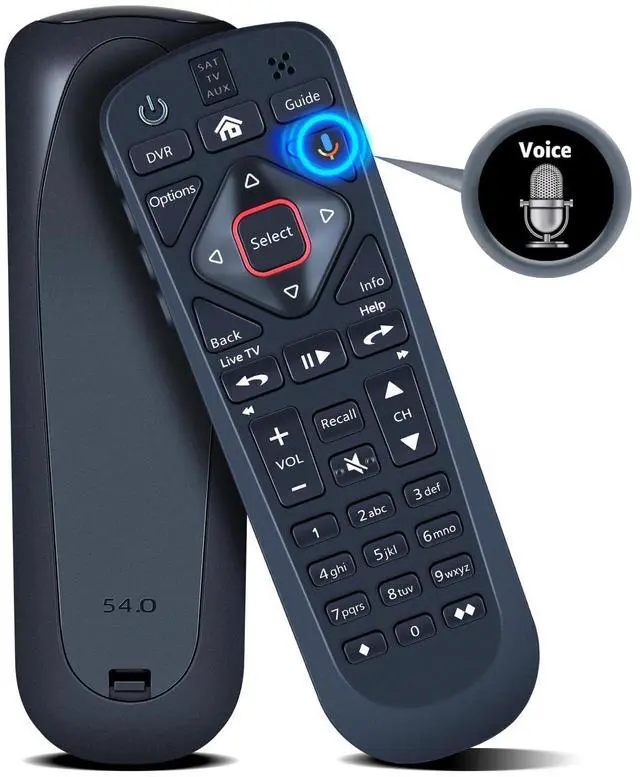
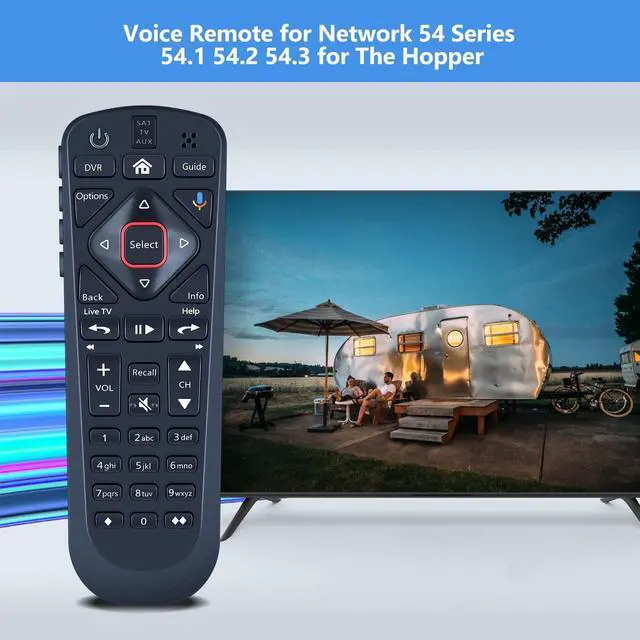

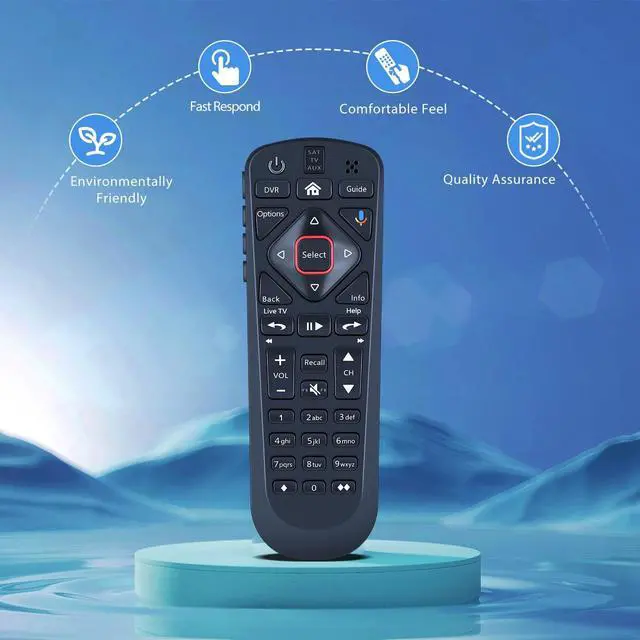


PZL Voice Replacement for Dish Upgraded Network 54 Series 54.1 54.2 54.3 Remote Control for The Hopper
- Compatible Models: PZL replacement remote control for upgraded network 54 Series 54.1 54.2 54.3 for the hopper
- Turn On Your Remote: 1) Open the front panel of your receiver, and press the [SYS INFO] button. 2) Press the [SAT] button on the side of the remote control. You will hear three beeps from the remote control, indicating it has paired with your receiver
- How To Pair: 1) Press the [Home] button twice. 2) Select Settings, then Remote Control. 3) Select TV, and then TV Pairing Wizard. 5) Follow the prompts. 6) You can also pair your remote with an Auxiliary Device, such as a player or stereo
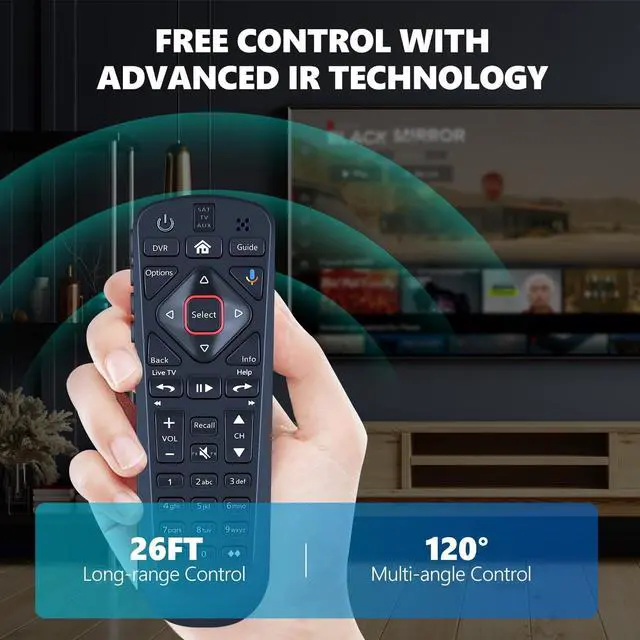
- Package Included: 1 x IR remote control (Batteries and Instructions are Not Included). It can solve the problem when your home remote control doesn't work and becomes your backup remote control.
- After-sales service: If you have any questions about your order or model, we will provide help
+
+
Overview
Specs
Reviews

Any questions? Our AI mode will help you find out quickly.
Try me now
PZL Voice Replacement Remote Control for Upgraded Network 54 Series for
The HopperPackage Included: 1 x Remote Control (Batteries and Instructions are Not Included).
Compatible with the following models: for 54 Series 54.1 54.2 54.3
The HopperPackage Included: 1 x Remote Control (Batteries and Instructions are Not Included).
Compatible with the following models: for 54 Series 54.1 54.2 54.3
Warranty & Returns
Warranty, Returns, And Additional Information
Warranty
- Please contact the Seller directly for warranty information. Warranty information may also be found on the Manufacturer's website.
- CONTACT
Return Policies
- Return for refund within: 30 days
- Return for replacement within: 30 days
- This item is covered by Tactifans Outdoor Sport Goods Return Policy
Manufacturer Contact Info
- For a directory of all our manufacturers, please click below.
- Manufacturers Directory
LOADING...