

Your Browsing History
- Free 30-day Returns
$87.99

Meet Your Seller


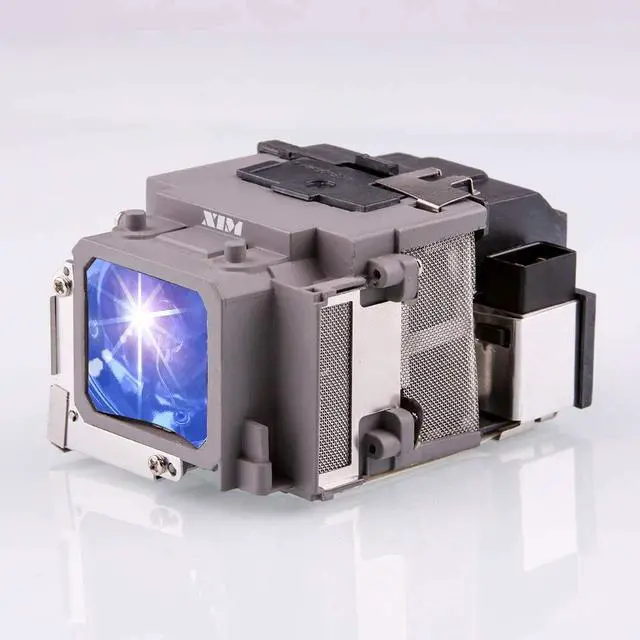
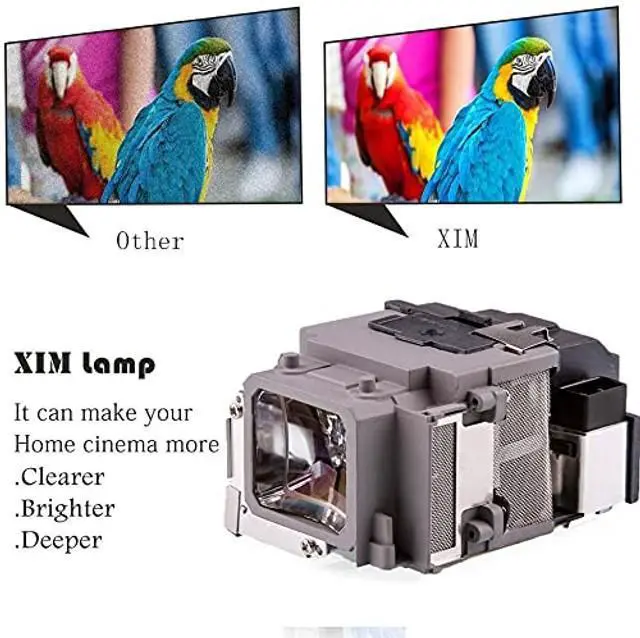
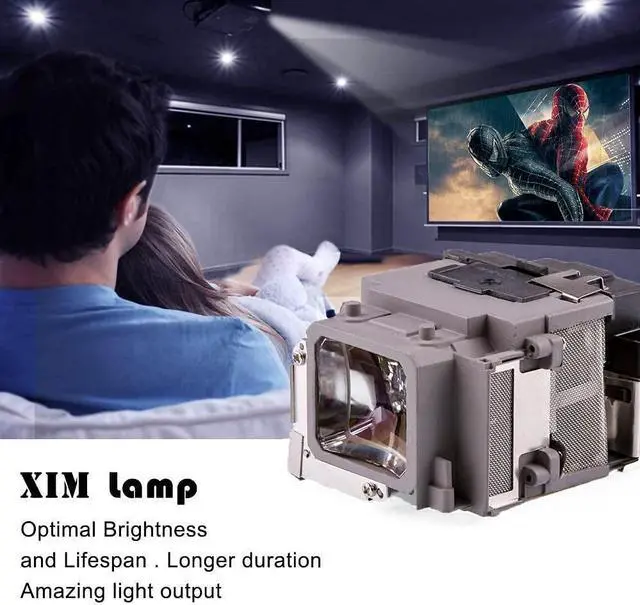


XIM ELPLP94/V13H010L94 Replacement Projector Lamp Bulb for Epson PowerLite 1795F EB-1780W EB-178x EB-179x H793A H793B H793C H794A H795A H796A Powerlite 1780W Powerlite 1781W Powerlite 1785W
- Compatible Models : Replacement bulb for Epson PowerLite 1795F EB-1780W EB-178x EB-179x H793A H793B H793C H794A H794B H794C H795A H795B H795C H796A H796B H796C Powerlite 1780W Powerlite 1781W Powerlite 1785W
- Replacing a new projector bulb is cheaper than upgrading the projector.Also, used as a spare lamp to replace a burned out projector bulb.
- All projector lamps produced by our factory have been strictly tested.It is durable and will not explode under normal use conditions.
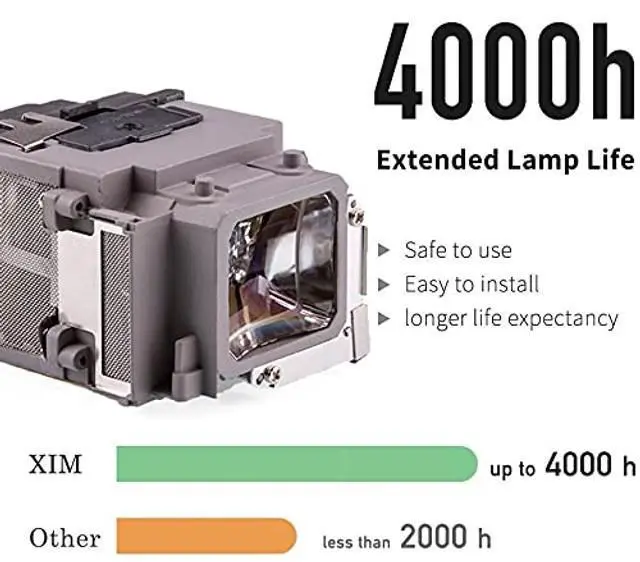
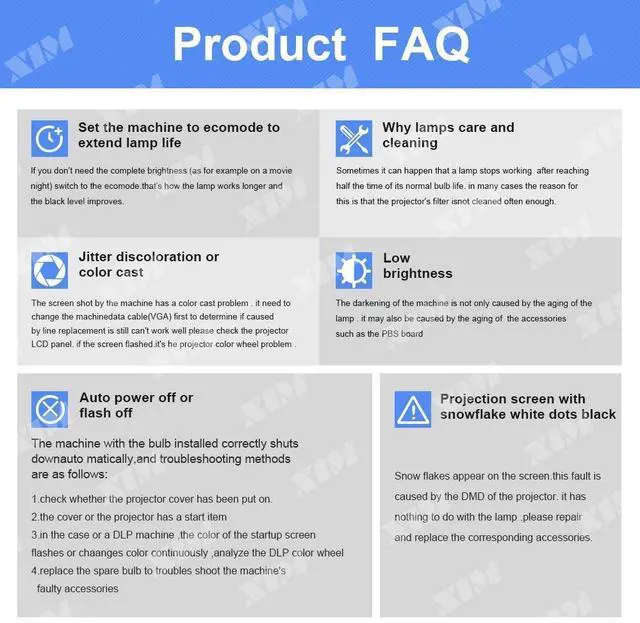
- Using a new manufacturing process, the life of the bulb is increased by 20% in ECO mode.
- 200-day return/exchange warranty.
+
+
Overview
Specs
Reviews

Any questions? Our AI mode will help you find out quickly.
Try me now
XIM ELPLP94/V13H010L94 Projector Lamp & Projector Bulb with housing.
Lamp compatible projector: fit for Epson PowerLite 1795F EB-1780W EB-178x EB-179x H793A H793B H793C H794A H794B H794C H795A H795B H795C H796A H796B H796C Powerlite 1780W Powerlite 1781W Powerlite 1785WPlease confirm whether the lamp you want to buy is correct before placing an order.
Precautions when using projector lamps: 1. Handle with care. 2. If the ambient temperature is too high, it will automatically turn off the light. High ambient humidity will reduce the life of the bulb. 3. Do not turn off the projector immediately after turning it on, otherwise it will affect the brightness and lifespan, or even cause the lamp to fail to light up. 4. The projection needs to be cleaned regularly, and the lamp operation and stability should be checked after cleaning is completed.
We can provide: 1. Comparable to the original Bulb/Lamp with Housing. 2. Comparable to the original Bare Bulb. If necessary, please contact us. How to change the lamp on your projector: Step 1. Unplug the power cord from your projector and let the lamp cool down. Step 2. Locate the lamp access panel on your projector and remove the screws and access panel. Step 3. Remove any screws holding the lamp housing into the projector. Step 4. Reach in and firmly pull the lamp housing out of the projector. Step 5. Place the new lamp housing into the projector in the same orientation as you removed the old lamp. Step 6. Wiggle the lamp into place and make sure full contact is made inside of the projector. Step 7. Replace the lamp mounting screws to secure the lamp into the projector. Step 8. Replace the lamp access panel and secure the screws. Step 9. Plug in your projector and power it on. Step 10. Reset the lamp counter. Some lamps will reset the lamp counter automatically when a new lamp is placed in. If your projector needs the lamp counter manually reset, look through the projector menus for an option to reset the 'Lamp Counter' back to 0 hours.
Lamp compatible projector: fit for Epson PowerLite 1795F EB-1780W EB-178x EB-179x H793A H793B H793C H794A H794B H794C H795A H795B H795C H796A H796B H796C Powerlite 1780W Powerlite 1781W Powerlite 1785WPlease confirm whether the lamp you want to buy is correct before placing an order.
Precautions when using projector lamps: 1. Handle with care. 2. If the ambient temperature is too high, it will automatically turn off the light. High ambient humidity will reduce the life of the bulb. 3. Do not turn off the projector immediately after turning it on, otherwise it will affect the brightness and lifespan, or even cause the lamp to fail to light up. 4. The projection needs to be cleaned regularly, and the lamp operation and stability should be checked after cleaning is completed.
We can provide: 1. Comparable to the original Bulb/Lamp with Housing. 2. Comparable to the original Bare Bulb. If necessary, please contact us. How to change the lamp on your projector: Step 1. Unplug the power cord from your projector and let the lamp cool down. Step 2. Locate the lamp access panel on your projector and remove the screws and access panel. Step 3. Remove any screws holding the lamp housing into the projector. Step 4. Reach in and firmly pull the lamp housing out of the projector. Step 5. Place the new lamp housing into the projector in the same orientation as you removed the old lamp. Step 6. Wiggle the lamp into place and make sure full contact is made inside of the projector. Step 7. Replace the lamp mounting screws to secure the lamp into the projector. Step 8. Replace the lamp access panel and secure the screws. Step 9. Plug in your projector and power it on. Step 10. Reset the lamp counter. Some lamps will reset the lamp counter automatically when a new lamp is placed in. If your projector needs the lamp counter manually reset, look through the projector menus for an option to reset the 'Lamp Counter' back to 0 hours.
Warranty & Returns
Warranty, Returns, And Additional Information
Warranty
- Please contact the Seller directly for warranty information. Warranty information may also be found on the Manufacturer's website.
- CONTACT
Return Policies
- Return for refund within: 30 days
- Return for replacement within: 30 days
- This item is covered by Tactifans Outdoor Sport Goods Return Policy
Manufacturer Contact Info
- For a directory of all our manufacturers, please click below.
- Manufacturers Directory
LOADING...