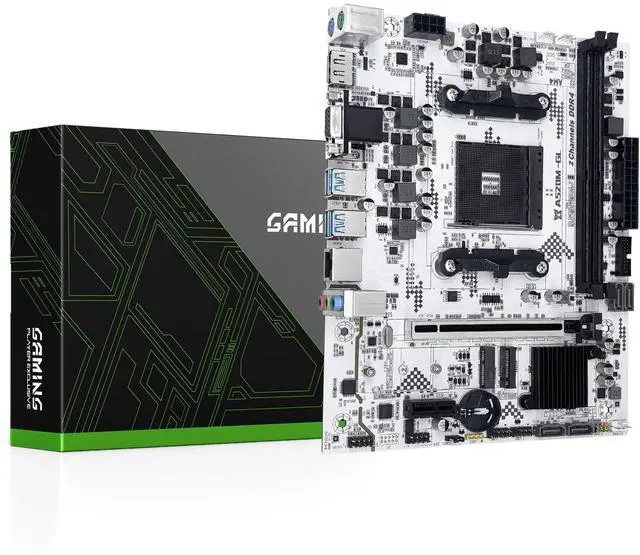
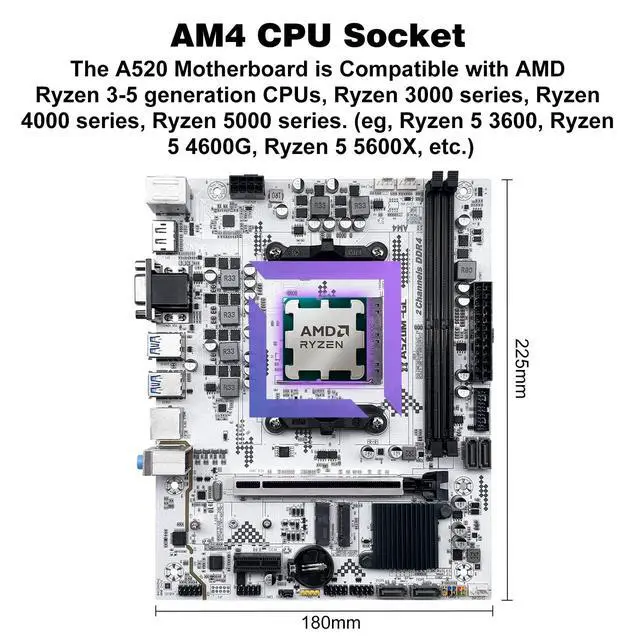
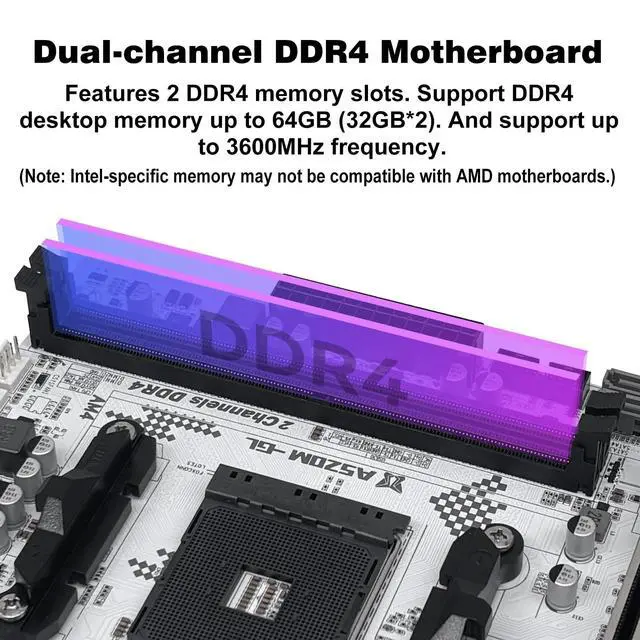
AMD AM4 Socket: Compatible with AMD Ryzen 3-5th generation CPUs, Ryzen 3000-5000 Series. (Eg. Ryzen 5 3600XRyzen 5 3400GRyzen 3 3300X, Ryzen 5 4600G, Ryzen 3 4300G, Ryzen 5 5600, Ryzen 3 5300G etc. ) ^^ Dual-Channel DDR 4: 2 memory slots support dual-channel DDR4 memory up to 64GB (32GB*2), 2133MHz/2400MHz/2666MHz/2800MHz/3000MHz/3200MHz/3600MHz.
(Note: Intel-specific memory modules will not boot on AMD motherboard) ^^
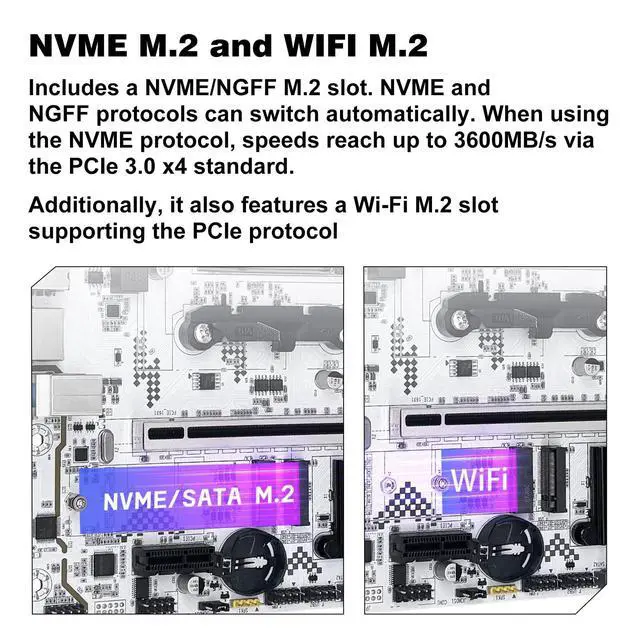
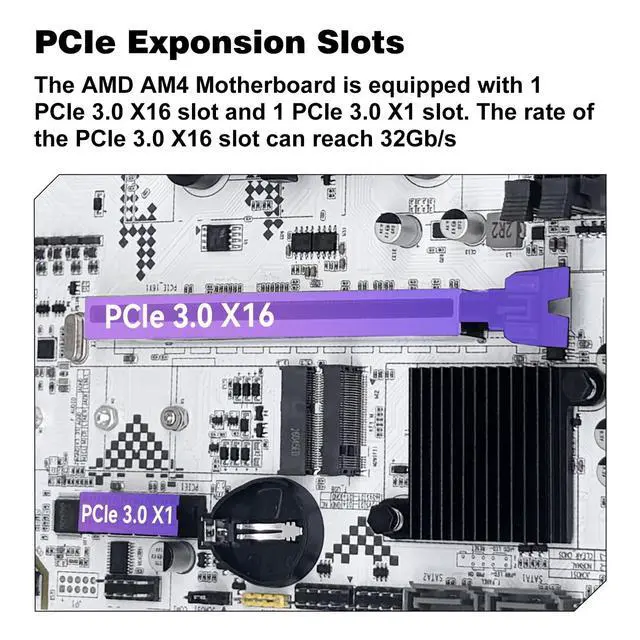
Gaming Connectivity: This A520 gaming motherboard is equipped with HDMI-compatible, VGA and DP high-definition multimedia transmission interfaces, and Gigabit Ethernet, SATA 3.0, NVME/NGFF M. 2, WIFI M. 2, PCIe 3.0 x16, PCIe 3.0 x1, USB 3.0, USB 2.0 ^^
Stable power supply: 24pin+8pin power interface and 4+2 phase power supply, this Micro ATX AM4 Motherboard uses all-solid capacitor design to ensure the stable operation of the mainboard's accessories. (Please use at least a 500W brand power supply) ^^
Package Includes: 1*motherboard, 1*SATA cable, 1*I/0 shield.
IMPORTANT: The package does not include the user manual. You can request manual file if needed. The motherboard does not include a CR2032 (CMOS) battery, please purchase one yourself ^^
Tips 1: If the motherboard does not boot and the fan does not work, please check whether the motherboard power supply and CPU power supply are correctly connected, whether the CPU model and memory model are compatible or good, and whether the memory module is installed in the correct position. If it still does not start after eliminating the above problems, please clear CMOS ^^
Tips 2: If there is no display (the fan is working, the Caps Lock key on the keyboard is pressed, and the keyboard light is off), please check whether the motherboard power supply and CPU power supply are correctly connected, check whether the memory module is installed in the correct position, and check whether the CPU and memory models are compatible and good. If there is still no display after eliminating the above, please clear CMOS ^^
Tips 3: If there is no display (the fan is working, the Caps Lock key on the keyboard is pressed, and the keyboard light is on). Please check whether the monitor is turned on and whether the display data cable is connected properly. If no external graphics card is installed, please check whether the CPU supports integrated graphics. If an external graphics card is installed, please check whether the data cable is correctly connected to the interface of the external graphics card. Check whether the display data cable, graphics card and monitor are in good condition. If there is still no display after eliminating the above, please clear CMOS





 here!
here!