

Your Browsing History
- Free 30-day Returns
$348.99


Meet Your Seller


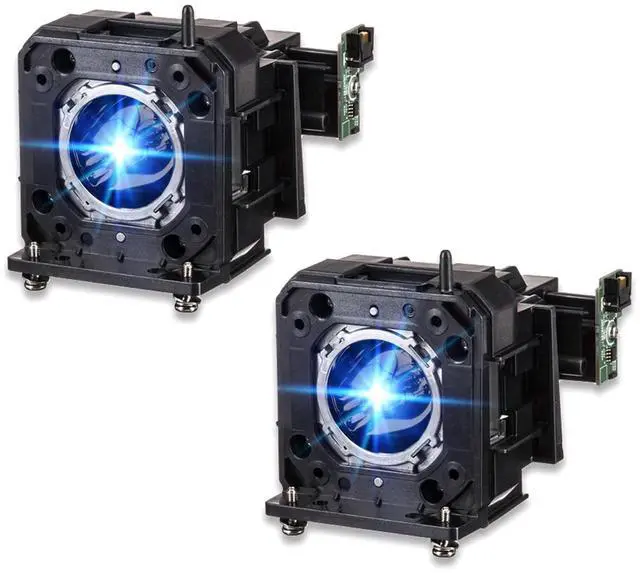
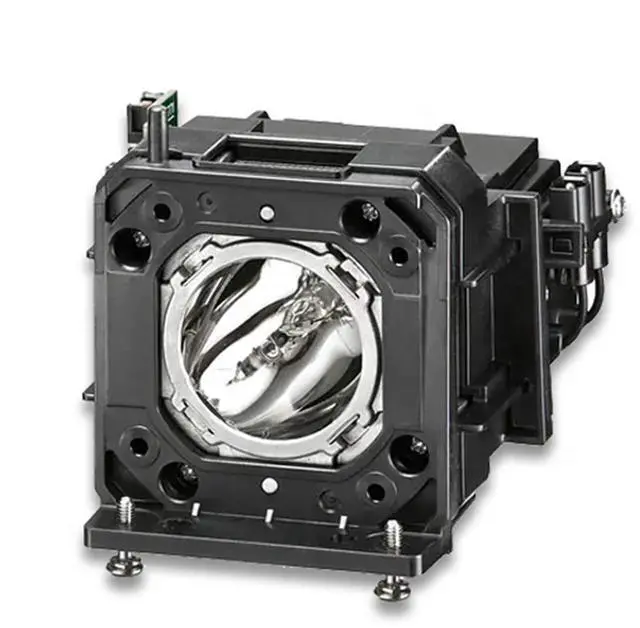
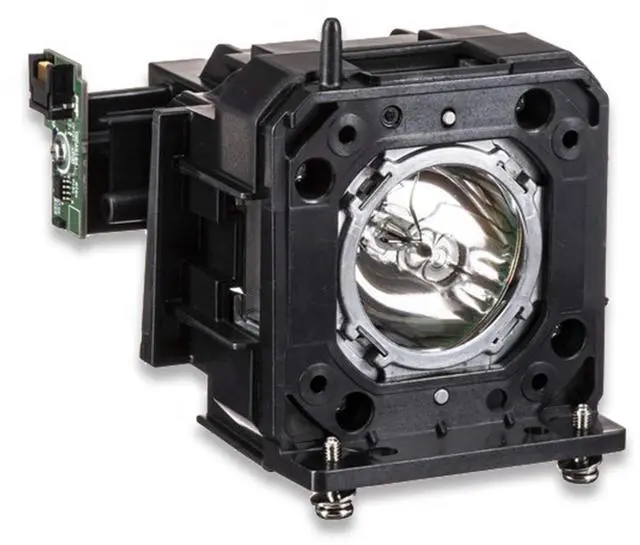


Woprolight for Fit Panasonic Bulb HS420W Original Lamp Two PCS ET-LAD120 Projector Lamp w/Housing for Panasonic PT-DZ870 PT-DW830 PT-DX100
- Compatible Models:PANA SONIC PT-DW830ELK PT-DW830K PT-DW830LK , PT-DW830LW PT-DW830W PT-DX100K PT-DX100LK PT-DX100L
- *Easy Installation* Designed for hassle-free replacement with clear instructions, ensuring seamless setup in minutesno technical expertise required.
- *Factory-Direct Quality & Precision* Crafted in our own state-of-the-art facility, every bulb meets strict OEM standards for flawless compatibility and performance, ensuring your projector operates like new.
- *Long-Lasting Durability* Built with robust materials and advanced cooling technology to maximize bulb life (up to 5,008 hours), reducing frequent replacements.
- *1-Year Warr anty for Risk-Free Confidence* Backed by hassle-free warranty support, we guar antee replacements for defects or premature wearproof of our commitment to durability and customer satisfaction.
+
+
Overview
Specs
Reviews

Any questions? Our AI mode will help you find out quickly.
Try me now
Woprolight Information: Woprolight has own factory and many experienced workers. Every lamp will be take strict quality test before leaving factory. So you don't need to doubt the quality.
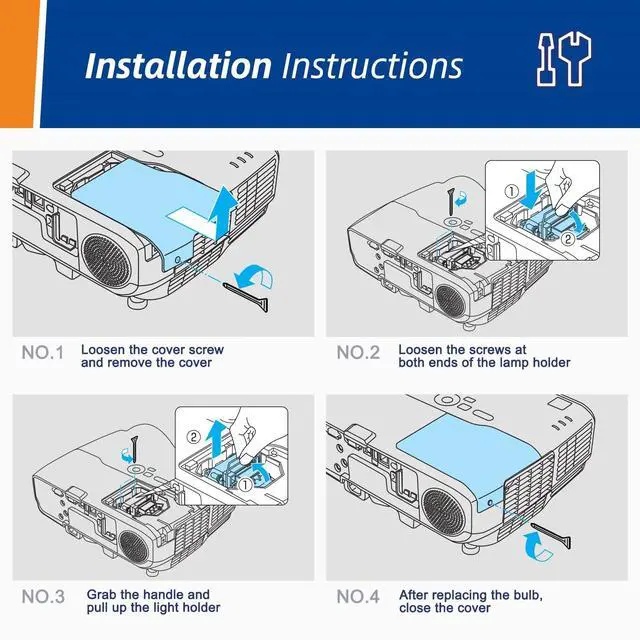
Instructions sheetInstallation: 1. Turn off the projector and unplug the power cord. 2. Let the projector cool for at least an hour. The lamp is extremely hot immediately after use. 3. Loosen the lamp cover screw. Then slide the lamp cover off. 4. Loosen the two screws holding the lamp in place. 5. Hold the lamp as shown and pull it straight out. 6. Gently insert the new lamp. Then tighten its screws. 7. Replace the lamp cover, then tighten its screw.
Notes: 1. To avoid burns, allow the projector to cool for at least 60 minutes before replacing the lamp. 2. We provide excellent refund service with no any contidition with 23 hours feedback. If you have any questions, please contact us. We will try our best to sole your problem as soon as possible.
Specifications
: 1Instructions sheetInstallation: 1. Turn off the projector and unplug the power cord. 2. Let the projector cool for at least an hour. The lamp is extremely hot immediately after use. 3. Loosen the lamp cover screw. Then slide the lamp cover off. 4. Loosen the two screws holding the lamp in place. 5. Hold the lamp as shown and pull it straight out. 6. Gently insert the new lamp. Then tighten its screws. 7. Replace the lamp cover, then tighten its screw.
Notes: 1. To avoid burns, allow the projector to cool for at least 60 minutes before replacing the lamp. 2. We provide excellent refund service with no any contidition with 23 hours feedback. If you have any questions, please contact us. We will try our best to sole your problem as soon as possible.
Warranty & Returns
Warranty, Returns, And Additional Information
Warranty
- Please contact the Seller directly for warranty information. Warranty information may also be found on the Manufacturer's website.
- CONTACT
Return Policies
- Return for refund within: 30 days
- Return for replacement within: 30 days
- This item is covered by Detail Driven Return Policy
Manufacturer Contact Info
- For a directory of all our manufacturers, please click below.
- Manufacturers Directory
LOADING...