Your Browsing History
Meet Your Seller
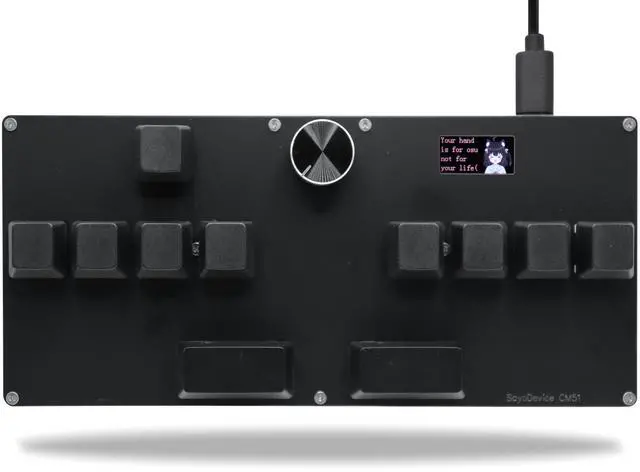
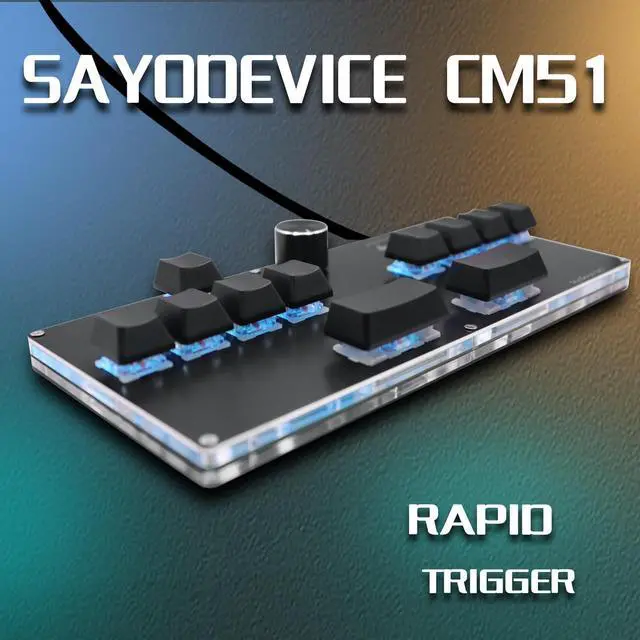
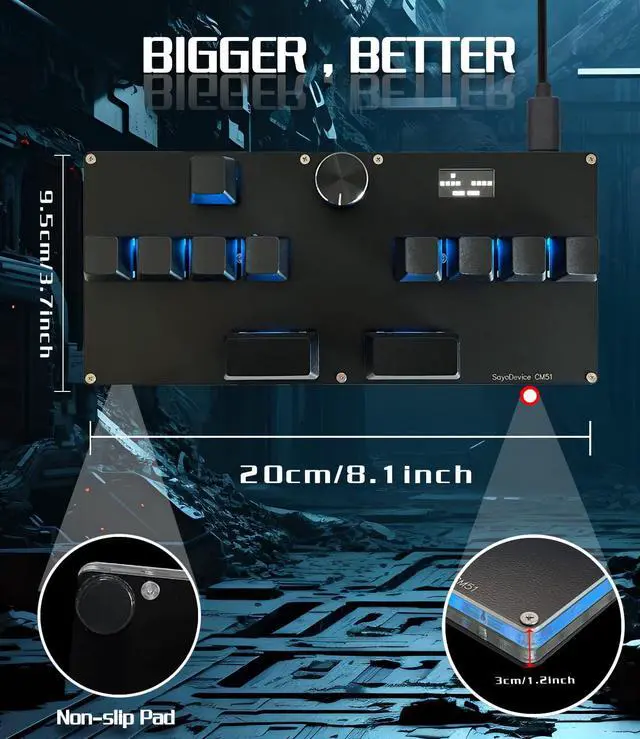
BTXETUEL SayoDevice CM51 Rapid Trigger Keyboard for OSU!djmax... Rhythm Game with OUTEMU Hall Magnetic Linear Switches with Knob Custom Programmable Keypad (Black-OUTEMU Pink Switches, CM51)
- SayoDevice CM51 KeyboardSuitable for OSU!djmax...Rhythm game Make you better and confident
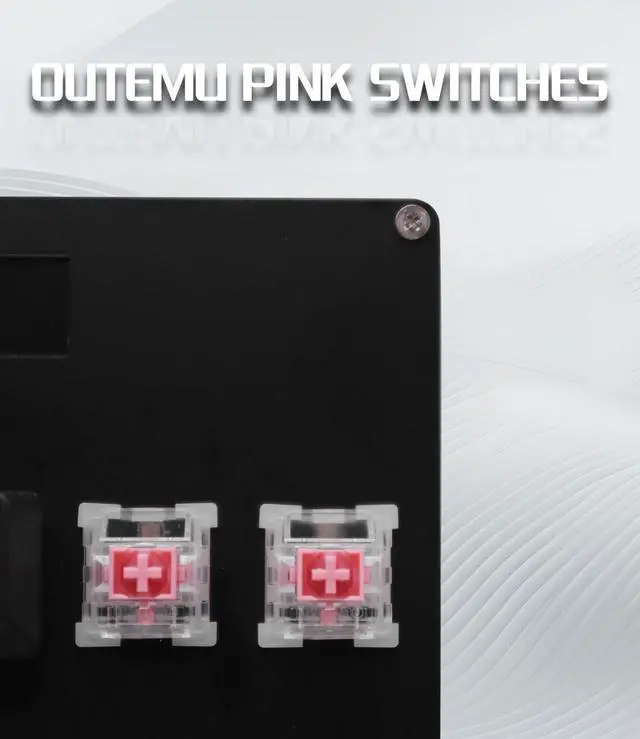
- Switches11 OUTEMU pink switches,Rapid Trigger Hall magnetic Linear Switches.
- Software VersionWeb Version (Recommended):No need to download, just open "https://app.sayodevice.com" with your browser to set the function.
- Manual"https://manual.sayodevice.com" You can get a complete operation guide(Applicable to the entire series of sayodevice) that describes all the functions.
- NOTICESometimes, the keyboard needs to do "CALIBRATION" ( The steps are shown in the figure ) before use for the first time or after firmware upgrade.

+
+
Overview
Specs
Reviews
Any questions? Our AI beta will help you find out quickly.
Try me now
SayoDevice CM51 KeyboardSuitable for OSU! djmax... Rhythm game Make you better and confident
Switches11 OUTEMU pink switches, Rapid Trigger Hall magnetic Linear Switches.
ScreenWith 0.96 inch IPS color screen, 160*80 Resolution. The screen can be customized, such as writing your own ID and custom picture.
Software VersionWeb Version (Recommended): No need to download, just
open "https: //app. sayodevice. com" with your browser to set the function.
Manual"https: //manual. sayodevice. com" You can get a complete operation guide (Applicable to the entire series of sayodevice) that describes all the functions.
NOTICESometimes, the keyboard needs to do "CALIBRATION" ( The steps are shown in the figure ) before use for the first time or after firmware upgrade.
Switches11 OUTEMU pink switches, Rapid Trigger Hall magnetic Linear Switches.
ScreenWith 0.96 inch IPS color screen, 160*80 Resolution. The screen can be customized, such as writing your own ID and custom picture.
Software VersionWeb Version (Recommended): No need to download, just
open "https: //app. sayodevice. com" with your browser to set the function.
Manual"https: //manual. sayodevice. com" You can get a complete operation guide (Applicable to the entire series of sayodevice) that describes all the functions.
NOTICESometimes, the keyboard needs to do "CALIBRATION" ( The steps are shown in the figure ) before use for the first time or after firmware upgrade.
Warranty & Returns
Warranty, Returns, And Additional Information
Warranty
- Please contact the Seller directly for warranty information. Warranty information may also be found on the Manufacturer's website.
- CONTACT
Return Policies
- Return for refund within: 30 days
- Return for replacement within: 30 days
- This item is covered by kaipuda Return Policy
Manufacturer Contact Info
- For a directory of all our manufacturers, please click below.
- Manufacturers Directory
LOADING...