

Your Browsing History
- Free 30-day Returns
$40.99

Meet Your Seller

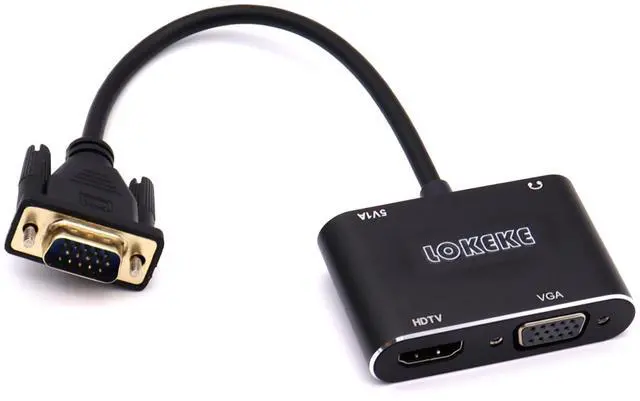
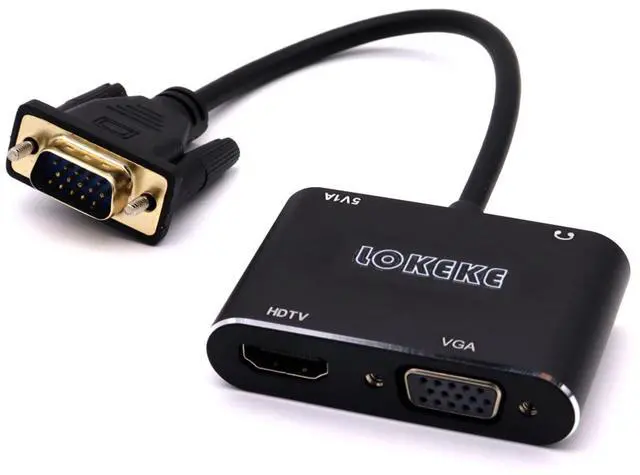
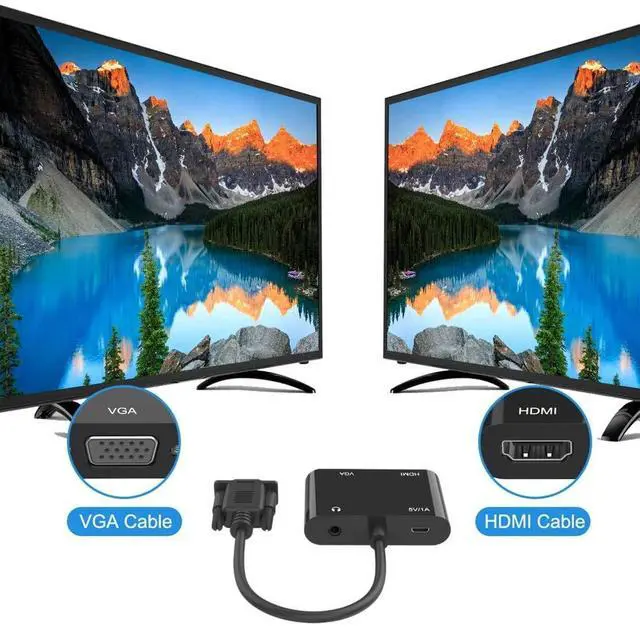


GrayRabbit VGA to HDMI Adapter with Audio and USB Cables for Computers, Laptops, Monitors, Projectors, HDTVs
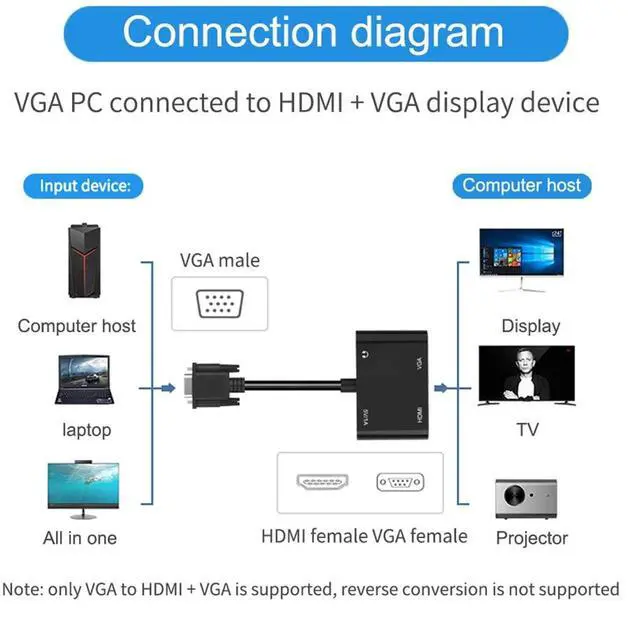
- Note: 1) This is a video splitter, the VGA&HDMI output can only display the same content. It can not work as a video controller or MST Hub. 2) The output resolutions depend on the video source&that of the display devices(the lower one ). 3) NOT bi-directional, it is VGA to HDMI/VGA adapter, ONLY converts VGA signal into HDMI/VGA signal.
- Incredible performance: The HDMI and VGA interfaces of this adapter can be displayed at the same time.The VGA male to HDMI female converter support VGA input resolution from 800*600 to 1920*1080 for PC. Support HDMI Output resolution up 720P/1080i/1080P for HDTV/Projector/Monitor.
- Plug and play: VGA to HDMI VGA Converter No driver needed, easy to use, fast, convenient and compact. Gold-plated HDMI interface, high wear & corrosion resistance, stable and durable for HD data transmission.
- Wide compabitity : The VGA-HDMI VGA Adapter is compatible with old-styled notebooks, desktops, laptops, Projector which only has VGA ports to any HDMI VGA equipe
+
+
Overview
Specs
Reviews

Any questions? Our AI mode will help you find out quickly.
Try me now
LOKEKE VGA to HDMI VGA, GrayRabbit VGA to HDMI VGA Adapter with Audio Cable and USB Cable for Computer, Desktop, Laptop, PC, Monitor, Projector, HDTVFeaturesShare your video/audio/data from computers or notebooks, desktops, laptops that has only VGA port to any HDMI and VGA equipped devices likeHDTVs, monitors, Projector, displayers for big screen viewing. Plug-and-play, automatically sense the native resolution of the display and scale the computer's output to match it. The converter will take audio signal from the computer and embedded it into the HDMI signal output, so that the user is able to enjoy both audio and videothrough a single cable.
Compatible Mode: The
usually use system: win7, win8, win10.
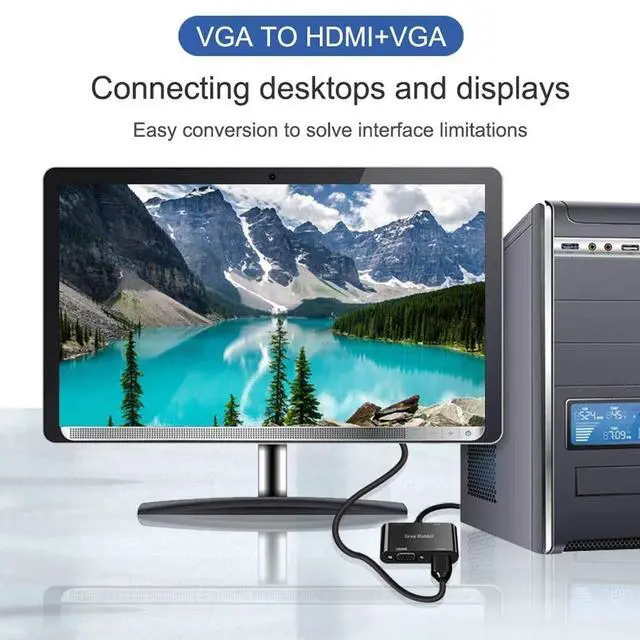
How to use: 1) Insert the VGA interface into the computer or other equipment with the VGA output. 2) Plug the USB and Audio connector into the related interfaces. 3) Connect the HDMI or VGA cable to the HDMI or VGA female interface, and then connect the cable to the monitor with the corresponding interface, projector, large screen TV, etc. 4) Play the video, PPT and documentation, the images will be displayed on the screen of the other display device. LOKEKEIf have any question, pls don't hesitate to contact us.
Compatible Mode: The
usually use system: win7, win8, win10.
How to use: 1) Insert the VGA interface into the computer or other equipment with the VGA output. 2) Plug the USB and Audio connector into the related interfaces. 3) Connect the HDMI or VGA cable to the HDMI or VGA female interface, and then connect the cable to the monitor with the corresponding interface, projector, large screen TV, etc. 4) Play the video, PPT and documentation, the images will be displayed on the screen of the other display device. LOKEKEIf have any question, pls don't hesitate to contact us.
Warranty & Returns
Warranty, Returns, And Additional Information
Warranty
- Please contact the Seller directly for warranty information. Warranty information may also be found on the Manufacturer's website.
- CONTACT
Return Policies
- Return for refund within: 30 days
- Return for replacement within: 30 days
- This item is covered by Tactifans Outdoor Sport Goods Return Policy
Manufacturer Contact Info
- For a directory of all our manufacturers, please click below.
- Manufacturers Directory
LOADING...