

Your Browsing History
- Free 30-day Returns
$48.99


Meet Your Seller

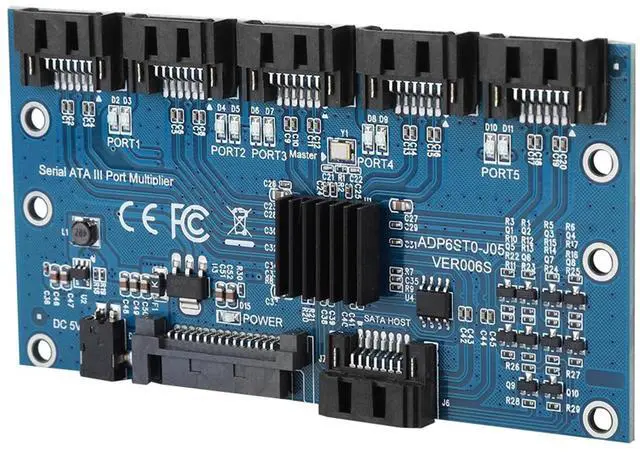
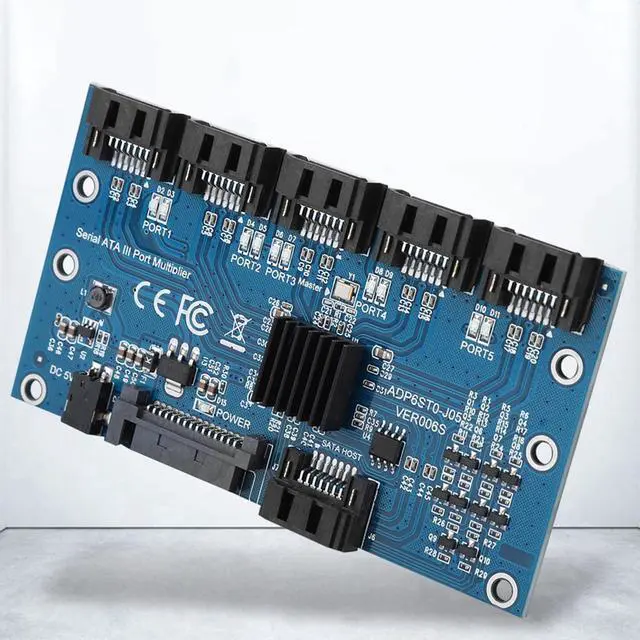
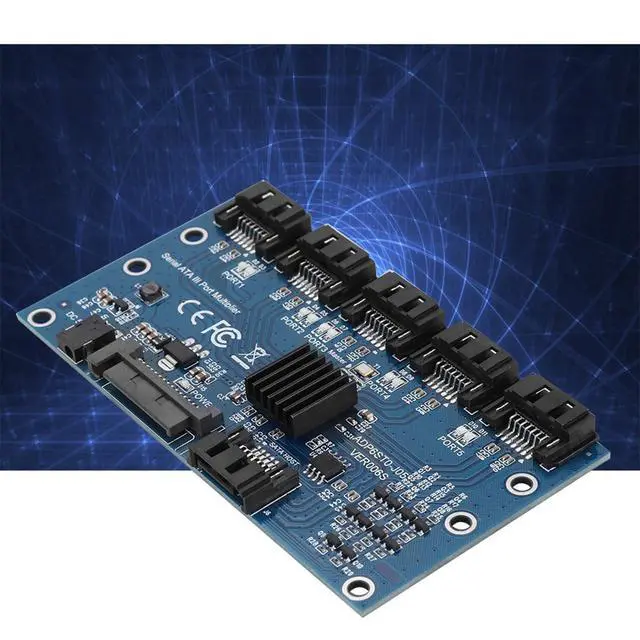
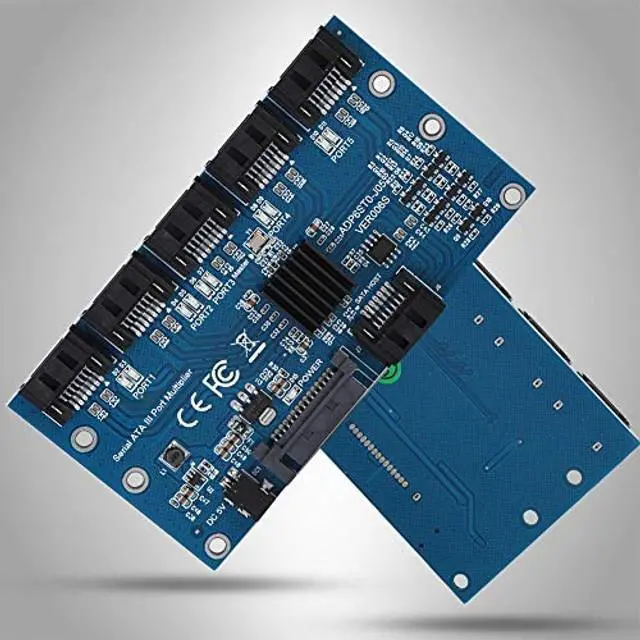
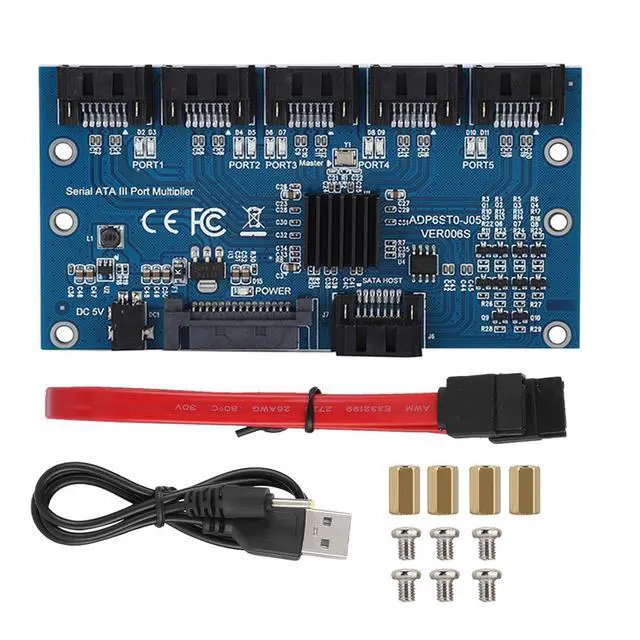


SATA3.0 1 to 5 Hard Disks Multiplier Adapter Converter Motherboard 6Gbps Interface Riser Support PM, JMICRON, ADP6ST0 J05, ADP6ST0 J02
- Support 6-port 6.0Gbps SATA III interface.
- SATA III PHY output swing control and automatic impedance calibration.
- Support asynchronous recovery.
- Support spread spectrum clock.
- Support part/dormancy power saving mode.
+
+
Overview
Specs
Reviews

Any questions? Our AI mode will help you find out quickly.
Try me now
Features: 1. Automatic speed up negotiation. 2. Support and Loopback mode. 3. Support staggered (Optional). 4. Support hot swap. 5. Support asynchronous inform. 6. Support Drive. 7. Support SWIT based on orders and Fi.
Compliance: 1. Compliant with Serial ATA Port Multiplier
Product: SATA 3.0 1 to 5
Expansion CardModel: ADP6ST0
J05 ADP6ST0 J02Product Master: JMICRON
JMB575Product Package: Kraft
BoxProduct Interface: SATA 7PIN
System: For WINXP, Size: Approx. 10.2 * 5.5 * 0.7 cm/ 4.02 * 2.17 * 0.28 inPackage
List: 1 * SATA 3.0 1 to 5 Expansion Card1 * USB DC Power Cable1 * Connection Cable1 *
Screw BagNote: 1. This expansion card needs Motherboard or expansion card to support point (SATA Interface Multiplier) Funtion to identify 5 hard disks, common Motherboard SATA do not support such function. If not, only one hard disk can be identified. 2. Do plug in SATA or DC 2.5 power cable to expansion card. 3.
Cable Connection: Plug SATA input cable to Motherboard or expansion card to SATA.
Compliance: 1. Compliant with Serial ATA Port Multiplier
Specifications
. 2. Compliant with Serial ATA Port SelectorSpecifications
. 3. Compliant with ATA PHY Series ElectricalSpecifications
Revision 1.04. Compliant withSpecifications
ATA Series High Speed Serialization.Specifications
:Product: SATA 3.0 1 to 5
Expansion CardModel: ADP6ST0
J05 ADP6ST0 J02Product Master: JMICRON
JMB575Product Package: Kraft
BoxProduct Interface: SATA 7PIN
System: For WINXP, Size: Approx. 10.2 * 5.5 * 0.7 cm/ 4.02 * 2.17 * 0.28 inPackage
List: 1 * SATA 3.0 1 to 5 Expansion Card1 * USB DC Power Cable1 * Connection Cable1 *
Screw BagNote: 1. This expansion card needs Motherboard or expansion card to support point (SATA Interface Multiplier) Funtion to identify 5 hard disks, common Motherboard SATA do not support such function. If not, only one hard disk can be identified. 2. Do plug in SATA or DC 2.5 power cable to expansion card. 3.
Cable Connection: Plug SATA input cable to Motherboard or expansion card to SATA.
Warranty & Returns
Warranty, Returns, And Additional Information
Warranty
- Please contact the Seller directly for warranty information. Warranty information may also be found on the Manufacturer's website.
- CONTACT
Return Policies
- Return for refund within: 30 days
- Return for replacement within: 30 days
- This item is covered by FortressTek Return Policy
Manufacturer Contact Info
- For a directory of all our manufacturers, please click below.
- Manufacturers Directory
LOADING...