• $244.99
  • Free 30-day Returns
  • Price alert
    Sold by CloudBeast
    Top Rated
    1 (2 seller ratings)

    Shipped by CloudBeast

    Shop it at NeweggBusiness.

    Meet Your Seller

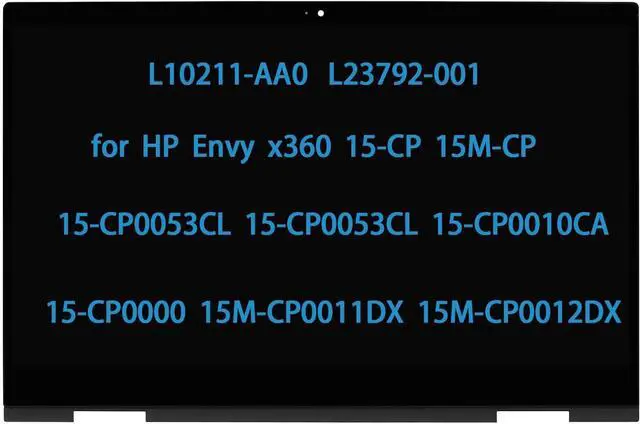
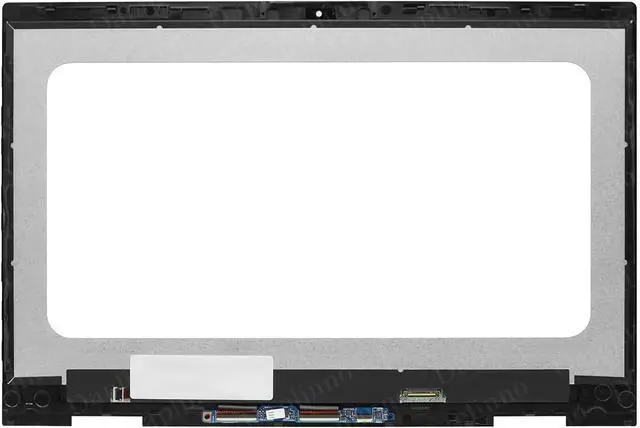
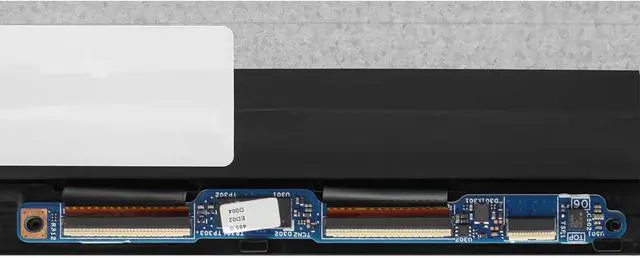
    L23792-001 Screen Replacement for HP Envy X360 15-CP0053CL 15M-CP0011DX 15M-CP0012DX 15-CP 15M-CP 15Z-CP000 15.6" LCD Touch Screen Display Digitizer Assembly FullHD(1920 * 1080)

    • Compatible Model : for HP Envy X360 15M-CP0011DX 15M-CP0012DX 15-CP 15M-CP 15-CP0053CL 15-CP0010CA 15-CP0000NA 15Z-CP000 15-CP0000 L10211-AA0 L23792-001 lcd screen replacement
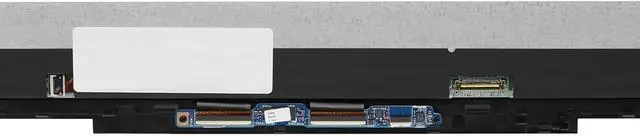
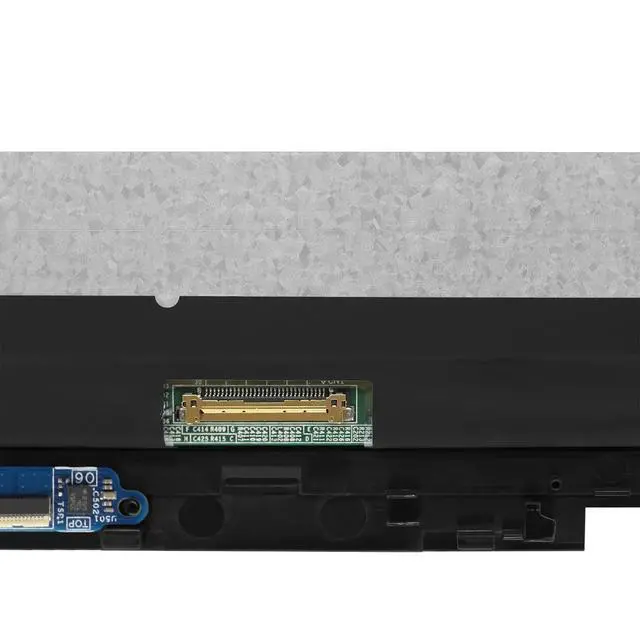
    • Screen Resolution : 1920x1080(Not for 3840x2160); Screen Size : 15.6"; LCD Connector: EDP 30pins (Not for 40pins)
    • Note : Please turn off the power before assembly. And we provide a 3-month warranty for quality problems.
    • When opening the package, please confirm that the package is complete, this product is fragile, please operate carefully to avoid damage.
    • Before purchasing, please reconfirm whether the product you choose is the model you need, if you have any doubts, please contact us in time.
    +
    +
    Overview
    Specs
    Reviews
    avatar

    Any questions? Our AI beta will help you find out quickly.

    Compatible for HP Envy X360 15M-CP0011DX 15M-CP0012DX 15-CP 15M-CP 15-CP0053CL 15-CP0010CA 15-CP0000NA 15Z-CP000 15-CP0000 L10211-AA0 L23792-001 lcd screen replacementCompatible For HP L20554-001 L20551-001 L18192-001 L20552-001Screen Resolution: 1920x1080 (Not for 3840x2160);
    Screen Size: 15.6"LCD
    Connector: EDP 30pins (Not for 40pins)
    Backlight: LED
    LCD
    Note: Please install it Very Professionally, if Not, Please Do Not Try. (You need to Pull Off the Power Adaptor & Battery Cable when install)Images show actual product, please verify all connectors and specifications carefully. Be careful to take the screen out of the box. IF THE TOUCH SCREEN DOES NOT WORK, PLEASE FOLL OW THE STEPS BEL OW (ORCONTACT
    CUSTOMER SERVICE): 1. Right-click "My Notebook" on the desktop, and first open the properties. 2. Right click on "Device Manager"3. Right click on "Manual Input Device"4. Right click on "i2C HID Device"5. Click "Uninstall Device"6. Refresh

    Warranty & Returns

    Warranty, Returns, And Additional Information

    Warranty

    • Please contact the Seller directly for warranty information. Warranty information may also be found on the Manufacturer's website.
    • CONTACT

    Return Policies

    • Return for refund within: 30 days
    • Return for replacement within: 30 days
    • This item is covered by CloudBeast Return Policy

    Manufacturer Contact Info

    LOADING...