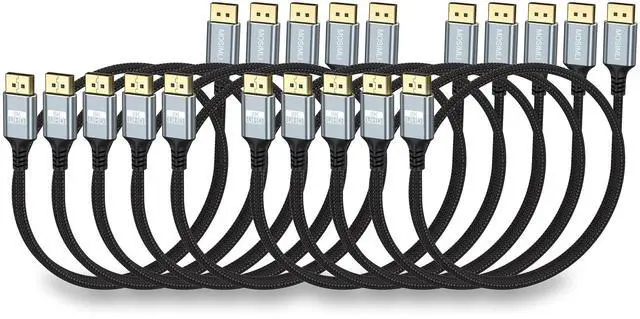
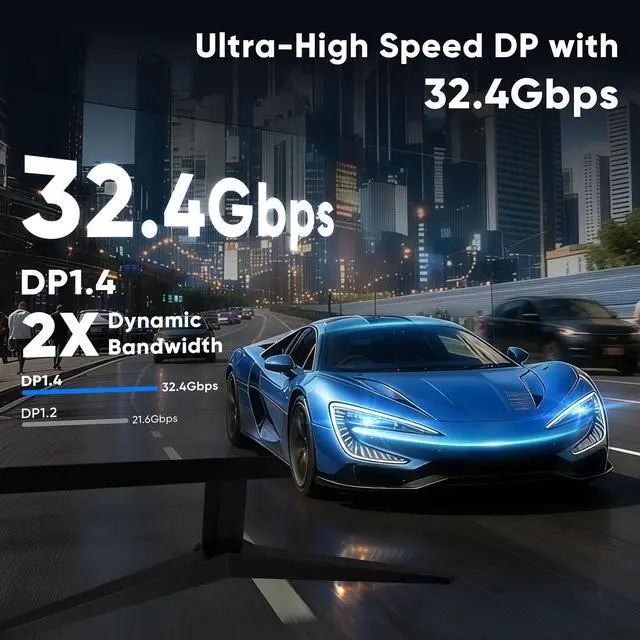
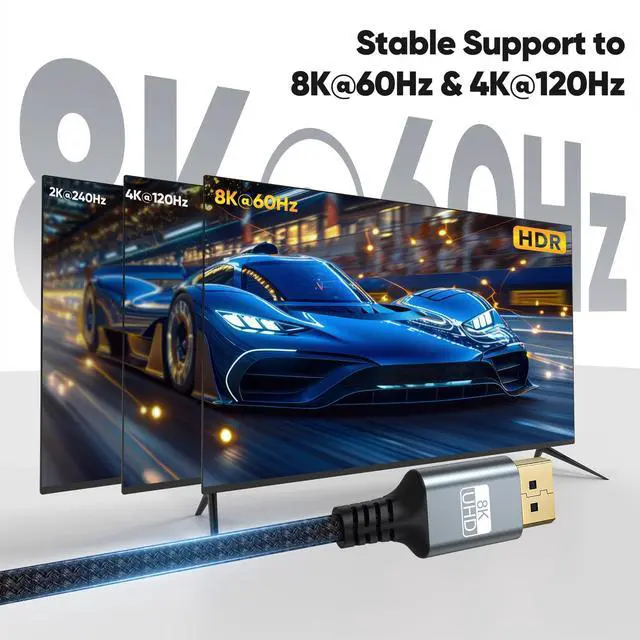
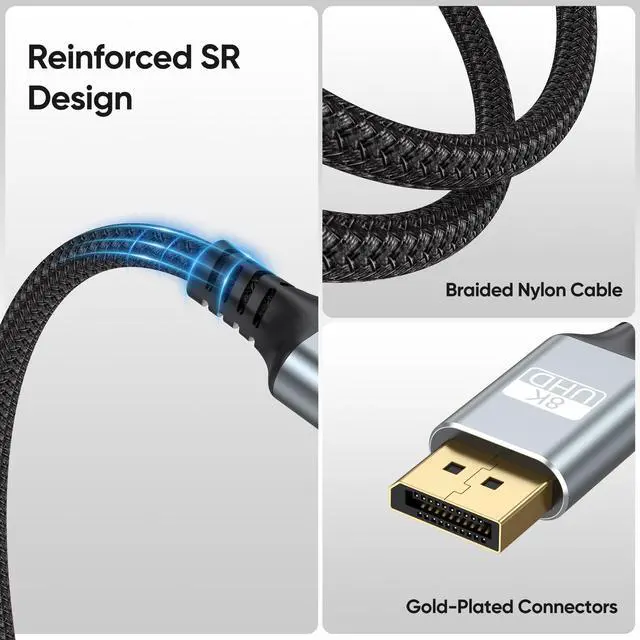
32.4 Gbps Ultra-HD Bandwidth 32.4G bps Ultra High-Speed DP Cable supports native 8K@60Hz / 4K@120Hz / 2K@240Hz resolutions, DP and DP++ modes, and is backward compatible with DP 1.3 / 1.2 / 1.1 / 1.0 standards, ensuring stable high-speed audio and video transmission ^^ High-quality designOur 3ft DP cable is built with a nylon-braided jacket, 24K gold-plated connectors, and a durable, bend-resistant design. It provides reliable signal transmission, withstands daily plugging and bending, and ensures a longer lifespan ^^ No Flicker ExperienceThe DisplayPort 1.4 cable transmits high-definition video and audio from your computer to your monitor.
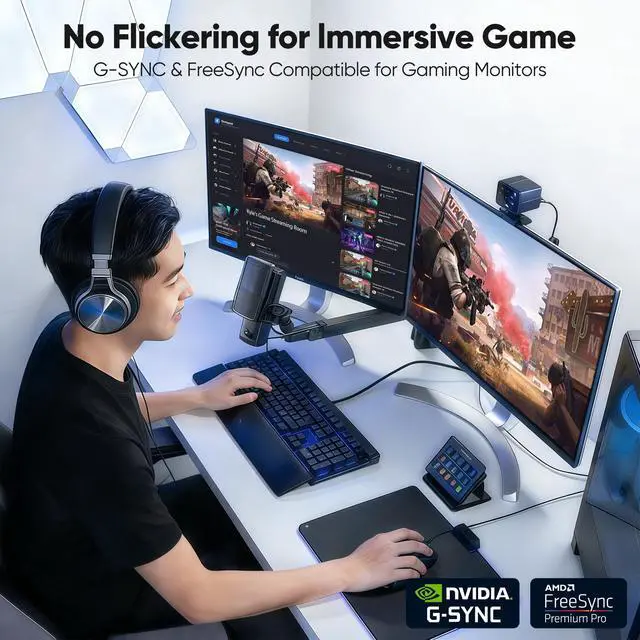
It supports HDR10+, DSC 1.2, FreeSync, GSync, FEC, and HDCP 2.2, and offers plug-and-play convenience along with mirroring, extended display, and multi-stream modes. With no motion blur, screen tearing, or flickering, it delivers an exceptionally comfortable experience for both gaming and professional design. Please ensure DSC is enabled before use ^^ Compact 3FT DP Cable3FT DP Cable is ideal for short-distance connections between desktop laptops, graphics cards, computer hosts, and monitors. It easily supports docking stations and hubs with DP interfaces, helping create a neat and organized gaming or office setup ^^ Universal CompatibilityThe DisplayPort to DisplayPort 1.4 cable directly connects your desktop/laptop with a DisplayPort output to a compatible monitor.
It is widely compatible with monitors such as the Odyssey G7, G9, CHG90, CRG9 series, as well as models from BenQ, Dell, HP, Acer, iiyama, Alienware, and more ^^ Customer Support InformationWe offer a 48-month warranty period. For any product-related assistance, please contact us through the messaging system, and we will reply promptly to help resolve your issue ^^ Please NoteWhen a DisplayPort cable fails to work properly, the first step is to check whether the display input source has been switched to DP (not HDMI).
Some devices require manual adjustment, as well as ensuring that the resolution and refresh rate compatibility between the input and output devices is consistent. In the second step, you need to check whether the DP interface is securely connected. If it is loose, you can try using securing clips to stabilize the DP connection. Thank you for your trust





 here!
here!