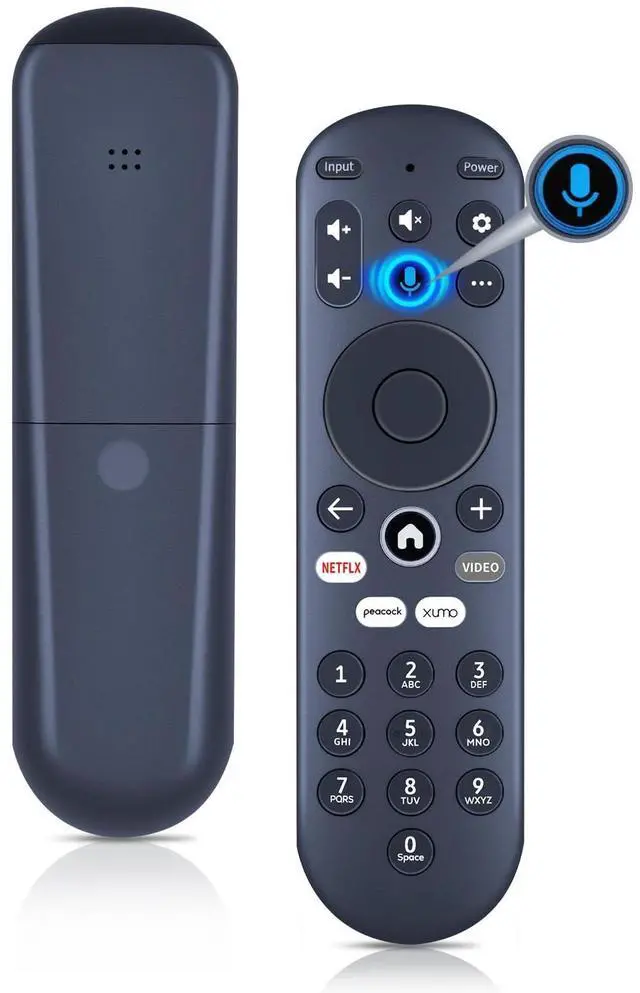
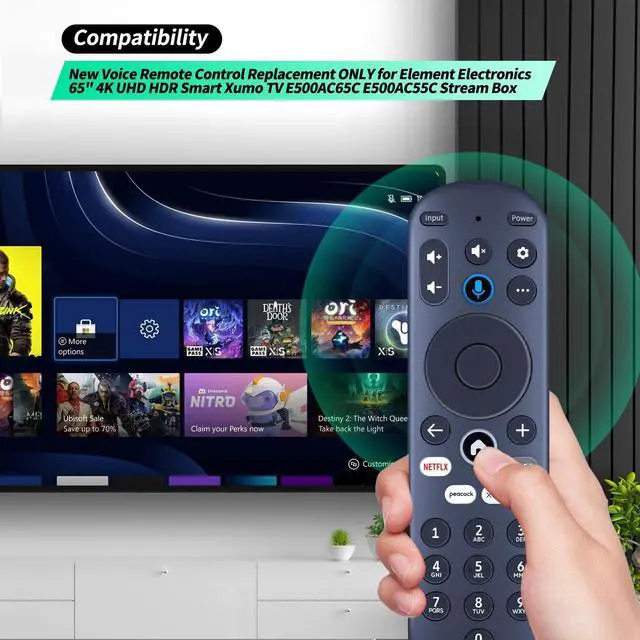
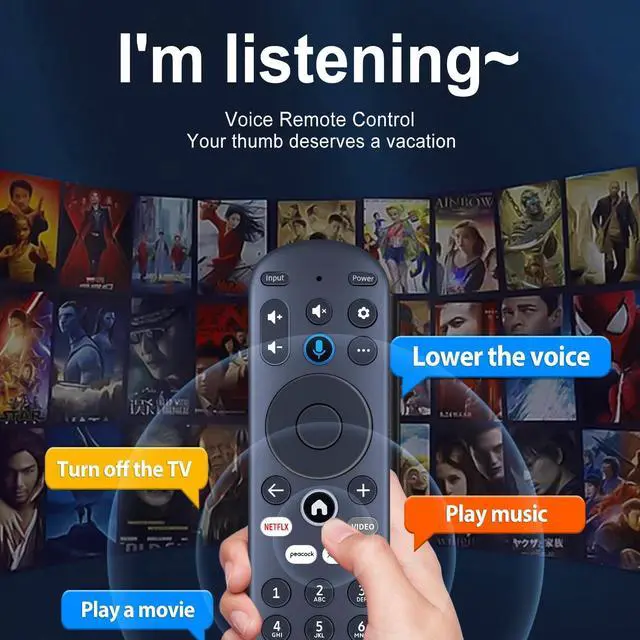
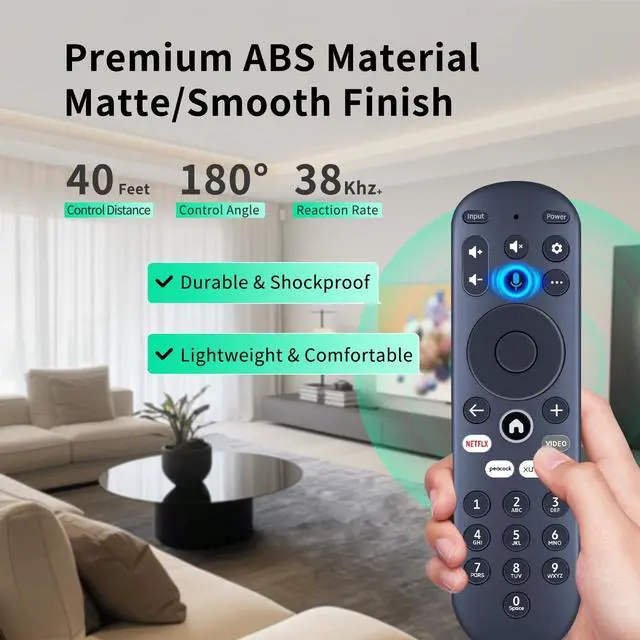
CompatibilityWDZP New Voice Remote Control Replacement ONLY for Element Electronics 65" 4K UHD HDR Smart Xumo TV E500AC65C stream box
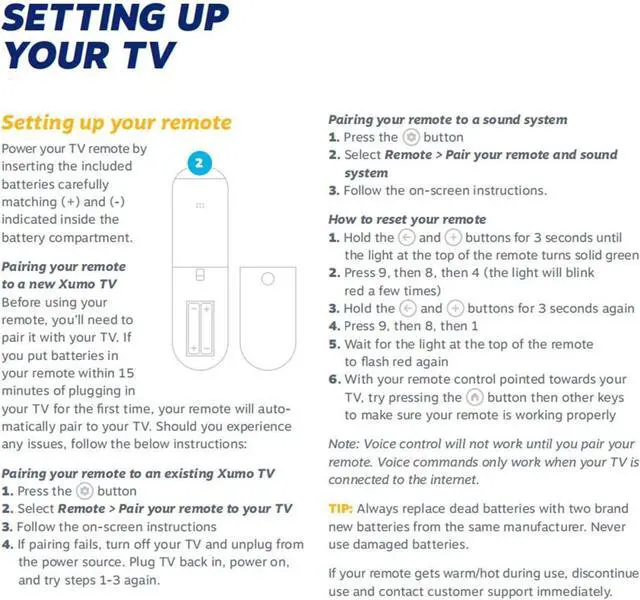
How to Pairing with New Xumo TVBefore using your remote, you'll need to pair it with your TV. If you put batteries in your remote within 15 minutes of plugging in your TV for the first time, your remote will automatically pair to your TV. If unpaired, please follow the below instructions: Step1) Press the SETTING button. Step2) Select Remote Pair your remote to your TV. Step3) Follow the on-screen instructions. ( Tips: If pairing fails, turn off your TV and unplug from the power source. Plug TV back in, power on, any try steps 1-3 again.)
How to Pairing with Sound SystemStep1) Press the SETTING button. Step2) Select Remote Pair your remote and sound system. Step3) Follow the on-screen instructions.
How To Reset Remote: Step1) Hold the and buttons for 3 seconds until the light at the top of the remote turns solid green. Step2) Press 9, then 8
+
+
Overview
Specs
Reviews
Any questions? Our AI beta will help you find out quickly.
Try me now
WDZP New Voice Remote Control Replacement ONLY for Element Electronics 65" 4K UHD HDR Smart Xumo TV E500AC65C E500AC55C stream box
Learn more about the Detailed Specifications
Additional Information
First Listed on Newegg
March 21, 2026
There are no reviews yet.
Do you own this product?
Warranty & Returns
Warranty, Returns, And Additional Information
Warranty
Please contact the Seller directly for warranty information. Warranty information may also be found on the Manufacturer's website.