• $71.99
  • Free 30-day Returns
  • Price alert
    Shop it at NeweggBusiness.

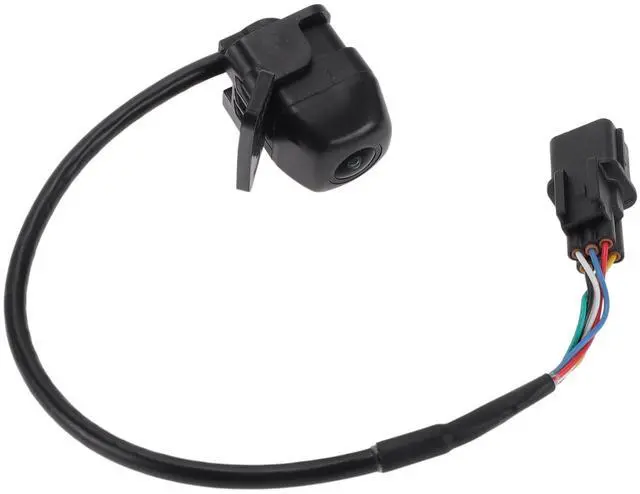
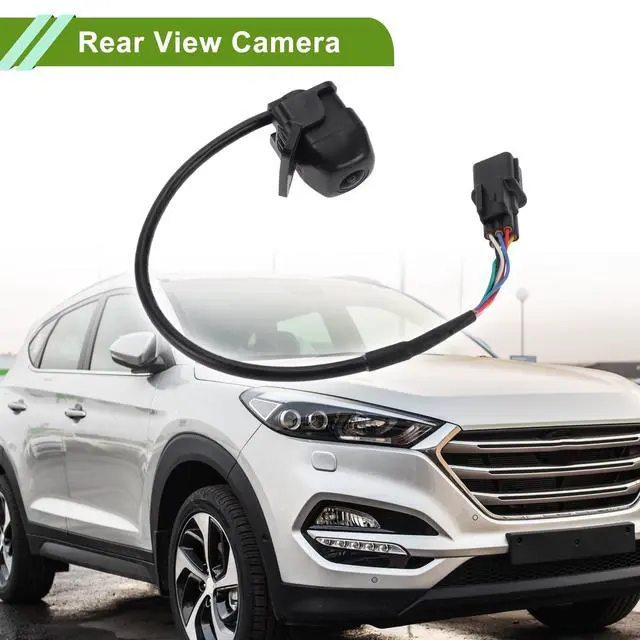
    HOPESPANNER No.95760-S6000/95760-S6200 Rear View Camera for Hyundai Tucson IX35 2018 2019 2020 License Plate Park Assist Camera Backup Reverse Camera 1 Pcs

    • OE Number:95760-S6000/95760-S6200
    • Model:for Hyundai Tucson IX35 2018-2020
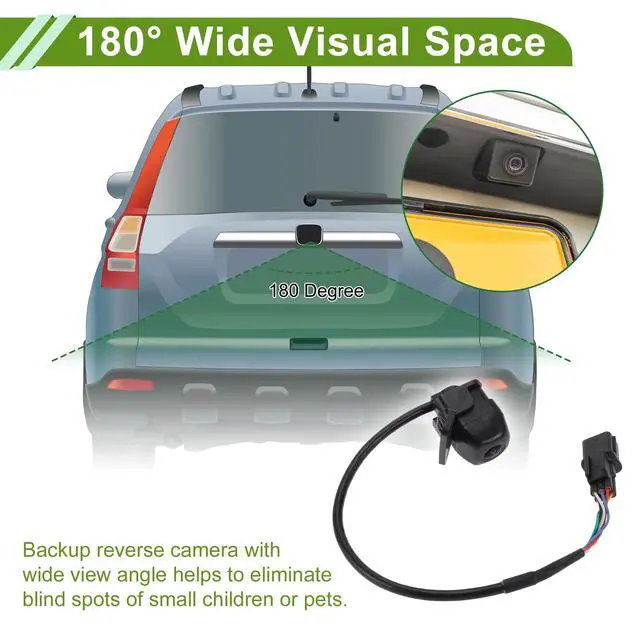
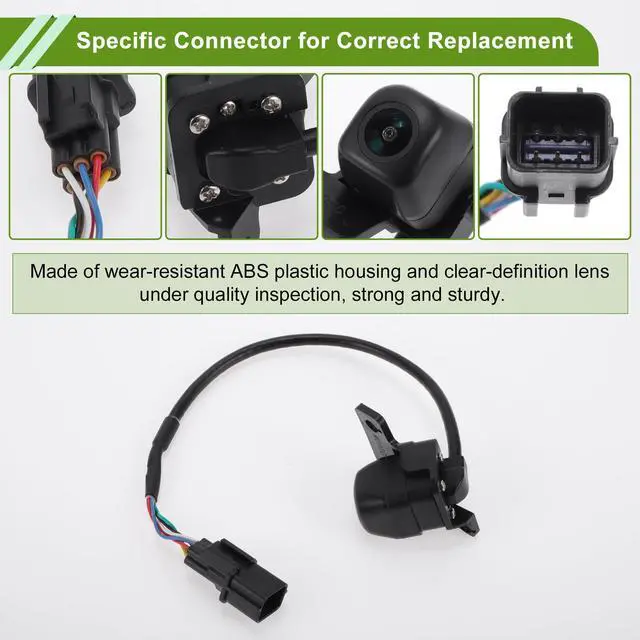
    • Application:There're anti-fog HD glass and color CMOS image sensors inside this rear view camera so as to provide satisfactory color reproduction and a clear view for car owners. The visual space is 120-180 Degree. It's waterproof for all weather.
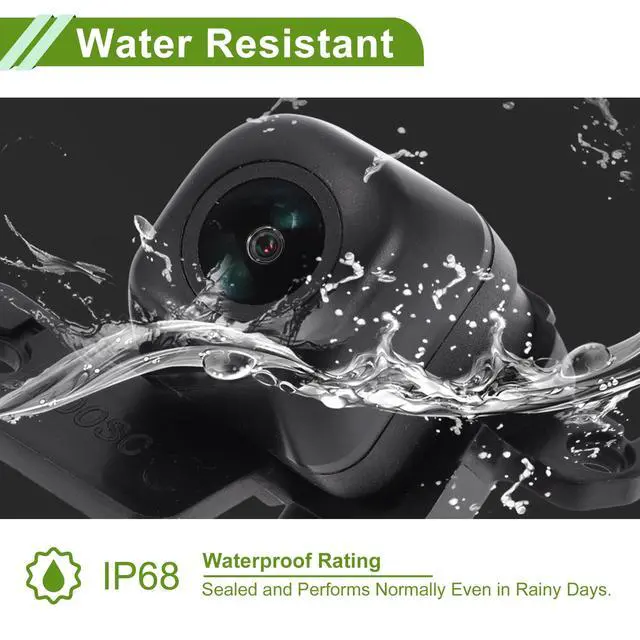
    • Product Characteristics:Performs normally also as night vision license plate camera, with 120-180 Degree wide view angle, even in the faint light like a dark underground garage. Our park assist backup reverse camera is sealed with a waterproof rating of IP68. So it will not be affected in harsh environments like rainy days.
    • Easy To Install:1. Mount the camera. usually in the licence plate area.2. Adjust the camera's lens to the proper position.3. Connect the power cable to the power system (red & black).4. Connect the camera's video output to display (yellow wire).
    +
    +
    Overview
    Specs
    Reviews
    avatar

    Any questions? Our AI beta will help you find out quickly.

    OE Number: 95760-S6000/95760-S6200 ^^
    Model: for Hyundai Tucson IX35 2018-2020 ^^
    Application: There're anti-fog HD glass and color CMOS image sensors inside this rear view camera so as to provide satisfactory color reproduction and a clear view for car owners. The visual space is 120-180 Degree. It's waterproof for all weather.
    ^^ Product Characteristics: Performs normally also as night vision license plate camera, with 120-180 Degree wide view angle, even in the faint light like a dark underground garage. Our park assist backup reverse camera is sealed with a waterproof rating of IP68. So it will not be affected in harsh environments like rainy days.
    ^^ Easy To Install: 1. Mount the camera. usually in the licence plate area. 2. Adjust the camera's lens to the proper position. 3. Connect the power cable to the power system (red & black). 4. Connect the camera's video output to display (yellow wire).

    Warranty & Returns

    Warranty, Returns, And Additional Information

    Warranty

    • Please contact the Seller directly for warranty information. Warranty information may also be found on the Manufacturer's website.
    • CONTACT

    Return Policies

    Manufacturer Contact Info

    LOADING...