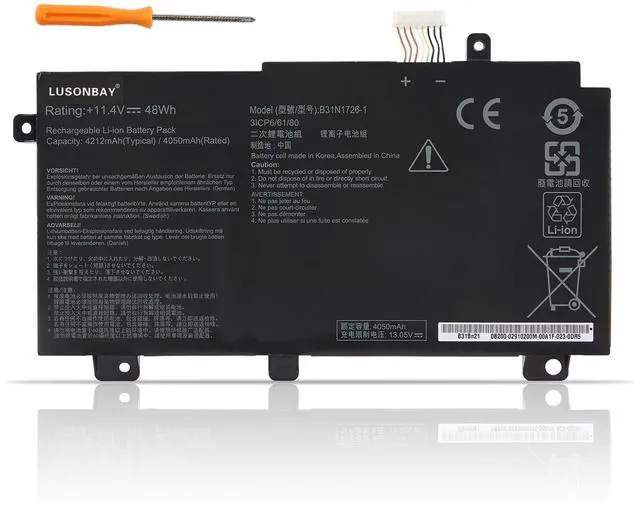
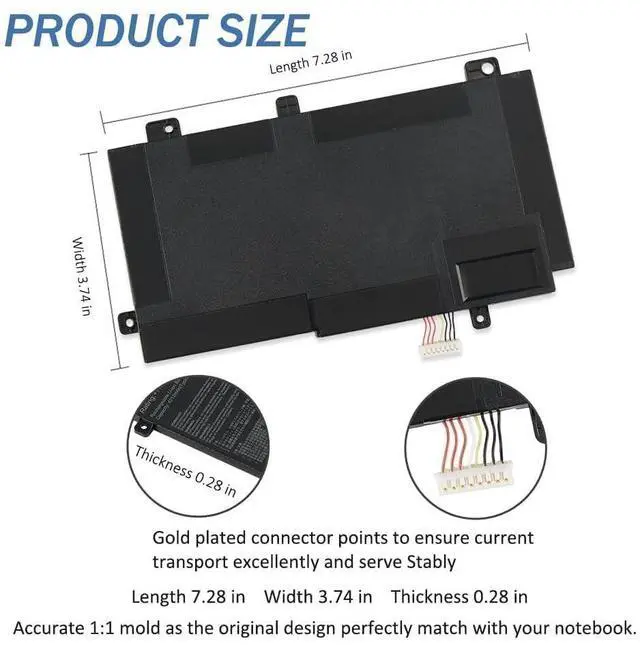
Greetings from the LUASONBAY Laptop Battery store. We are a professional manufacturer in the field of power tool batteries, laptop batteries, and chargers. We have our own factory, which provides high quality, competitive cost, and superior performance batteries and the best service to customers, it's our pleasure to service you.
Battery Specification:
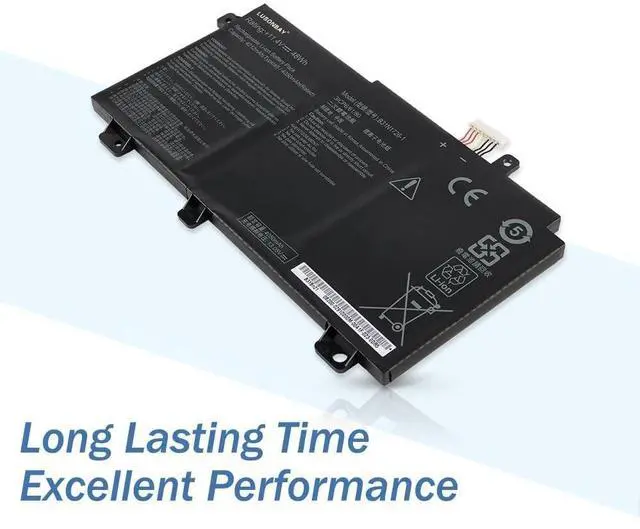
Capacity: 48Wh
Voltage: 11.4V
Battery Type: Li-ion
Condition: 100%
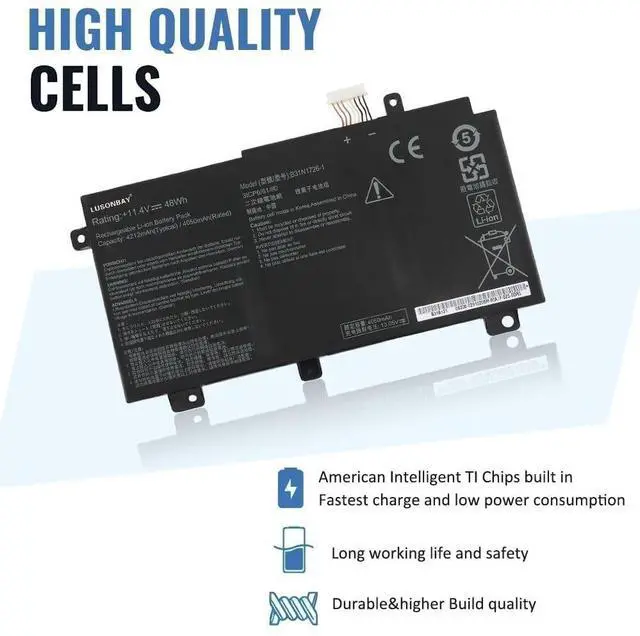
Brand New Cell: Grade "A++" CellBattery Replace
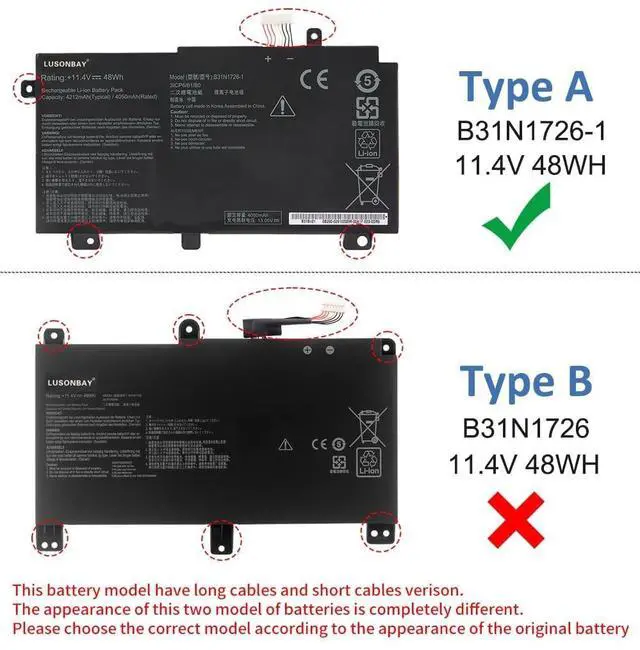
Part Number: B31N1726, B31N1726-1, B31BnEH, B31Bn91, A41LK9HCompatible With the
Laptop Model: For ASUS FX80 FX80G FX80GD FX80GE FX80GM FX86 FX86FE FX86FM SeriesFor ASUS TUF Gaming FX504G FX504GM FX504GD FX504GE SeriesFor ASUS TUF Gaming FX505G FX505GM FX505DT FX505DV FX505DU FX505DY FX505GE FX505GD SeriesFor ASUS TUF Gaming A15 FA506 FA506IU SeriesFor ASUS TUF Gaming A17 FA706 FA706IU SeriesWhy Choose Us? Very easy to install. Offer stronger lasting time. Good performance A++ cells. Multiple protection prevents damage to the device. Professional technical team, quick response within 24 hrs. Replace a new replacement within 1 Year if quality problem. Professional tech teams production plants, and different types of batteries are available. FAQ
How to find the laptop model? Pressing the [Win] + [R] key and entering [msinfo32] or [dxdiag]. Click OK to find your system model. Use your laptop model name to find the correct replacement battery. What should I do when using the battery for the first time? Please turn off the laptop and disconnect the power when you install the new battery and fully charge the battery before the first use. And then discharge the new battery use to 5%/7%(not to 0%) and then charge it to 95%, and cycle 3-4 times. Why the computer can not recognize the battery? Please try to update the BIOS settings or please disconnect the old battery, hold down the power button for 20S, then connect the new battery.