

Your Browsing History

Meet Your Seller

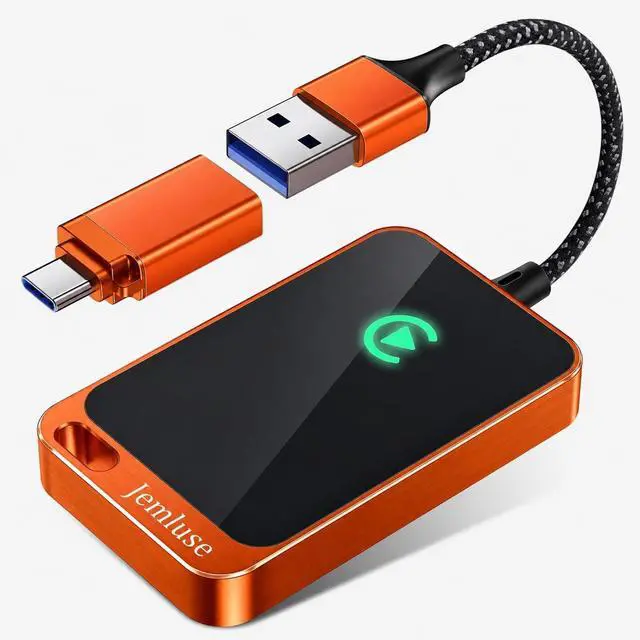


Jemluse Wireless CarPlay Adapter for Apple iPhone - Multi-User Seamless Connection for Convert Wired to Wireless Car Play Adapter - No Latency from iOS 10+ to Screen w/USB C (Cosmic Oran
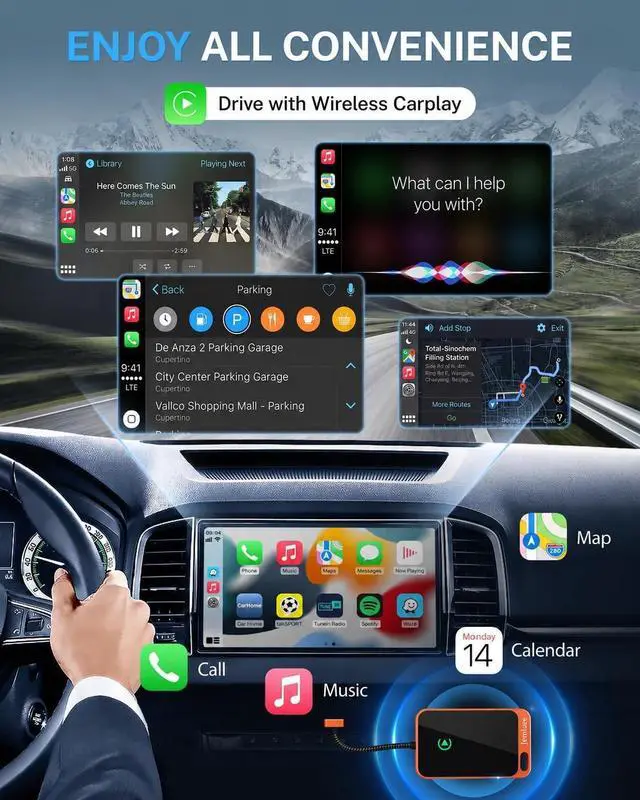
- The Ultimate Smarter Copilot: Stay on Top of Your Driving- The 3A magic link CarPlay box control everything with a word, Or a touch, Or a twist. Save your 40% of time by quick auto conn and seamless operation, such as navigation, music playing, Siri assistant, phone calls, radio etcOur Carplay Only Compatible with wired Apple CarPlay Car systems)
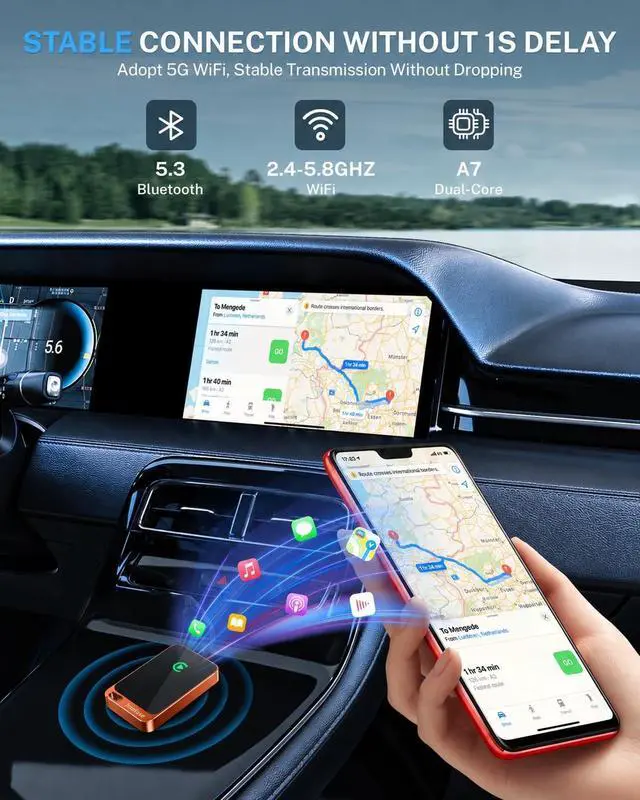
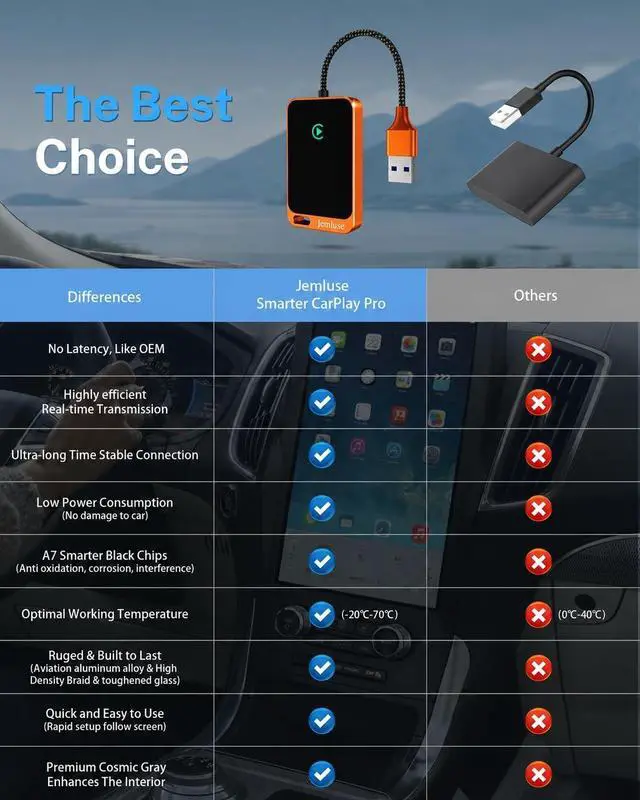
- Uncompromisingly 7A Microchip Tech: Help You Focus on Driving- With 5.8 GHZ WiFi, 5.3 Bluetooth and 8-core processor for CarPlay genius makes transmission rate by up 40%, you can 10X faster than other car play take google maps, media, and messaging apps to car display. Unique black 7A chip keeps excellent performance in Anti-Oxidant, hardness, corrosion, and Temperature tests (-20C to 70C). No worry about disconnect during a long driving
- 5.0 Premium Ultra-light Al alloy Dongle: Compact and Durable- Our cables and metal boxes that have withstood 50,000+ tests, last 3 longer than plastic receiver. Also, special material car adapter enhance
+
+
Overview
Specs
Reviews

Any questions? Our AI mode will help you find out quickly.
Try me now
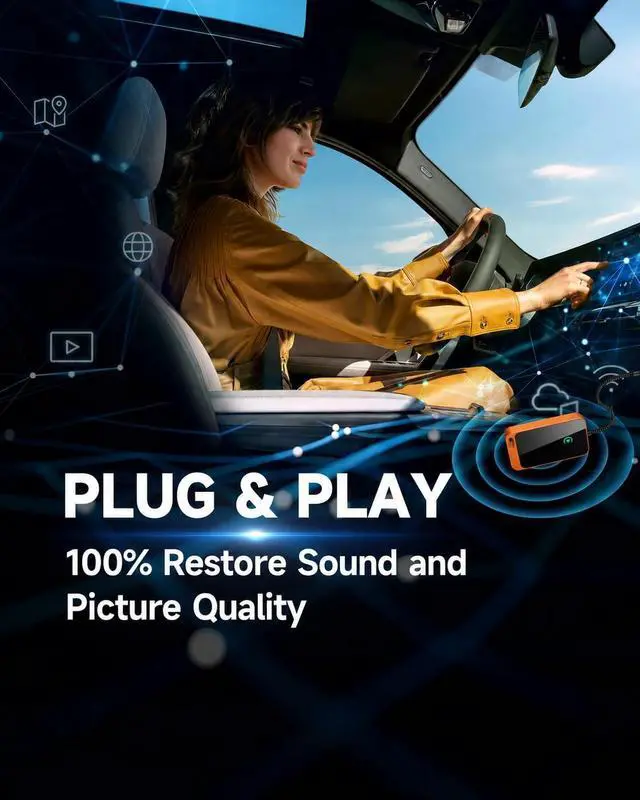
Portable Wireless CarPlay Adapter What can this wireless carplay adapter do for you for driving? It is small and can be hide away to make your car look neat. Makes a world of difference not having to connect via cable. CarPlay boots up within 5-10 seconds without a prompt needed. Sound quality and experience are exactly as with the device plugged in. Maps is very responsive without any lagSteering wheel controls, knobs and touch screen controls all work too.
Detailed Instruction for startup: 1. Forget the regular Bluetooth & Wifi connection to the car. 2. Start the car 3. On the car's touch screen, turn to the CarPlay screen. Wait for the module to be loaded 4. Plug wireless Carplay box into the wired CarPlay USB A socket 5. Wait for the CarPlay icon on the car's screen to light up. 6. Once the car's screen icon for CarPlay lights up, press it. It starts to Bluetooth search. 7. Go to the Phone settings and start Bluetooth searching. When your cars' make appears as an item to pair with, select it. 8. The car's screen will come up with a pairing item - choose to pair. 9. Go to the Phone settings and start wifi searching. When your cars' make appears as an item to join with, select it. 10. When asked on the Phone to allow CarPlay to wirelessly link, choose allow.
Package Contents: Carplay wireless adapter 2 USB cable
User manualNote: If the unit is working well do not update the firmware. Simply reboot it by unplugging and replugging if the item is not working properly. Before starting make your phone forget the regular Bluetooth & Wifi connection to the car. USB A end goes into your CarPlay USB A socket, type C end goes into the dongle
Detailed Instruction for startup: 1. Forget the regular Bluetooth & Wifi connection to the car. 2. Start the car 3. On the car's touch screen, turn to the CarPlay screen. Wait for the module to be loaded 4. Plug wireless Carplay box into the wired CarPlay USB A socket 5. Wait for the CarPlay icon on the car's screen to light up. 6. Once the car's screen icon for CarPlay lights up, press it. It starts to Bluetooth search. 7. Go to the Phone settings and start Bluetooth searching. When your cars' make appears as an item to pair with, select it. 8. The car's screen will come up with a pairing item - choose to pair. 9. Go to the Phone settings and start wifi searching. When your cars' make appears as an item to join with, select it. 10. When asked on the Phone to allow CarPlay to wirelessly link, choose allow.
Package Contents: Carplay wireless adapter 2 USB cable
User manualNote: If the unit is working well do not update the firmware. Simply reboot it by unplugging and replugging if the item is not working properly. Before starting make your phone forget the regular Bluetooth & Wifi connection to the car. USB A end goes into your CarPlay USB A socket, type C end goes into the dongle
Warranty & Returns
Warranty, Returns, And Additional Information
Warranty
- Please contact the Seller directly for warranty information. Warranty information may also be found on the Manufacturer's website.
- CONTACT
Return Policies
- Return for refund within: 30 days
- Return for replacement within: 30 days
- This item is covered by Qiangsheng kuajing (Hong Kong) Co., Limi Return Policy
Manufacturer Contact Info
- For a directory of all our manufacturers, please click below.
- Manufacturers Directory
LOADING...