

Your Browsing History

Meet Your Seller

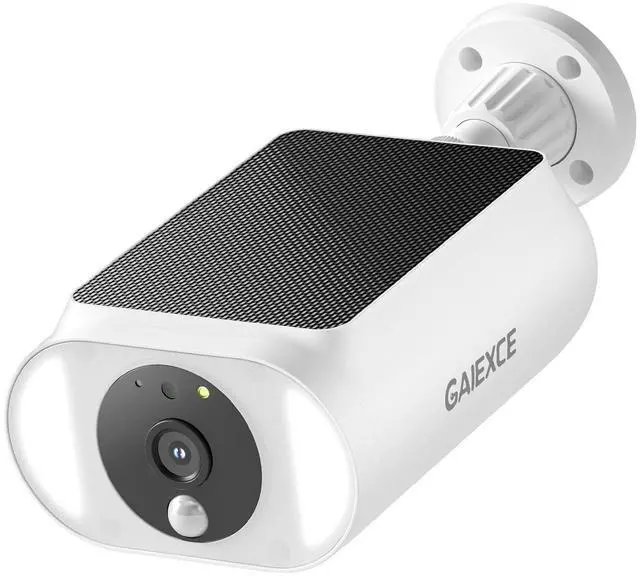
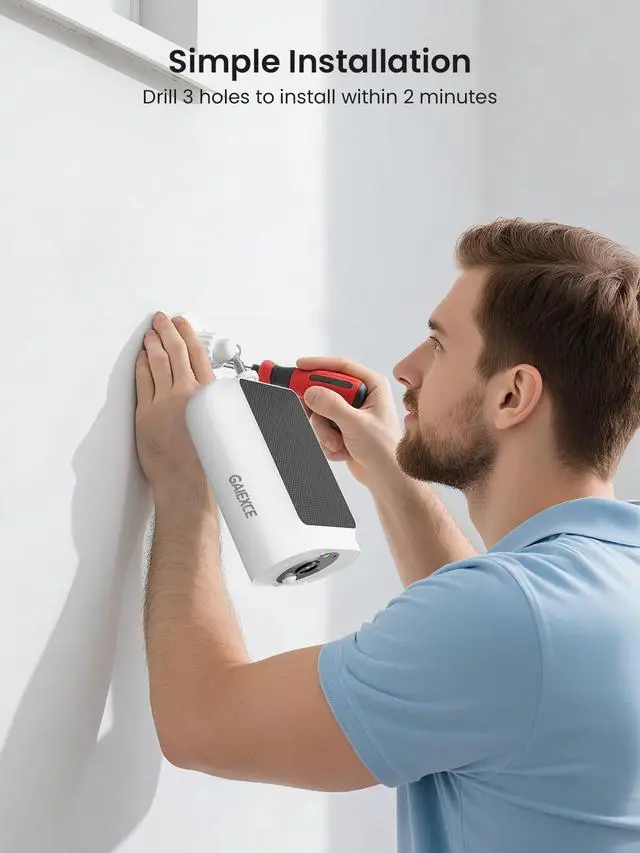


GAIEXCE Solar Security Camera, Wireless Security Camera Outdoor, 2K with Integrated Solar Panel, 2.4/5 GHz Wi-Fi, for Surveillance, Need SD Card(NOT Included) Cloud Storage is Optional(Need Cha
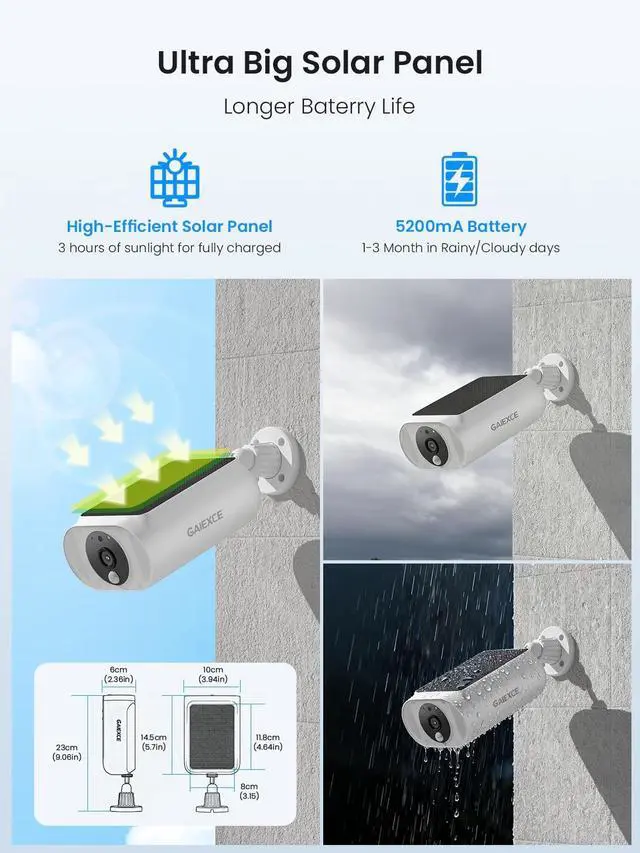
- Size: 5.7*4*2.4 inches. Please install the camera in a position as perpendicular as possible to the direction of motions, otherwise detection will become difficult.
- First time use, please RESET, RESET, RESET the camera.(use a needle to hold and long press the reset for 6-8s). And then open the app>> Upper right of the device page>> Add device(Turn on the bluetooth)>> Tap "add" after detecting the cameras. If cannot find the cameras, RESET the cameras or contact us.
- Please insert an SD card, so the camera can store the videos after detecting motions and you can check the playback videos.NOTE: The cloud storage is optional, If you don't insert an SD card, please subscribe the cloud service for watching playback.
- The camera will wakeup after detecting motions and record the video to the SD card (Please insert an SD card), and then sleep.There are three recording modes: Optimal battery life, Optimal surveilance and Uninterrupted recording. If select Uninterrupted recording, please
+
+
Overview
Specs
Reviews

Any questions? Our AI mode will help you find out quickly.
Try me now
Size: 5.7 *4* 2.4 inches. Please install the camera in a position as perpendicular as possible to the direction of motions, otherwise detection will become difficult. ^^ First time use, please RESET, RESET, RESET the camera. (use a needle to hold and long press the reset for 6-8s). And then open the app>> Upper right of the device page>> Add device (Turn on the bluetooth) >> Tap "add" after detecting the cameras. If cannot find the cameras, RESET the cameras or contact us. ^^ Please insert an SD card, so the camera can store the videos after detecting motions and you can check the playback videos.
NOTE: The cloud storage is optional, If you don't insert an SD card, please subscribe the cloud service for watching playback. ^^ The camera will wakeup after detecting motions and record the video to the SD card (Please insert an SD card), and then sleep.
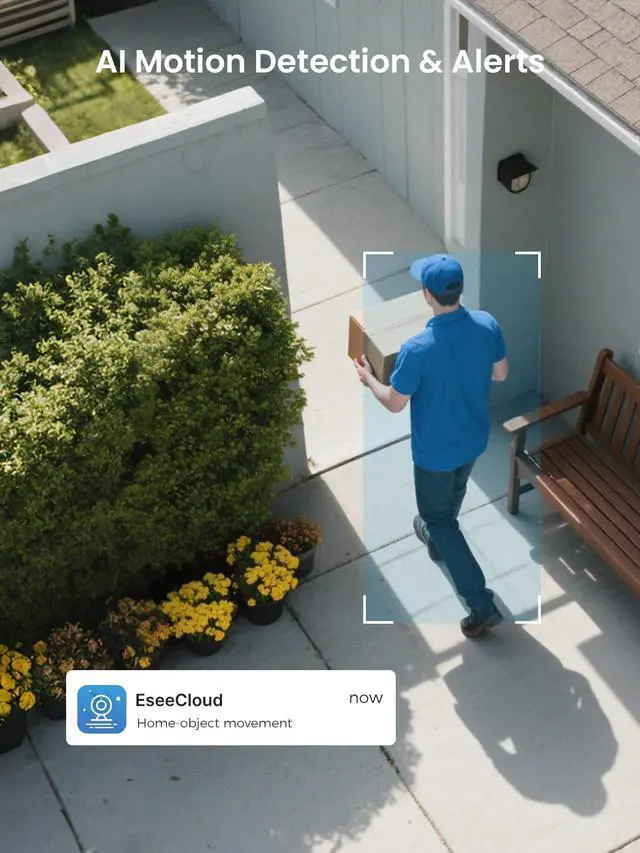
There are three recording modes: Optimal battery life, Optimal surveilance and Uninterrupted recording. If select Uninterrupted recording, please use additional power supply to it because this mode consumes too much power. "Optimal surveilance" will store videos up to 3 mins. ^^ If use the solar panel provides the power, please don't select the "Uninterrupted recording" (24/7 mode) because this mode consumes too much power. if not, please use additional power supply to connect the camera. ^^ Please select HD when you watch the live on the lower left of the camera. ^^ If you can't get the detection alerts instantly, please install the camera as close to WiFi as possible. ^^ If any issues when using the product, please feel free to contact us. We provide 24/7 support.
NOTE: The cloud storage is optional, If you don't insert an SD card, please subscribe the cloud service for watching playback. ^^ The camera will wakeup after detecting motions and record the video to the SD card (Please insert an SD card), and then sleep.
There are three recording modes: Optimal battery life, Optimal surveilance and Uninterrupted recording. If select Uninterrupted recording, please use additional power supply to it because this mode consumes too much power. "Optimal surveilance" will store videos up to 3 mins. ^^ If use the solar panel provides the power, please don't select the "Uninterrupted recording" (24/7 mode) because this mode consumes too much power. if not, please use additional power supply to connect the camera. ^^ Please select HD when you watch the live on the lower left of the camera. ^^ If you can't get the detection alerts instantly, please install the camera as close to WiFi as possible. ^^ If any issues when using the product, please feel free to contact us. We provide 24/7 support.
Warranty & Returns
Warranty, Returns, And Additional Information
Warranty
- Please contact the Seller directly for warranty information. Warranty information may also be found on the Manufacturer's website.
- CONTACT
Return Policies
- Return for refund within: 30 days
- Return for replacement within: non-replaceable
- This item is covered by Ankelay shop Return Policy
Manufacturer Contact Info
- For a directory of all our manufacturers, please click below.
- Manufacturers Directory
LOADING...
LOADING...