

Your Browsing History
- Free 30-day Returns
$63.99


Meet Your Seller

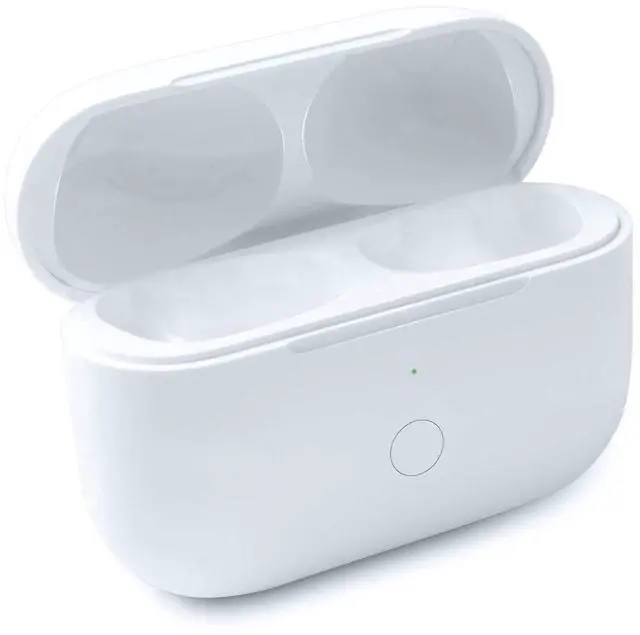
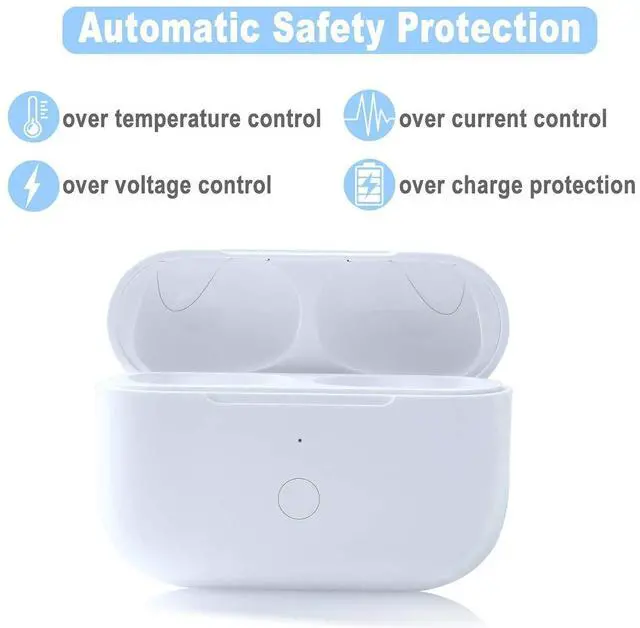


Compatible with for Wireless AirPod Pro 1st & 2nd Generation Charging Case Replacement, Compatible with for AirPod Pro 1st & 2nd Charger Case with Bluetooth Pairing Sync Button
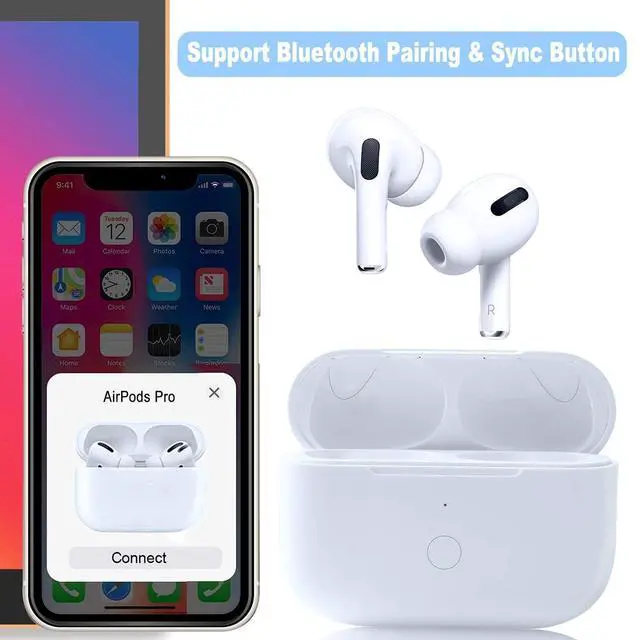
- Easy Bluetooth Pairing: The first time you need to operate the Bluetooth match, and the second time you open the charging case, the AirPods Pro 1st & 2nd Generation will automatically connect to your device.It is not include headphones.
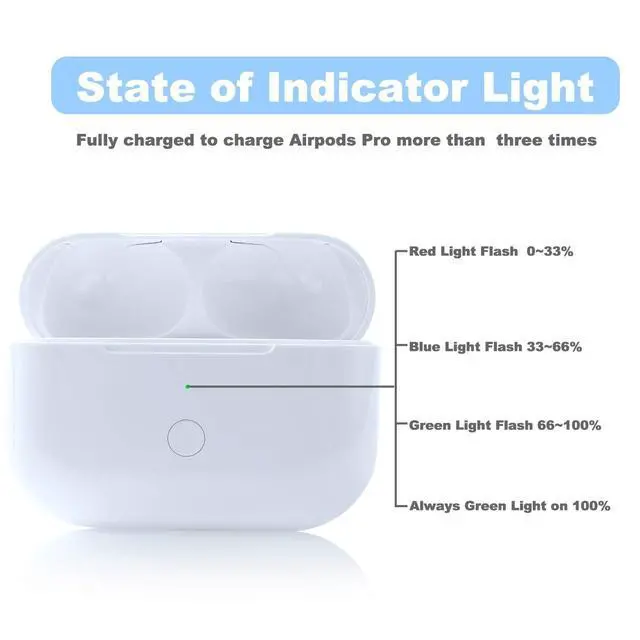
- Large Battery Capacity: Only compatible for Air pod pro 1st & 2nd Generation, can charge your earbuds 5 times.The charging case provides up to 24 hours of additional listening time, keeping your AirPods Pro 1st & 2nd Generation charged throughout the day.
- Fast Charging: The charging case features quick charging capabilities, providing up to 1 hour of listening time with just 5 minutes of charge. Charge the Air Pods Pro 1st & 2nd Generation fully in 30 minutes.
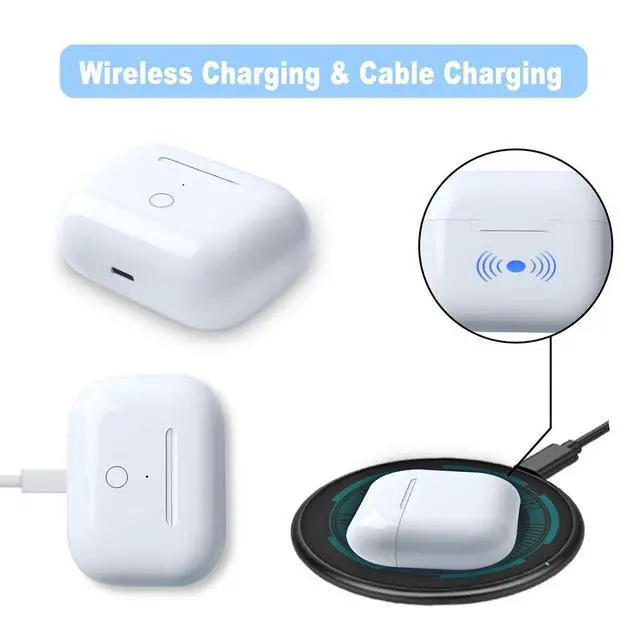
- Two Charging Ways: Charge the charging case with cable or wireless charging , giving you more options for charging on the go.
- After-Sales Service: Our excellent after-sales service ensures you have a worry-free experience with your AirPods Pro 1st &
+
+
Overview
Specs
Reviews

Any questions? Our AI mode will help you find out quickly.
Try me now
Bluetooth matching connection wayWith the sync button support bluetooth pairing, connects easily. Large Battery Capacity660 mAh battery capacity supply over 5 times full charge for your Air Pods Pro 1st & 2nd. Two charging wayWireless and wired charging solve your charging problem anywhere. If you don't have a wireless charger, don't worry about it. You can charge it with a cable at any time. It is very convenient for you. Quick chargejust 30 minutes give you 3 hours of listening time. Bluetooth Pairing with iphone1. First, activate Bluetooth setting on the phone in 'Settings-Bluetooth-On'in order to make charging case search Air Pods Pro 1 2 automatically.
(Don't plug in charger during Bluetooth pairing process)2. Put the original Air Pods Pro 1st & 2nd into charging case and turn on the lid, then long press the sync button until the green flashing. 3. Please wait and do not switch the lid on and off repeatedly when the phone is pairing with Air Pods Pro 1 2. 4. When the pop-up window shows "Air Pods Pro" or the name you set for your Air Pods Pro 1 2, click "Connecting" and wait for the process to complete, then click the sync button on the charging case to stop the flashing lightor wait for it to automatically stop.
If the iPhone Pops up 'Not Your "Air Pods Pro" when open the lid, please activate the charging case in pairing mode and click "Via iCloud Connecting", or ignore this and wait for the "Air Pods Pro" pop up window to appear for Bluetooth pairing. 5. Reopen the lid again and wait for 2s, when the phone is connected with the Air Pods Pro 1 2, take out and wear them.
Package include: 1wireless Air Pod Pro 1st & 2nd Charging case1operation instructionnot include Air Pod Pro 1 2
(Don't plug in charger during Bluetooth pairing process)2. Put the original Air Pods Pro 1st & 2nd into charging case and turn on the lid, then long press the sync button until the green flashing. 3. Please wait and do not switch the lid on and off repeatedly when the phone is pairing with Air Pods Pro 1 2. 4. When the pop-up window shows "Air Pods Pro" or the name you set for your Air Pods Pro 1 2, click "Connecting" and wait for the process to complete, then click the sync button on the charging case to stop the flashing lightor wait for it to automatically stop.
If the iPhone Pops up 'Not Your "Air Pods Pro" when open the lid, please activate the charging case in pairing mode and click "Via iCloud Connecting", or ignore this and wait for the "Air Pods Pro" pop up window to appear for Bluetooth pairing. 5. Reopen the lid again and wait for 2s, when the phone is connected with the Air Pods Pro 1 2, take out and wear them.
Package include: 1wireless Air Pod Pro 1st & 2nd Charging case1operation instructionnot include Air Pod Pro 1 2
Warranty & Returns
Warranty, Returns, And Additional Information
Warranty
- Please contact the Seller directly for warranty information. Warranty information may also be found on the Manufacturer's website.
- CONTACT
Return Policies
- Return for refund within: 30 days
- Return for replacement within: 30 days
- This item is covered by AetherWide Return Policy
Manufacturer Contact Info
- For a directory of all our manufacturers, please click below.
- Manufacturers Directory
LOADING...