Your Browsing History
- Free 30-day Returns
$90.99
Meet Your Seller
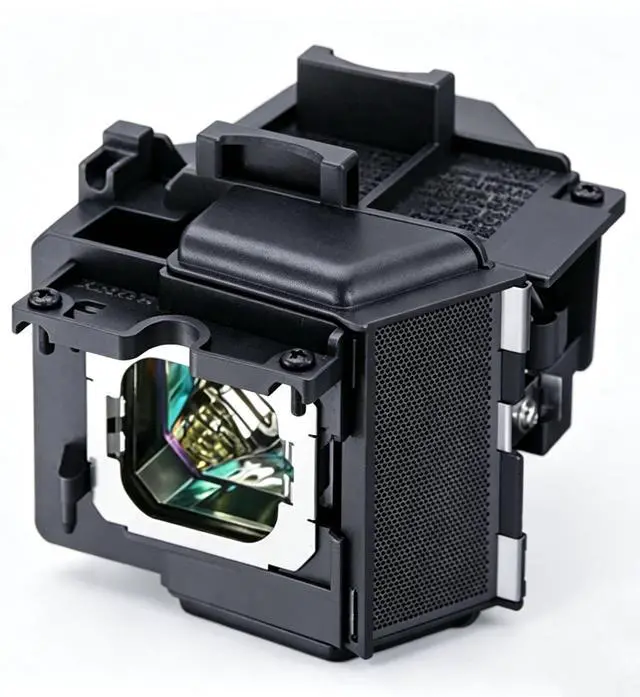
Replacement Projector Lamp Bulb with Housing for LMP-H280 Sony VPL-VW365ES VPL-VW520ES VPL-VW550ES VPL-VW665ES VPL-VW675ES VPL-VW55ES VPL-VW570ES VPL-VW695ES.
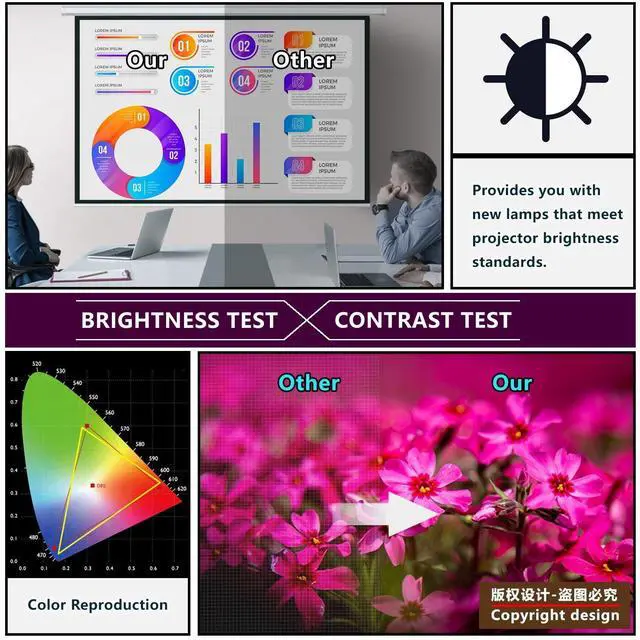
- Molvgoc Professional solutions is an 200W replacement that provides the best picture quality, brightness, and lifespan.
- Be aware of the connector make sure it connected well. It is not electric, shut down your projector when you install it.
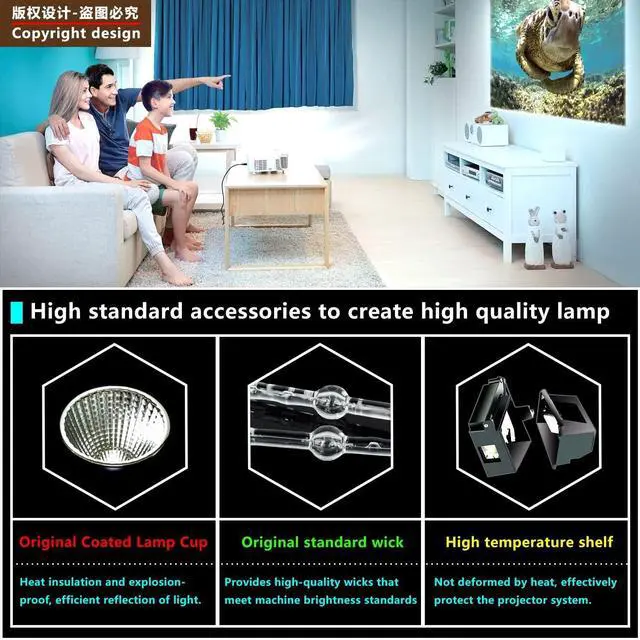
- Production of advanced bulb and housing, this projector lamp will give out a bright High Definition image and elevate your screening experience!
- Quality assured, Professional lamps with housing come with a 30 day refund warranty or a 180 days replacement warranty.
- Compatible with the following projector Models:LMP-H280 Sony VPL-VW365ES VPL-VW520ES VPL-VW550ES VPL-VW665ES VPL-VW675ES VPL-VW55ES VPL-VW570ES VPL-VW695ES.
+
+
Overview
Specs
Reviews
Any questions? Our AI beta will help you find out quickly.
Try me now
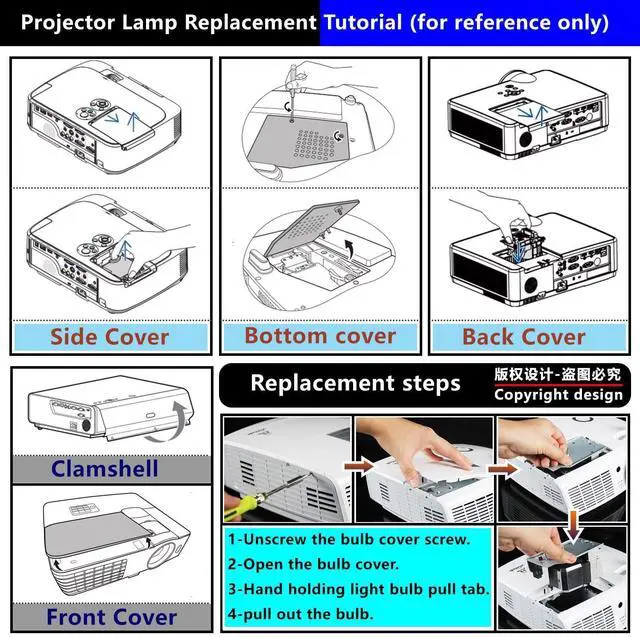
Molvgoc Replacement Projector LampLampModelLMP-H280CompatibleProjector ModelSonyVPL-VW365ES VPL-VW520ES VPL-VW550ES VPL-VW665ES VPL-VW675ES VPL-VW55ESVPL-VW570ES VPL-VW695ESReplace the lamp1. Turn the power off and disconnect the projector from the power outlet. 2. Loosen the screws that secure the lamp cover on the side of the projector untilthe lamp cover loosens. 3. Remove the lamp cover from the projector, loosen the screws that secure theinner lamp, pull the lamp out of the projector. 4. Insert the new lamp and the lamp connector, tighten the screws that secures thelamp. 5. Replace the lamp cover on the projector, tighten the screw that secures the lampcover.
6. Connect the power and restart the projector. What are some ways to extend the life ofa light bulb? 1. Dont keep theprojector in a closed chamber without ventilation, or any circumstance thatmakes the projector overheat; excessive heat may result in a shorter life ofthe projector and your lamp. 2. Operate yourprojector in a clean and dustless environment. Using an air cleaning machine inthe room is also helpful3. Clean airfilters regularly. 4. Turn off theprojector to ensure that it is able to receive the adequate cool-down periodthat is stated in the user manual.
5. Don't shake orvibrate the projector when it is on or in the cooling down mode. The bulb isextremely fragile. 6. Lamps arefragile in many circumstances. When changing a lamp, do not touch the actualbulb or burner itself use a cloth or a tissue to handle the bulb.. The oilsfrom your fingers may stay on the bulb causing hot spots.

6. Connect the power and restart the projector. What are some ways to extend the life ofa light bulb? 1. Dont keep theprojector in a closed chamber without ventilation, or any circumstance thatmakes the projector overheat; excessive heat may result in a shorter life ofthe projector and your lamp. 2. Operate yourprojector in a clean and dustless environment. Using an air cleaning machine inthe room is also helpful3. Clean airfilters regularly. 4. Turn off theprojector to ensure that it is able to receive the adequate cool-down periodthat is stated in the user manual.
5. Don't shake orvibrate the projector when it is on or in the cooling down mode. The bulb isextremely fragile. 6. Lamps arefragile in many circumstances. When changing a lamp, do not touch the actualbulb or burner itself use a cloth or a tissue to handle the bulb.. The oilsfrom your fingers may stay on the bulb causing hot spots.
Warranty & Returns
Warranty, Returns, And Additional Information
Warranty
- Please contact the Seller directly for warranty information. Warranty information may also be found on the Manufacturer's website.
- CONTACT
Return Policies
- Return for refund within: 30 days
- Return for replacement within: 30 days
- This item is covered by JMDesign Return Policy
Manufacturer Contact Info
- For a directory of all our manufacturers, please click below.
- Manufacturers Directory
LOADING...