Your Browsing History
- Free 30-day Returns
$98.99
Meet Your Seller
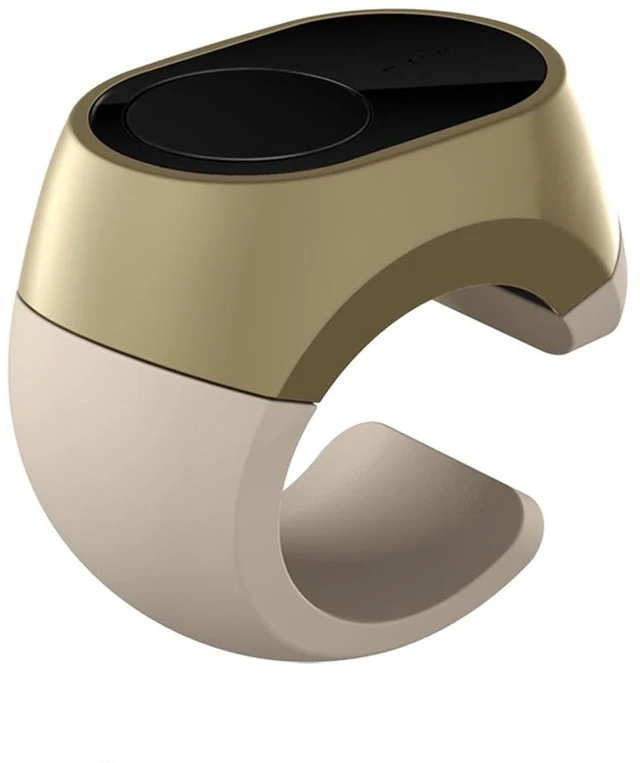
Bluetooth Remote Control Scrolling Ring for TikTok, Camera, Page Turner Remote - for iPhone, iPad, Tablet, iOS and Android - Gold
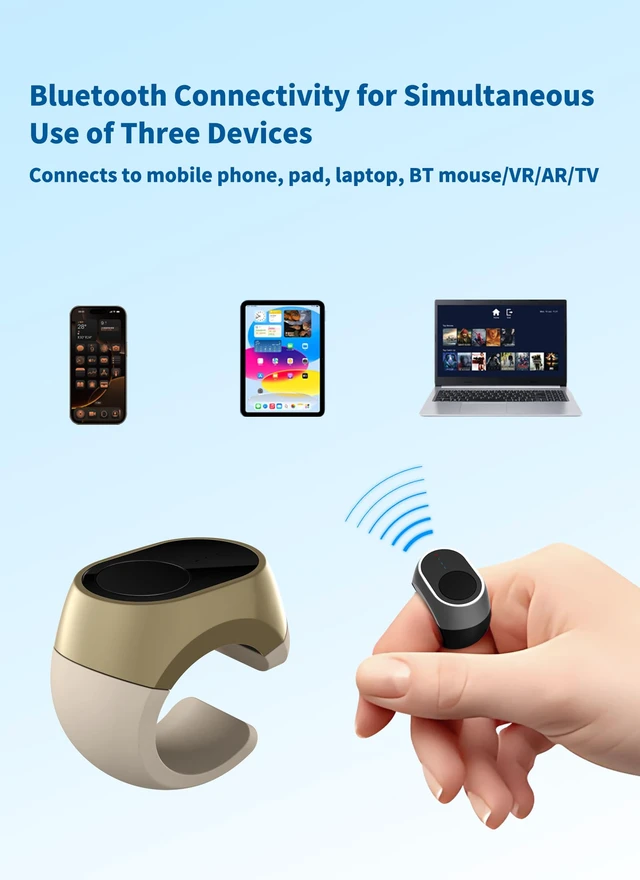
- Multi-device free compatibilityThis remote control supports seamless connectivity with up to three devices at once, including phones, tablets, laptops, Bluetooth mice, Bluetooth VR/ARs and smart TVs. It ensures a stable and efficient connection for all your devices, eliminating the hassle of constantly pairing and unpairing devices
- Page turning remote control10 metres ultra-long-distance stable connection, get rid of the wire bondage. Whether it is leisure entertainment, conference speech, or home video, one key can turn the page (forward/backward), so you can stay away from the screen and focus on the content presentation
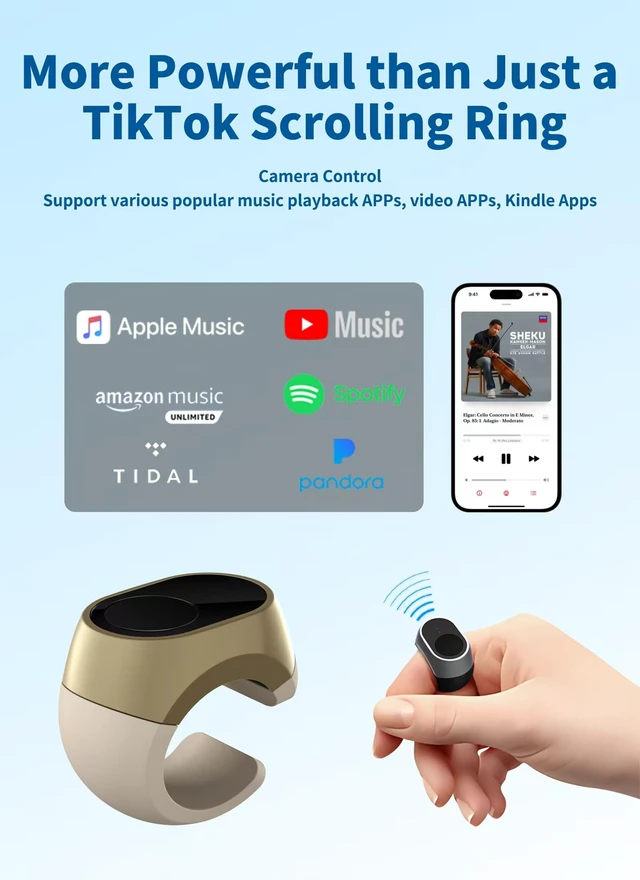
- More powerful featuresScroll ring for iOS / Android devices, iPad, iPhone, short video apps, reading apps, music apps, camera apps. This wireless Bluetooth remote control ring works seamlessly with entertainment or work, providing smooth scrolling, playback control and navigation
- Magnetic chargingWhen fully charged, it provides approximately 7 hours o
+
+
Overview
Specs
Reviews
Any questions? Ask CelesteSM will help you find out quickly.
Try me now
Bluetooth Remote Control Rings User Manual1. Product assembly and wearing- Remove the finger ring body and the four sizes (16, 18, 20, 22) of silicone rings from the package, and choose the one that fits your finger size for assembly. - Insert the mounting holes of the silicone ring against the mounting feet of the finger ring body. 2. Charging and Battery Information- Magnetic charging, lithium battery capacity is 3.7V /17mAh, charging time is about 1 hour, when fully charged, it can work continuously for 7 hours, standby time is more than 1 month.
- Red light on when charging, red light off when full. The red light will blink to indicate when the battery is low. 3. Bluetooth pairing and operation mode- Supports Bluetooth 5.3, up to 3 devices can be paired, the operating range is at least 10 metres. -
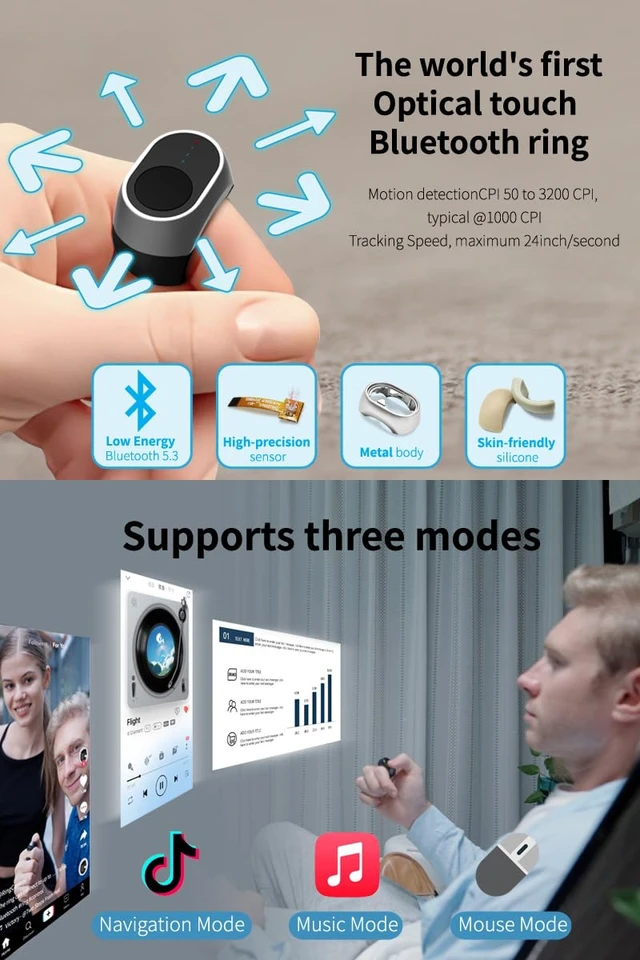
Provides three operation modes: browsing mode, music mode, mouse mode, which can be switched by quick key press. - Long press TS button for 5 seconds to clear current Bluetooth pairing, long press for more than 10 seconds to clear all pairing. 4.
Function Operation- Browse mode: Slide to control page switching, double click + slide up to return to home page, click to pause/play.
- Music mode: click to pause/play, double click to like, slide to control volume.
- Mouse mode: click OFN for left mouse button, long press TS button for 1 second for right mouse button. The mouse function is fully supported on laptops and desktop computers. Mobile phone compatibility may vary by brand and operating system. For iOS, please enable Assistive Touch. Some Android devices may not support Bluetooth mouse input. 5. Frequently Asked Questions and
Solutions- iOS users: you need to turn on the auxiliary touch function before use, if the sliding is not sensitive, please make sure your finger completely covers the touch area.
- Bluetooth pairing failure: If it is not the first time to pair, you need to clear the current pairing and re-pair.
- Inappropriate size: Choose the right size of silicone ring to avoid wearing too loose and causing insensitive operation.
- Red light on when charging, red light off when full. The red light will blink to indicate when the battery is low. 3. Bluetooth pairing and operation mode- Supports Bluetooth 5.3, up to 3 devices can be paired, the operating range is at least 10 metres. -
Provides three operation modes: browsing mode, music mode, mouse mode, which can be switched by quick key press. - Long press TS button for 5 seconds to clear current Bluetooth pairing, long press for more than 10 seconds to clear all pairing. 4.
Function Operation- Browse mode: Slide to control page switching, double click + slide up to return to home page, click to pause/play.
- Music mode: click to pause/play, double click to like, slide to control volume.
- Mouse mode: click OFN for left mouse button, long press TS button for 1 second for right mouse button. The mouse function is fully supported on laptops and desktop computers. Mobile phone compatibility may vary by brand and operating system. For iOS, please enable Assistive Touch. Some Android devices may not support Bluetooth mouse input. 5. Frequently Asked Questions and
Solutions- iOS users: you need to turn on the auxiliary touch function before use, if the sliding is not sensitive, please make sure your finger completely covers the touch area.
- Bluetooth pairing failure: If it is not the first time to pair, you need to clear the current pairing and re-pair.
- Inappropriate size: Choose the right size of silicone ring to avoid wearing too loose and causing insensitive operation.
Warranty & Returns
Warranty, Returns, And Additional Information
Warranty
- Please contact the Seller directly for warranty information. Warranty information may also be found on the Manufacturer's website.
- CONTACT
Return Policies
- Return for refund within: 30 days
- Return for replacement within: 30 days
- This item is covered by Tactifans Outdoor Sport Goods Return Policy
Manufacturer Contact Info
- For a directory of all our manufacturers, please click below.
- Manufacturers Directory
LOADING...