• $59.99
  • Free 30-day Returns
  • Price alert
    Shop it at NeweggBusiness.

    Meet Your Seller

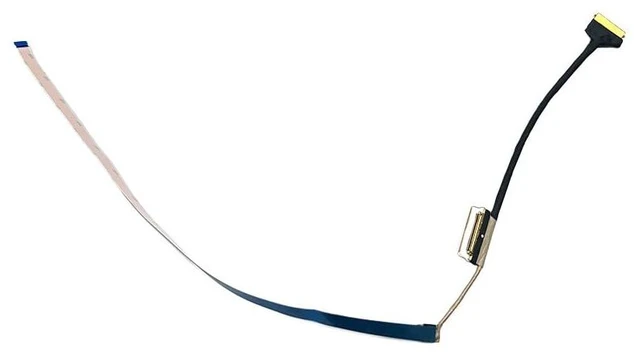
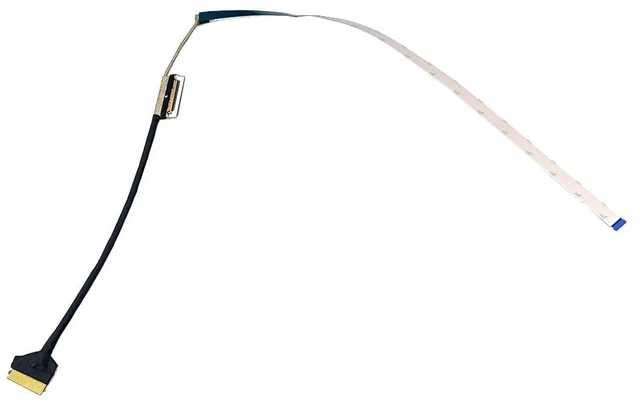
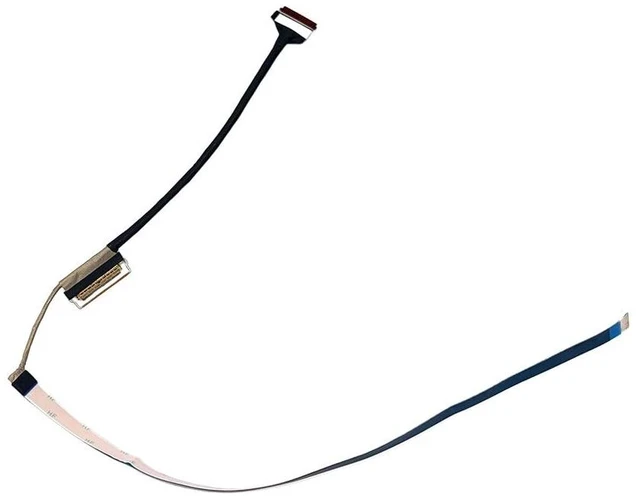
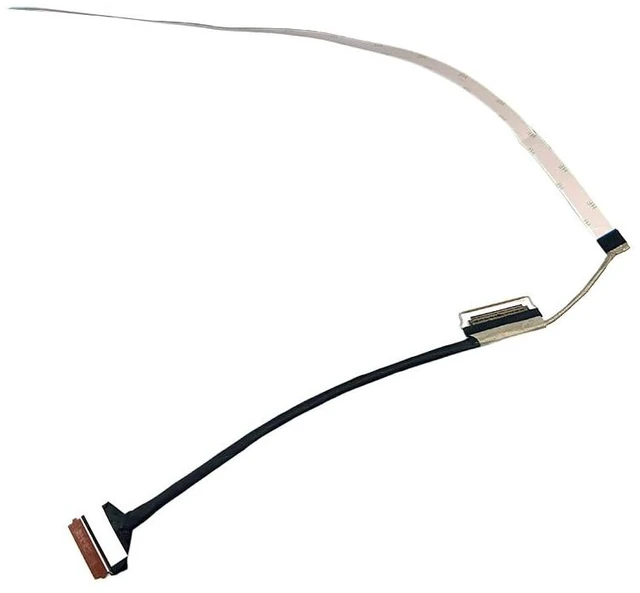
    Zahara 30PIN LCD Screen Video Display Flex Cable for Lenovo V15 G4 AMN 82YU

    • ZAHARA 30PIN LCD Screen Video Display Flex Cable for Lenovo V15 G4 AMN 82YU 83CQ , V15 G4 IAN 82YW , V15 G7 IWC 83VF , KV581 ,P/N : 5C10S30664 ,5C10S30665 , DC02C00ZJ00 , DC02C00ZJ10
    • Disassembly and InstallationLaptop disassembly is required for installation, professional skill is highly recommended. Notice: Easy for you replace your faulty,cracked or broken one ,seller remind that you should replace this in the off state.
    • Compatibility Notice: Verify Before PurchaseCompatible ONLY with the models listed above. Purchasing the wrong item leads to returns. Check your model number now. Contact us if you need confirmation.
    • Friendly Reminder: If you experience no signal or display issues during initial setup, gently wipe the metal contacts with a dry cloth or eraser to remove any oxidation. Then reinsert the device. This is a common connectivity issue unrelated to product quality. Please use with confidence.
    • Pre-Tested & 24-Hour SupportShipped ready to use after rigorous te
    +
    +
    Overview
    Specs
    Reviews

    Any questions? Ask CelesteSM will help you find out quickly.

    ZAHARA 30PIN LCD Screen Video Display Flex Cable for Lenovo V15 G4 AMN 82YU 83CQ, V15 G4 IAN 82YW, V15 G7 IWC 83VF, KV581, P/N: 5C10S30664, 5C10S30665, DC02C00ZJ00, DC02C00ZJ10 ^^ Disassembly and InstallationLaptop disassembly is required for installation, professional skill is highly recommended.
    Notice: Easy for you replace your faulty, cracked or broken one, seller remind that you should replace this in the off state.
    ^^ Compatibility Notice: Verify Before PurchaseCompatible ONLY with the models listed above. Purchasing the wrong item leads to returns. Check your model number now. Contact us if you need confirmation.
    ^^ Friendly Reminder: If you experience no signal or display issues during initial setup, gently wipe the metal contacts with a dry cloth or eraser to remove any oxidation. Then reinsert the device. This is a common connectivity issue unrelated to product quality. Please use with confidence. ^^ Pre-Tested & 24-Hour SupportShipped ready to use after rigorous testing. We stand behind our products with reliable, 24-hour customer service to protect your investment and experience.

    Warranty & Returns

    Warranty, Returns, And Additional Information

    Warranty

    • Please contact the Seller directly for warranty information. Warranty information may also be found on the Manufacturer's website.
    • CONTACT

    Return Policies

    • Return for refund within: 30 days
    • Return for replacement within: 30 days
    • This item is covered by CloudBeast Return Policy

    Manufacturer Contact Info

    LOADING...