Your Browsing History
- Free 30-day Returns
$35.89
Ships from China.
Meet Your Seller
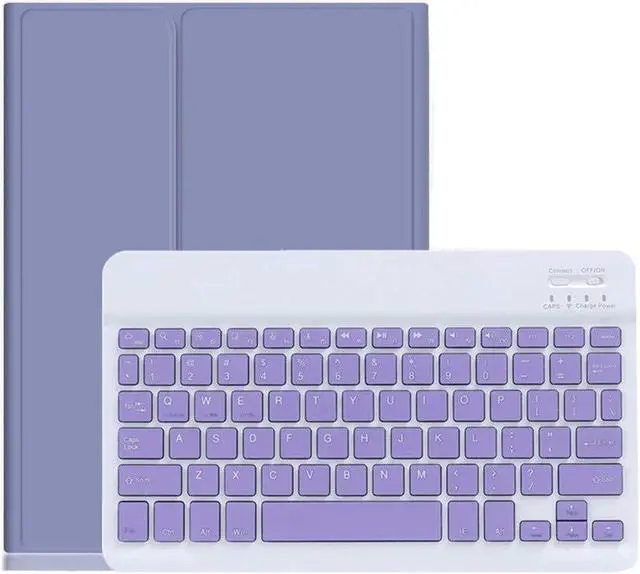
YEEHi Keyboard Case for iPad Mini 6th Generation Cute Color Keyboard iPad Mini 6 2021 Detachable Bluetooth Keyboard Cover with Pencil Holder (Purple)
- Compatible Models:This smart keyboard case is compatible with 8.3 inch iPad mini 6th Generation 2021 (Model Number: A2567, A2568, A2569).
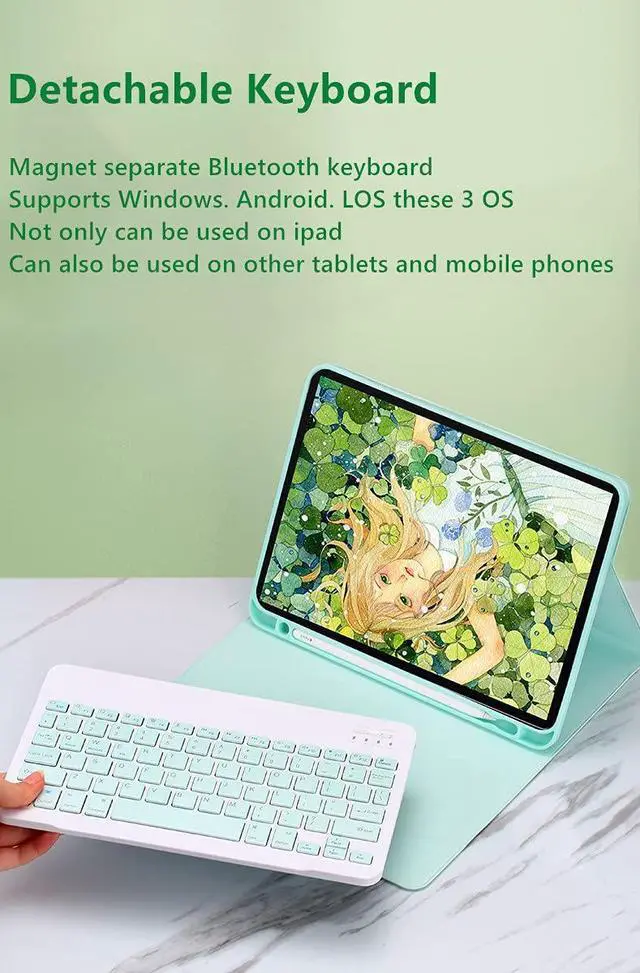
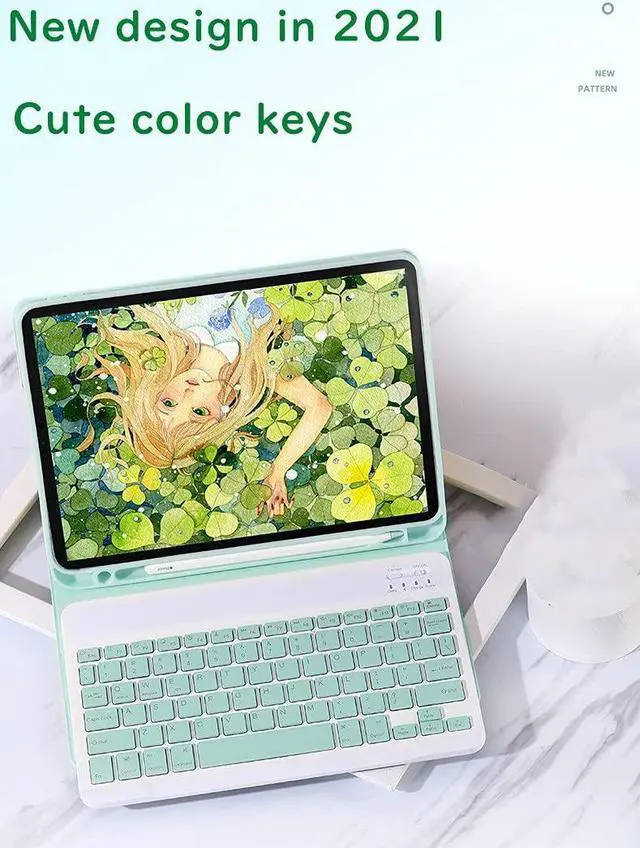
- Detachable Bluetooth keyboard: new design in 2021, colorful buttons are very cute and stylish, make your iPad more colorful, and make your work and study happier , The magnetic separate keyboard is suitable for 3 systems of WindowsAndroidiOS, Not only can be used with iPad, It can also be used with other tablet computers and mobile phones.
- Soft TPU back cover :The soft TPU back cover adopts non-slip design, Easy to install, Can support the tablet at multiple angles . Outside is a softer material ,Give you a very comfortable feel !
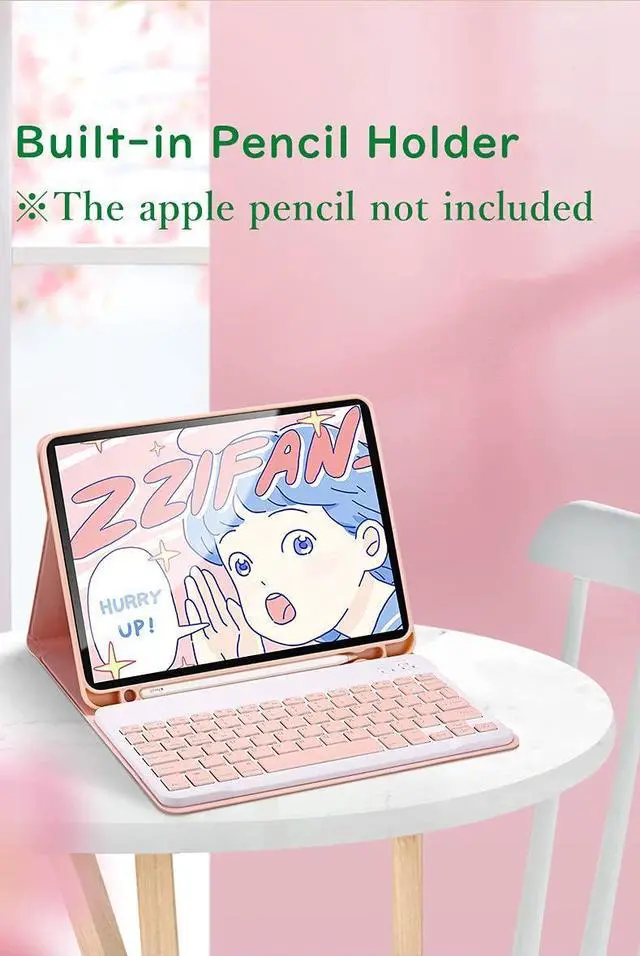
- Built-in Pencil Holder :The protective case comes with pencil holder ,It is convenient to keep your Pen together, don't worry about losing it.
+
+
Overview
Specs
Reviews
Any questions? Our AI beta will help you find out quickly.
Try me now
How to connect this
Bluetooth keyboard to iPad:
1: turn on the power button of the keyboard.
(The power indicator will go out after flashing. This is to save power, not fault)
2: Long press the "Connect" button next to the power button until the Bluetooth indicator flashes
This turns on the Bluetooth of the keyboard.
3: From the iPad's home screen, tap Settings. Tap on Bluetooth.
Make sure Bluetooth is set to On, then let it search for devices.
Tap on a Bluetooth keyboard, when it appears, to pair.
4: if an authentication (PIN) code appears on the iPad screen,
Enter the number with the keyboard and press"Enter" key.
5: When the connection is complete, the Bluetooth indicator will go out,
6: This is a 3-system keyboard,
If you are using this keyboard on your iPad,
Please press "FN" key first, don't release it, then press "E" key,
This is a system for the iPad

Bluetooth keyboard to iPad:
1: turn on the power button of the keyboard.
(The power indicator will go out after flashing. This is to save power, not fault)
2: Long press the "Connect" button next to the power button until the Bluetooth indicator flashes
This turns on the Bluetooth of the keyboard.
3: From the iPad's home screen, tap Settings. Tap on Bluetooth.
Make sure Bluetooth is set to On, then let it search for devices.
Tap on a Bluetooth keyboard, when it appears, to pair.
4: if an authentication (PIN) code appears on the iPad screen,
Enter the number with the keyboard and press"Enter" key.
5: When the connection is complete, the Bluetooth indicator will go out,
6: This is a 3-system keyboard,
If you are using this keyboard on your iPad,
Please press "FN" key first, don't release it, then press "E" key,
This is a system for the iPad
Warranty & Returns
Warranty, Returns, And Additional Information
Warranty
- Please contact the Seller directly for warranty information. Warranty information may also be found on the Manufacturer's website.
- CONTACT
Return Policies
- Return for refund within: 30 days
- Return for replacement within: 30 days
- This item is covered by Fashion Technology Return Policy
Manufacturer Contact Info
- For a directory of all our manufacturers, please click below.
- Manufacturers Directory
LOADING...