

Your Browsing History
- Free 30-day Returns
$54.99

Best Sellers
 Hot Seller
- $59.89
- + FREE SHIPPING

Meet Your Seller

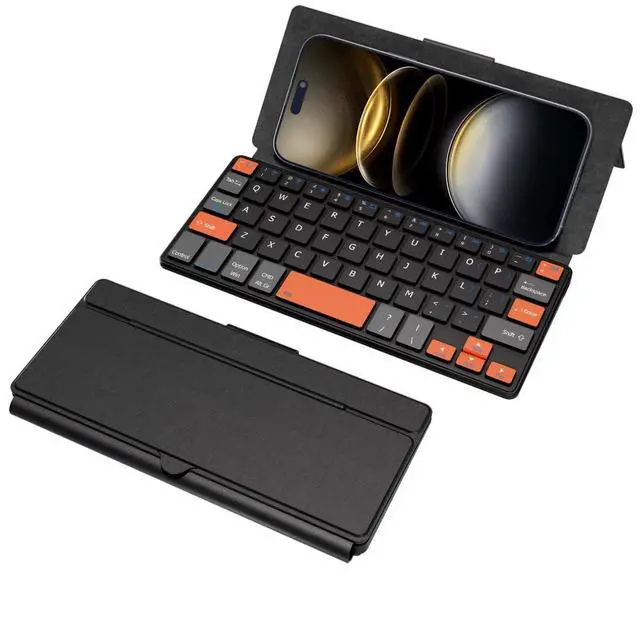
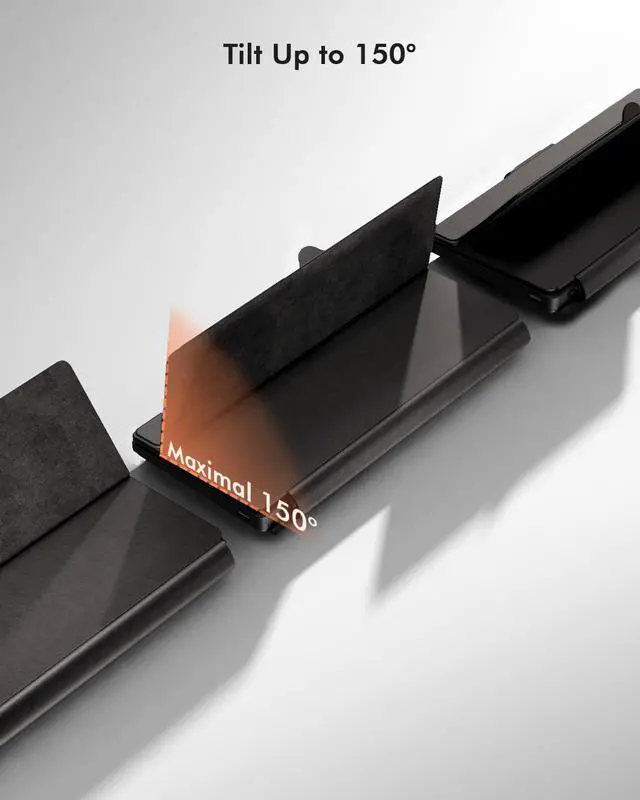


Doohoeek Universal Bluetooth Mini Keyboard, Wireless Compact Keyboard with Orange Navigation Keys & Any-Angle Stand for Android/iOS/Windows, Dual-Device Keypad for Phones/Galaxy Z Fold/iPad mini
- Can't Connect the Bluetooth? Please reset the keyboard and then reconnect the Bluetooth: 1. Turn on the keyboarad; 2. Press and hold the first and the last key at the top row of the keyboard until all indicators start flashing; 3. Bluetooth light flickers quickly, auto entering Bluetooth pairing mode (If not, press Fn + 1 or 2); 4. Search and find "Wireless keyboard".
- Multi-OS Compatible: The keyboard is widely compatible with Android, Windows and iOS devices. Also the basic typing function works with other OS devices such as fire tablets.
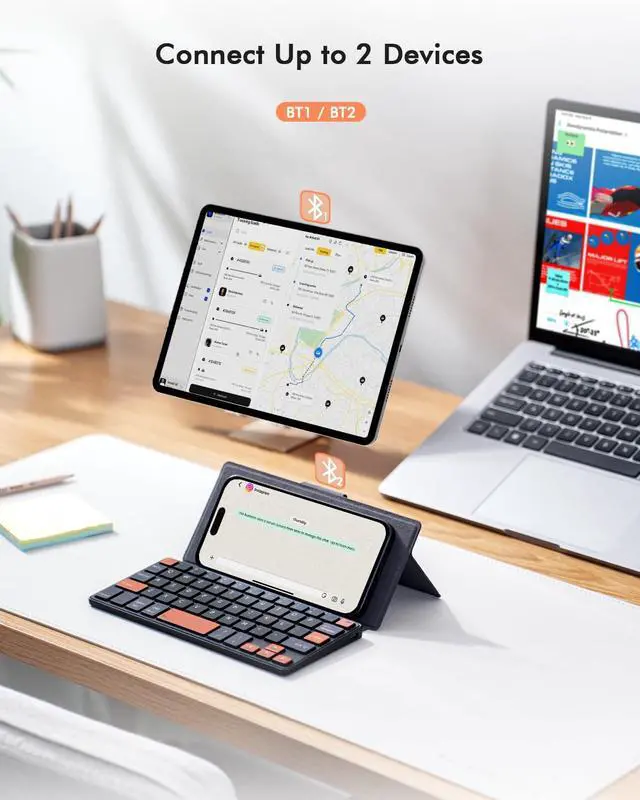
- Connect 2 Devices: Seamless switching between 2 Bluetooth devices (iOS/Android/Windows) with single-tap transitions (Fn+"1"/ "2").
- Orange Keys for Productivity Boost: The color-coded design help you to position the keys effortlessly and reduce mistyping. The orange keys are more visible than standard keys, engineered for speed typists.
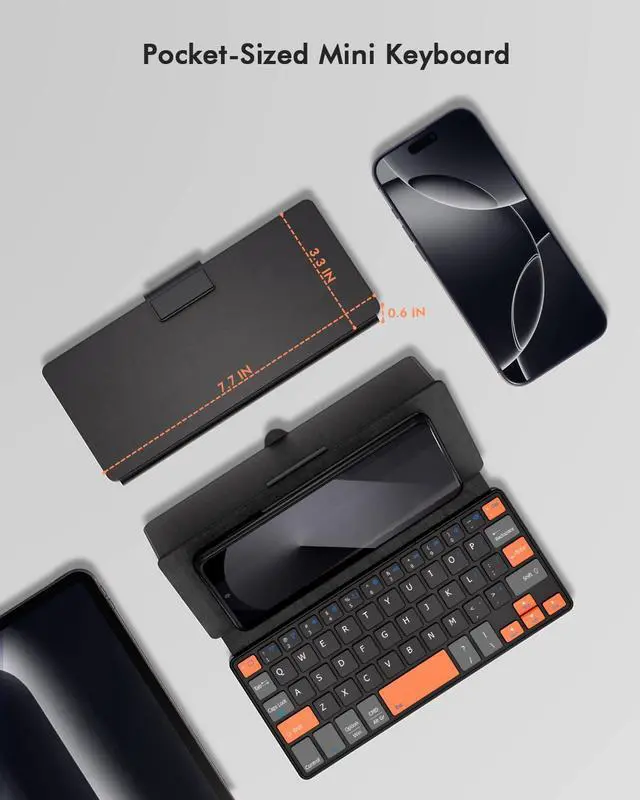
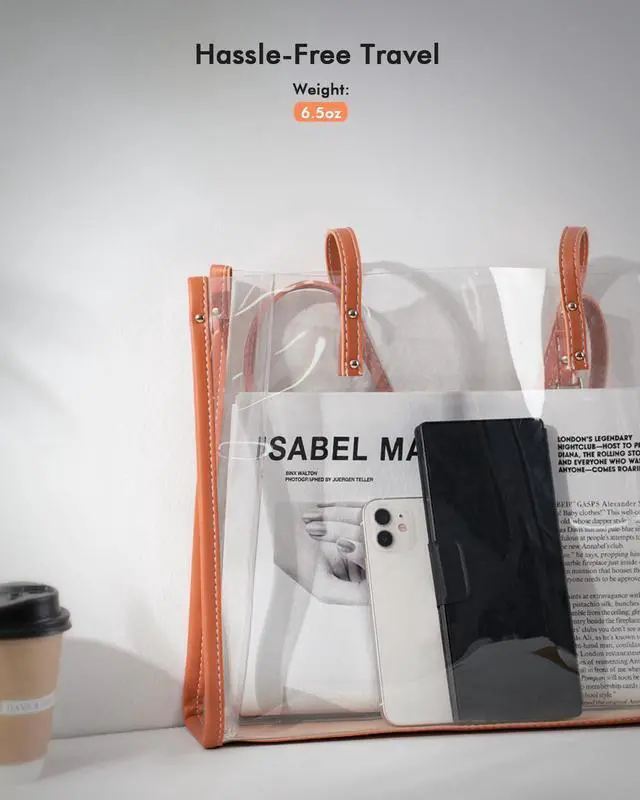
- Compact & Travel-Friendly: Only 6oz weight and slim 0.6in profile fits in most handbags. The f
+
+
Overview
Specs
Reviews

Any questions? Our AI beta will help you find out quickly.
Try me now
Doohoeek Universal Bluetooth Mini Keyboard, Wireless Compact Keyboard with Orange Navigation Keys & Any-Angle Stand for Android/iOS/Windows, Dual-Device Keypad for Phones/Galaxy Z Fold/iPad mini
Warranty & Returns
Warranty, Returns, And Additional Information
Warranty
- Please contact the Seller directly for warranty information. Warranty information may also be found on the Manufacturer's website.
- CONTACT
Return Policies
- Return for refund within: 30 days
- Return for replacement within: 30 days
- This item is covered by HAIZHILANSTORE Return Policy
Manufacturer Contact Info
- For a directory of all our manufacturers, please click below.
- Manufacturers Directory
LOADING...
LOADING...