Your Browsing History
Meet Your Seller
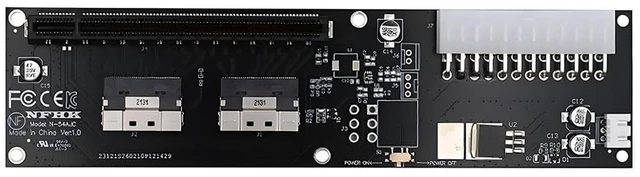
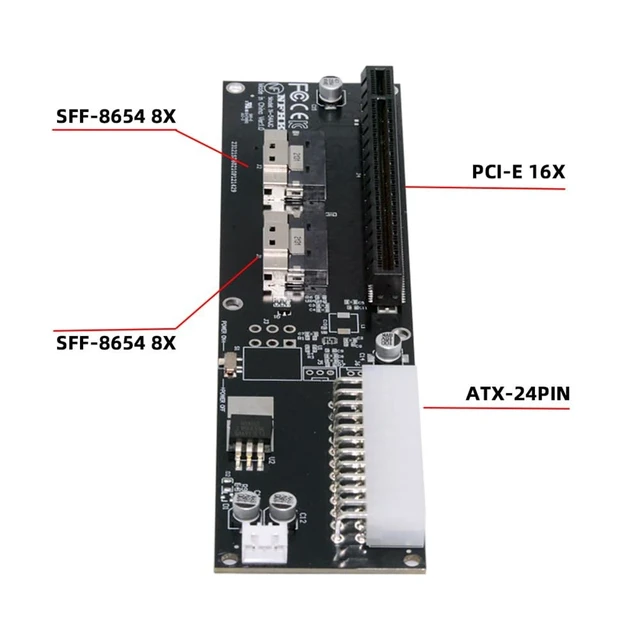
Xiwai Dual Slimline SFF-8654 8X 74Pin VROC to PCIE 16x with ATX 24Pin Power
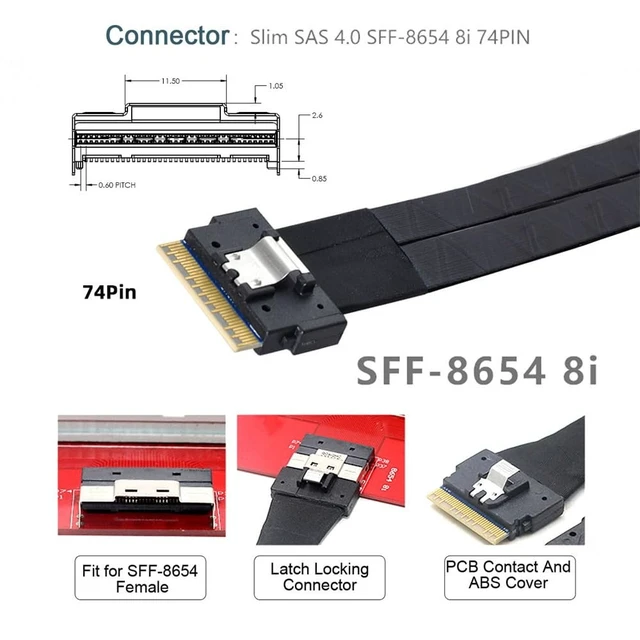
- High-speed data transfer : The adapter is designed for use with PCI-E that use SFF-8654 8x connectors, allowing for fast and reliable data transfer at speeds of up to 32Gbps.One detachable PCIE PCI-Express 8x motherboard can be connected,The converter can be installed into the system internally through the SFF-8654 8X interface
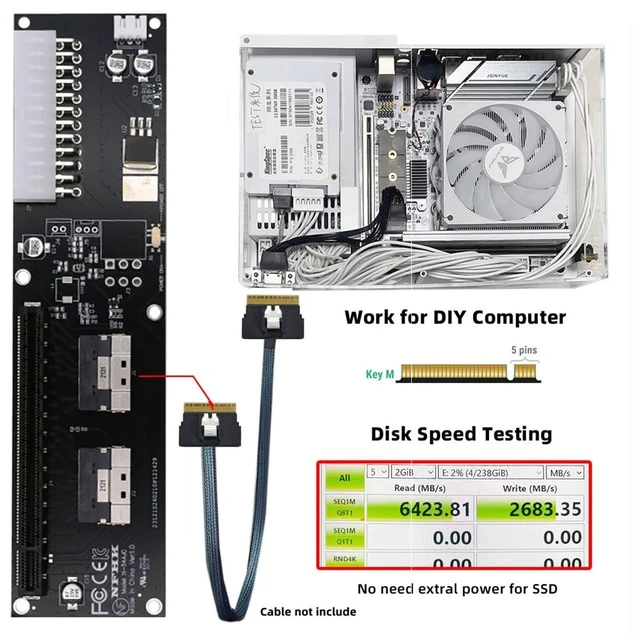
- Only supports motherboards with detachable PCI-E channels.Control the operation of two disks based on the motherboard PCIE channel,The motherboard without PCIE signal split can only recognize one disk.The PCI-E 6Pin power port support 12V power. Please connect the extral power for your PCI-E card if the power is insufficient. (The switch is for PCI-E power)
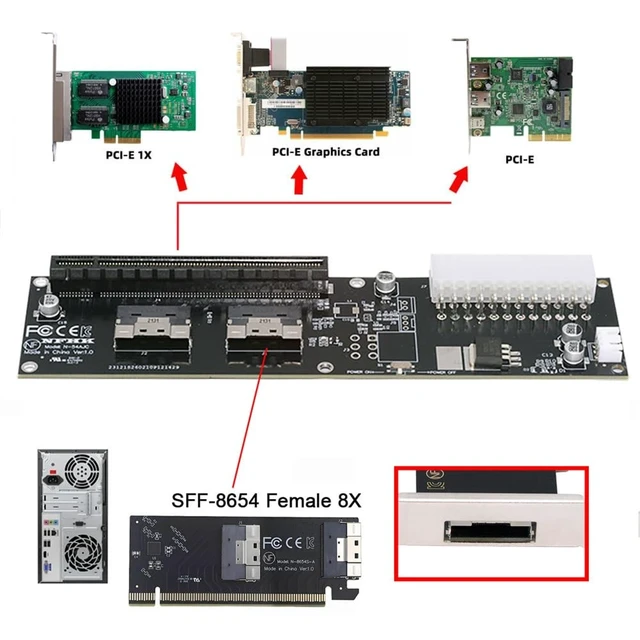
- Easy to use: Simply plug in the SFF-8654 8x 74Pin end of the adapter into your device and the PCI-E 16X socket end into your external pci-e device, and you're ready to go.It transmits PCI Express 4.0/5.0 signals using the PCIE protocol; Support PCIE 4.0/5.0 data transmission, Support connecting GPU grap
+
+
Overview
Specs
Reviews
Any questions? Our AI mode will help you find out quickly.
Try me now
High-speed data transfer: The adapter is designed for use with PCI-E that use SFF-8654 8x connectors, allowing for fast and reliable data transfer at speeds of up to 32Gbps. One detachable PCIE PCI-Express 8x motherboard can be connected, The converter can be installed into the system internally through the SFF-8654 8X interface ^^ Only supports motherboards with detachable PCI-E channels. Control the operation of two disks based on the motherboard PCIE channel, The motherboard without PCIE signal split can only recognize one disk. The PCI-E 6Pin power port support 12V power. Please connect the extral power for your PCI-E card if the power is insufficient. (The switch is for PCI-E power) ^^
Easy to use: Simply plug in the SFF-8654 8x 74Pin end of the adapter into your device and the PCI-E 16X socket end into your external pci-e device, and you're ready to go. It transmits PCI Express 4.0 / 5.0 signals using the PCIE protocol; Support PCIE 4.0 / 5.0 data transmission, Support connecting GPU graphics card, SSD, expansion card, etc., backward compatible with PCIE 3.0 ^^ It can be connected e. g. one SSD or eGPU Graphics Card by using an optional cable. Suitable for small hosts, desktops, laptops, etc. to convert PCIE sockets to SFF-8654 8X sockets, with fixing holes for fixing ^^ Transform your works with this cable adapter, facilitating integration of PCI-E into systems requiring SFF-8654 connection; Elevates your system's capabilities with our adapter, ensuring a stable and robusts connection investments without compromising on space or convenience

Warranty & Returns
Warranty, Returns, And Additional Information
Warranty
- Please contact the Seller directly for warranty information. Warranty information may also be found on the Manufacturer's website.
- CONTACT
Return Policies
- Return for refund within: 30 days
- Return for replacement within: 30 days
- This item is covered by JMDesign Return Policy
Manufacturer Contact Info
- For a directory of all our manufacturers, please click below.
- Manufacturers Directory
LOADING...