• $86.99
  • Free 30-day Returns
  • Price alert
    Shop it at NeweggBusiness.

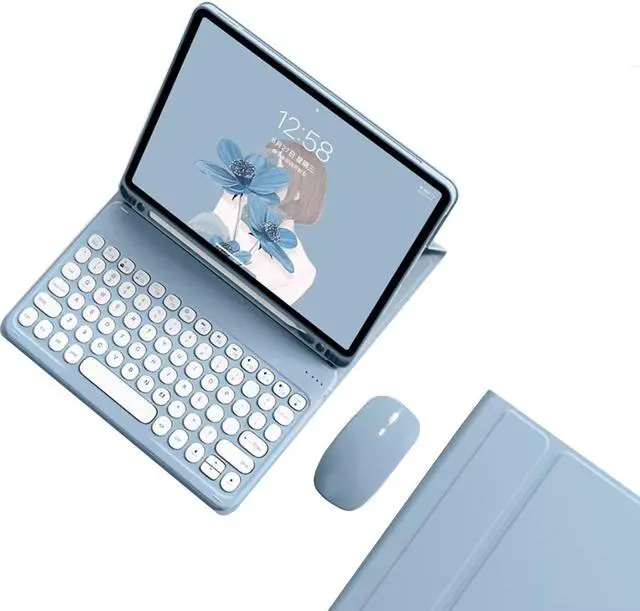
    kaidisen Keyboard Case for Galaxy Tab S9+ / Tab S9 FE Plus/Tab S8+ / Tab S7+ / Tab S7 FE 12.4 inch Case with Keyboard and Bluetooth Mouse, Detachable Candy Color Keyboard Cover Round Key,Mist Blue

    • [(Keyboard Case with Mouse for Galaxy S7+/S7 FE/S8+/S9+/S9 FE+ 12.4")] This color keyboard case mouse is compatible with Tab S9 Plus 12.4 Inch 2023 Model Number: SM-X810/SM-X816B/SM-X818U / Tab S9 FE+ 12.4 inch / Galaxy Tab S8 Plus 12.4 Inch 2022 (SM-X800/SM-X806) / Galaxy Tab S7 FE 5G 12.4 inch Model SM-T730/T733/T736/T738 2021 Release & Galaxy Tab S7+ S7 Plus 12.4'' Model SM-T970/T975/T976/T978 .
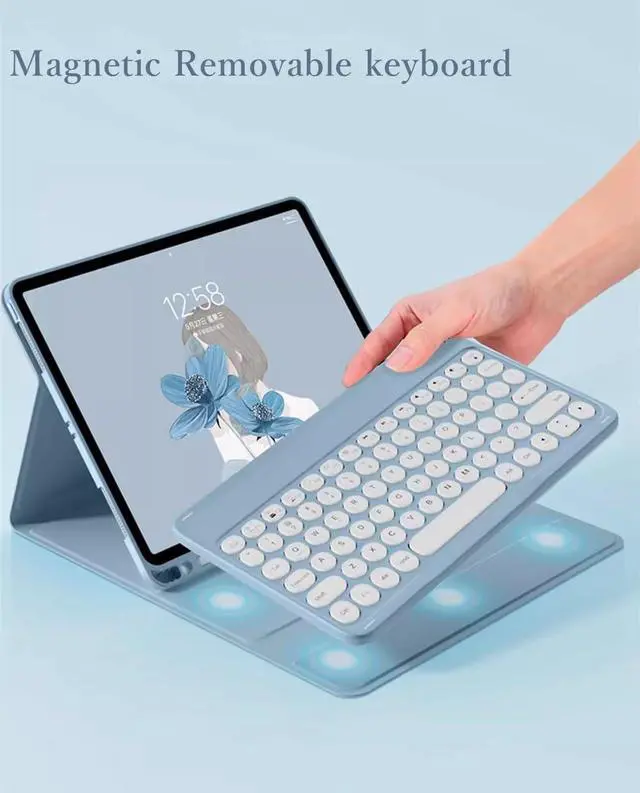
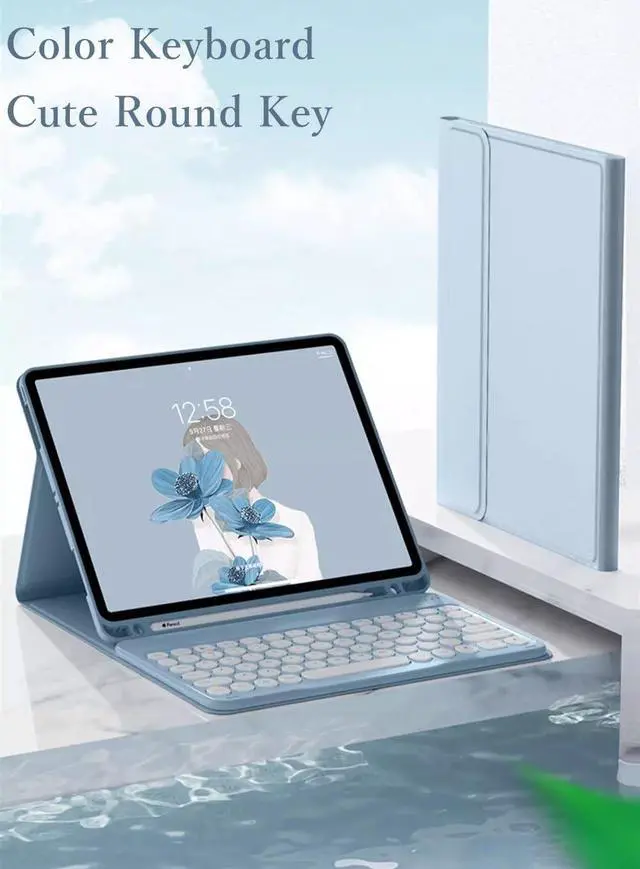
    • [(Round key color keyboard)] Magnetic detachable rechargeable cute round key color keyboard , not only be used for Galaxy tablet, It can also be used for other tablets, phones, and computers with Bluetooth functionality.
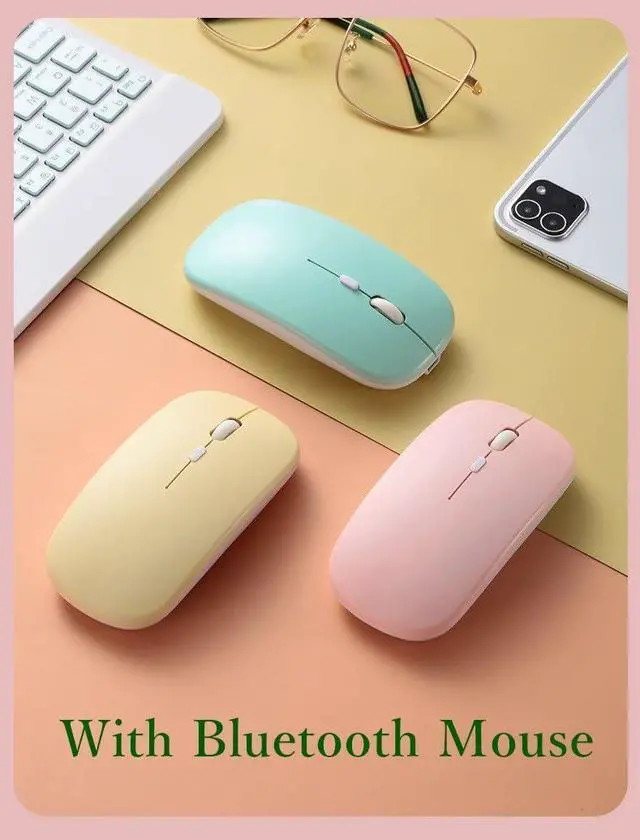
    • [(Bluetooth mouse)] Cute color bluetooth mouse,support Bluetooth connection and 2.4GH wireless connection,The color Bluetooth mouse can be charged, No need to replace the battery,Suitable for various tablets, laptops, and desktop computers.
    • [(Case with S Pen Holder )] :The protective case comes with S pen holder ,which can be used to store S pen
    • [(Cute De
    +
    +
    Overview
    Specs
    Reviews
    avatar

    Any questions? Our AI beta will help you find out quickly.

    How to connect this keyboard to
    Galaxy tablet:
    1: turn on the power button on the right side of the keyboard.
    (The power indicator will go out after flashing. This is to save power, not fault)
    2: Press the "FN" key in the lower left corner of the keyboard, do not release it, and then press the "C" key.
    (Note: You need to press FN+C at the same time)
    At this time, you can see the Bluetooth indicator flashing,
    This turns on the Bluetooth of the keyboard.
    3: From the tablet's home screen, tap Settings. Tap on Bluetooth.
    Make sure Bluetooth is set to On, then let it search for devices.
    Tap on a Bluetooth keyboard, when it appears, to pair.
    4: if an authentication (PIN) code appears on the iPad screen,
    Enter the number with the keyboard and press"Enter" key.
    5: When the connection is complete, the Bluetooth indicator will go out,
    6: This is a 32-system keyboard,
    If you are using this keyboard on your Galaxy tablet,
    Please press "FN" key first, don't release it, then press "Q" key,
    This is a system for the Galaxy tablet

    Warranty & Returns

    Warranty, Returns, And Additional Information

    Warranty

    • Please contact the Seller directly for warranty information. Warranty information may also be found on the Manufacturer's website.
    • CONTACT

    Return Policies

    Manufacturer Contact Info

    LOADING...