shipping Holiday Shipping Details & Extended Holiday Returns
Out of stock
  • $128.99
  • Free 30-day Returns
Most customers receive within 5-9 days.
Price alert
Shop it at NeweggBusiness.

Meet Your Seller

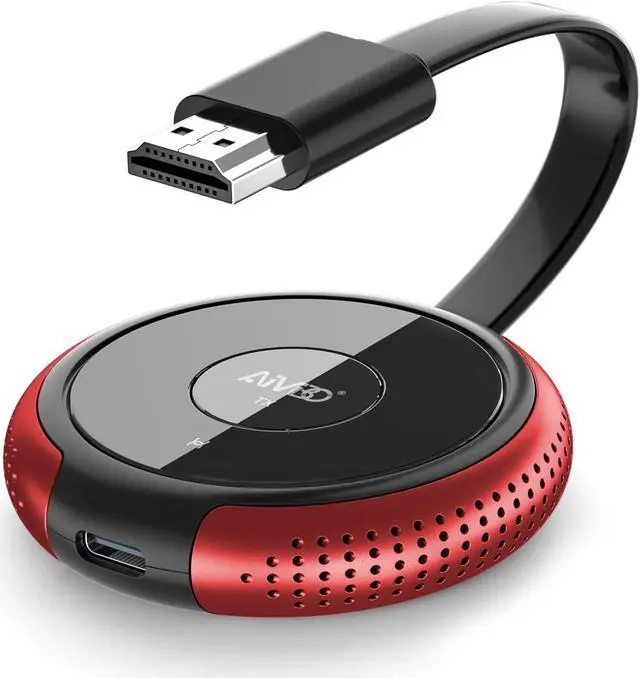
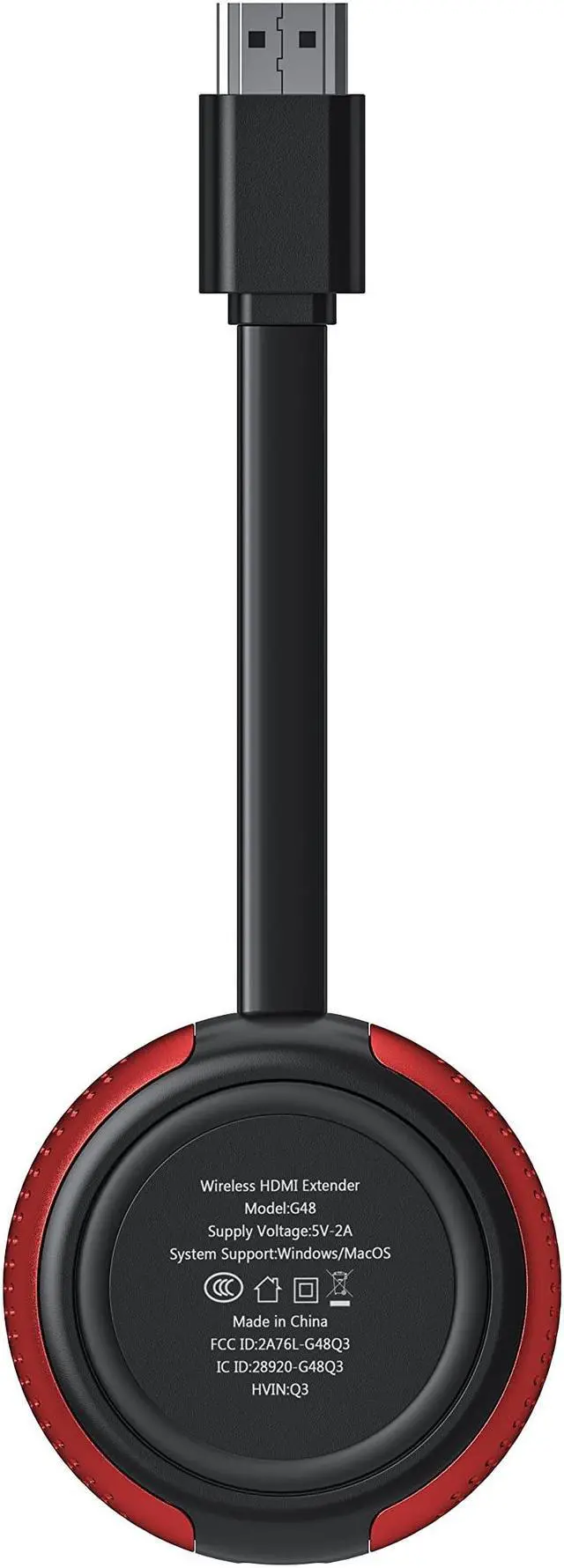
TIMBOOTECH Wireless HDMI Transmitter Red, 1 Receiver Can be Paired with 8 Transmitters, Compatiable with DV, Cable Box, Laptop, PC, Only TX

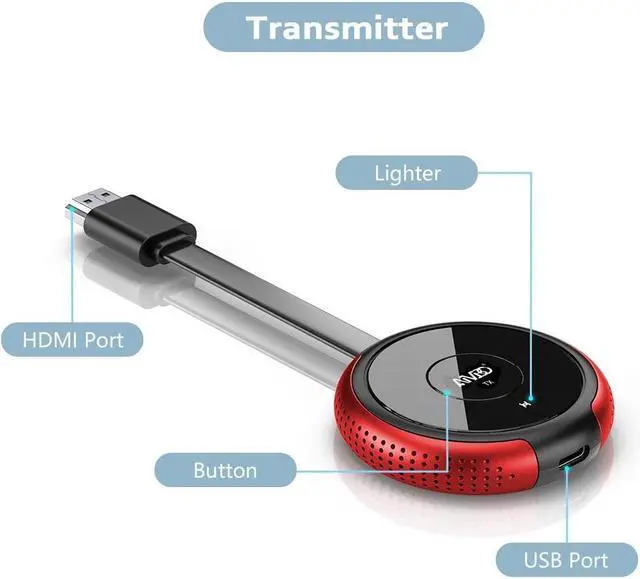
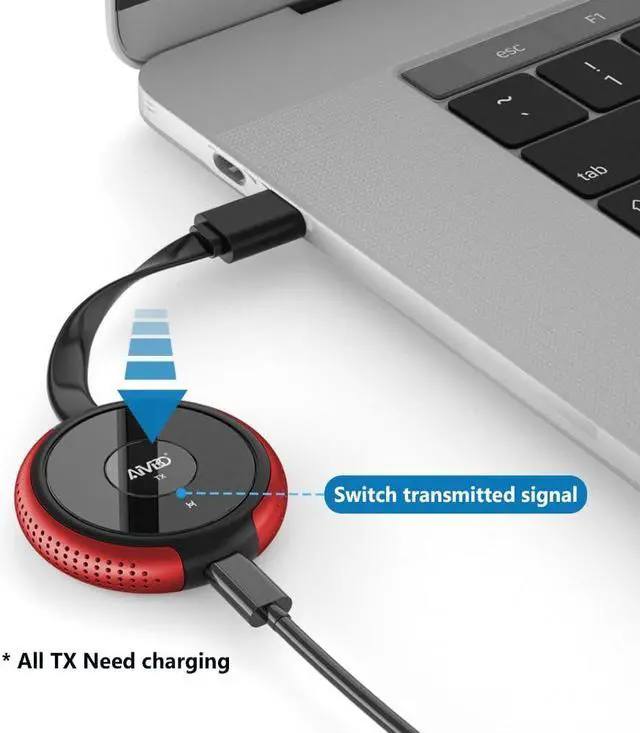
  • TIMBOOTECH Wireless HDMI Transmitter Red. WHAT YOU GET; 1x HDMI Wireless Transmitter, 1x USB Cable, 1x Manual Book
  • How to pair the transmitter with receiver
  • Step 1: Long press the receiver's middle button, till the screen shows 'release the button'
  • Step 2: Long press the transmitter's middle button, till the screen shows 'Pairing'
  • Step 3: Wait 5s, the screen will show "Paired is OK", then it will auto mirror
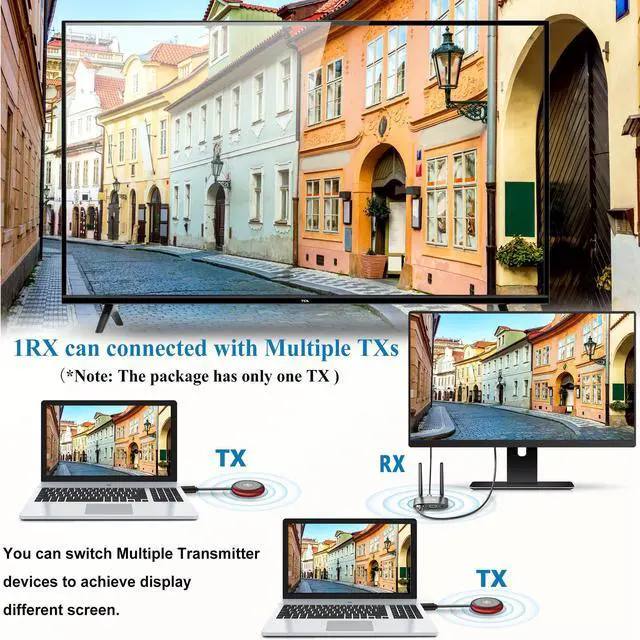
  • One receiver can be paired with up to 8 transmitters. The connection way is the same. Every new TX needs to be paired with the receiver before using
  • Switch the display screen by one click the first TX's middle button, then it will be back to the blue interface. One click the second TX's middle button. It will display the second TX's content
  • IMPORTANT TIP If connection drops off or other situation: 1. Please plug a USB C cable into the wall adapter (5V/1-2A) for the wireless HDMI transmitter. 2. Use the wireless HDMI transmitter and receiver in an open
+
+
Overview
Specs
Reviews
avatar

Any questions? Our AI beta will help you find out quickly.

[ (WHAT YOU GET) ] 1x HDMI Wireless Transmitter, 1x USB Cable, 1x Manual Book

How to pair the transmitter with receiver?
Step 1: Long press the receiver's middle button, till the screen shows "release the button"
Step 2: Long press the transmitter's middle button, till the screen shows "Pairing"
Step 3: Wait 5s, the screen will show "Paired is OK", then it will auto mirror.
One receiver can be paired with up to 8 transmitters. The connection way is the same. Every new TX needs to be paired with the receiver before using.
Switch the display screen by one click the first TX's middle button, then it will be back to the blue interface. One click the second TX's middle button. It will display the second TX's content.

Warranty & Returns

Warranty, Returns, And Additional Information

Warranty

  • Please contact the Seller directly for warranty information. Warranty information may also be found on the Manufacturer's website.
  • CONTACT

Return Policies

  • Return for refund within: 30 days
  • Return for replacement within: non-replaceable
  • This item is covered by JMDesign Return Policy

Manufacturer Contact Info

LOADING...