Your Browsing History
Meet Your Seller
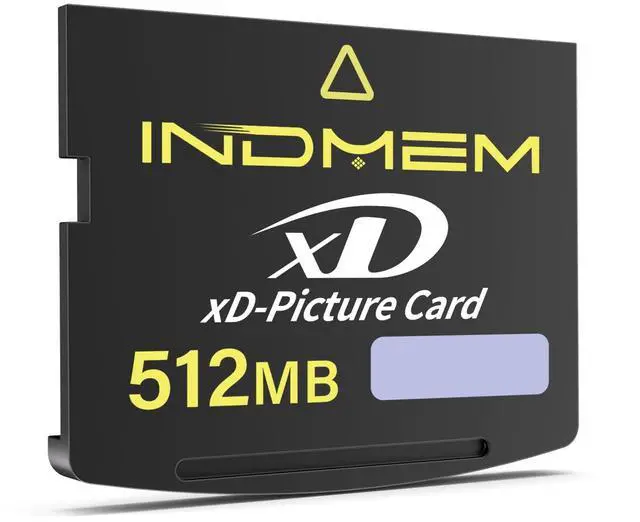
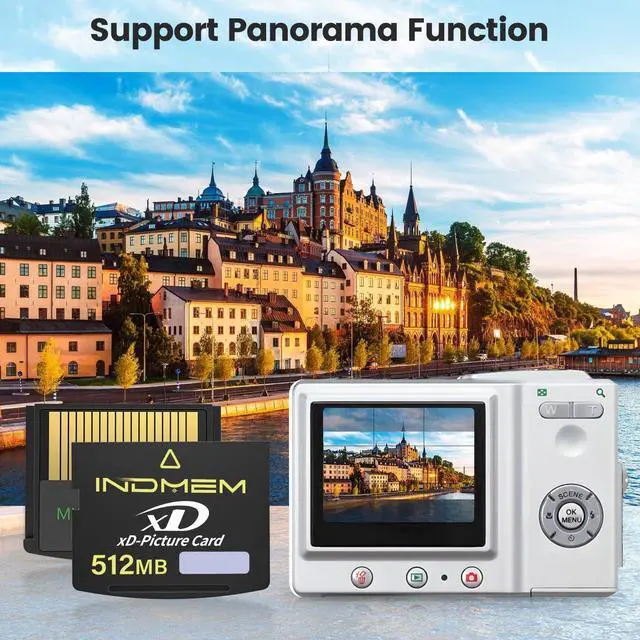
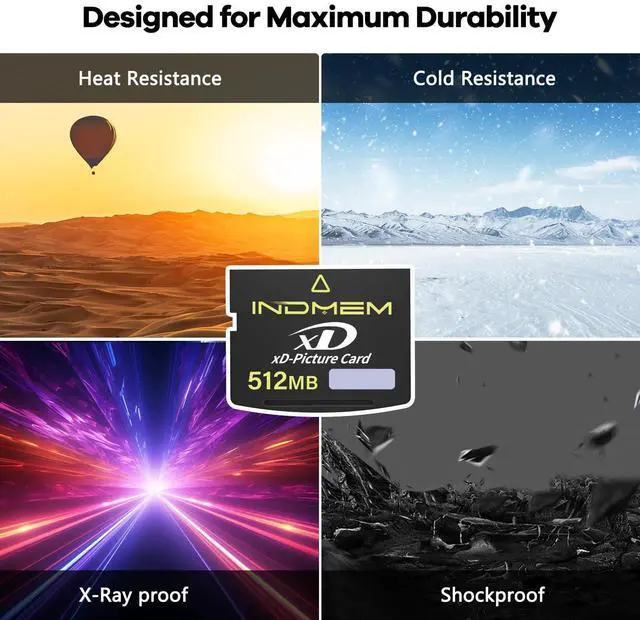
xD-Picture Card 512MB,512MB Xd Cards Compatible with Olympus Fujifilm Old Digital Cameras,Support Panorama Function (Tpye Standard)
- Wide Compatible: xD picture card 512MB (Type Standard compatible with most Olympus Fujifilm old digital cameras,Please confirm your old camera requires the Standard Type before purchasing.
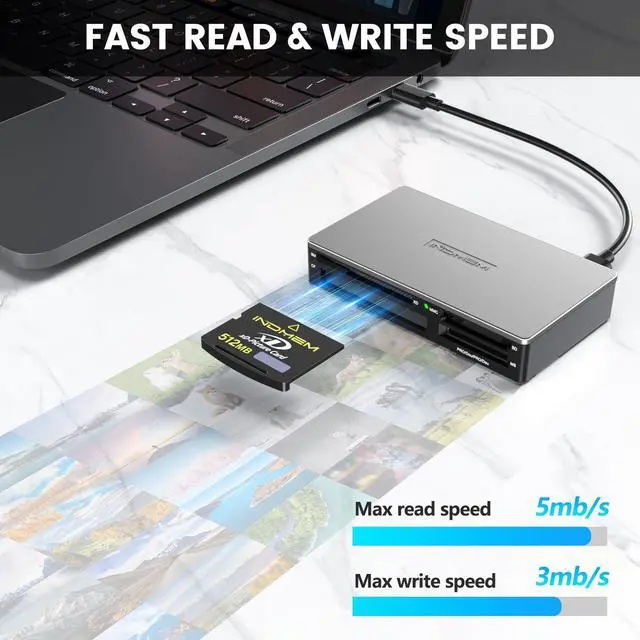
- Fast Read & Write speeds,Max read speed 5mb/s, Max write speed 3mb/s.
- Compact design,512MB standard storage capacity.
- 512MB xD card is lightweight and consume little power,is the smallest flash media card available. Important: This xd card is NOT compatible with SD/microSD card slots. For devices with an xD-Picture Card slot only.
- Plug & Play : The xd card is pre-formatted and ready to use. However, some very old cameras may require an "in-camera format" on first use.If your camera shows "Card Error", First try cleaning the camera's card slot contacts with a cleaning cloth.

+
+
Overview
Specs
Reviews
Any questions? Our AI beta will help you find out quickly.
Try me now
Wide Compatible: xD picture card 512MB (Type Standard compatible with most Olympus Fujifilm old digital cameras, Please confirm your old camera requires the Standard Type before purchasing. ^^ Fast Read & Write speeds, Max read speed 5mb/s, Max write speed 3mb/s. ^^ Compact design, 512MB standard storage capacity. ^^ 512MB xD card is lightweight and consume little power, is the smallest flash media card available.
Important: This xd card is NOT compatible with SD/microSD card slots. For devices with an xD-Picture Card slot only.
^^ Plug & Play: The xd card is pre-formatted and ready to use. However, some very old cameras may require an "in-camera format" on first use. If your camera shows "Card Error", First try cleaning the camera's card slot contacts with a cleaning cloth.
Important: This xd card is NOT compatible with SD/microSD card slots. For devices with an xD-Picture Card slot only.
^^ Plug & Play: The xd card is pre-formatted and ready to use. However, some very old cameras may require an "in-camera format" on first use. If your camera shows "Card Error", First try cleaning the camera's card slot contacts with a cleaning cloth.
Warranty & Returns
Warranty, Returns, And Additional Information
Warranty
- Please contact the Seller directly for warranty information. Warranty information may also be found on the Manufacturer's website.
- CONTACT
Return Policies
- Return for refund within: 30 days
- Return for replacement within: non-replaceable
- This item is covered by FoundationSurge Return Policy
Manufacturer Contact Info
- For a directory of all our manufacturers, please click below.
- Manufacturers Directory
LOADING...