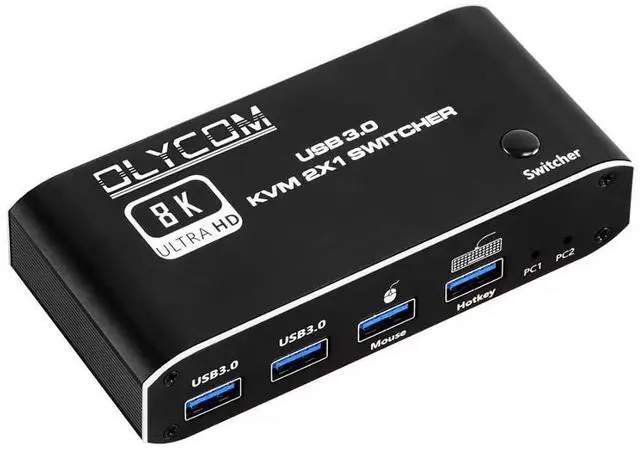
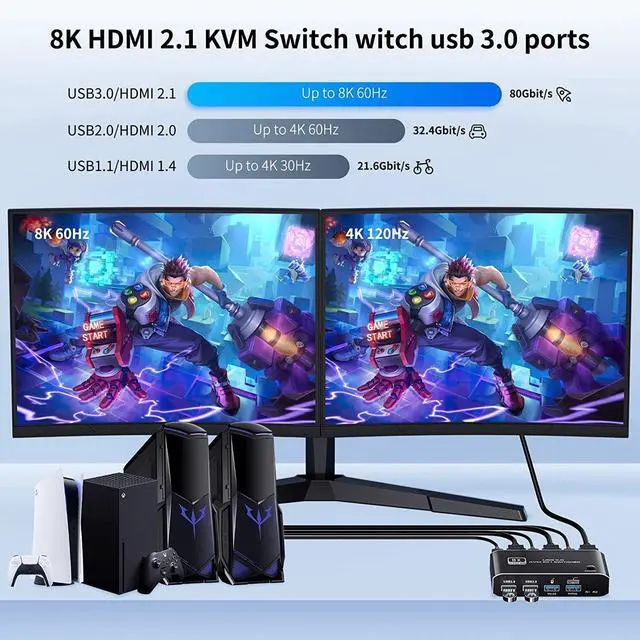
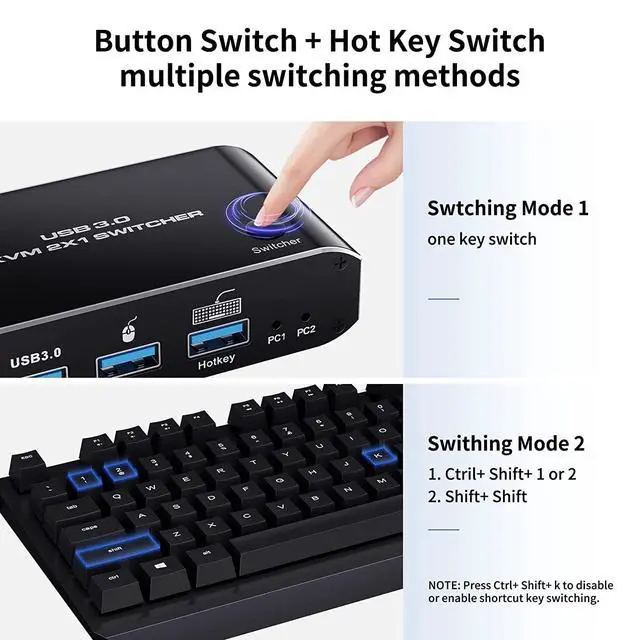
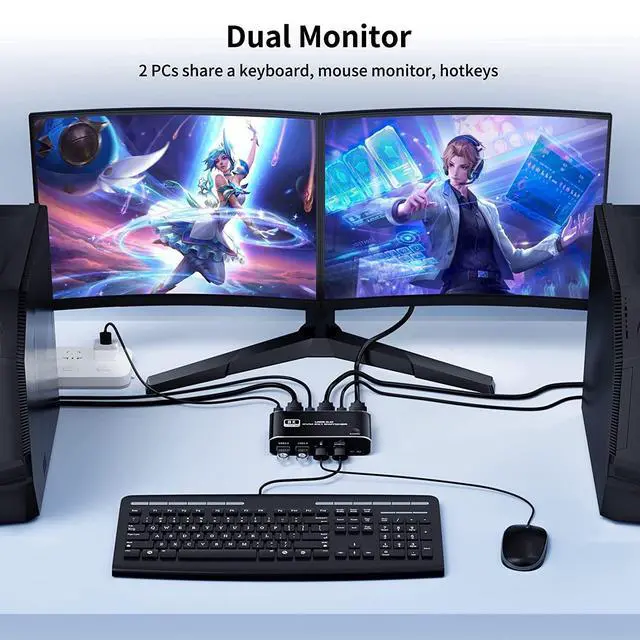
KVM HDMI Switch 1 Monitor 2 Computers Support USB 3.0 8K@60Hz Displayport for 2PC Shares 1 Set Mouse Keyboard and Monitor Hotkey HDMI 2.1 in/Out
PortProduct Name: HDMI+USB 3.0 *2+Keyboard+Mouse KVM Switch (2 in 1 out)
Product Color: BlackProduct
Size:
112*52*25mmResolution: 1080P60Hz
4K60Hz 4K120Hz 8K60HzUSB: USB 3.0 *2 + Keyboard +
MouseProduct Material: Aluminum Alloy shell anti-rust, anti-corrosion, anti-interference, fast transmission, surface oxidationHow to
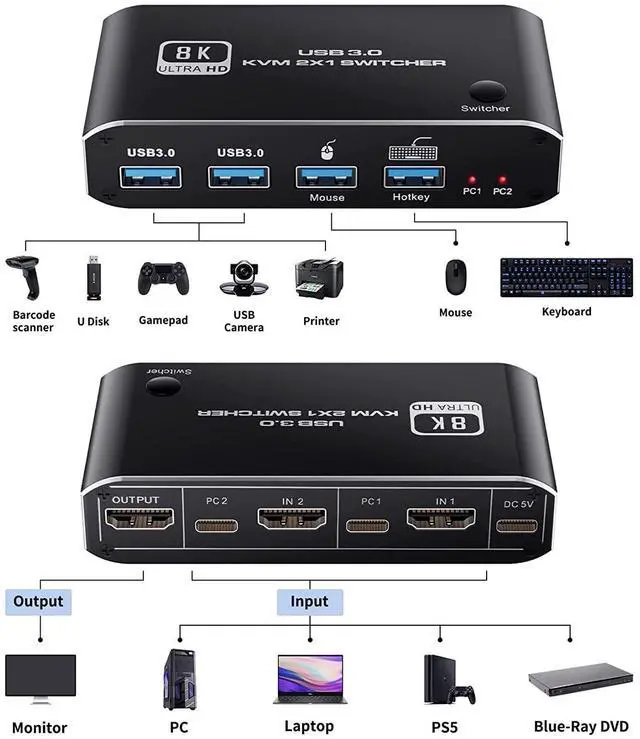
Use: 1. Connect the host or other signal source to the 2 port 8K KVM switch with USB data cable and HDMI cable. 2. Plug USB devices such as keyboard, mouse, USB flash drive, and USB printer in each USB port of the 8K KVM switch3. Connect the 8K KVM switch and the monitor with an
HDMI cableTips: 1. The USB interface marked "keyboard" only supports the keyboard and does not support other devices. If you want to use hotkey switching, insert the keyboard into this port. 2. If a mechanical hard disk and other equipment requiring an external power supply are used, the DC 5V power supply must be connected to the power supply port.