Spec:
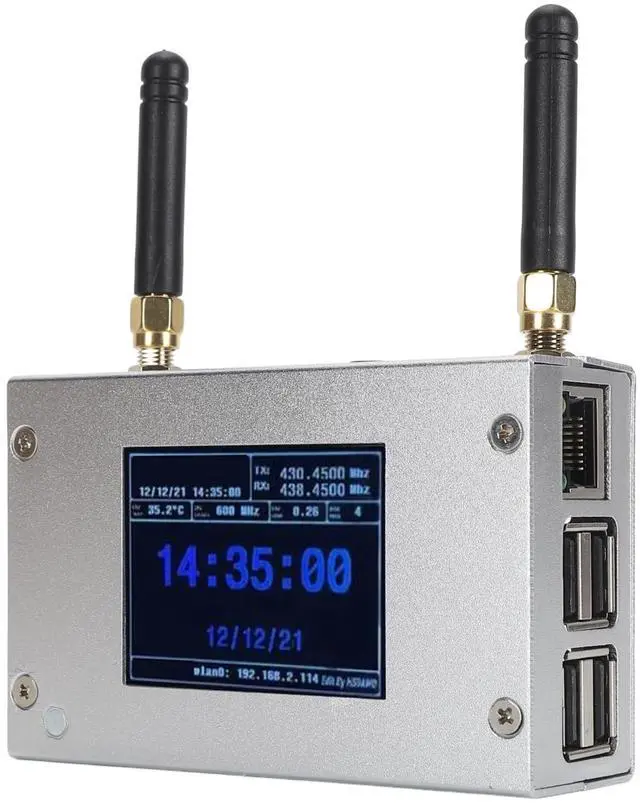
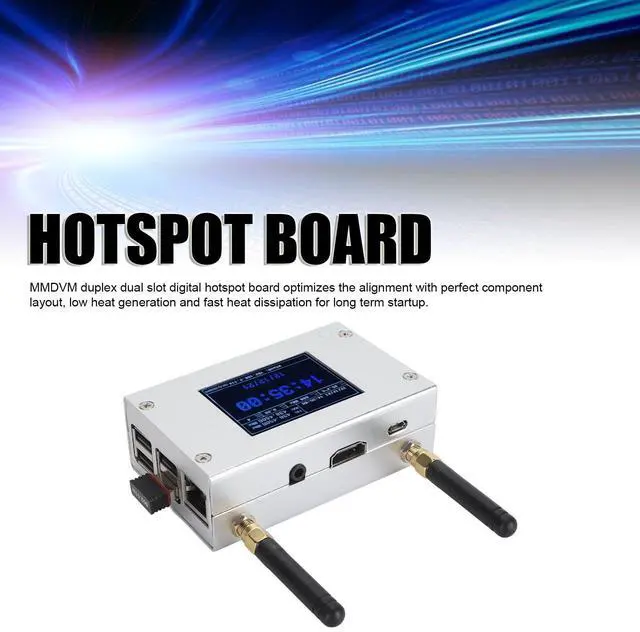
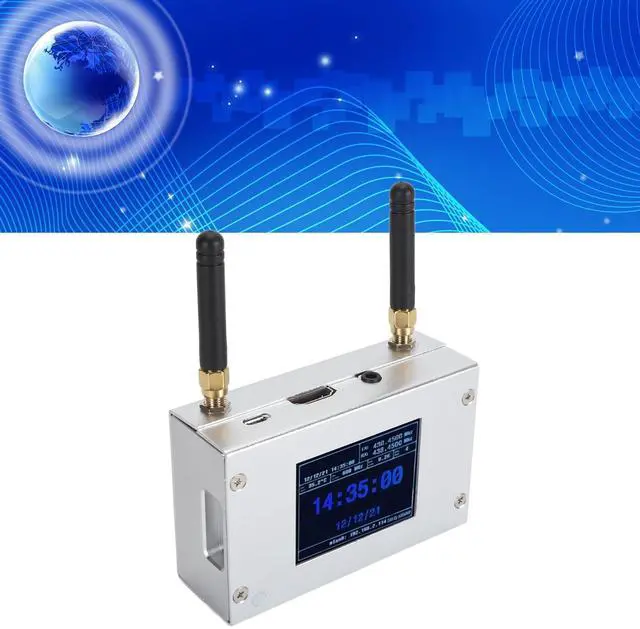
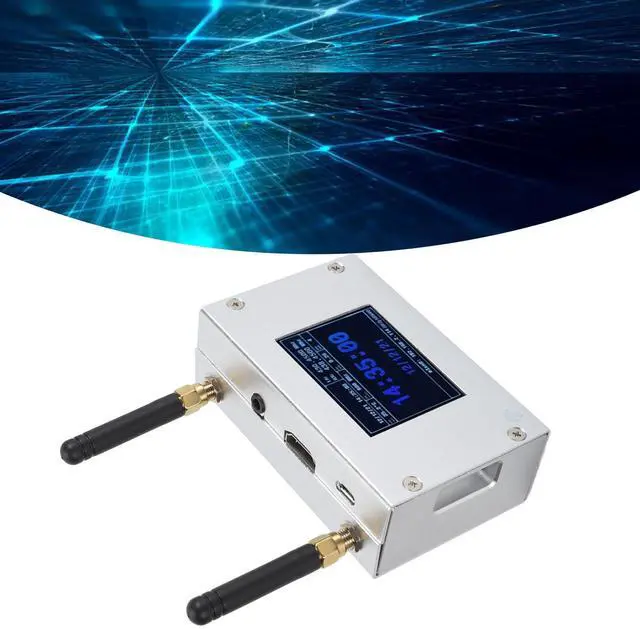
Item Type: MMDVM Duplex Hotspot Board
Product Material: Aluminum Alloy
Color: Silver
Support Digital Format: C4FM, DMR, DSTAR P25 and Other Digital Formats
Operating Frequency Range: 144148/219225, (Main Band) 420475/842950
Interface: Micro USB x 1, HD Multimedia Interface x 1, 3.5 mm Sound Jack x 1, USB x 4, RJ45 x 1
Memory Card Slot: Built in 8G Memory Card
Antenna: Two External Antennas
How to Use:
Wi Fi settings when MMDVM first starts up:
I. Connect to an automatic
AP hotspot:
1. The hotspot is powered up.
2. Wait for for PiStar to start. It usually takes about a minute (longer if using for Pi0W). If your hotspot has an onscreen display, you can watch for PiStar start up until you are prompted to log in. 3.
3. Wait 2 minutes for the Auto AP feature to activate. 4.
4. View the hotspot named PiStarSetup on your computer or cell phone and connect.
Wi Fi Hotspot: PiStarSetup; Password: 12345678
PackageList:
1 x Hotspot Board
2 x Antenna