

Your Browsing History

Meet Your Seller

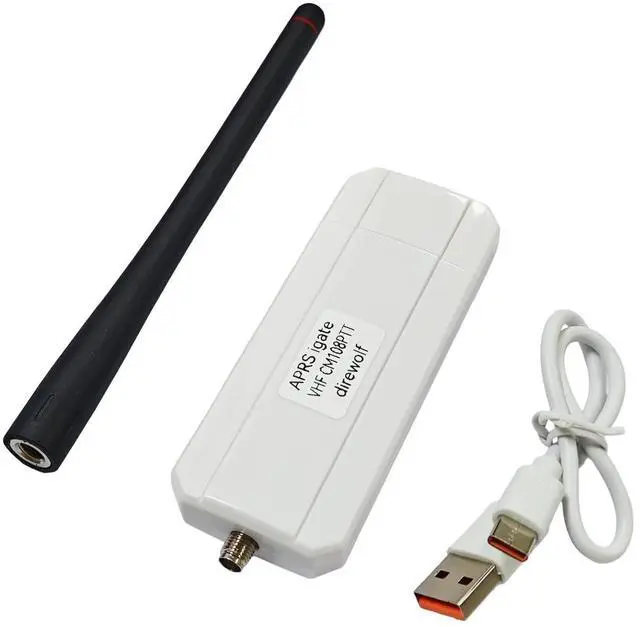
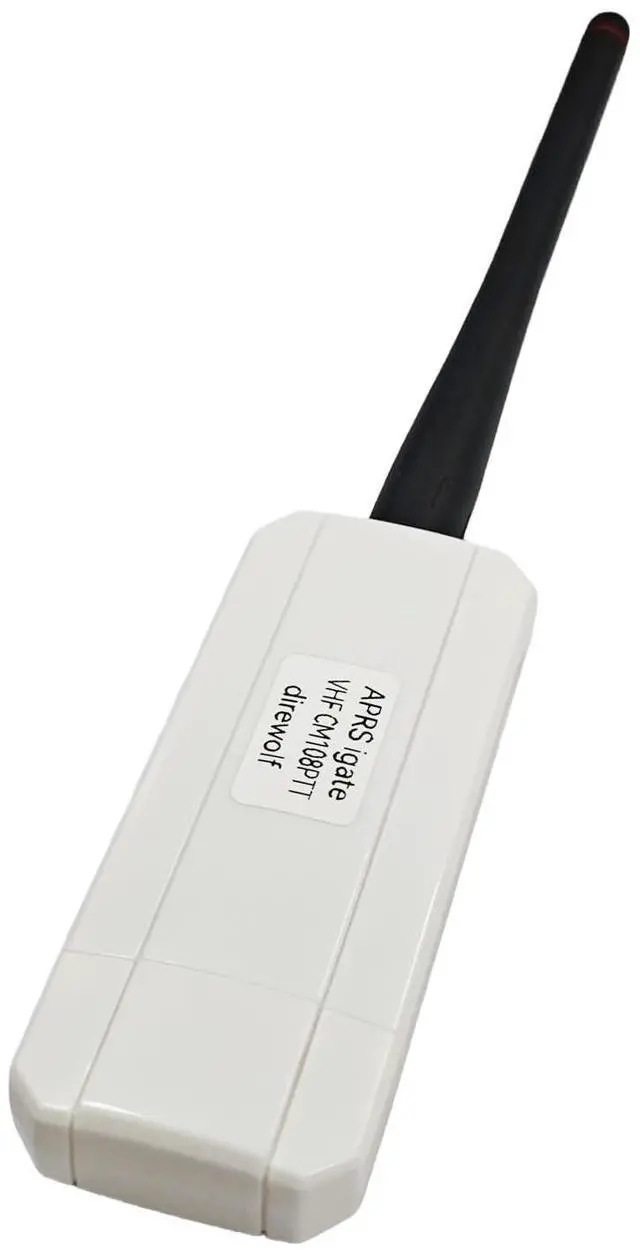
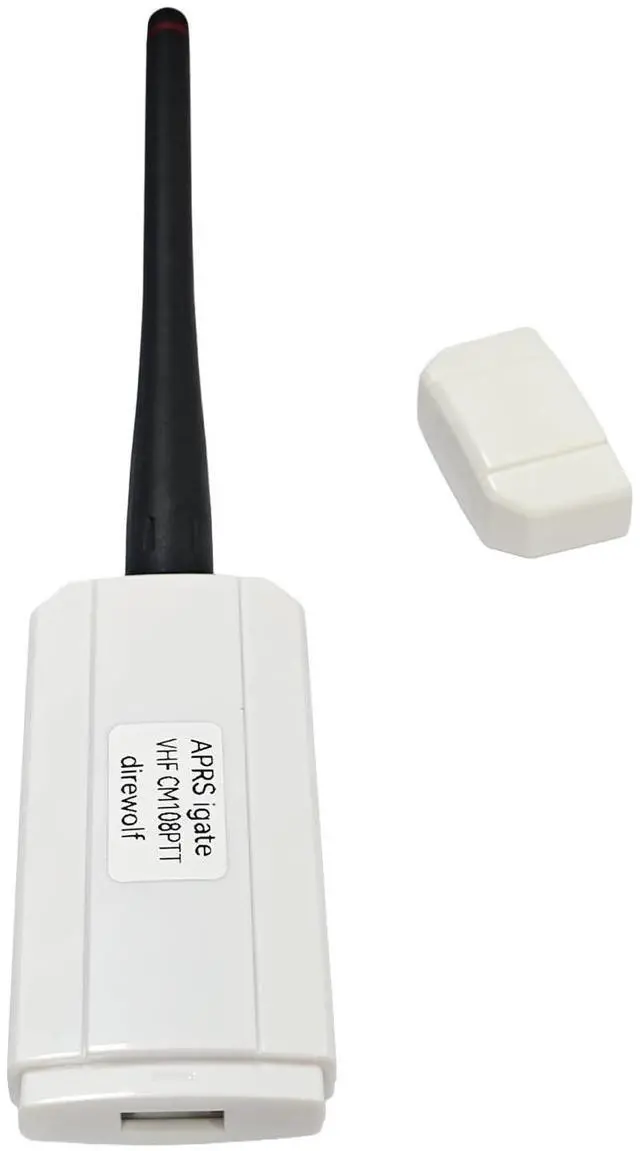
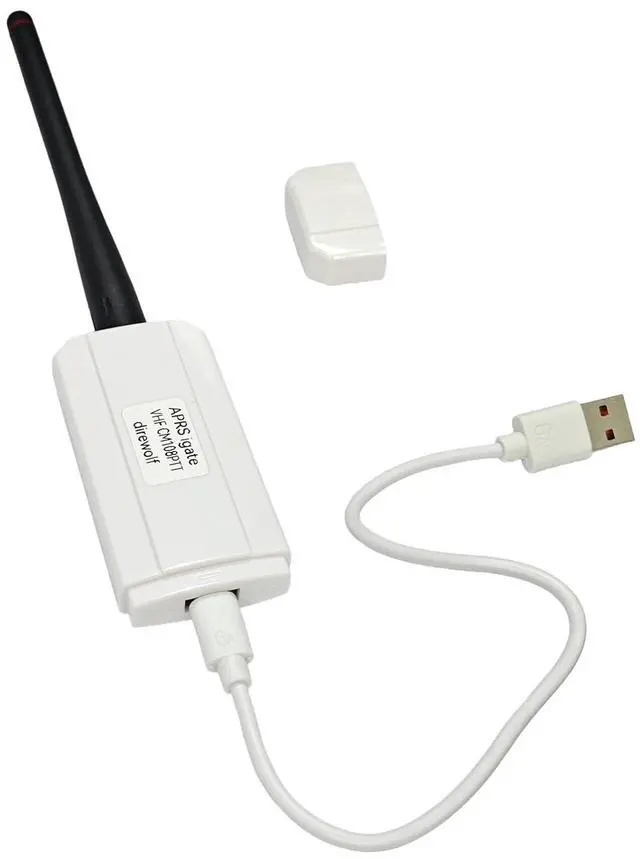


AURSINC VHF APRS RF Node for Direwolf, USB CM108 Sound Work for Direwolf & PPT Function, USB CP210x Com for SR110v Module (136-174Mhz 1W), Compatible for RPi 2/3/4/5
- Multi-mode Coordinated Operation: Running digipeater, APRS IGate, and APRStt gateway on windows & linux
- Hardware Interfaces: USB CM108 sound work for direwolf & PPT function; USB CP210x com for SR110v module (136-174Mhz 1W)
- Type-C different side have different function: The USB-C plug that comes with this device can be oriented two different ways: one way for running Direwolf/Allstar, and the other for programming the SR110V radio module. (CM108 sound mode for USB_Audio_FFT.html or direwolf pls set direwolf.conf)
- Hardware Interface Status Indicator: Only Green LED on is COM Mode for walkie_talkie_at_tool.html. Both Green LED and Yellow is for USB CM108 sound mode
- Software: [github .com/jumbo5566/cm108direwolfWinLinuxVHFigate], [github .com/wb2osz/direwolf/releases/download/1.7/direwolf-1.7.0-9807304_x86_64.zip]
- Compatibility: Compatible with Rpi 2/3/4/5, it can communicate directly with the Rpi via the included Type C to USB cable. Please note that the USB connector shou
+
+
Overview
Specs
Reviews

Any questions? Our AI mode will help you find out quickly.
Try me now
AURSINC VHF APRS RF Node for direwolfRunning digipeater, APRS IGate, and APR
Stt gateway on windows & linux.
Hardware Interfaces: USB CM108 sound work for direwolf &PPT functionUSB CP210x com for
SR110v module (136-174Mhz 1W)Software is: github. com/jumbo5566/cm108direwolfWinLinuxVHFigategithub. com/wb2osz/direwolf/releases/download/ 1.7 /direwolf- 1.7. 0-9807304_x86_64.
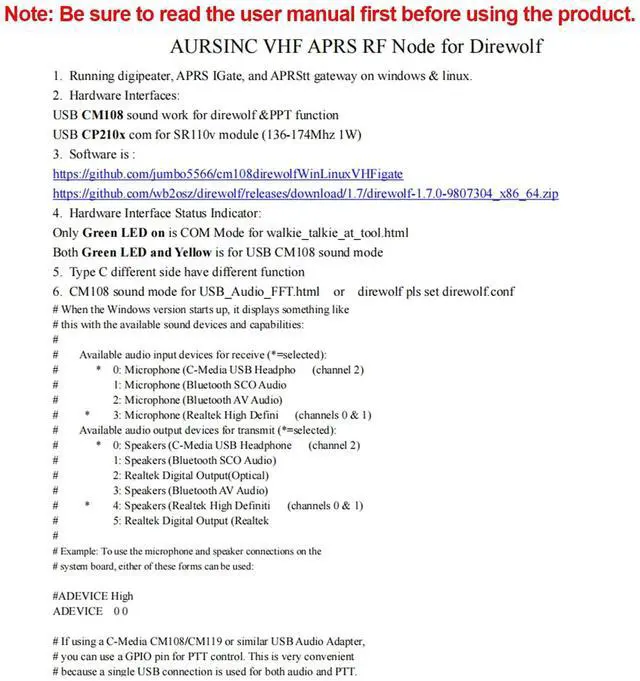
zipHardware Interface Status Indicator: Only Green LED on is COM Mode for walkie_talkie_at_tool. htmlBoth Green LED and Yellow is for USB CM108 sound modeTypec different side have different functionCM108 sound mode for USB_Audio_FFT. html or direwolf pls set direwolf. confThe USB-C plug that comes with this device can be oriented two different ways: one way for running Direwolf/Allstar, and the other for programming the SR110V radio module. With the embossed text on the USB-C plug facing away from the "APRS igate" label, this device presents itself to the operating system as a CM108 sound card with a GPIO PTT port. This is how you use it with Direwolf/Allstar. Oriented the other way, it presents a serial device. This is for programming the radio module. Using the open-source "SRFRS" tool, you can change the RX/TX frequencies, bandwidth (wide/narrow), and CTCSS tones. That way, you can listen to the International Space Station's (ISS) APRS digipeater on 145.825 MHz# When the Windows version starts up, it displays something like# this with the available sound devices and capabilities: ## Available audio input devices for receive (*=selected): #
* 0: Microphone (C-Media USB Headpho (channel 2) # 1: Microphone (Bluetooth
SCO Audio# 2: Microphone (Bluetooth
AV Audio) # * 3: Microphone (Realtek High Defini (channels 0 & 1)# Available audio output devices for transmit (*=selected): #
* 0: Speakers (C-Media USB Headphone (channel 2) # 1: Speakers (Bluetooth
SCO Audio) # 2: Realtek Digital Output (Optical) # 3: Speakers (Bluetooth
AV Audio) # * 4: Speakers (Realtek High Definiti (channels 0
& 1)# 5: Realtek Digital
Output (Realtek## Example: To use the microphone and speaker connections on the# system board, either of these forms can be used: #ADEVICE HighADEVICE 0 0# If using a C-Media CM108/CM119 or similar USB Audio Adapter, # you can use a GPIO pin for PTT control. This is very convenient# because a single USB connection is used for both audio and PTT.
Learn more: themodernham. com/easy-aprs-igate-and-digipeater-setup-with-direwolf/
Stt gateway on windows & linux.
Hardware Interfaces: USB CM108 sound work for direwolf &PPT functionUSB CP210x com for
SR110v module (136-174Mhz 1W)Software is: github. com/jumbo5566/cm108direwolfWinLinuxVHFigategithub. com/wb2osz/direwolf/releases/download/ 1.7 /direwolf- 1.7. 0-9807304_x86_64.
zipHardware Interface Status Indicator: Only Green LED on is COM Mode for walkie_talkie_at_tool. htmlBoth Green LED and Yellow is for USB CM108 sound modeTypec different side have different functionCM108 sound mode for USB_Audio_FFT. html or direwolf pls set direwolf. confThe USB-C plug that comes with this device can be oriented two different ways: one way for running Direwolf/Allstar, and the other for programming the SR110V radio module. With the embossed text on the USB-C plug facing away from the "APRS igate" label, this device presents itself to the operating system as a CM108 sound card with a GPIO PTT port. This is how you use it with Direwolf/Allstar. Oriented the other way, it presents a serial device. This is for programming the radio module. Using the open-source "SRFRS" tool, you can change the RX/TX frequencies, bandwidth (wide/narrow), and CTCSS tones. That way, you can listen to the International Space Station's (ISS) APRS digipeater on 145.825 MHz# When the Windows version starts up, it displays something like# this with the available sound devices and capabilities: ## Available audio input devices for receive (*=selected): #
* 0: Microphone (C-Media USB Headpho (channel 2) # 1: Microphone (Bluetooth
SCO Audio# 2: Microphone (Bluetooth
AV Audio) # * 3: Microphone (Realtek High Defini (channels 0 & 1)# Available audio output devices for transmit (*=selected): #
* 0: Speakers (C-Media USB Headphone (channel 2) # 1: Speakers (Bluetooth
SCO Audio) # 2: Realtek Digital Output (Optical) # 3: Speakers (Bluetooth
AV Audio) # * 4: Speakers (Realtek High Definiti (channels 0
& 1)# 5: Realtek Digital
Output (Realtek## Example: To use the microphone and speaker connections on the# system board, either of these forms can be used: #ADEVICE HighADEVICE 0 0# If using a C-Media CM108/CM119 or similar USB Audio Adapter, # you can use a GPIO pin for PTT control. This is very convenient# because a single USB connection is used for both audio and PTT.
Learn more: themodernham. com/easy-aprs-igate-and-digipeater-setup-with-direwolf/
Warranty & Returns
Warranty, Returns, And Additional Information
Warranty
- Please contact the Seller directly for warranty information. Warranty information may also be found on the Manufacturer's website.
- CONTACT
Return Policies
- Return for refund within: 30 days
- Return for replacement within: 30 days
- This item is covered by JMDesign Return Policy
Manufacturer Contact Info
- For a directory of all our manufacturers, please click below.
- Manufacturers Directory
LOADING...
LOADING...