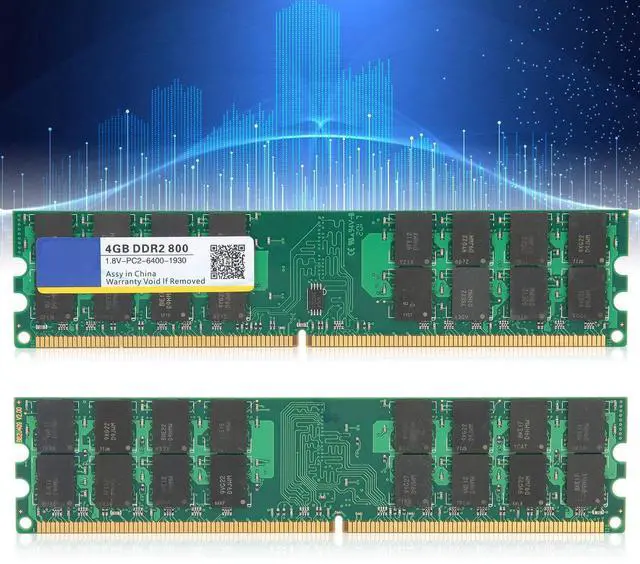
Specifications
: Item
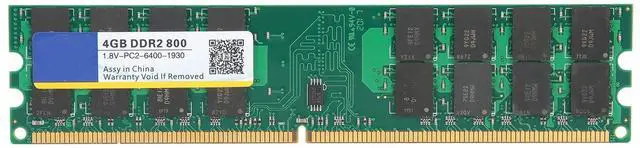
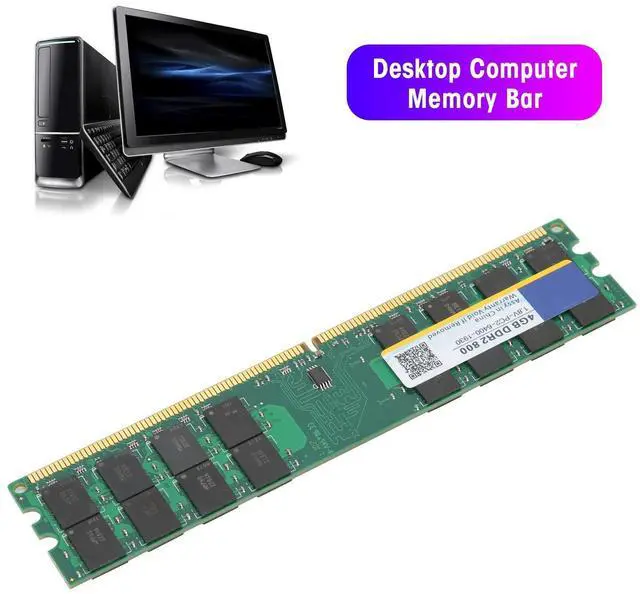
Type: Desktop Computer
Memory BarModel:
DDR2Material: Printed
Circuit BoardMemory capacity: 4
GBMemory frequency: 800
MHzBandwidth: PC2-6400.
Voltage: 1.8VP in
Number: 240
PinsCompatibility: for dedicated memoryApplicable
Computer:
DesktopNote: 1. Memory is divided into memory card DDR, DDR2, DDR3, DDR4. See the following list to find out which memory has been installed on your computer and which memory you need to purchase. DDR, DDR2, DDR3 and DDR4 memories are not common with each other, and the sockets are different, and you can' their insertion so as not to damage the memory and motherboard, remember! PC-2100 is DDR 266 memoryPC-2700 is DDR 333 memoryPC-3200 is DDR 400 memoryPC2-4200 is DDR2 533 memoryPC2-4300 is memory DDR2 533 memoryPC2-5300 is DDR2 667 memoryPC2-6400 is DDR2 800 memoryPC3-8500 is DDR3 1066 memoryPC3-10700 is DDR3 1333 memoryPC3 -12800 is DDR3 1600 memoryPC4-17000 is DDR4 2133 memoryPC4-19200 is DDR4 2400 memoryPC4-2666V is DDR4 2666 memory2.
If memory appears: blue screen, fail, restart, alarm keeps sounding, operate by according to the following methods. If it fails, it is determined that it is not supported. a. The memory is not well inserted or the golden finger is oxidized. Use an eraser to erase the golden finger from the memory and then reinsert it or change the slot. b. Memory slot has dust or oxidation. Use a brush and water to clean the panel to wash it (if there is no water, just brush it). c. Memory is not supported, please try another memory. d. CMOS did not discharge, factory reset, maybe normal (remove the battery from the motherboard, and then reinstall it). e. The motherboard is not compatible with the





 here!
here!