

Your Browsing History
- Free 30-day Returns
$86.99

Meet Your Seller

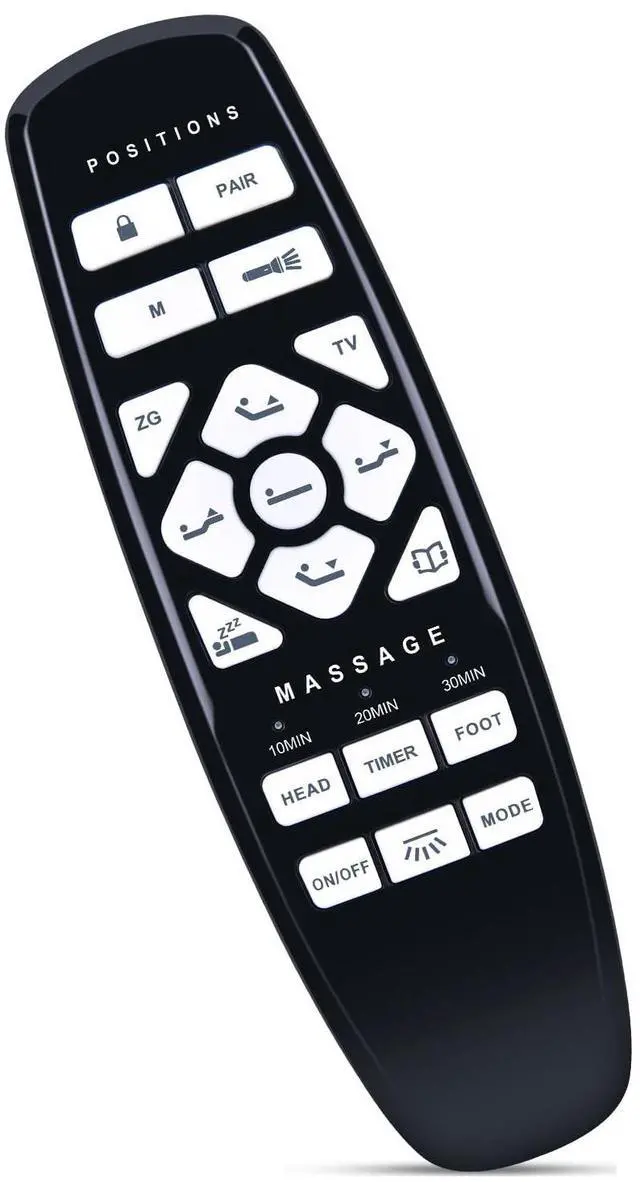
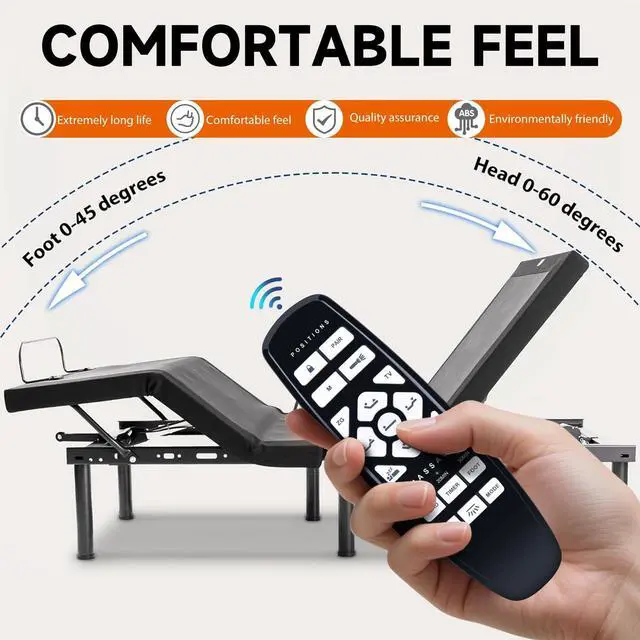
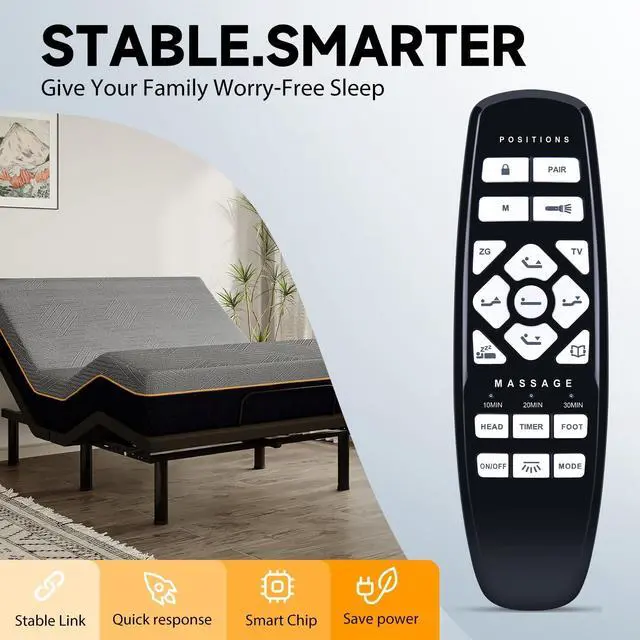
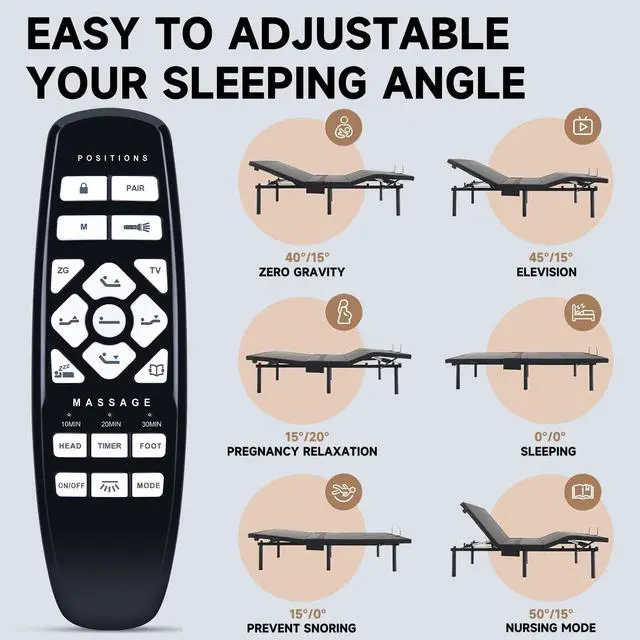


ZWP Replacement Remote Control Compatible for Hearth & Harbor Adjustable Bed Base RF.27.19.02
- Compatible with HEARTH & HARBOR Adjustable Bed Base RF.27.19.02 (not include the battery)
- Pairing Method 1How to match code - Method 1: Step1) Unplug the power for 5 seconds, plug on. Indicator of control box turns blue, and under-bedlight flashes (if has). Control box turns to matching code model. Step2) Press and hold "PAIR" button on remote control the backlight of remote flashes, remote control turns to matching mode. Hold till the backlight stop fashesand is always on (or the under-bed light stops flashingand goes out). Code matching is completed.
- Pairing Method 2Step1Double click the code pairing button control box, indicator of control box turns blue, and under-bed light flashes (if has) Control box turns to matching code model Step2) Press and hold "PAIR" button on remote control the backlight of remote flashes, remote control turns to matching mode. Hold till the backlight stop fashesand is always on (or the under-bed light stops flashingand goes out). Code matching is c
+
+
Overview
Specs
Reviews

Any questions? Our AI mode will help you find out quickly.
Try me now
Pairing Method 1How to match code -
Method 1: Step1) Unplug the power for 5 seconds, plug on. Indicator of control box turns blue, and under-bedlight flashes (if has). Control box turns to matching code model. Step2) Press and hold "PAIR" button on remote control the backlight of remote flashes, remote control turns to matching mode. Hold till the backlight stop fashesand is always on (or the under-bed light stops flashingand goes out). Code matching is completed. Pairing Method 2Step1Double click the code pairing button control box, indicator of control box turns blue, and under-bed light flashes (if has) Control box turns to matching code model Step2) Press and hold "PAIR" button on remote control the backlight of remote flashes, remote control turns to matching mode. Hold till the backlight stop fashesand is always on (or the under-bed light stops flashingand goes out). Code matching is completed.
Note: When control box is plug on again, it is on the code matching mode for the first 10 seconds, If code has been successfully matched before, no need to match again. After 10 seconds, the control box's indicator turns green (or the under-bed light stops flashing and goes out), you can directly control the bed with remote control.
Method 1: Step1) Unplug the power for 5 seconds, plug on. Indicator of control box turns blue, and under-bedlight flashes (if has). Control box turns to matching code model. Step2) Press and hold "PAIR" button on remote control the backlight of remote flashes, remote control turns to matching mode. Hold till the backlight stop fashesand is always on (or the under-bed light stops flashingand goes out). Code matching is completed. Pairing Method 2Step1Double click the code pairing button control box, indicator of control box turns blue, and under-bed light flashes (if has) Control box turns to matching code model Step2) Press and hold "PAIR" button on remote control the backlight of remote flashes, remote control turns to matching mode. Hold till the backlight stop fashesand is always on (or the under-bed light stops flashingand goes out). Code matching is completed.
Note: When control box is plug on again, it is on the code matching mode for the first 10 seconds, If code has been successfully matched before, no need to match again. After 10 seconds, the control box's indicator turns green (or the under-bed light stops flashing and goes out), you can directly control the bed with remote control.
Warranty & Returns
Warranty, Returns, And Additional Information
Warranty
- Please contact the Seller directly for warranty information. Warranty information may also be found on the Manufacturer's website.
- CONTACT
Return Policies
- Return for refund within: 30 days
- Return for replacement within: 30 days
- This item is covered by CloudBeast Return Policy
Manufacturer Contact Info
- For a directory of all our manufacturers, please click below.
- Manufacturers Directory
LOADING...