• $165.99
  • Free 30-day Returns
  • Sold by VersaCom

    Shipped by VersaCom

    Price alert
    Shop it at NeweggBusiness.

    Meet Your Seller

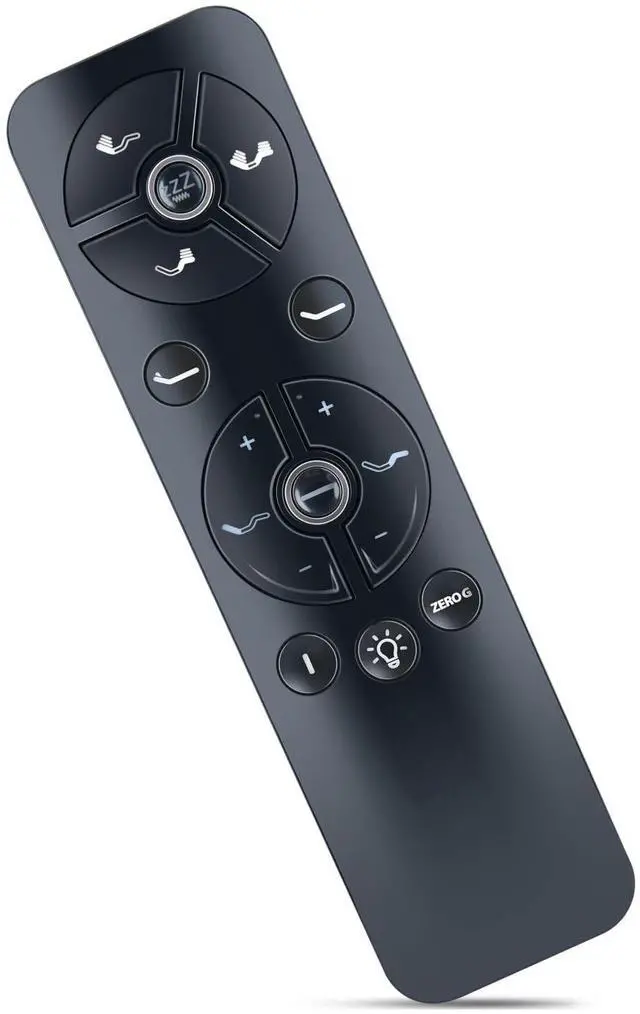
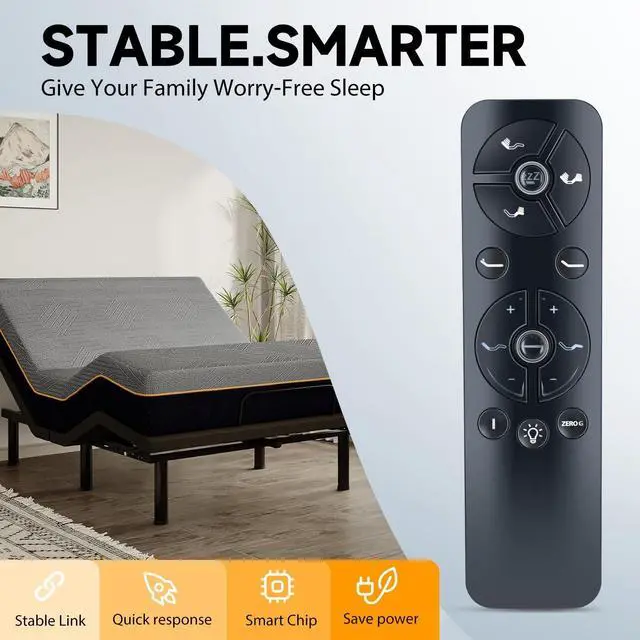
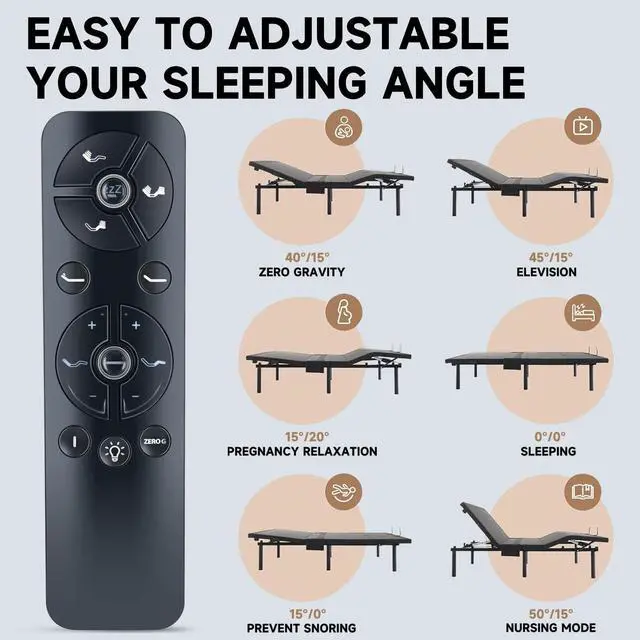
    ZWP Remote Control Replacement Compatible for Sapphire Sleep SAP300 Sleep Science 14" Continental Sleep Adjustable Bed,for Blissful Nights e7 Adjustable Base

    • Compatible with Sapphire Sleep SAP300 Sleep Science 14" Continental Sleep Adjustable Bed,for Blissful Nights e7 Adjustable Base
    • Remote Control Set-up STEP 1: Unplug the adjustable base that is not being programmed. STEP 2: While the bed that is being programmed is plugged in, remove the battery cover on the back of the remote control. STEP 3: Double click the switch on the control box. At this time, the light will illuminate. STEP 4: Press and hold button on the back of the remote. The light will begin to flash. STEP5: Both lights on the Control Box and Remote will be continuous, then simultaneously turn off.
    • Additional Step for Cal King and King Split Sets ONLY Complete steps 1 to 5 above if you have not done so already. Move slider switch on back of remote to set which base it will control. For bed A (slide to far left), bed B(slide to far right) or to control both beds A & B simultaneously (slide switch to the middle).Once each remote slideris set - pairing is complete
    • Bran
    +
    +
    Overview
    Specs
    Reviews
    avatar

    Any questions? Our AI beta will help you find out quickly.

    How to
    Pairing STEP 1: Unplug the adjustable base that is not being programmed.
    STEP 2: While the bed that is being programmed is plugged in, remove the battery cover on the back of the remote control.
    STEP 3: Double click the switch on the control box. At this time, the light will illuminate.
    STEP 4: Press and hold button on the back of the remote. The light will begin to flash.
    STEP 5: Both lights on the Control Box and Remote will be continuous, then simultaneously turn off. Additional Step for Cal King and King Split Sets ONLY Complete steps 1 to 5 above if you have not done so already. Move slider switch on back of remote to set which base it will control. For bed A (slide to far left), bed B (slide to far right) or to control both beds A & B simultaneously (slide switch to the middle). Once each remote slideris set - pairing is complete

    Warranty & Returns

    Warranty, Returns, And Additional Information

    Warranty

    • Please contact the Seller directly for warranty information. Warranty information may also be found on the Manufacturer's website.
    • CONTACT

    Return Policies

    • Return for refund within: 30 days
    • Return for replacement within: non-replaceable
    • This item is covered by VersaCom Return Policy

    Manufacturer Contact Info

    LOADING...