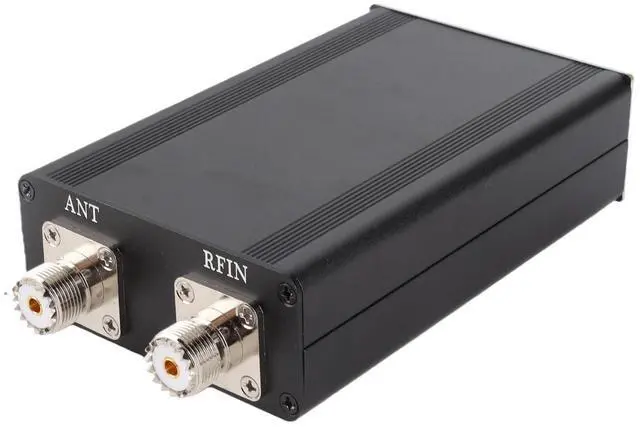
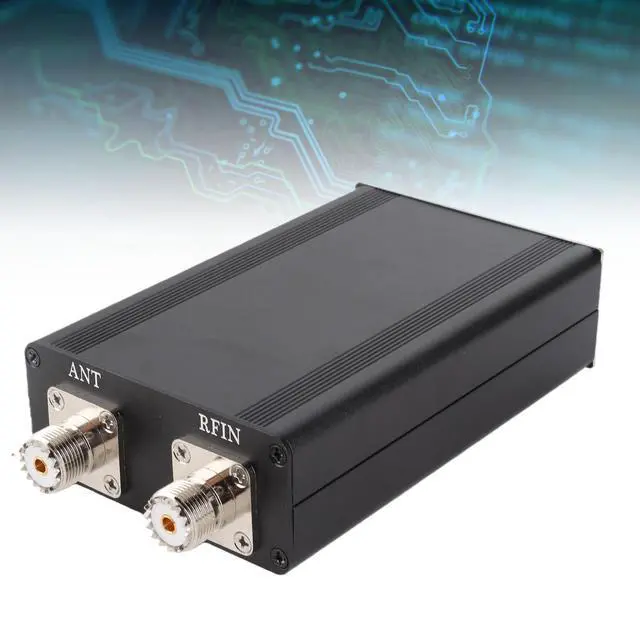
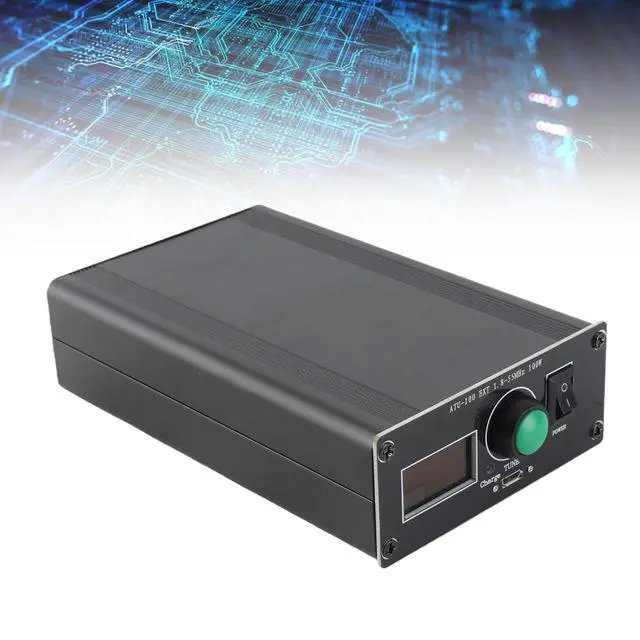
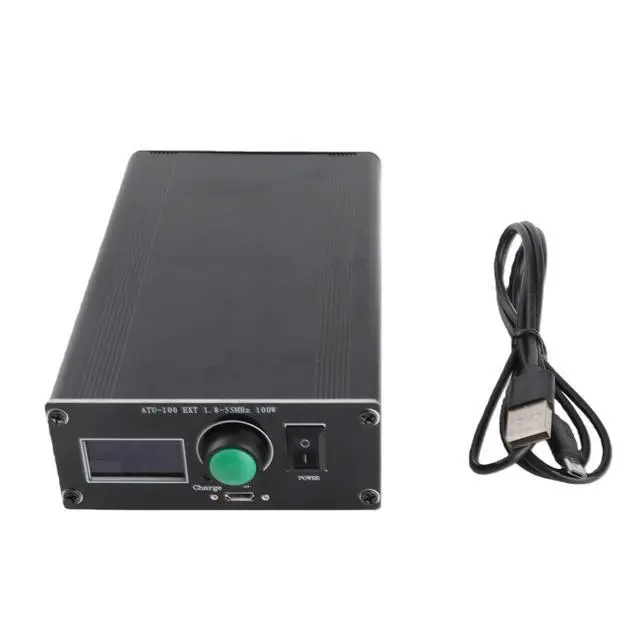
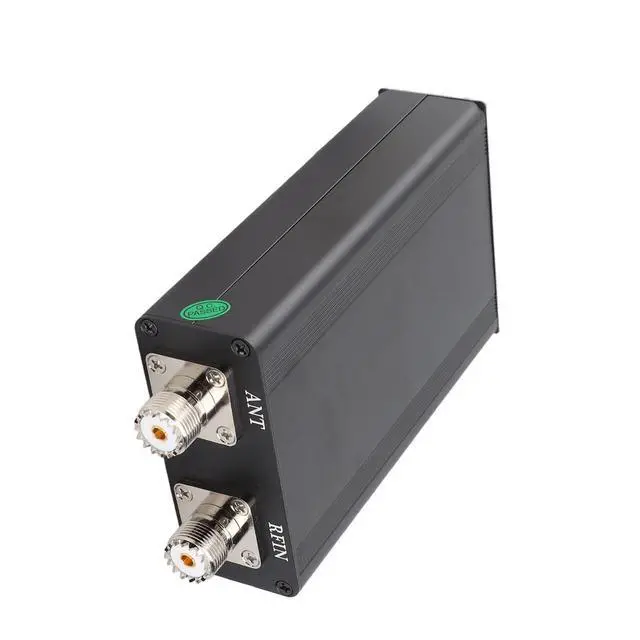
Spec: Item
Type: Antenna
TunerMaterial: Aluminum
alloyModel:
ATU-100Display: 0.96 in
OLED
Operating Frequency: 1.8 -55
MHzBattery Model: 3.6V lithium battery 1350MAHUSB
Charging Current: 1AMaximum
Operating Power: 100 wattsMaximum
Possible Measured Power: 150 watts1
Watt: Necessary to start setting the minimum powerMinimum
Possible Measured Power: 0.1 wattsMeasurement Steps With Power Up To 10W: 0.1WW hen Robust Measurement Steps STI 10 1 wattPower
Measurement Accuracy: 10%Specified
Maximum Inductance: 8.53 uH capacitanceMinimum Installation Step
Size of Inductor: 0.05HM aximum
Mounting Capacity: 1869 pF
CapacitorMinimum Installation Step: 10Package
List: 1 x Host1 x USB Cable1 x
User ManualHow To Use: ATU Antenna Tuner Instructions for
Use: 1. Connect Radio, ATU Antenna Tuner, Antenna2. When using for the first time, please set the output power of the radio or power amplifier between 2030W, warning that high power tuning may easily damage the antenna tuner. 3. Set radio mode, use FM mode4. Select the antenna frequency band to use, use 2030W power in FM mode, press radio PPT, observe the ATU antenna tuner PWR and SWR5. Use of ATU button
TUNE: Short press (less than 1 second) ATU button, it is in reset state, long press (more than 1 second) ATU button is in adjustment state6. If the SWR of the ATU antenna tuner shows greater than 2.0 in the state, it means that the antenna has been detuned. You need to use an antenna tuner. Press and hold the ATU button TUNE to tune and observe the SWR value. If the tuned SWR is greater than 3.0, detune the antenna. Seriously, it is not recommended to use power 30W, and the transmit power should be controlled below 30W; if the tuning is done, the SWR shows less than 2.0, and the maximum power of 100W can be used for





 here!
here!