

Your Browsing History

Meet Your Seller

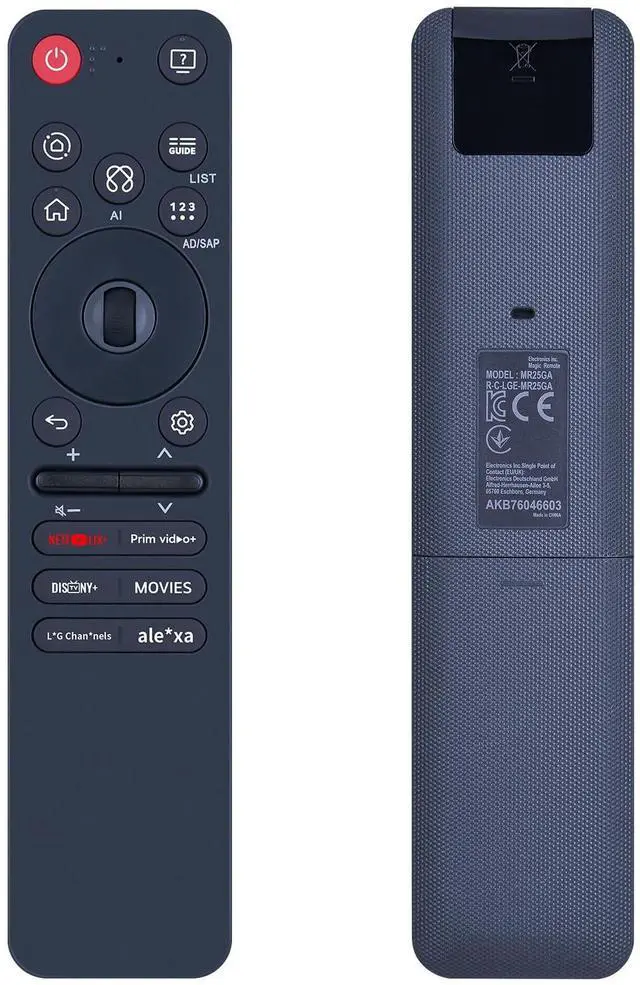
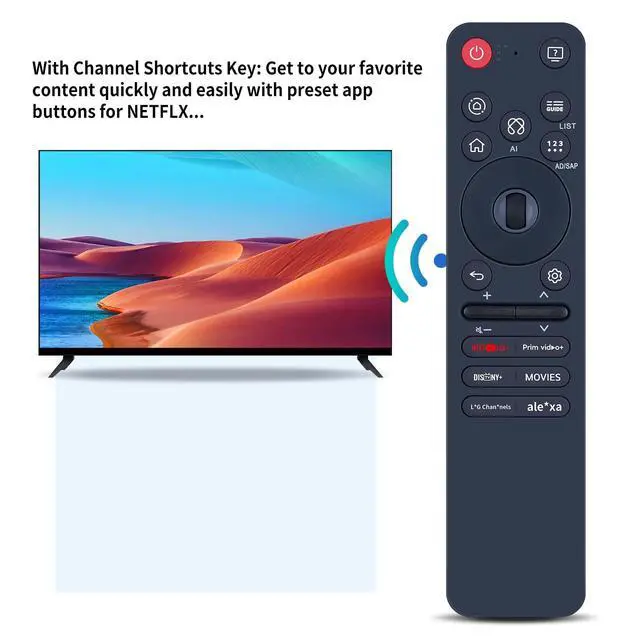
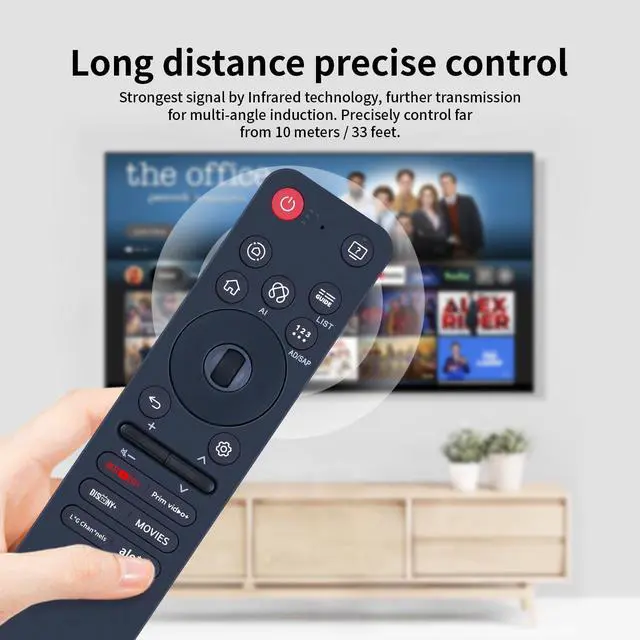
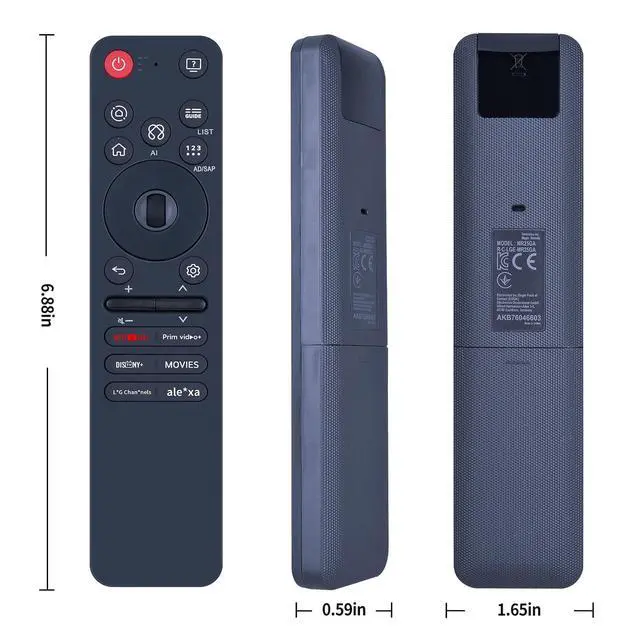


SJUIF MR25GA AKB76046605 Voice Replacement Remote Control Compatible with 2025 LG C5 B5 G5 M5 Series Smart TV with Pointer Voice Control
- Compatible ModelsThis New Replacement Remote Control Compatible with 2025 LG C5 B5 G5 M5 Series Smart TV with Pointer Voice ControlNOTENot compatible with other brands or types. Before ordering, please ensure your original remote control matches the buttons and appearance shown in the illustration. Otherwise, it may not function properly
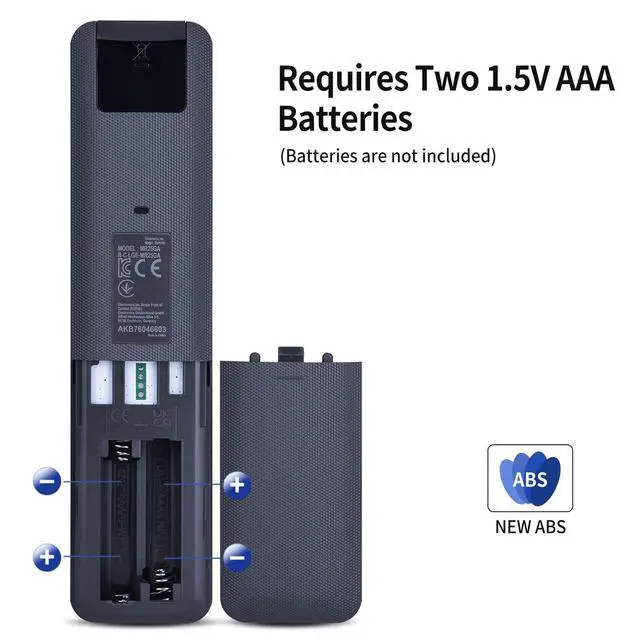
- How to pair the Magic Remote: To use the Magic Remote, first pair it with your TV. 1) Put batteries into the Magic Remote and turn the TV on. 2) Point the Magic Remote at your TV and press the Wheel [OK] on the remote control-If the TV fails to register the Magic Remote, try again after turning the TV off and back on
- How to unpair the Magic Remote: Press and hold the [HOME] and [BACK] buttons at thesame time for five seconds, to unpair the Magic Remote withyour TV-Press and hold the GUIDE button for more than 5 seconds to disconnect and re-register the Magic Remote atthe same time
- Durable & Comfortable: Featuring high-quality ABS material an
+
+
Overview
Specs
Reviews

Any questions? Our AI mode will help you find out quickly.
Try me now
SJUIF MR25GA AKB76046605 Voice Replacement Remote Control Compatible with 2025 LG C5 B5 G5 M5 Series Smart TV with Pointer Voice Control
Warranty & Returns
Warranty, Returns, And Additional Information
Warranty
- Please contact the Seller directly for warranty information. Warranty information may also be found on the Manufacturer's website.
- CONTACT
Return Policies
- Return for refund within: 30 days
- Return for replacement within: 30 days
- This item is covered by Luhang Return Policy
Manufacturer Contact Info
- For a directory of all our manufacturers, please click below.
- Manufacturers Directory
LOADING...